


Pomodoro: Rester Concentré
Jouez sur PC avec BlueStacks - la plate-forme de jeu Android, approuvée par + 500M de joueurs.

Page Modifiée le: Dec 8, 2025
Run Pomodoro Focus Timer: Balance on PC or Mac
Get freedom from your phone’s obvious limitations. Use Pomodoro Focus Timer: Balance, made by Ufuk Cetinkaya, a Productivity app on your PC or Mac with BlueStacks, and level up your experience.
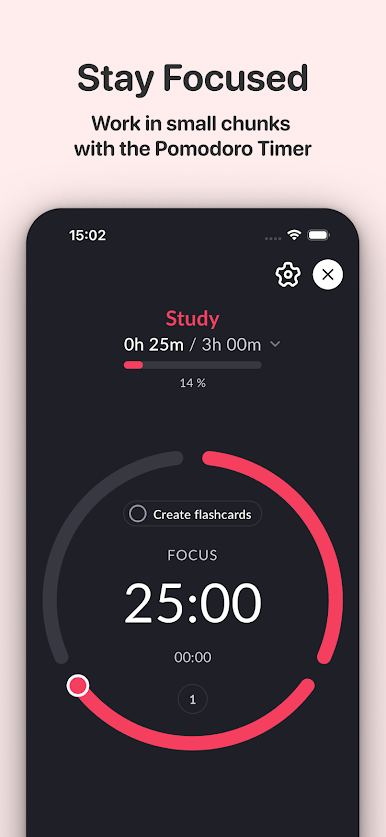
Pomodoro Focus Timer: Balance feels like a calm little helper that keeps work blocks neat and manageable. It is built around the Pomodoro rhythm, but it does not force a one-size plan. Someone can set the exact focus length, tune short and long breaks, choose how many rounds until a longer break, and even pick whether the clock counts down or up. Nothing flashy, just clean controls that make it simple to start a session and get back to the task at hand. Running it on BlueStacks is handy too, since the timer can sit on a bigger screen beside documents or a browser, and naming tasks with a keyboard is quicker.
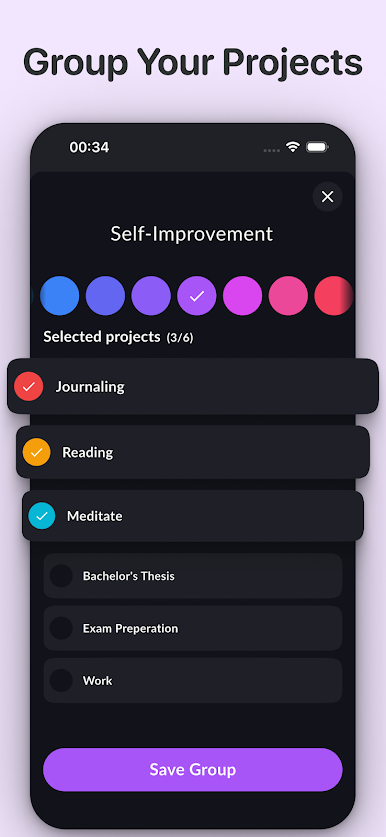
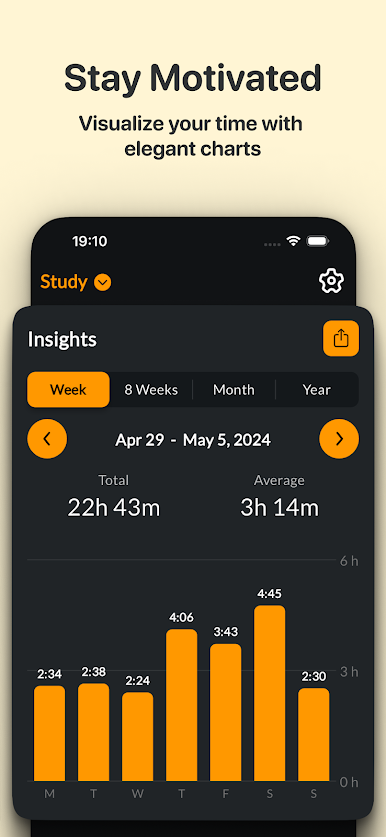
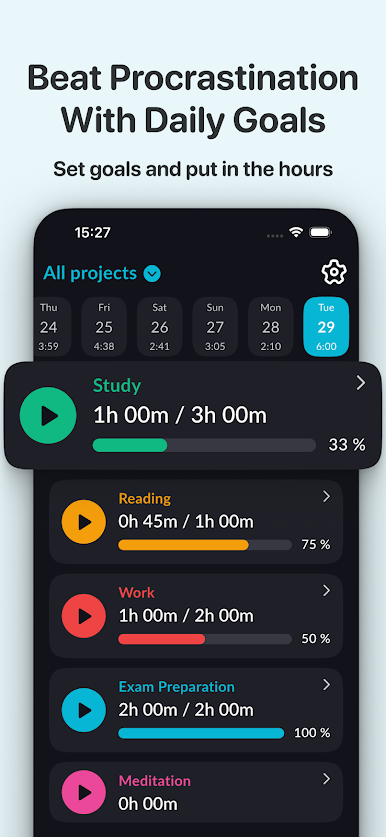
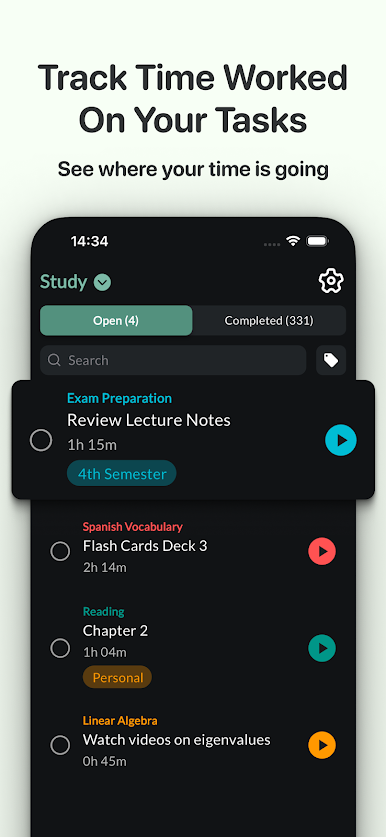
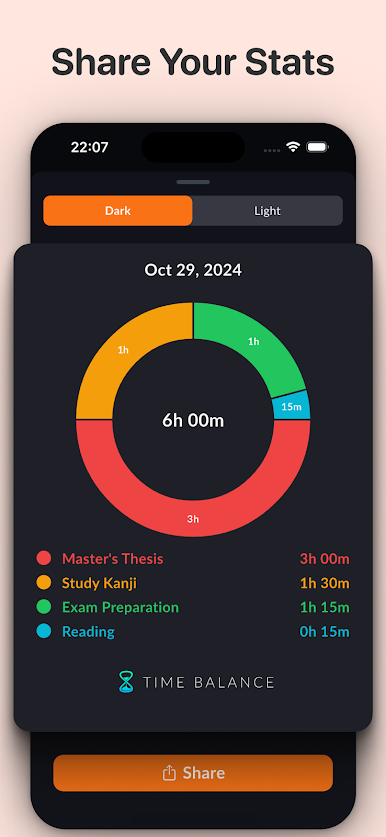
What stands out is how organized it keeps everything once time starts adding up. One tap starts tracking, and later the stats make it clear where the hours went per project. There is an option to share numbers, but it mostly feels like a private dashboard that keeps someone honest. Goals are set at the project level, and the app breaks those into daily targets that shift based on actual progress, so plans adjust instead of guilt piling up. Tasks live inside projects, tags make filtering painless, and project groups like Work, Study, or Personal help separate headspaces. The whole thing gives off a steady, no-drama workflow, the kind that reduces decision fatigue and lets the timer do the nudging.
BlueStacks brings your apps to life on a bigger screen—seamless and straightforward.
Jouez à Pomodoro: Rester Concentré sur PC. C'est facile de commencer.
-
Téléchargez et installez BlueStacks sur votre PC
-
Connectez-vous à Google pour accéder au Play Store ou faites-le plus tard
-
Recherchez Pomodoro: Rester Concentré dans la barre de recherche dans le coin supérieur droit
-
Cliquez pour installer Pomodoro: Rester Concentré à partir des résultats de la recherche
-
Connectez-vous à Google (si vous avez ignoré l'étape 2) pour installer Pomodoro: Rester Concentré
-
Cliquez sur l'icône Pomodoro: Rester Concentré sur l'écran d'accueil pour commencer à jouer

