


PhotoNote - 社交風格筆記本
在電腦上使用BlueStacks –受到5億以上的遊戲玩家所信任的Android遊戲平台。

Run PhotoNote - SNS Style Memo on PC or Mac
What’s better than using PhotoNote – SNS Style Memo by Chartreux? Well, try it on a big screen, on your PC or Mac, with BlueStacks to see the difference.
About the App
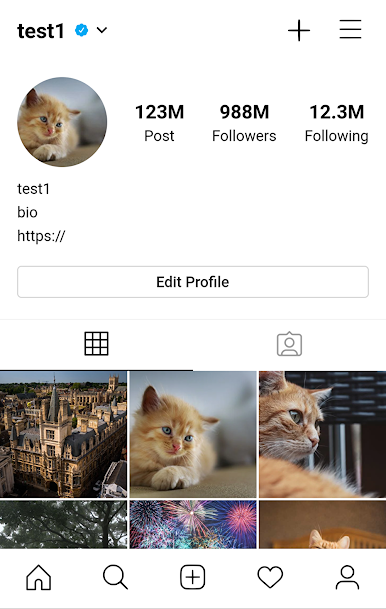
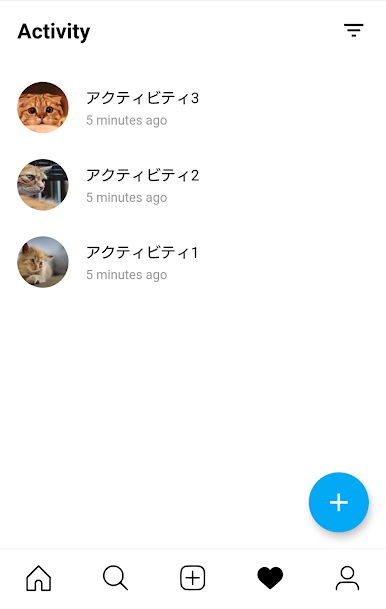
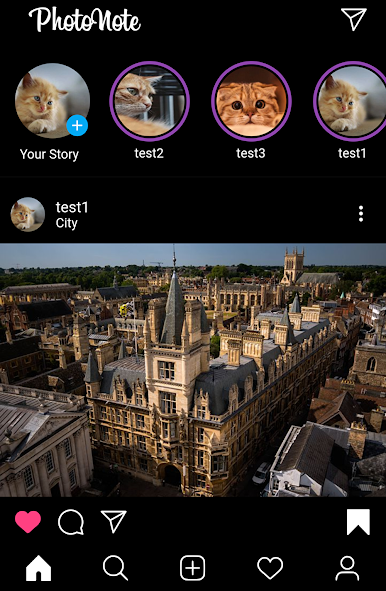
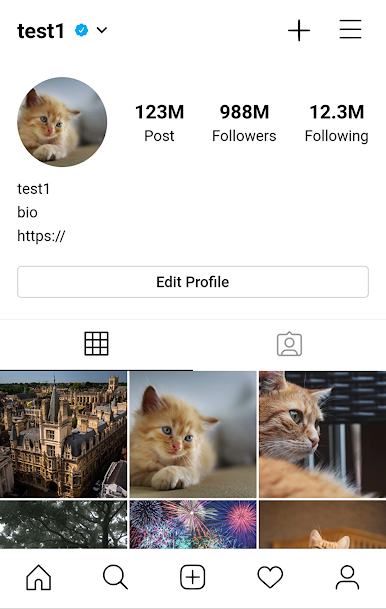
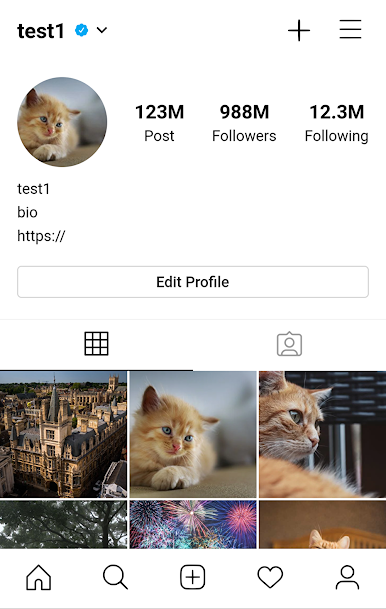
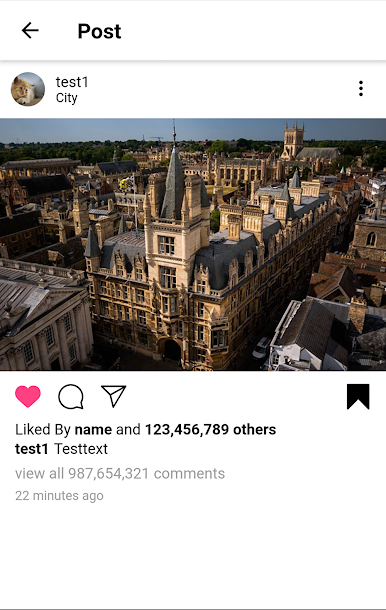
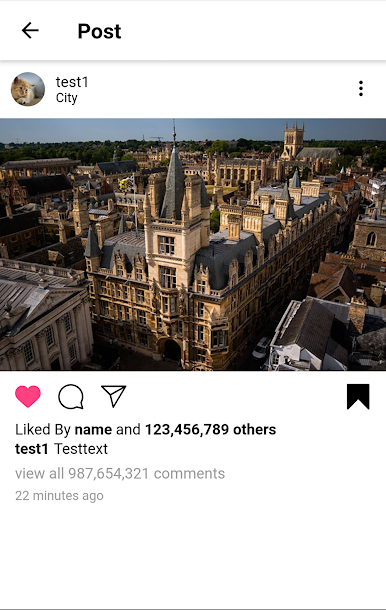
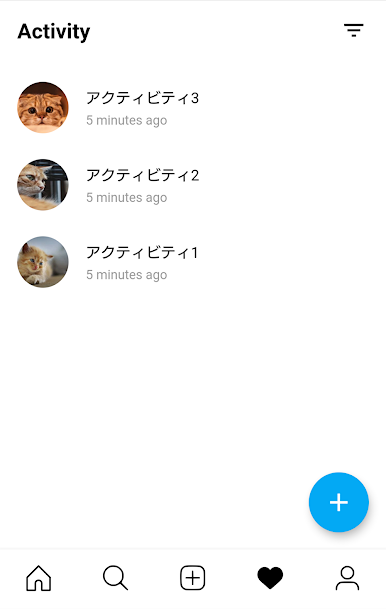
Ever wish your notes felt more like browsing a social feed than a boring list? PhotoNote – SNS Style Memo by Chartreux gives you that vibe. It’s a playful, fresh way to keep your thoughts, plans, and photos together in a timeline that feels familiar, maybe even a little fun. Notes stay safely on your device—no public sharing, just your own private feed, ready anytime you want to revisit what’s on your mind.
App Features
-
SNS-Inspired Layout
Your memos show up in a timeline that looks and feels like your favorite social apps. Jot, scroll, and organize your notes just like scrolling through posts. -
Flexible Icons & Titles
Personalize each memo by picking different icons and titles—because your notes deserve more than just plain text. -
Attach Photos
Add some flair to your thoughts. You can pop images right into your memos, making to-dos or reminders more visual (and memorable). -
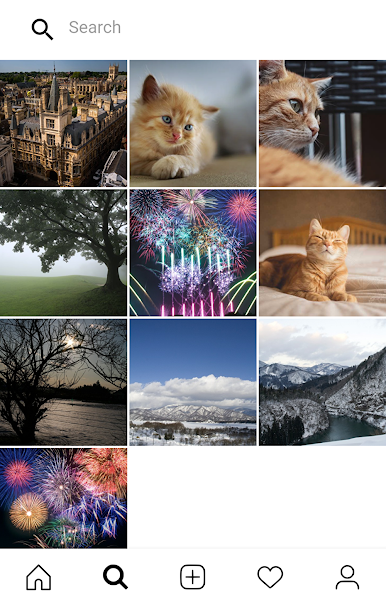
Quick Search
Have a ton of notes? No worries—search finds what you need in a snap, whether it’s last week’s grocery list or a cool idea. -
Share When You Want
If you’d rather not keep something private, you can easily share specific notes—with just a tap. -
Private & Local
Your memes, lists, and reminders are just yours—they don’t go online and only live inside the app. -
Runs Smoothly with BlueStacks
Enjoy organizing and reviewing your notes on a bigger screen—BlueStacks can help you bring that SNS vibe to your PC or Mac. -
Friendly to Customization
Tweak icons, rearrange titles, or just make the look your own. There’s room to play around and set things up how you like.
PhotoNote – SNS Style Memo by Chartreux fits right in for anyone who loves a more visually organized, easygoing approach to taking notes—with an Entertainment genre twist!
BlueStacks gives you the much-needed freedom to experience your favorite apps on a bigger screen. Get it now.
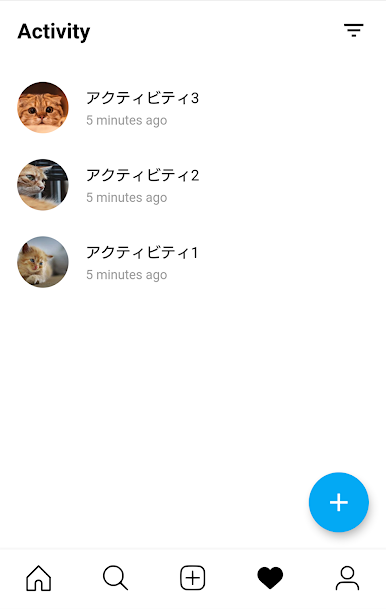
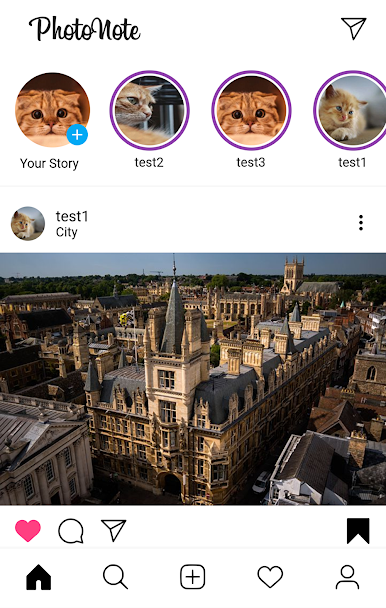
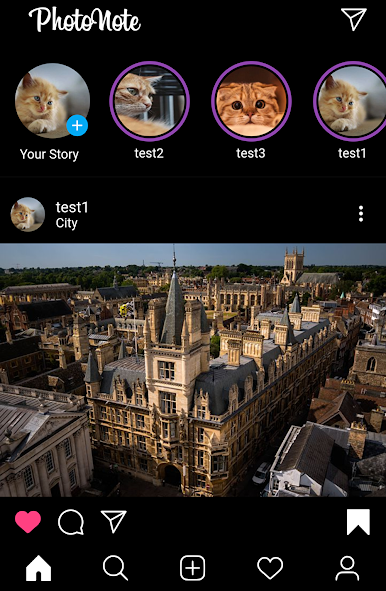
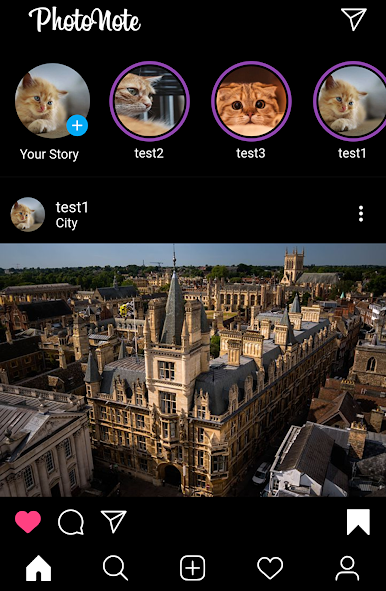
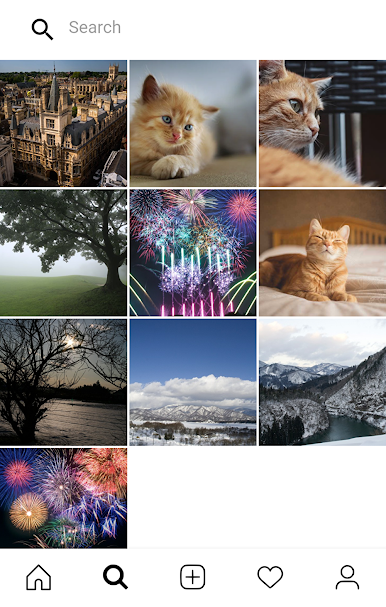
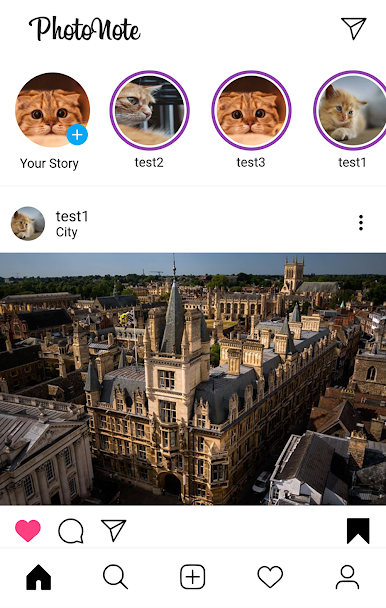
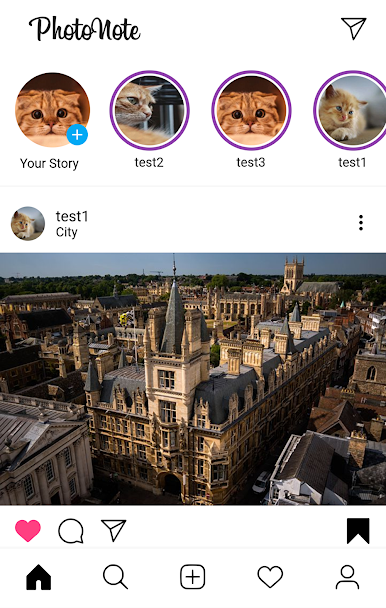
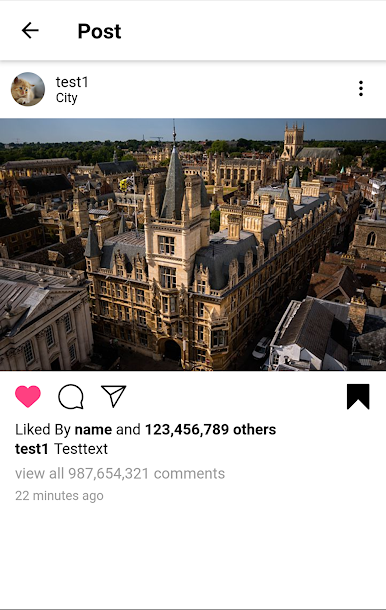
在電腦上遊玩PhotoNote - 社交風格筆記本 . 輕易上手.
-
在您的電腦上下載並安裝BlueStacks
-
完成Google登入後即可訪問Play商店,或等你需要訪問Play商店十再登入
-
在右上角的搜索欄中尋找 PhotoNote - 社交風格筆記本
-
點擊以從搜索結果中安裝 PhotoNote - 社交風格筆記本
-
完成Google登入(如果您跳過了步驟2),以安裝 PhotoNote - 社交風格筆記本
-
在首頁畫面中點擊 PhotoNote - 社交風格筆記本 圖標來啟動遊戲

