


All-In-One Checkers
Spiele auf dem PC mit BlueStacks - der Android-Gaming-Plattform, der über 500 Millionen Spieler vertrauen.

Seite geändert am: Aug 9, 2026
Spiele All-In-One Checkers für PC
Checkersland ist ein kostenloses Programm, das über 30 beliebte Dame-Varianten unterstützt. Es bietet eine leistungsstarke künstliche Intelligenz, eine ansprechende Benutzeroberfläche und viele nützliche Einstellungen für das Spielen im Hot Seat mit einem anderen Gegner oder auf dem Smartphone gegen die KI.
* Zwei-Spieler-Modus
* Verbesserte KI und 7 Schwierigkeitsstufen von Anfänger bis Profi
* Das Spiel unterstützt mehr als 10 Sprachen
* Schöne Benutzeroberfläche und verschiedene Spielbrett-Skins: Holz, Marmor und Leder
* Das Spiel sieht auf allen Geräten großartig aus: Auf kleinen Bildschirmen werden nur die wichtigsten Informationen angezeigt und das Spielbrett ist so groß wie möglich, auf großen Bildschirmen und Tablets werden hochauflösende Bilder verwendet.
* Flüssige Animationen
* Zugauswahl durch Berühren und Ziehen
* Rückgängigmachen und Wiederherstellen von Zügen werden unterstützt
* Das aktuelle Spiel wird immer gespeichert, sodass Sie es jederzeit fortsetzen können
* Sounds sind verfügbar und können deaktiviert werden
* Zusätzliche nützliche Einstellungen: mögliche Zughervorhebung, schnelle Zugauswahl, Bildschirmdimmung deaktivieren oder automatische Bildschirmdrehung unterbinden
* Auf Mehrkerngeräten nutzt die KI alle Kerne und führt Züge schneller aus.
* Das Spiel ist sehr gut optimiert und mit weniger als 2 Megabyte Größe nimmt es auf Ihrem Smartphone oder Tablet nur wenig Speicherplatz ein
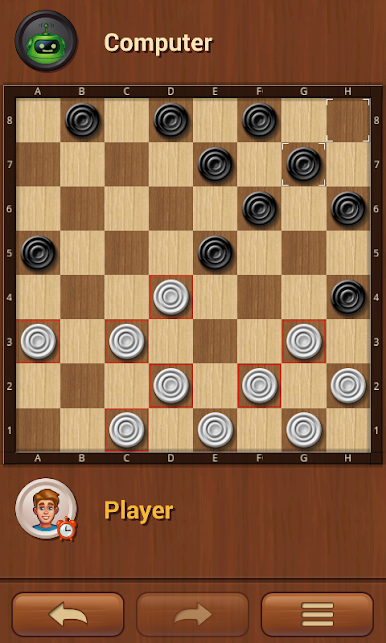
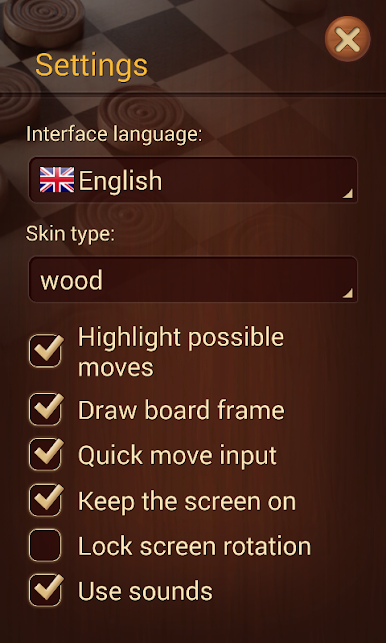
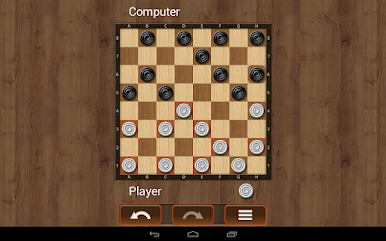
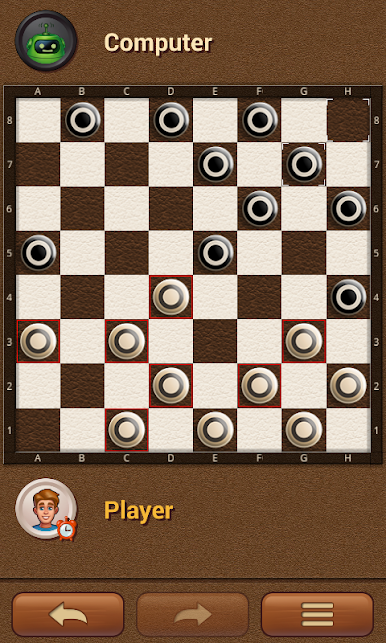
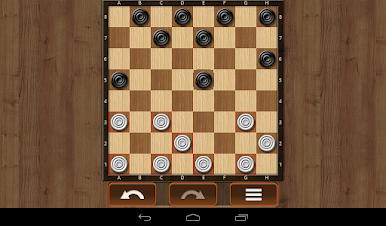
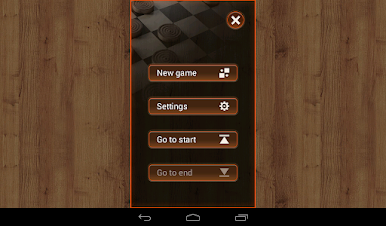
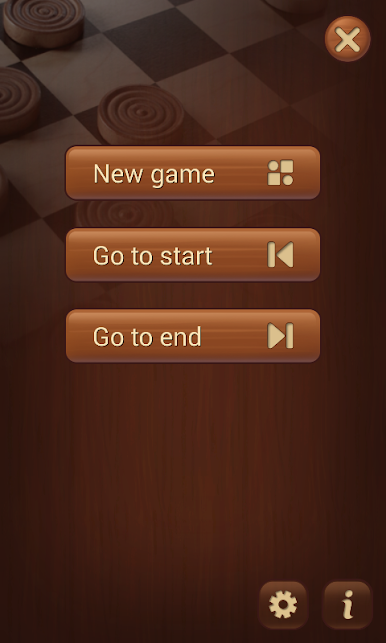
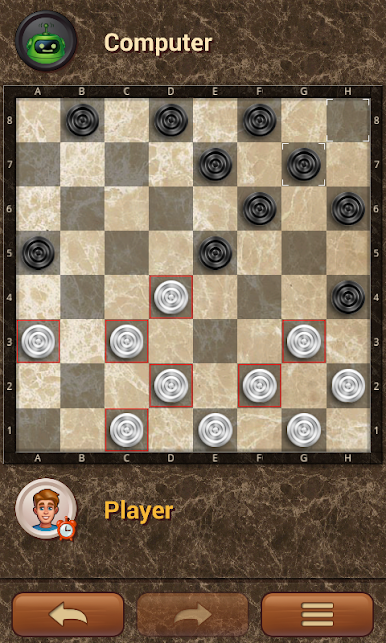
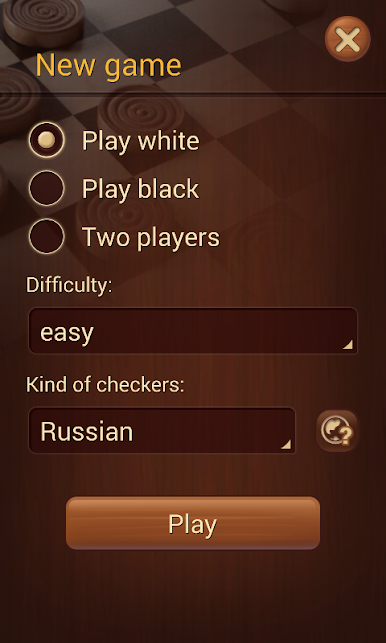
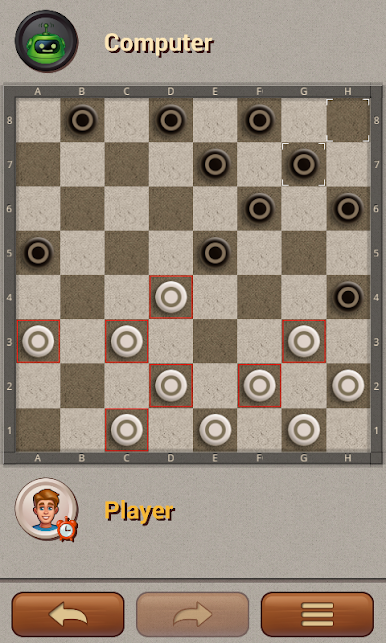
Spiele All-In-One Checkers auf dem PC. Der Einstieg ist einfach.
-
Lade BlueStacks herunter und installiere es auf deinem PC
-
Schließe die Google-Anmeldung ab, um auf den Play Store zuzugreifen, oder mache es später
-
Suche in der Suchleiste oben rechts nach All-In-One Checkers
-
Klicke hier, um All-In-One Checkers aus den Suchergebnissen zu installieren
-
Schließe die Google-Anmeldung ab (wenn du Schritt 2 übersprungen hast), um All-In-One Checkers zu installieren.
-
Klicke auf dem Startbildschirm auf das All-In-One Checkers Symbol, um mit dem Spielen zu beginnen

