


このページには広告が含まれます
Child Reward
育児 | Bartosz Smyk
BlueStacksを使ってPCでプレイ - 5憶以上のユーザーが愛用している高機能Androidゲーミングプラットフォーム

Play Child Reward on PC
Transform your child's daily tasks into a fun and rewarding experience with Child Reward! Our intuitive chore tracker and reward system is designed to motivate children to complete their chores while teaching them the value of responsibility and hard work. With Child Reward, parents can easily manage tasks, track progress, and reward their kids for a job well done.
Key Features:
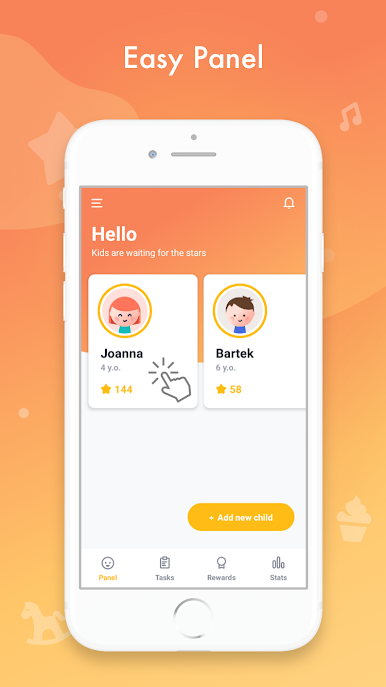
- Parent & Child Dashboards: Separate control panels tailored for parents and kids ensure a user-friendly experience for all family members.
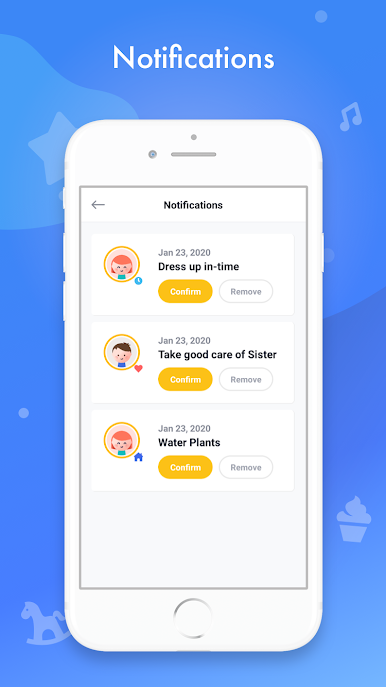
- Instant Notifications: Stay updated with real-time alerts when your child completes a task.
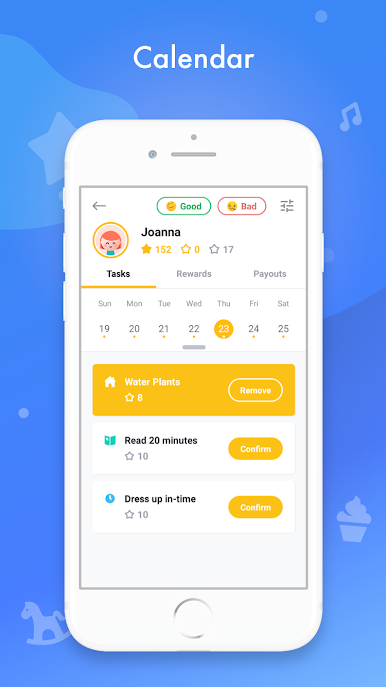
- Progress Calendar: Visualize your child's accomplishments and track their daily or weekly progress at a glance.
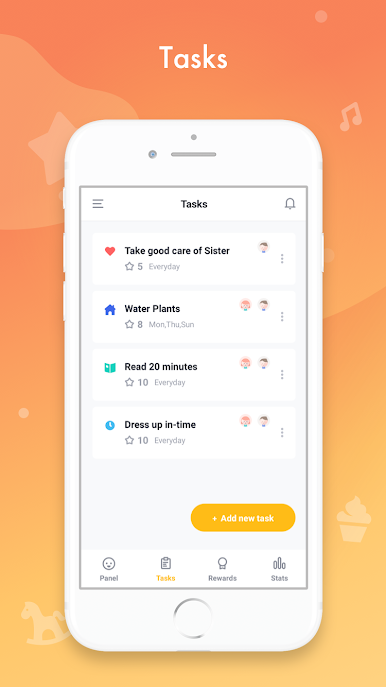
- Customizable Task Lists: Assign chores with individual point values, making it easy to differentiate between simple and complex tasks.
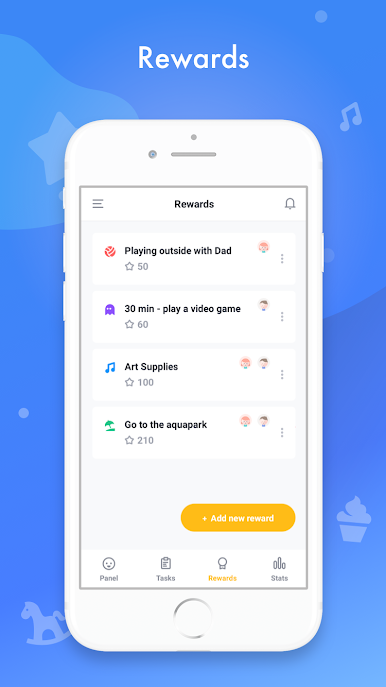
- Reward System: Encourage your kids by setting up enticing rewards that they can earn with their hard-earned stars.
- Diverse Task Options: Set up daily chores, weekly routines, or specific tasks for particular dates to keep your child engaged.
- Predefined Categories: Jumpstart your experience with our library of common household tasks and rewards.
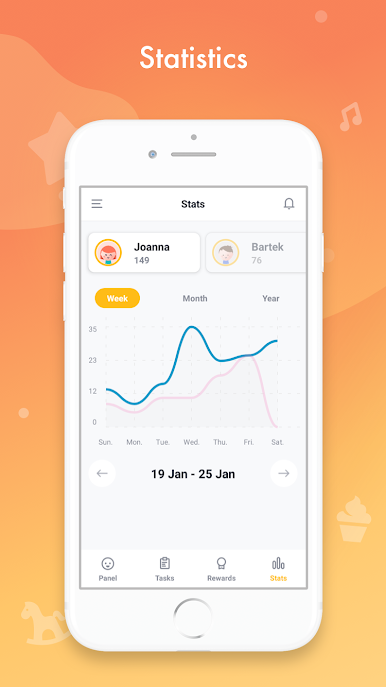
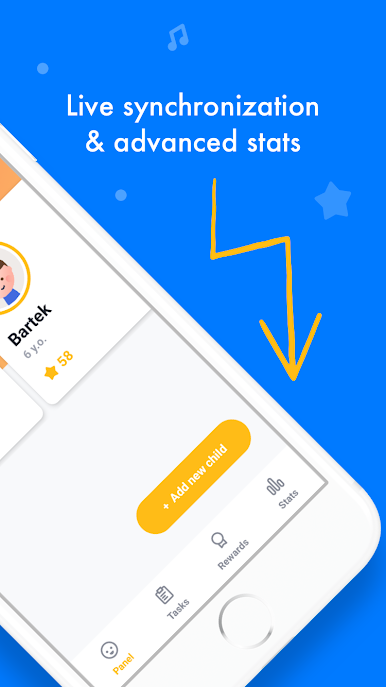
- Advanced Statistics: Gain insights into your child's performance with detailed stats on task completion and reward redemption.
For Parents:
- Begin by selecting “I’m a parent” on the main screen.
- Sign in with Google or continue as a guest for quick access.
- Take a quick tour to familiarize yourself with the app's features.
- Start creating tasks and rewards, and monitor your child's progress with ease.
For Kids:
- Parents can log in and navigate to the child's card on the main screen.
- Access the child's panel by selecting "Login as child" in the top-right corner.
- Enjoy completing tasks and earning stars towards exciting rewards!
Need to delete your account? Please reach out to us at childreward@gmail.com, and we'll assist you promptly.
Download Child Reward now and make chore time a delightful and educational experience for your kids!
Key Features:
- Parent & Child Dashboards: Separate control panels tailored for parents and kids ensure a user-friendly experience for all family members.
- Instant Notifications: Stay updated with real-time alerts when your child completes a task.
- Progress Calendar: Visualize your child's accomplishments and track their daily or weekly progress at a glance.
- Customizable Task Lists: Assign chores with individual point values, making it easy to differentiate between simple and complex tasks.
- Reward System: Encourage your kids by setting up enticing rewards that they can earn with their hard-earned stars.
- Diverse Task Options: Set up daily chores, weekly routines, or specific tasks for particular dates to keep your child engaged.
- Predefined Categories: Jumpstart your experience with our library of common household tasks and rewards.
- Advanced Statistics: Gain insights into your child's performance with detailed stats on task completion and reward redemption.
For Parents:
- Begin by selecting “I’m a parent” on the main screen.
- Sign in with Google or continue as a guest for quick access.
- Take a quick tour to familiarize yourself with the app's features.
- Start creating tasks and rewards, and monitor your child's progress with ease.
For Kids:
- Parents can log in and navigate to the child's card on the main screen.
- Access the child's panel by selecting "Login as child" in the top-right corner.
- Enjoy completing tasks and earning stars towards exciting rewards!
Need to delete your account? Please reach out to us at childreward@gmail.com, and we'll assist you promptly.
Download Child Reward now and make chore time a delightful and educational experience for your kids!
Child RewardをPCでプレイ
-
BlueStacksをダウンロードしてPCにインストールします。
-
GoogleにサインインしてGoogle Play ストアにアクセスします。(こちらの操作は後で行っても問題ありません)
-
右上の検索バーにChild Rewardを入力して検索します。
-
クリックして検索結果からChild Rewardをインストールします。
-
Googleサインインを完了してChild Rewardをインストールします。※手順2を飛ばしていた場合
-
ホーム画面にてChild Rewardのアイコンをクリックしてアプリを起動します。

