


Speechify 텍스트 음성 변환 오디오 음성화
생산성 | Speechify - Voice AI Assistant
5억명 이상의 게이머가 신뢰하는 안드로이드 게임 플랫폼 BlueStacks으로 PC에서 플레이하세요.

Play Speechify – Voice AI Assistant on PC
Speechify lets you listen to docs, articles, PDFs, emails, websites - anything you read – and talk to your own Voice AI Assistant. Install Speechify today for Free.
With 50M+ users, it is the top-rated and most used Voice AI Assistant & text to speech (TTS) app on Android. 50M+ users around the world.
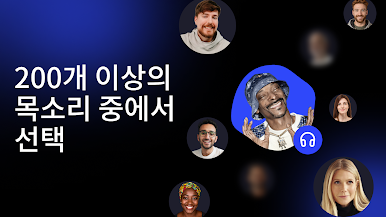
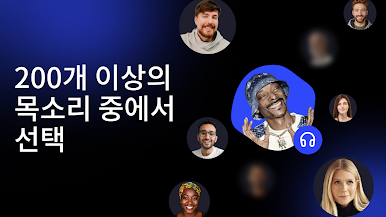
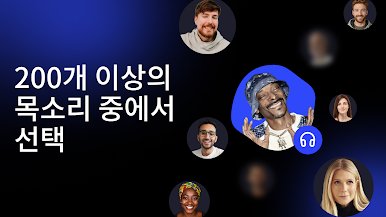
Human sounding voices include Gwyneth Paltrow, Snoop Dogg, MrBeast, and 200+ more across 60+ languages.
"Speechify is brilliant. I'm so glad to have it today." - Sir Richard Branson
FEATURES YOU'LL LOVE
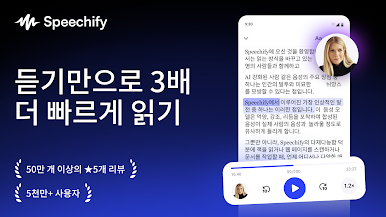
➤ Listen at Any Speed
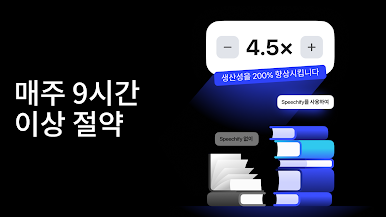
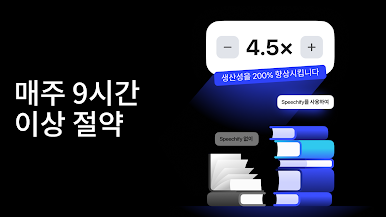
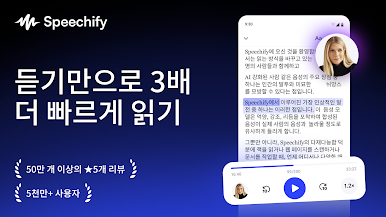
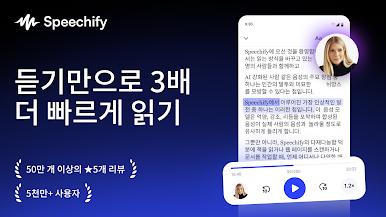
Hear anything up to 4.5× faster (900 wpm). Learn more in less time with voices that sound natural even at high speed.
➤ Human-like voices
Speechify voices feel real, including official partners like Snoop Dogg, MrBeast, and Gwyneth Paltrow and 200+ others.
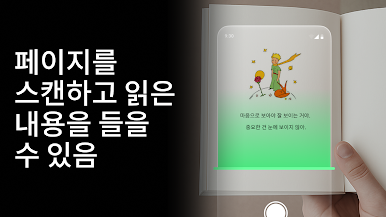
➤ Snap a photo to audio
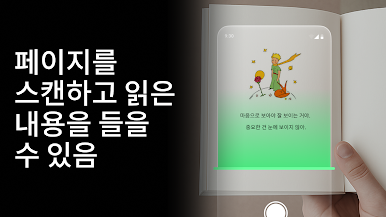
Take a photo or screenshot of any text and Speechify will read it aloud instantly.
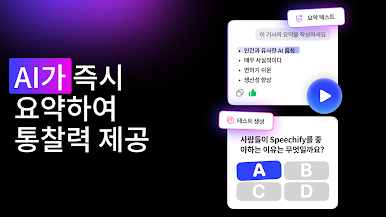
➤ Talk to your Voice AI Assistant
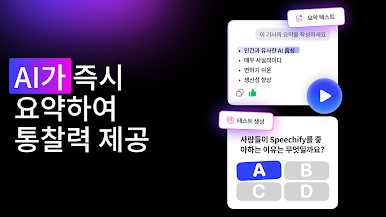
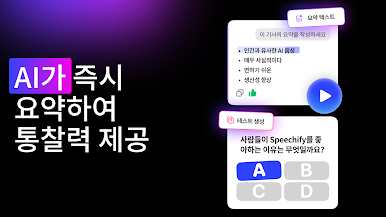
Ask: “What are the main takeaways?” or “Quiz me on this essay.” Speechify understands your articles, documents, and anything on your screen – it’s your personal AI reader, assistant, and tutor in one.
➤ Listen on desktop or mobile devices.
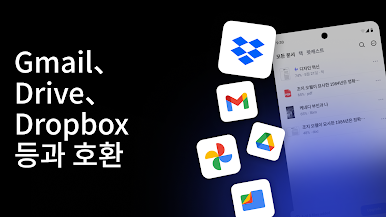
Your library syncs instantly across desktop and mobile. Start reading on Chrome, continue on iOS or Android – anytime, anywhere.
➤ AI Podcasts
Create an AI podcast from any document or any prompt. Speechify allows you to pick from styles like "Thoughtful Talk" and "Lecture" to create podcasts tailored to the exact topics you want to learn and enjoy.
➤ Hundreds of Free Timeless Books
Titles you get for free with Speechify: Pride and Prejudice by Jane Austen; The Adventures of Sherlock Holmes by Arthur Conan Doyle; Alice's Adventures in Wonderland by Lewis Carroll; Frankenstein by Mary Shelley; Moby Dick by Herman Melville; A Tale of Two Cities by Charles Dickens; Ulysses by James Joyce; War and Peace by Leo Tolstoy; The Great Gatsby by F. Scott Fitzgerald
➤ Other features
Note taking tools
Save audio bookmarks
Responsive customer experience
Inline player seamlessly integrates into all your websites
Cloud sync makes for a seamless listening across all your devices
== Use cases ==
➤ Students
Read, listen, and talk your way through study materials. Ask Speechify to summarize long readings, quiz you on key ideas, or type out your essays as you speak – perfect for faster learning and retention.
➤ People with Dyslexia, ADHD, or Vision Challenges
Originally built by founder Cliff Weitzman, who has dyslexia and ADHD, Speechify removes every barrier to reading and writing. It reads aloud, types what you say, and answers your questions about the text, helping millions learn and communicate more easily.
➤ Professionals
Whether you’re drafting emails, summarizing reports, or reviewing PDFs, Speechify works like your personal AI assistant. Dictate notes hands-free, ask for quick takeaways, and breeze through reading-heavy workloads effortlessly.
➤ Parents
Turn story time or homework time into an interactive experience. Speechify can read aloud, help kids write by voice, and even answer their curious follow-up questions about the stories they love.
➤ Productivity Hackers
Automate your reading and your writing. Listen to webpages or dictate responses while multitasking, then ask Speechify to summarize, rephrase, or explain anything you’re working on.
➤ Podcast & Audiobook Lovers
Turn any article, PDF, or blog into something you can listen to or talk about. Ask Speechify to explain or expand on what you’re hearing – it’s like having a co-host that knows your reading list.
➤ Avid Readers
Listen to books, documents, and research at any speed, then engage with them conversationally – ask for insights, notes, or summaries. With Speechify, reading becomes a two-way dialogue.
Install Speechify today for free!
Privacy Policy: https://speechify.com/privacy/
Terms of Service: https://speechify.com/terms/
With 50M+ users, it is the top-rated and most used Voice AI Assistant & text to speech (TTS) app on Android. 50M+ users around the world.
Human sounding voices include Gwyneth Paltrow, Snoop Dogg, MrBeast, and 200+ more across 60+ languages.
"Speechify is brilliant. I'm so glad to have it today." - Sir Richard Branson
FEATURES YOU'LL LOVE
➤ Listen at Any Speed
Hear anything up to 4.5× faster (900 wpm). Learn more in less time with voices that sound natural even at high speed.
➤ Human-like voices
Speechify voices feel real, including official partners like Snoop Dogg, MrBeast, and Gwyneth Paltrow and 200+ others.
➤ Snap a photo to audio
Take a photo or screenshot of any text and Speechify will read it aloud instantly.
➤ Talk to your Voice AI Assistant
Ask: “What are the main takeaways?” or “Quiz me on this essay.” Speechify understands your articles, documents, and anything on your screen – it’s your personal AI reader, assistant, and tutor in one.
➤ Listen on desktop or mobile devices.
Your library syncs instantly across desktop and mobile. Start reading on Chrome, continue on iOS or Android – anytime, anywhere.
➤ AI Podcasts
Create an AI podcast from any document or any prompt. Speechify allows you to pick from styles like "Thoughtful Talk" and "Lecture" to create podcasts tailored to the exact topics you want to learn and enjoy.
➤ Hundreds of Free Timeless Books
Titles you get for free with Speechify: Pride and Prejudice by Jane Austen; The Adventures of Sherlock Holmes by Arthur Conan Doyle; Alice's Adventures in Wonderland by Lewis Carroll; Frankenstein by Mary Shelley; Moby Dick by Herman Melville; A Tale of Two Cities by Charles Dickens; Ulysses by James Joyce; War and Peace by Leo Tolstoy; The Great Gatsby by F. Scott Fitzgerald
➤ Other features
Note taking tools
Save audio bookmarks
Responsive customer experience
Inline player seamlessly integrates into all your websites
Cloud sync makes for a seamless listening across all your devices
== Use cases ==
➤ Students
Read, listen, and talk your way through study materials. Ask Speechify to summarize long readings, quiz you on key ideas, or type out your essays as you speak – perfect for faster learning and retention.
➤ People with Dyslexia, ADHD, or Vision Challenges
Originally built by founder Cliff Weitzman, who has dyslexia and ADHD, Speechify removes every barrier to reading and writing. It reads aloud, types what you say, and answers your questions about the text, helping millions learn and communicate more easily.
➤ Professionals
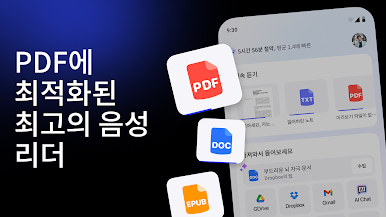
Whether you’re drafting emails, summarizing reports, or reviewing PDFs, Speechify works like your personal AI assistant. Dictate notes hands-free, ask for quick takeaways, and breeze through reading-heavy workloads effortlessly.
➤ Parents
Turn story time or homework time into an interactive experience. Speechify can read aloud, help kids write by voice, and even answer their curious follow-up questions about the stories they love.
➤ Productivity Hackers
Automate your reading and your writing. Listen to webpages or dictate responses while multitasking, then ask Speechify to summarize, rephrase, or explain anything you’re working on.
➤ Podcast & Audiobook Lovers
Turn any article, PDF, or blog into something you can listen to or talk about. Ask Speechify to explain or expand on what you’re hearing – it’s like having a co-host that knows your reading list.
➤ Avid Readers
Listen to books, documents, and research at any speed, then engage with them conversationally – ask for insights, notes, or summaries. With Speechify, reading becomes a two-way dialogue.
Install Speechify today for free!
Privacy Policy: https://speechify.com/privacy/
Terms of Service: https://speechify.com/terms/



PC에서 Speechify 텍스트 음성 변환 오디오 음성화 플레이해보세요.
-
BlueStacks 다운로드하고 설치
-
Google Play 스토어에 로그인 하기(나중에 진행가능)
-
오른쪽 상단 코너에 Speechify 텍스트 음성 변환 오디오 음성화 검색
-
검색 결과 중 Speechify 텍스트 음성 변환 오디오 음성화 선택하여 설치
-
구글 로그인 진행(만약 2단계를 지나갔을 경우) 후 Speechify 텍스트 음성 변환 오디오 음성화 설치
-
메인 홈화면에서 Speechify 텍스트 음성 변환 오디오 음성화 선택하여 실행

