


Puffin TV Remote
工具 | CloudMosa Inc
在電腦上使用BlueStacks –受到5億以上的遊戲玩家所信任的Android遊戲平台。

暢玩 Puffin TV Remote 電腦版
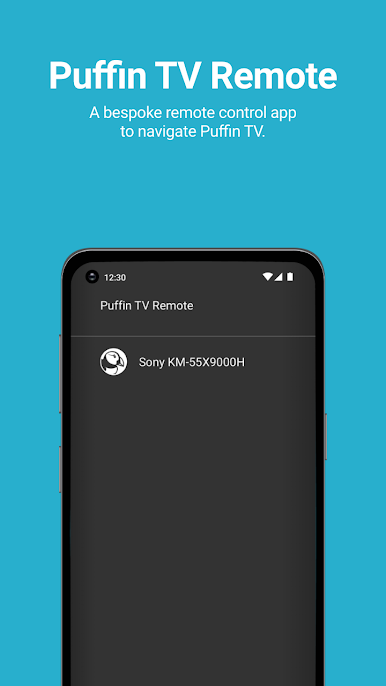
Puffin TV Remote 是一款全新的應用程序,可與 Puffin TV Browser 結合使用。
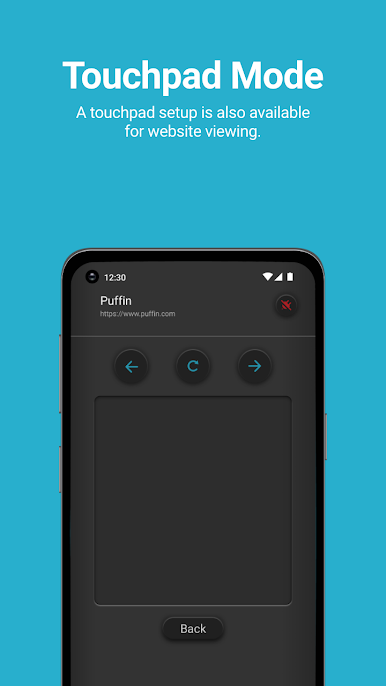
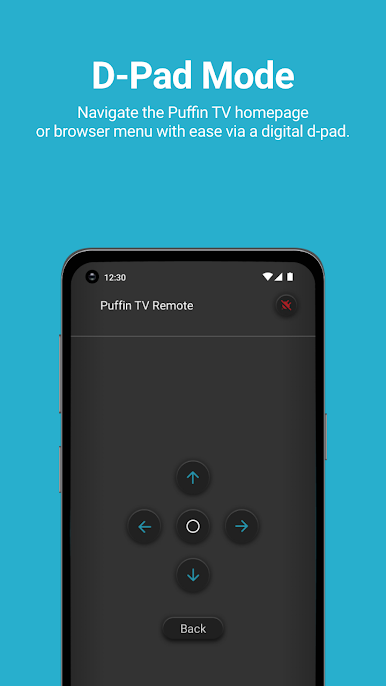
您可以使用此應用程序在 Puffin TV 中導航。選擇數字方向鍵或觸摸板,輕鬆導航 Puffin TV 主頁和瀏覽器菜單,從而在 Puffin TV Browser 上獲得更高效、更直觀的用戶體驗!
*海雀電視瀏覽器可在 Google Play 上找到。
有關更多信息,請訪問 https://support.puffin.com/。
您可以使用此應用程序在 Puffin TV 中導航。選擇數字方向鍵或觸摸板,輕鬆導航 Puffin TV 主頁和瀏覽器菜單,從而在 Puffin TV Browser 上獲得更高效、更直觀的用戶體驗!
*海雀電視瀏覽器可在 Google Play 上找到。
有關更多信息,請訪問 https://support.puffin.com/。
在電腦上遊玩Puffin TV Remote . 輕易上手.
-
在您的電腦上下載並安裝BlueStacks
-
完成Google登入後即可訪問Play商店,或等你需要訪問Play商店十再登入
-
在右上角的搜索欄中尋找 Puffin TV Remote
-
點擊以從搜索結果中安裝 Puffin TV Remote
-
完成Google登入(如果您跳過了步驟2),以安裝 Puffin TV Remote
-
在首頁畫面中點擊 Puffin TV Remote 圖標來啟動遊戲

