


XenoShyft
Chơi trên PC với BlueStacks - Nền tảng chơi game Android, được hơn 500 triệu game thủ tin tưởng.

Trang đã được sửa đổi vào: Apr 3, 2019
Play XenoShyft on PC or Mac
Step into the World of XenoShyft, a thrilling Card game from the house of Twin Sails Interactive. Play this Android game on BlueStacks App Player and experience immersive gaming on PC or Mac.
About the Game
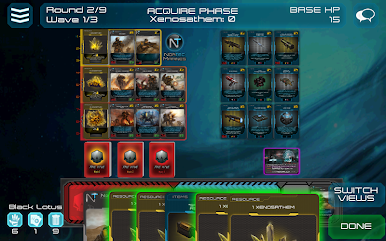
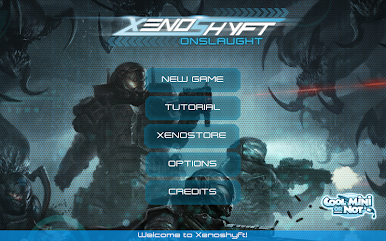
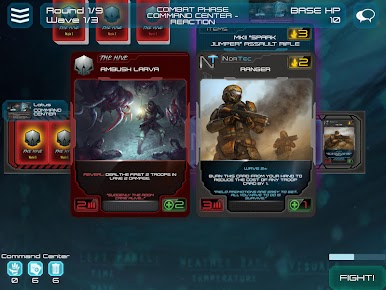
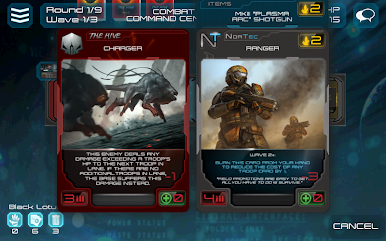
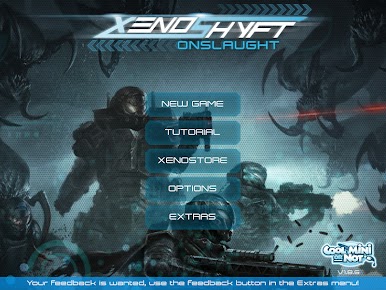
XenoShyft is a brutal cooperative Card game from Twin Sails Interactive where you’re put in charge of a NorTec division facing an oncoming alien Hive. Build a tight deck, outfit your troops, and hold the line through tense base-defense battles. Go solo or bring friends—either way, every round feels like the last stand.
Game Features
- 1–4 Players, Fully Co-op: Play alone for a tough tactical puzzle or coordinate with up to three others for true team-based defense.
- Base Defense + Deck-Building: Buy, upgrade, and refine your deck as you protect the base, balancing short-term survival with long-term strategy.
- Plan Together, Survive Longer: Share cards, set up combos, and time your plays. Smart coordination is the difference between “barely made it” and “didn’t make it.”
- Gear Up Your Squad: Load soldiers with armor, weapons, and tech. The right kit can flip a losing lane into a narrow win.
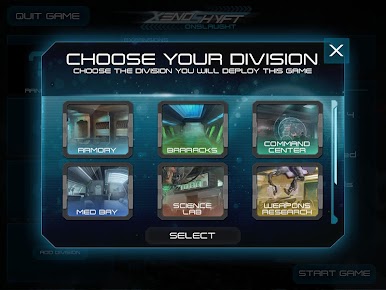
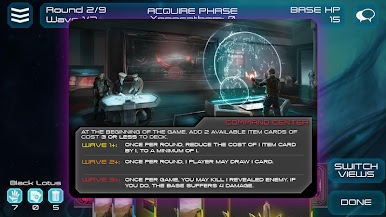
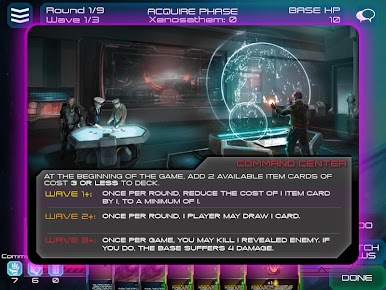
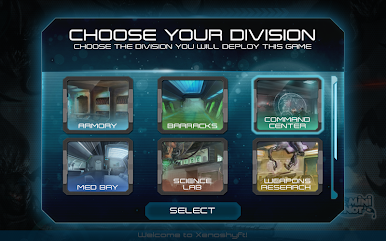
- Six Distinct Divisions: Command Science Labs, Med Bay, Armory, Weapons Research, Barracks, and the Command Center—each adds its own tools and tactics to your build.
- Nine Rounds of Pressure: You’re not here to wipe out everything; you’re here to outlast. Make every purchase and placement count as the Hive escalates.
- Relentless Enemies: Expect nasty surprises, evolving threats, and aliens that punish sloppy turns. The challenge is tough but fair.
- Striking Sci‑Fi Art: Crisp, cohesive visuals make every unit, upgrade, and monstrosity easy to read and fun to deploy.
- Smooth on Mobile, Great on PC: Runs clean on your phone, and if you’d rather see the battlefield bigger, it plays nicely with BlueStacks.
Start your journey now. Download the game on BlueStacks, invite your friends, and march on a new adventure.
Chơi XenoShyft trên PC. Rất dễ để bắt đầu
-
Tải và cài đặt BlueStacks trên máy của bạn
-
Hoàn tất đăng nhập vào Google để đến PlayStore, hoặc thực hiện sau
-
Tìm XenoShyft trên thanh tìm kiếm ở góc phải màn hình
-
Nhấn vào để cài đặt XenoShyft trong danh sách kết quả tìm kiếm
-
Hoàn tất đăng nhập Google (nếu bạn chưa làm bước 2) để cài đặt XenoShyft
-
Nhấn vào icon XenoShyft tại màn hình chính để bắt đầu chơi

