

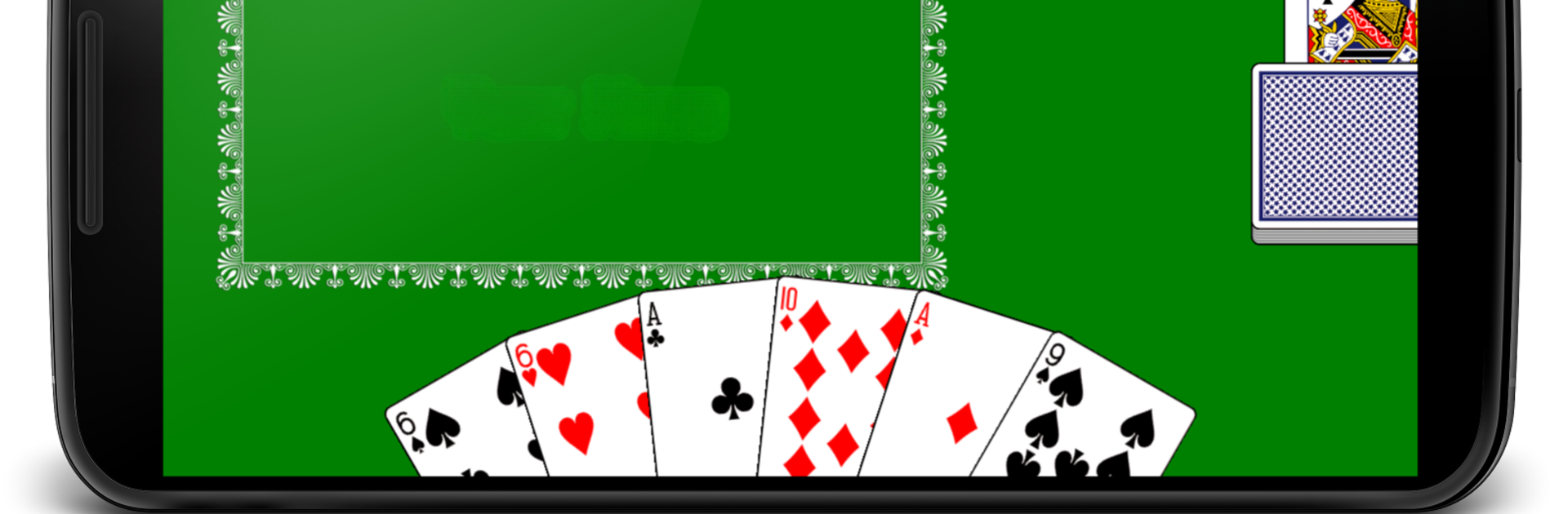
Durak (Fool)
在電腦上使用BlueStacks –受到5億以上的遊戲玩家所信任的Android遊戲平台。

Play Durak (Fool) on PC or Mac
Step into the World of Durak (Fool), a thrilling Card game from the house of cmyksoft. Play this Android game on BlueStacks App Player and experience immersive gaming on PC or Mac.
About the Game
Ever heard of Durak (Fool)? It’s a classic Russian card game that’s all about outsmarting your opponent to be the first one out of cards. cmyksoft’s take on this traditional Card game keeps things straightforward, with a simple design and all the key features you’d want, whether you’re playing a quick round or settling in for a longer session. You can try your luck against the computer, playing at your own pace and picking up the rules as you go. Trust me, it’s easy to get hooked—especially if you’re looking for a card game that feels familiar yet offers just enough challenge.
Game Features
-
Different Game Modes
Pick from Simple Fool or Transfer Fool depending on how tricky you want the game to get. Each mode adds its own flavor to the game. -
Choose Your Challenge
There are three distinct difficulty levels. Start easy if you’re learning, or crank it up for a real mental workout. -
Deck Size Options
Prefer playing with 36 or 52 cards? You get to choose the size of your deck before you start a match. -
No Distractions
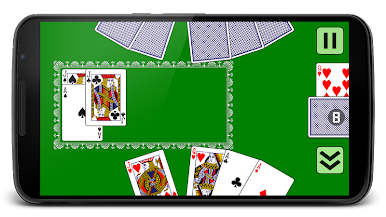
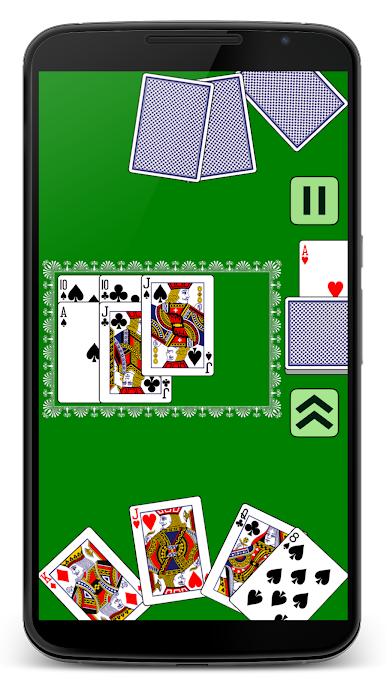
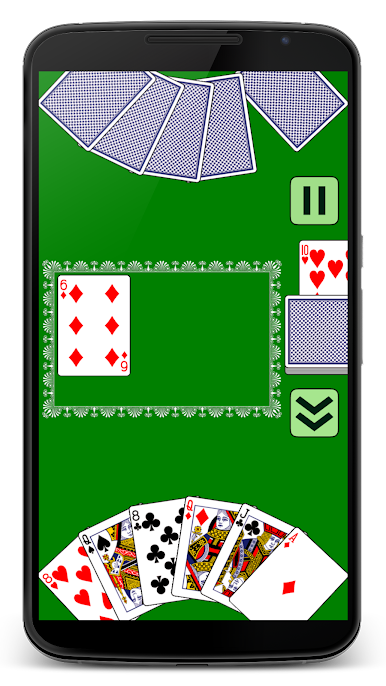
The graphics are clean and the interface is uncluttered, making it easy to focus on your strategy. Plus, the subtle card animations add a nice touch. -
Easy, Intuitive Controls
Everything’s laid out for smooth play, and if you want, you can even shuffle your hand around. Nothing complicated here. -
Accessible to All
The game doesn’t ask much of your device, so you won’t have to worry about lag or crashes. -
Language Support
Whether you’re more comfortable in Russian or English, you can pick your preferred language. -
Score Tracking
A built-in score table keeps track of your wins and losses, so you can see just how much you’ve improved. -
Flexible Orientation
Go portrait or landscape—whatever feels better for your screen size.
And if you ever want to switch things up and play on a bigger screen, BlueStacks has you covered for a comfortable desktop experience.
Slay your opponents with your epic moves. Play it your way on BlueStacks and dominate the battlefield.
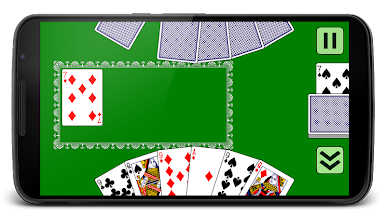
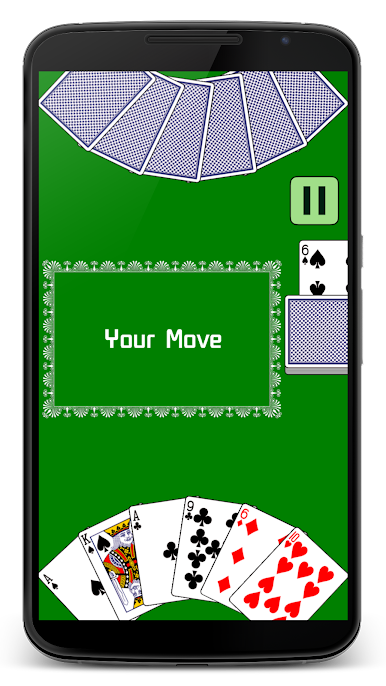
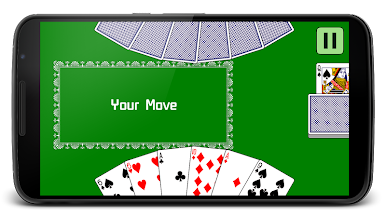
在電腦上遊玩Durak (Fool) . 輕易上手.
-
在您的電腦上下載並安裝BlueStacks
-
完成Google登入後即可訪問Play商店,或等你需要訪問Play商店十再登入
-
在右上角的搜索欄中尋找 Durak (Fool)
-
點擊以從搜索結果中安裝 Durak (Fool)
-
完成Google登入(如果您跳過了步驟2),以安裝 Durak (Fool)
-
在首頁畫面中點擊 Durak (Fool) 圖標來啟動遊戲

