

Collabora Office
Graj na PC z BlueStacks – Platforma gamingowa Android, która uzyskała zaufanie ponad 500 milionów graczy!

Strona zmodyfikowana w dniu: Dec 5, 2025
Run Collabora Office on PC or Mac
Let BlueStacks turn your PC, Mac, or laptop into the perfect home for Collabora Office, a fun Productivity app from Collabora Productivity Limited.
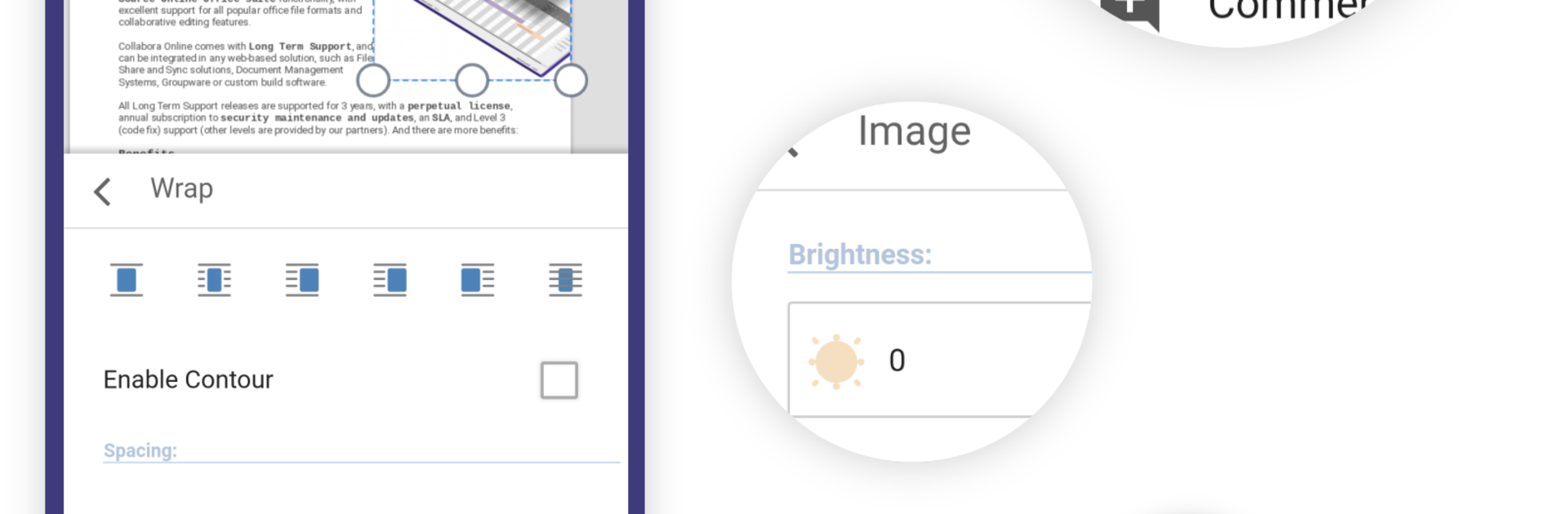
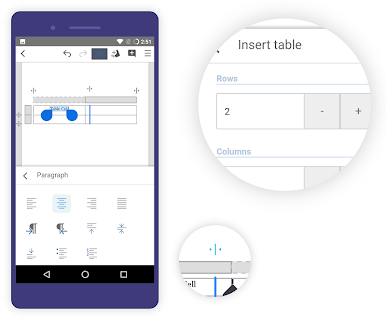
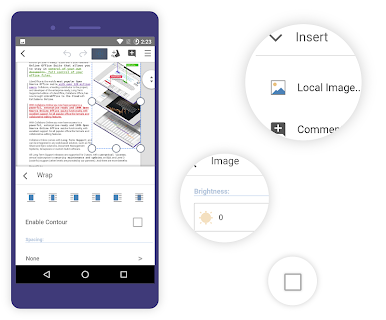
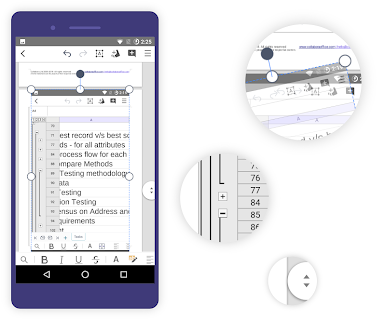
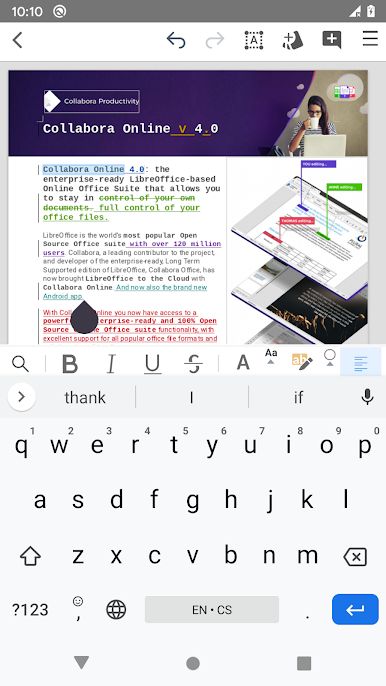
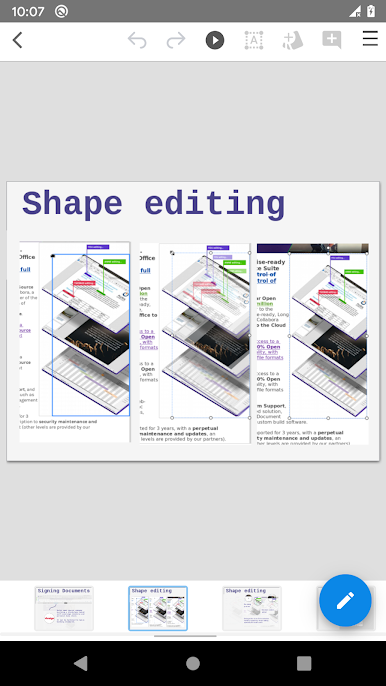
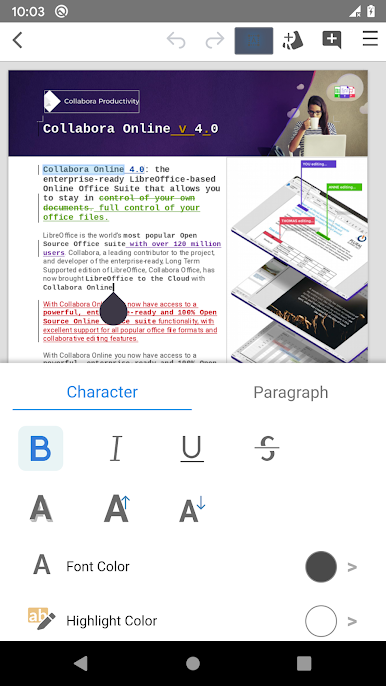
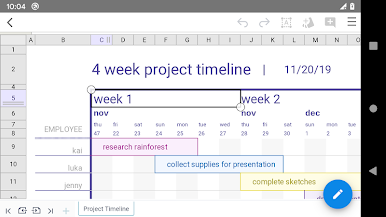
Collabora Office feels like getting a stripped down but capable desktop office suite on a phone or tablet, and it actually works quite smoothly when run on a PC through BlueStacks. The interface is familiar if someone has used LibreOffice or traditional office software before, with menus and formatting tools that behave like desktop apps do. Documents, spreadsheets and presentations open reliably and the app reads and writes common formats such as ODT, DOCX, XLSX and PPTX along with older Office files, so there is less worry about things breaking when switching between devices.
Expect a slightly raw edge in places since this is actively developed, but that is also part of the appeal for users who like open source stuff. Editing feels precise enough for real work, not just quick notes, and the save/compatibility side is one of the stronger points. Occasional layout quirks or minor bugs show up, and sharing feedback is useful because the project evolves. For someone who wants a no-fuss way to handle office files off the cloud and does not need heavy visual polish, this is a solid pick. Running it on BlueStacks gives more room to use it comfortably with keyboard and mouse, which makes long edits less tiring.
BlueStacks brings your apps to life on a bigger screen—seamless and straightforward.
Zagraj w Collabora Office na PC. To takie proste.
-
Pobierz i zainstaluj BlueStacks na PC
-
Zakończ pomyślnie ustawienie Google, aby otrzymać dostęp do sklepu Play, albo zrób to później.
-
Wyszukaj Collabora Office w pasku wyszukiwania w prawym górnym rogu.
-
Kliknij, aby zainstalować Collabora Office z wyników wyszukiwania
-
Ukończ pomyślnie rejestrację Google (jeśli krok 2 został pominięty) aby zainstalować Collabora Office
-
Klinij w ikonę Collabora Office na ekranie startowym, aby zacząć grę

