


CLZ Music - CD/Vinyl-Datenbank
Spiele auf dem PC mit BlueStacks - der Android-Gaming-Plattform, der über 500 Millionen Spieler vertrauen.

Seite geändert am: May 5, 2026
Spiele CLZ Music - CD/Vinyl-Datenbank für PC
CLZ Music ist eine kostenpflichtige Abo-App, die €1,99 pro Monat oder €19,99 pro Jahr kostet.
Starten Sie die kostenlose 7-Tage-Testversion, um die App eine Woche lang auszuprobieren!
EINFACHES HINZUFÜGEN VON ALBEN:
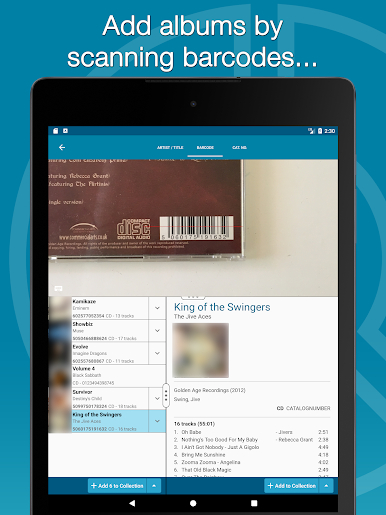
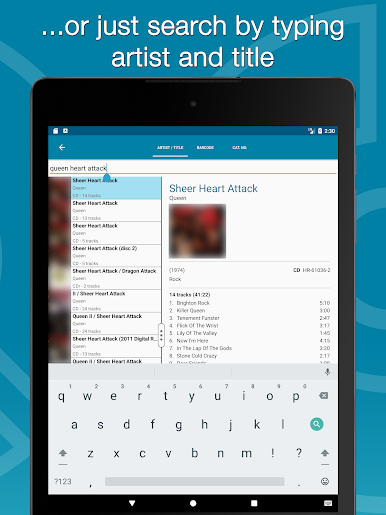
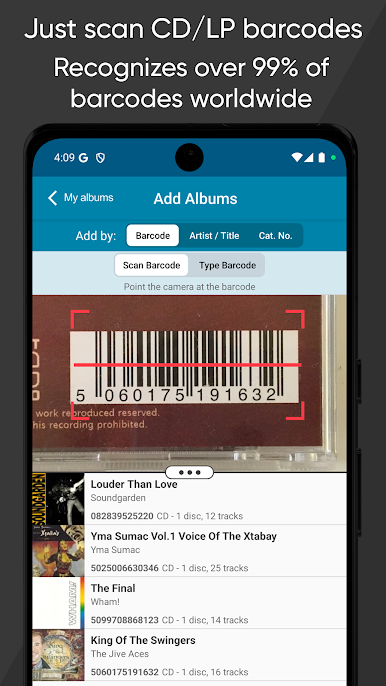
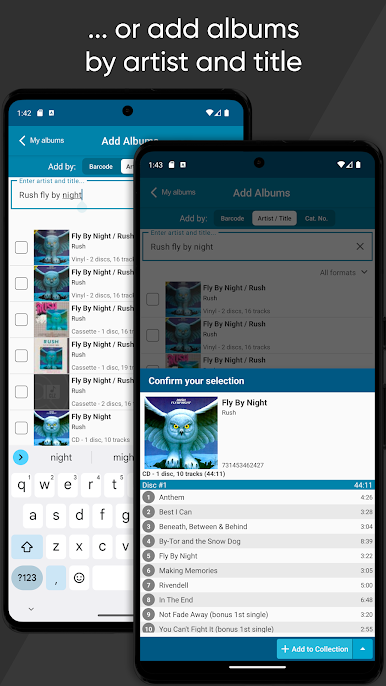
Drei Möglichkeiten, CDs oder Schallplatten zu Ihrer Musiksammlungs-Datenbank hinzuzufügen:
1. Scannen Sie deren Barcodes mit dem eingebauten Kamera-Scanner (wir garantieren eine 95%ige Erfolgsquote bei Ihren Barcode-Suchen!)
2. Suche nach Künstler und Titel
3. Suche nach Katalognummer (ideal zum Finden von Discogs-Einträgen)
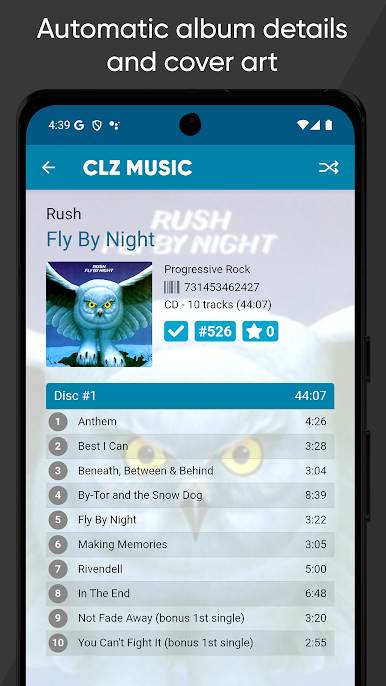
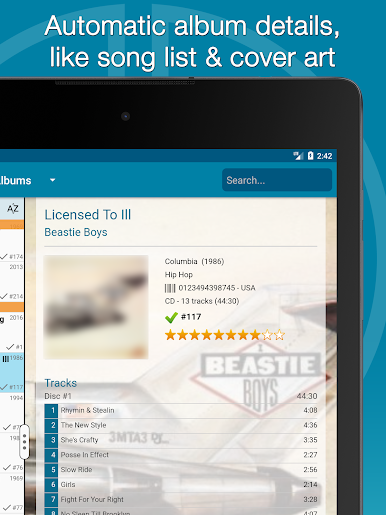
Entweder die CLZ Core Online-CD-Datenbank oder die Discogs CD/Vinyl-Datenbank liefert Ihnen automatisch Coverbilder und vollständige Albumdetails, einschließlich Tracklisten.
ERMÖGLICHT MEHRERE SAMMLUNGEN:
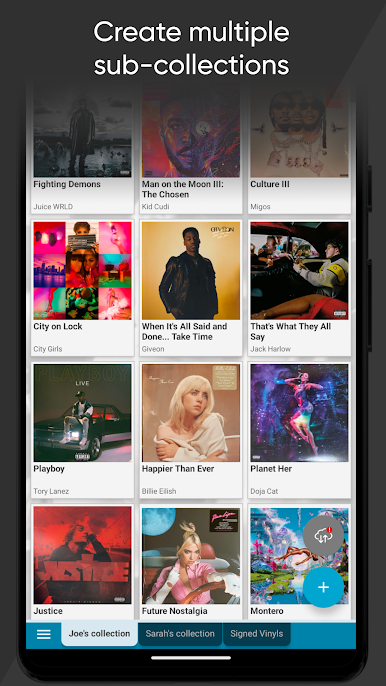
Verwenden Sie "Manage Collections" aus dem Menü, um mehrere Unterabschnitte in Ihrer Datenbank zu erstellen, sogenannte "Sammlungen". Diese erscheinen als Excel-ähnliche Registerkarten am unteren Bildschirmrand. Sehr nützlich, um separate Sammlungen für verschiedene Personen zu führen, physische CDs und Schallplatten von Ihrer digitalen Musik zu trennen, verkaufte oder zum Verkauf stehende CDs zu verfolgen, usw... die Möglichkeiten sind endlos.
ALLES BEARBEITEN:
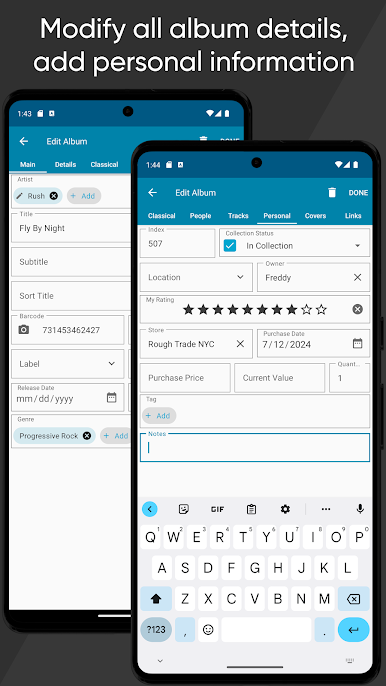
Nutzen Sie die effizienten Bearbeitungs- und Massenbearbeitungsbildschirme, um Ihre Albumeinträge zu modifizieren.
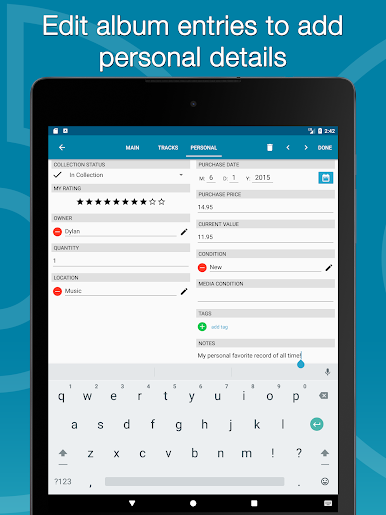
ALLE Felder können bearbeitet werden, einschließlich Künstler, Titel, Labels, Veröffentlichungsdaten, Genres, Tracklisten, usw... Sie können sogar Ihre eigenen Coverbilder hochladen (Vorder- und Rückseite!).
Fügen Sie auch persönliche Details wie Zustand, Standort, Kaufdatum / Preis / Geschäft, Notizen, usw. hinzu.
DURCHSUCHEN, SORTIEREN, GRUPPIEREN & SUCHEN:
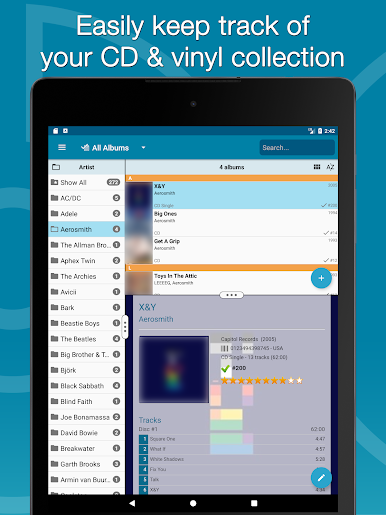
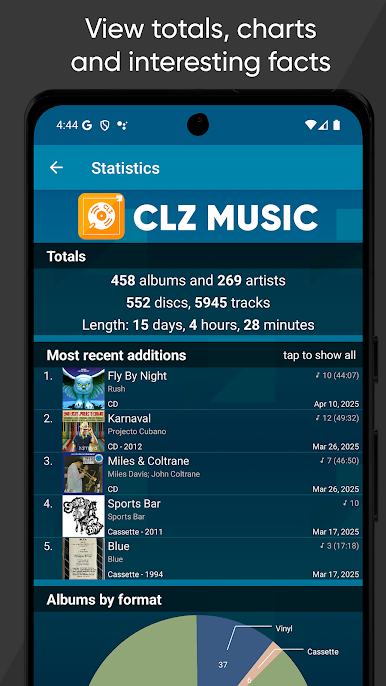
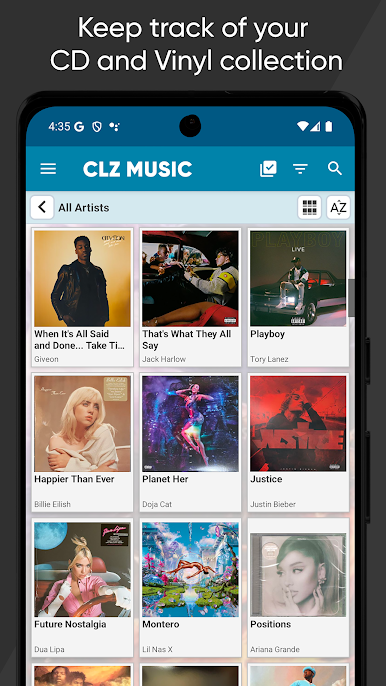
Durchstöbern Sie Ihre Musiksammlung als Liste, als Karten mit großen Bildern oder als "Cover-Wand" mit größenveränderbaren Cover-Miniaturansichten!
Sortieren Sie nach Künstler, Titel, Veröffentlichungsdatum, Länge, Hinzufügungsdatum usw. Gruppieren Sie Ihre Alben in Ordnern nach Autor, Komponist, Format, Label, Genre, Standort, usw... Oder nutzen Sie einfach das Suchfeld oben rechts.
CLZ CLOUD SYNCHRONISIERUNG:
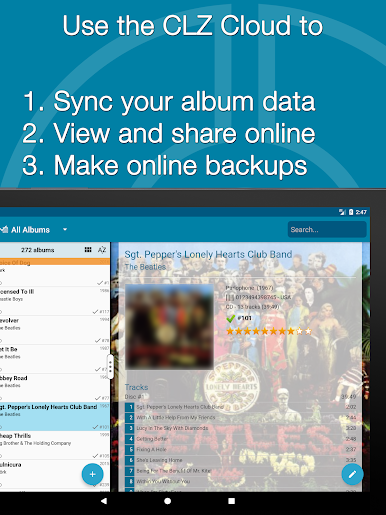
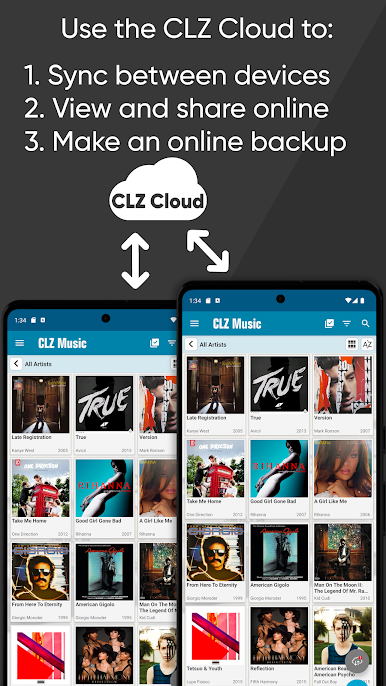
Nutzen Sie unseren CLZ Cloud-Service, um:
* Immer ein Online-Cloud-Backup Ihrer Musikorganisator-Datenbank zu haben.
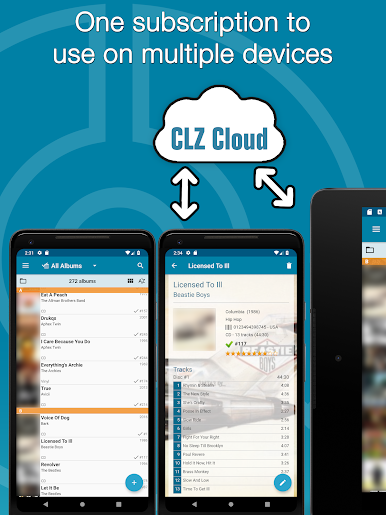
* Ihre Musikbibliothek zwischen Geräten zu synchronisieren (z.B. Ihre Telefone und Tablets).
* Ihre Musiksammlung online anzusehen und zu teilen, mit der CLZ Cloud Viewer-Website.
* Daten mit unserer webbasierten Music Connect-Software zu synchronisieren (separates Abonnement).
* Ihr App-Abonnement auf andere mobile Geräte zu teilen, ohne erneut zu bezahlen.
HABEN SIE FRAGEN ODER BEDENKEN?
Wenn Sie Fragen haben oder auf ein Problem gestoßen sind, kontaktieren Sie uns einfach!
Wir freuen uns über Ihr Feedback und sind 7 Tage die Woche für Sie da, um bei Problemen oder Anliegen zu helfen. Tippen Sie in der App oben links auf das Menü-Symbol und wählen Sie dann "Contact Support".
Oder besuchen Sie unser Club CLZ-Forum, um mit uns und anderen Nutzern zu sprechen.
ANDERE CLZ APPS:
Wussten Sie, dass wir ähnliche Apps für andere Sammlungen anbieten?
* CLZ Movies, zum Katalogisieren Ihrer DVDs, Blu-rays und 4K UHDs
* CLZ Books, zum Organisieren Ihrer Buchsammlung nach ISBN
* CLZ Comics, zum Verfolgen Ihrer US-Comic-Bücher
* CLZ Games, zum Verwalten Ihrer Videospielsammlung
ÜBER COLLECTORZ / CLZ
CLZ entwickelt seit 1996 Sammlungs-Datenbank-Software. Mit Sitz in Amsterdam, Niederlande, besteht das CLZ-Team jetzt aus 12 Männern und einer Frau. Wir arbeiten ständig daran, Ihnen regelmäßige Updates für die Apps und Software zu liefern und unsere Core Online-Datenbanken mit allen wöchentlichen Veröffentlichungen auf dem neuesten Stand zu halten.

Spiele CLZ Music - CD/Vinyl-Datenbank auf dem PC. Der Einstieg ist einfach.
-
Lade BlueStacks herunter und installiere es auf deinem PC
-
Schließe die Google-Anmeldung ab, um auf den Play Store zuzugreifen, oder mache es später
-
Suche in der Suchleiste oben rechts nach CLZ Music - CD/Vinyl-Datenbank
-
Klicke hier, um CLZ Music - CD/Vinyl-Datenbank aus den Suchergebnissen zu installieren
-
Schließe die Google-Anmeldung ab (wenn du Schritt 2 übersprungen hast), um CLZ Music - CD/Vinyl-Datenbank zu installieren.
-
Klicke auf dem Startbildschirm auf das CLZ Music - CD/Vinyl-Datenbank Symbol, um mit dem Spielen zu beginnen

