

Atrivity
Juega en PC con BlueStacks: la plataforma de juegos Android, en la que confían más de 500 millones de jugadores.

Página modificada el: Dec 2, 2025
Run Atrivity on PC or Mac
What’s better than using Atrivity by Compettia? Well, try it on a big screen, on your PC or Mac, with BlueStacks to see the difference.
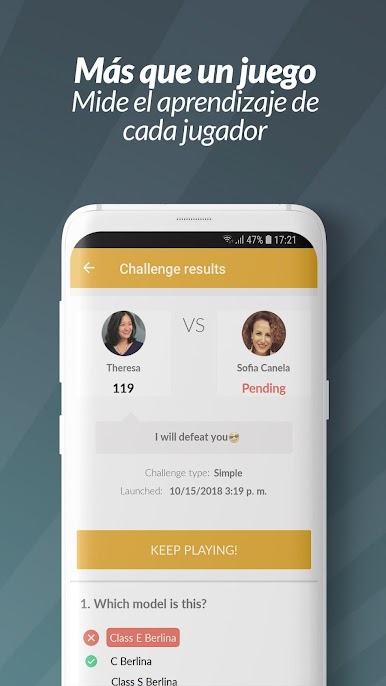
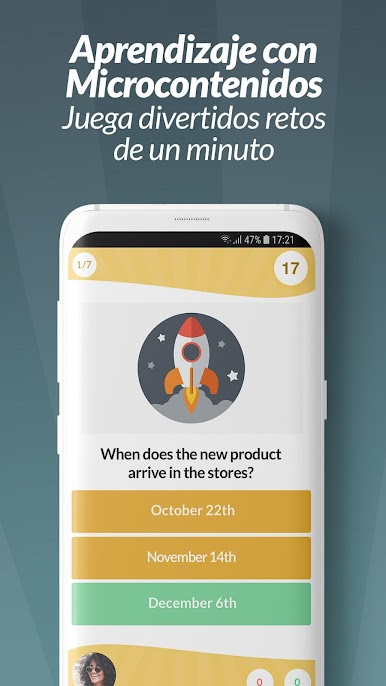
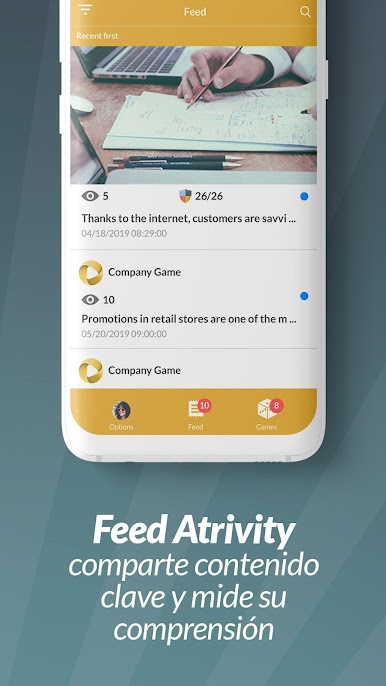
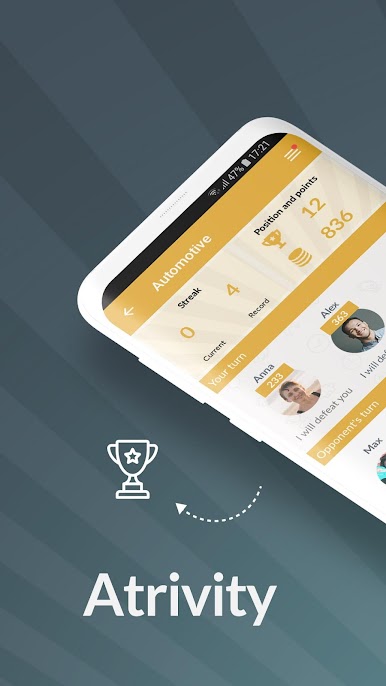
Atrivity is a work quiz game, but not the usual trivia with movies and sports. It is built for companies that want teams to actually learn product, sales, and onboarding stuff without falling asleep. Everything is broken into short rounds with timed multiple choice questions, so training becomes quick hits instead of long manuals. Players challenge coworkers, rack up points, and climb leaderboards, which oddly makes people pay attention because no one wants to be last in the department. The content is made by the company, so questions are specific to what the team sells, how the process works, or what new hires need to remember. It fits big groups and partners too, so sales, marketing, and channel folks can all play the same game and compare results.
The feel is fast and focused. Open a topic, answer a burst of questions, see a score, then come back later for another challenge. Repeats pop up to reinforce what matters, which helps the info stick. On PC with BlueStacks, the bigger screen makes longer questions and images easier to scan, and clicking through rounds feels snappy when there are many matches waiting. It is competitive, a little chaotic when a tournament is going, and way more engaging than a quiz in a PDF. Anyone wanting casual trivia for fun might not love it, but teams that live on product and sales details will.
BlueStacks gives you the much-needed freedom to experience your favorite apps on a bigger screen. Get it now.

Juega Atrivity en la PC. Es fácil comenzar.
-
Descargue e instale BlueStacks en su PC
-
Complete el inicio de sesión de Google para acceder a Play Store, o hágalo más tarde
-
Busque Atrivity en la barra de búsqueda en la esquina superior derecha
-
Haga clic para instalar Atrivity desde los resultados de búsqueda
-
Complete el inicio de sesión de Google (si omitió el paso 2) para instalar Atrivity
-
Haz clic en el ícono Atrivity en la pantalla de inicio para comenzar a jugar

