


C247
在電腦上使用BlueStacks –受到5億以上的遊戲玩家所信任的Android遊戲平台。

Run C247 on PC or Mac
Let BlueStacks turn your PC, Mac, or laptop into the perfect home for C247, a fun Productivity app from OpusApeiro.
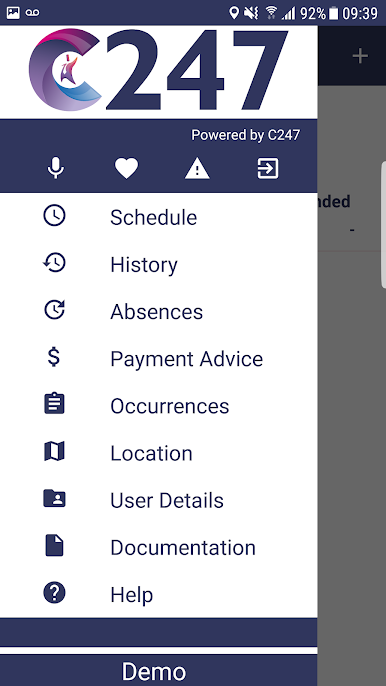
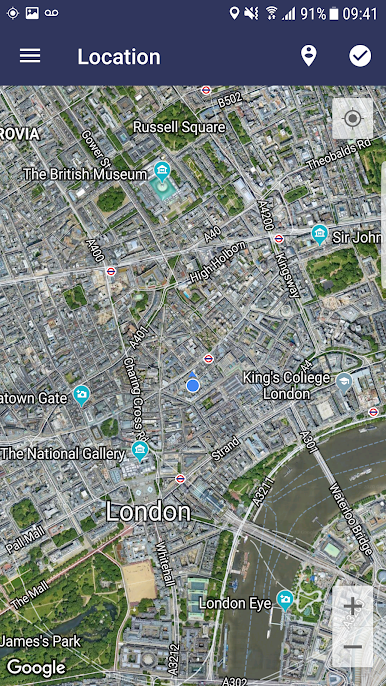
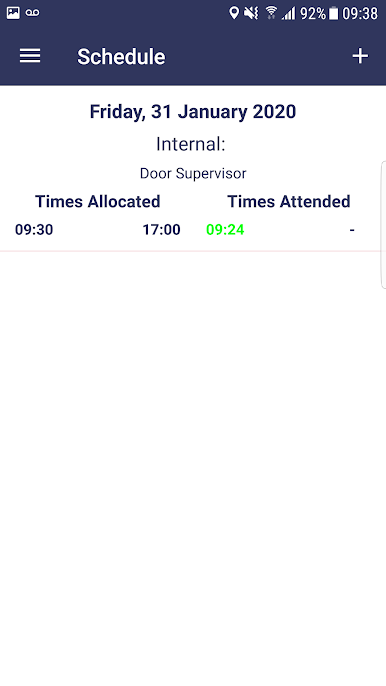
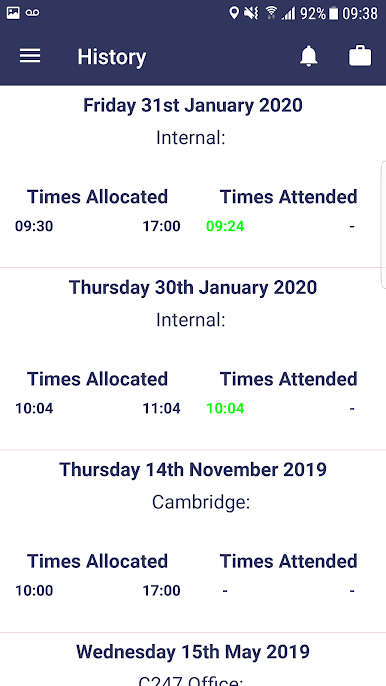
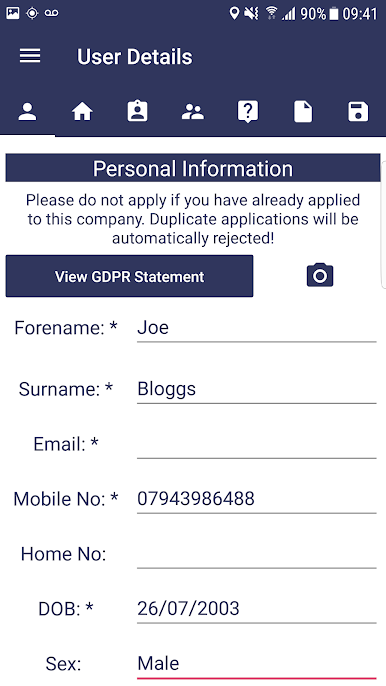
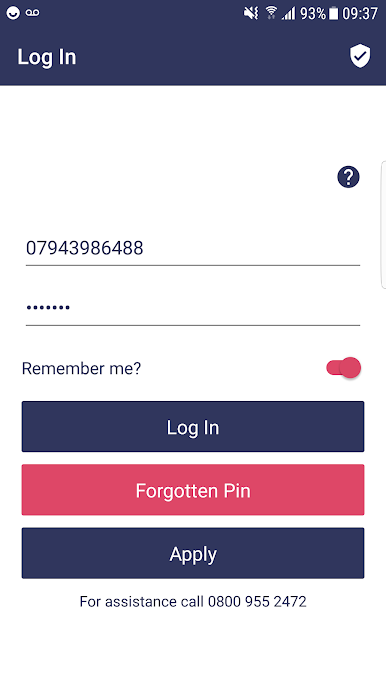
C247 feels less like an app and more like a tidy control panel for hiring and HR. Someone opens it and everything important lives in one place. Applicants fill in an online form that plugs straight into staff records, so there is no paper floating around or chasing signatures. Photos of ID or proof of address upload straight from a phone camera or a home computer, which keeps records accurate and complete without a lot of back and forth. Policies sit online so staff can digitally sign them, and references get requested automatically with a link, then come back through an interactive form. It is all pretty direct, no faff.
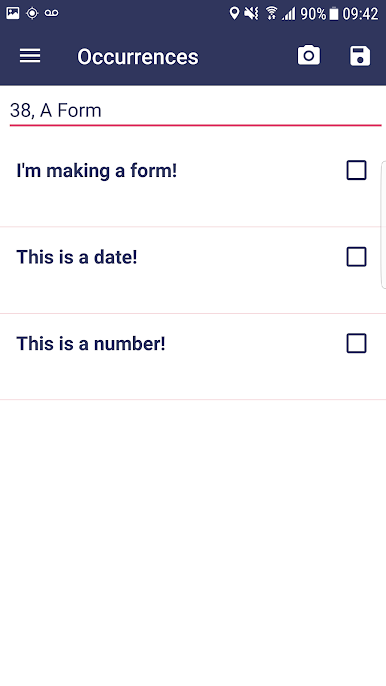
What stands out is how flexible it is. Companies can add custom questions, even slip in numeracy or literacy tests when they need them. The background checks move fast too. Credit checks ping back in a few seconds, DBS forms go out from inside the app, and driving licence verification hooks into the DVLA portal. After someone is hired, C247 keeps track of training, qualifications, and even disciplinary notes, plus expiry dates and reminders so nothing quietly lapses. There is also a smart fraud flagging bit that cross checks what applicants say against what they have told other clients before, and highlights mismatched dates or details so a manager can ask better questions.
On a PC with BlueStacks, it is nicer for long sessions. Bigger screen for long forms, keyboard for quick edits, easy to drag files in, and switching between checks and records is smoother. It is not flashy, but it gets the job done and keeps the messy parts of hiring under control.
Ready to experience C247 on a bigger screen, in all its glory? Download BlueStacks now.
在電腦上遊玩C247 . 輕易上手.
-
在您的電腦上下載並安裝BlueStacks
-
完成Google登入後即可訪問Play商店,或等你需要訪問Play商店十再登入
-
在右上角的搜索欄中尋找 C247
-
點擊以從搜索結果中安裝 C247
-
完成Google登入(如果您跳過了步驟2),以安裝 C247
-
在首頁畫面中點擊 C247 圖標來啟動遊戲

