


mconnect Player – Cast AV
在電腦上使用BlueStacks –受到5億以上的遊戲玩家所信任的Android遊戲平台。

Run mconnect Player – Google Cast & DLNA/UPnP on PC or Mac
Multitask effortlessly on your PC or Mac as you try out mconnect Player – Google Cast & DLNA/UPnP, a Music & Audio app by ConversDigital on BlueStacks.
About the App
Whether you’re a music enthusiast, a movie buff, or just love flipping through photo albums on different screens, mconnect Player – Google Cast & DLNA/UPnP by ConversDigital is built for you. This slick app gives you the freedom to play your favorite tracks, mixtapes, or videos from multiple sources straight onto your smart devices, casting directly to your TV, audio system, or speakers. It’s all about keeping your music & audio setup as flexible as you want—no fuss, just simple, smooth streaming, whether you’re at home or on the go.
App Features
-
Total Streaming Freedom
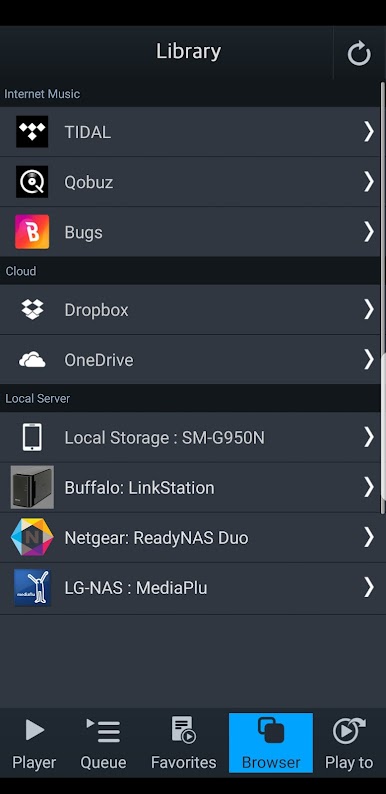
Stream music, videos, or photos from your phone, tablet, or even PC’s UPnP/DLNA servers straight to your preferred device, whether that’s your big screen or a wireless speaker in the kitchen. -
Seamless TIDAL & Qobuz Integration
Got a TIDAL or Qobuz subscription? Fire up your favorite albums and let mconnect Player send them right to your Google Cast or UPnP/DLNA-enabled devices—no extra tricks needed. -
Cast to Just About Anything
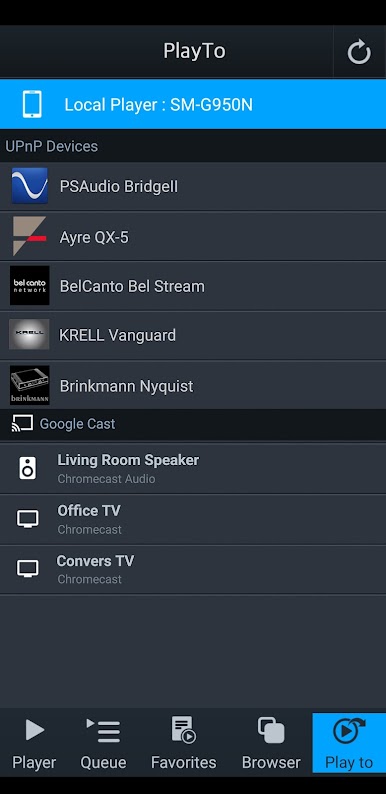
From Chromecast or Google Cast audio systems to smart TVs or anything with UPnP/DLNA support, you can play your stuff where it sounds (and looks) best. No compatibility headaches. -
Cloud & Local File Access
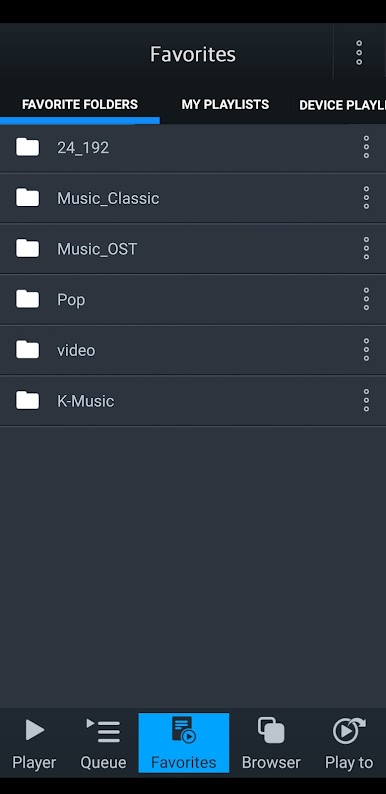
Browse and play audio or video files stashed on OneDrive, Dropbox, or your home server. All your files, right at your fingertips, ready to move around your network. -
Room for Every Format
Whether it’s that rare MQA track or everyday MP3s, if your playback device can decode it, you’re set. Great for audiophiles looking to get the most out of TIDAL Master tracks. -
Easy Device Control
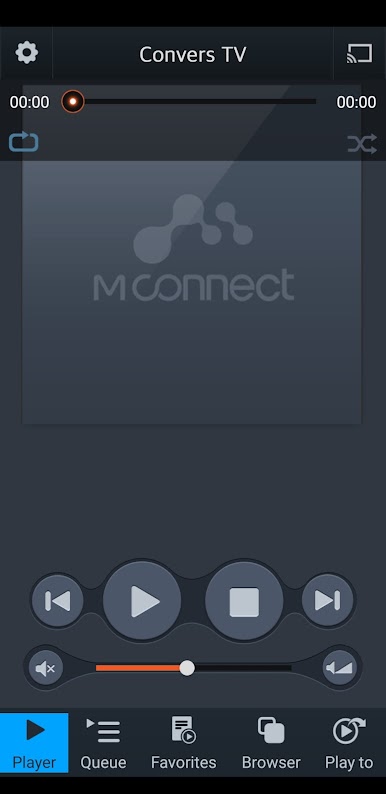
Want to switch between your phone, tablet, or smart system? It’s quick to set up, switching outputs in just a few taps. -
Multi-Platform Support
Works just as well from your tablet on the couch, or if you’d rather control your playback from your PC or Mac with BlueStacks, you can do that too.
Big screen. Bigger performance. Use BlueStacks on your PC or Mac to run your favorite apps.
在電腦上遊玩mconnect Player – Cast AV . 輕易上手.
-
在您的電腦上下載並安裝BlueStacks
-
完成Google登入後即可訪問Play商店,或等你需要訪問Play商店十再登入
-
在右上角的搜索欄中尋找 mconnect Player – Cast AV
-
點擊以從搜索結果中安裝 mconnect Player – Cast AV
-
完成Google登入(如果您跳過了步驟2),以安裝 mconnect Player – Cast AV
-
在首頁畫面中點擊 mconnect Player – Cast AV 圖標來啟動遊戲

