


Ski Tracks
Juega en PC con BlueStacks: la plataforma de juegos Android, en la que confían más de 500 millones de jugadores.

Página modificada el: Sep 17, 2025
Play Ski Tracks on PC or Mac
Join millions to experience Ski Tracks, an exciting Sports game from Core Coders Ltd. With BlueStacks App Player, you are always a step ahead of your opponent, ready to outplay them with faster gameplay and better control with the mouse and keyboard on your PC or Mac.
About the Game
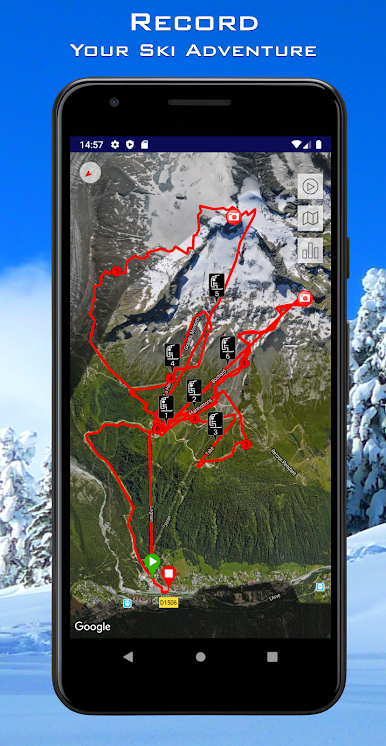
Ever wondered just how many miles you’ve actually skied in a day? Ski Tracks, built by Core Coders Ltd, is all about bringing your snowy adventures to life—right on your phone. Whether you’re heading downhill for the first time or you practically live on the slopes, this sports app records every twist, turn, and epic wipeout, so you can relive your outings or brag to your buddies later.
Game Features
-
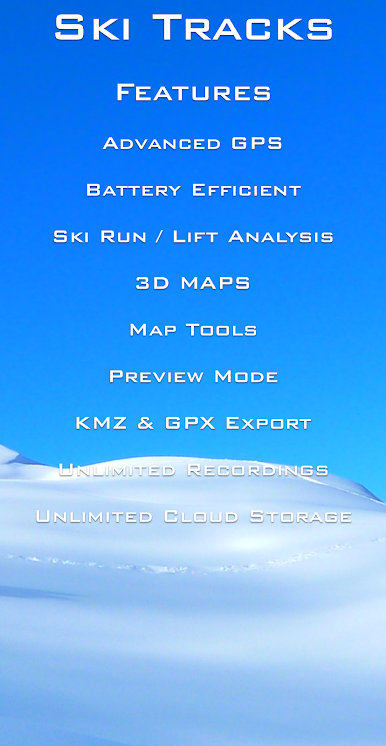
Detailed Tracking Made Simple
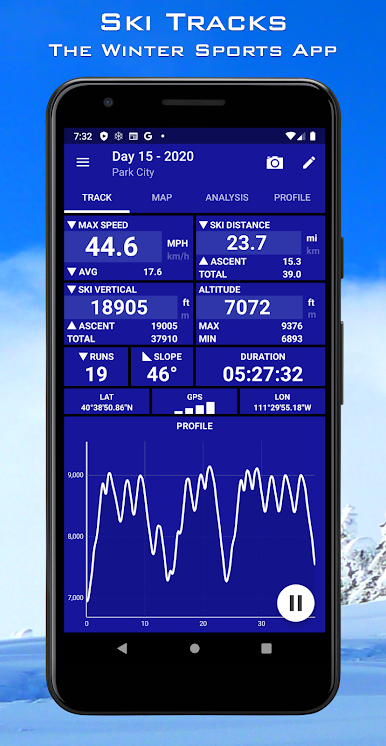
Keep tabs on your runs, distance, speed, elevation, and more. Just stash your phone in your jacket pocket, and Ski Tracks quietly handles the rest behind the scenes. -
No Internet Signal Needed
Lost your cell service halfway up the mountain? No stress. This app keeps tracking your action without needing a data connection, making it perfect for those off-the-beaten-path spots. -
Battery-Friendly Recording
No one wants a dead phone on the chairlift. Ski Tracks is designed to sip battery, so you can track your whole day without stressing about your charge. -
Compare and Share Your Results
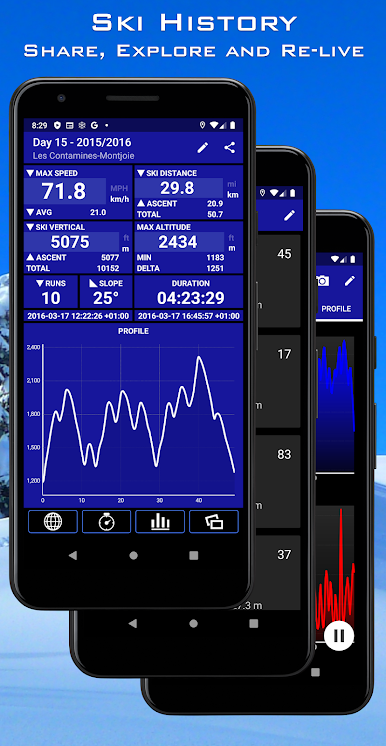
See how your stats stack up—whether it’s just against yourself or a group of friends. You get detailed history to look back at, and you can share your numbers once you’ve thawed your fingers out. -
Works Seamlessly with BlueStacks
If you’d rather check out your trails on a bigger screen, you can view your Ski Tracks experience using BlueStacks, giving your winter stories a little extra room.
Slay your opponents with your epic moves. Play it your way on BlueStacks and dominate the battlefield.
Juega Ski Tracks en la PC. Es fácil comenzar.
-
Descargue e instale BlueStacks en su PC
-
Complete el inicio de sesión de Google para acceder a Play Store, o hágalo más tarde
-
Busque Ski Tracks en la barra de búsqueda en la esquina superior derecha
-
Haga clic para instalar Ski Tracks desde los resultados de búsqueda
-
Complete el inicio de sesión de Google (si omitió el paso 2) para instalar Ski Tracks
-
Haz clic en el ícono Ski Tracks en la pantalla de inicio para comenzar a jugar

