

Corthy: Gestão, Agenda +
Jogue no PC com BlueStacks - A Plataforma de Jogos Android, confiada por mais de 500 milhões de jogadores.

Página modificada em: Dec 7, 2025
Run Corthy - Gestão Salão e Barbearia on PC or Mac
Get freedom from your phone’s obvious limitations. Use Corthy – Gestão Salão e Barbearia, made by Corthy – Tecnologia e Inovação, a Tools app on your PC or Mac with BlueStacks, and level up your experience.
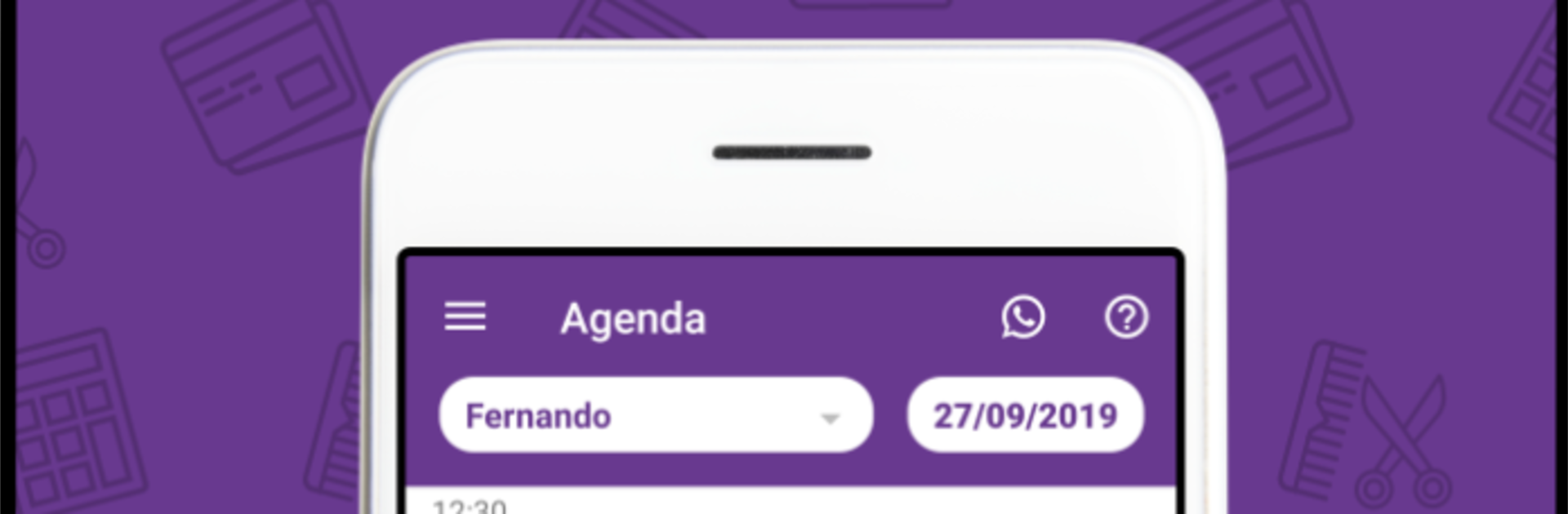
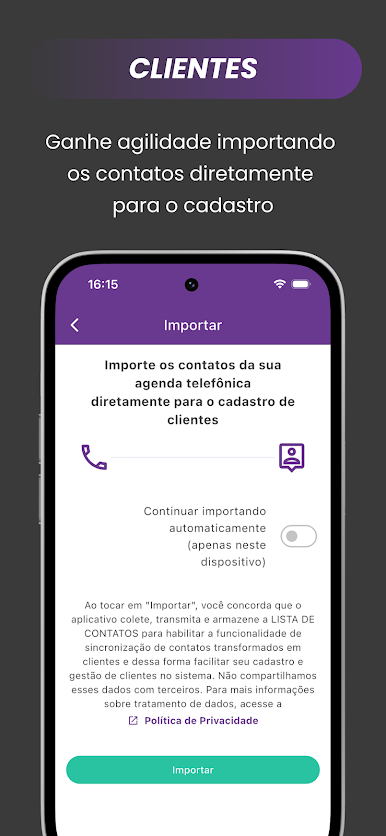
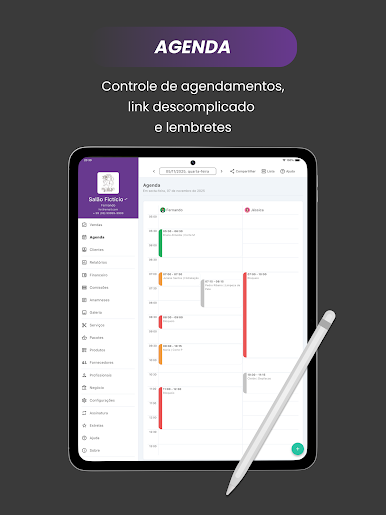
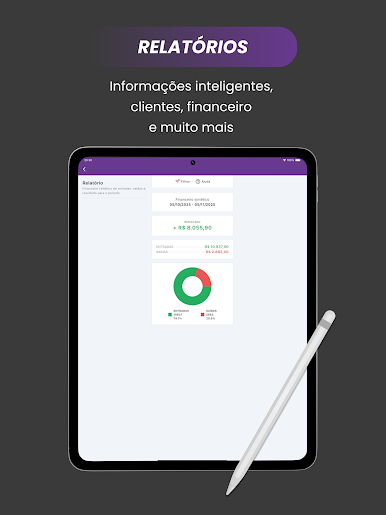
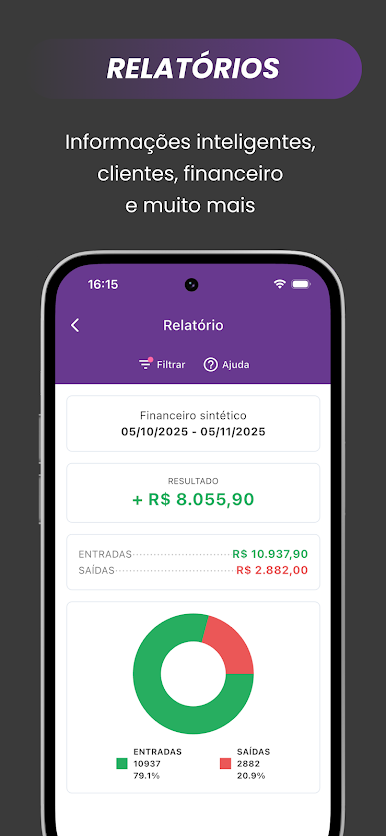
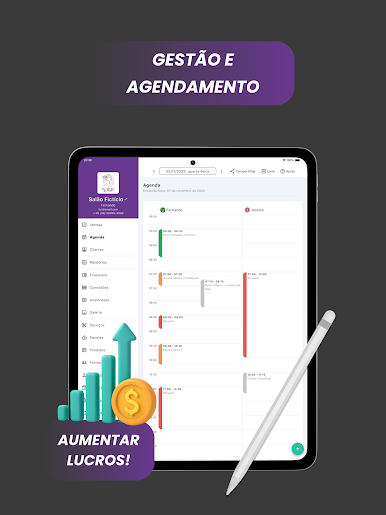
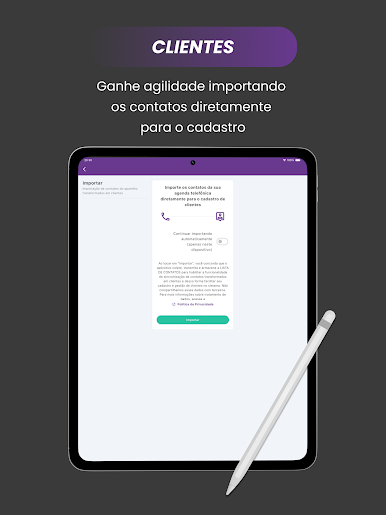
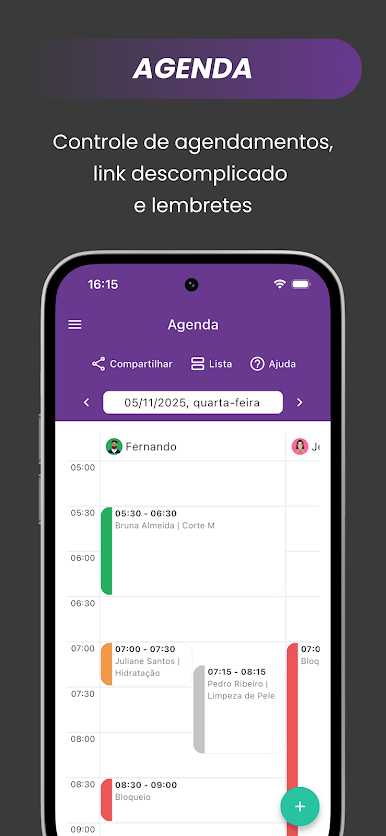
Corthy is basically a no-nonsense manager for salons and barbershops that keeps the day from getting messy. It pulls the important stuff into one place so the owner is not jumping between apps. There is a clear schedule to slot in appointments, a simple sales screen, a client list that actually makes sense, and spots to track commissions, stock, finances, suppliers, reports, and even photos. It feels built for real-life shops too, not just hair. Nail bars, tattoo studios, podology and aesthetics clinics, spa setups, it covers those flows without drama.
On a PC with BlueStacks, the calendar and reports are easier to read at a glance, and dragging through the day to move bookings around is smoother on a big screen. Setting services, prices, and who on the team is doing what takes a few taps. The client pages are handy for notes and photos, so the next visit is not guesswork. End of day numbers are right there, commissions are calculated, and inventory does not get forgotten until it is gone. It is not flashy, but it is quick, which matters more when the phone keeps ringing. Solo barber or a full spa team, it scales without feeling heavy. There is a 7 day free try, so it is simple to see if it fits the way the shop already works.
Big screen. Bigger performance. Use BlueStacks on your PC or Mac to run your favorite apps.

Jogue Corthy: Gestão, Agenda + no PC. É fácil começar.
-
Baixe e instale o BlueStacks no seu PC
-
Conclua o login do Google para acessar a Play Store ou faça isso mais tarde
-
Procure por Corthy: Gestão, Agenda + na barra de pesquisa no canto superior direito
-
Clique para instalar Corthy: Gestão, Agenda + a partir dos resultados da pesquisa
-
Conclua o login do Google (caso você pulou a etapa 2) para instalar o Corthy: Gestão, Agenda +
-
Clique no ícone do Corthy: Gestão, Agenda + na tela inicial para começar a jogar

