


Reminder PRO
Chơi trên PC với BlueStacks - Nền tảng chơi game Android, được hơn 500 triệu game thủ tin tưởng.

Trang đã được sửa đổi vào: Nov 6, 2025
Play Reminder PRO on PC
★Features:★
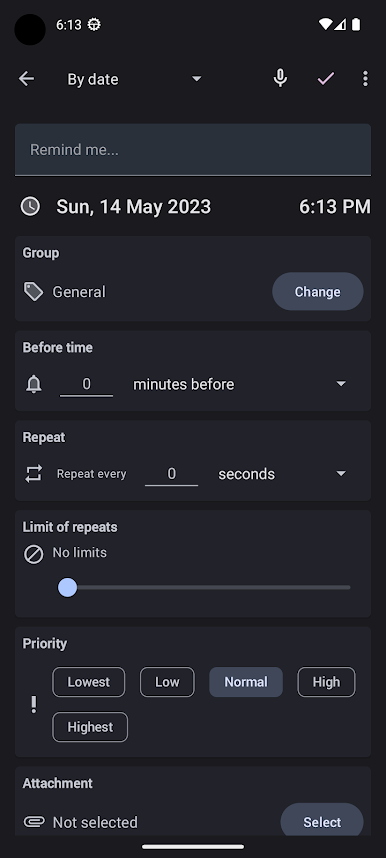
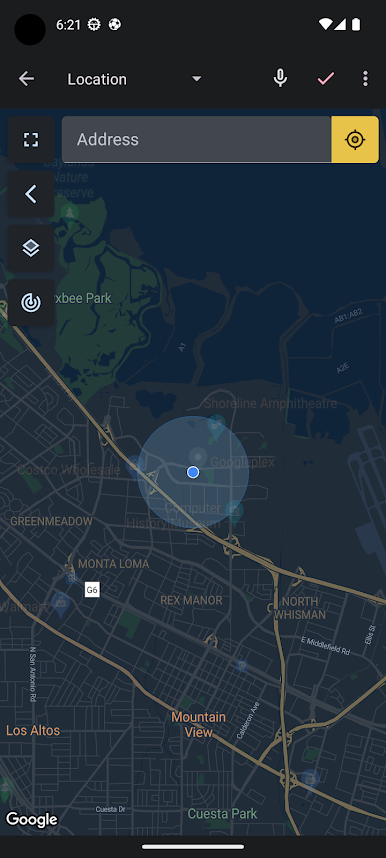
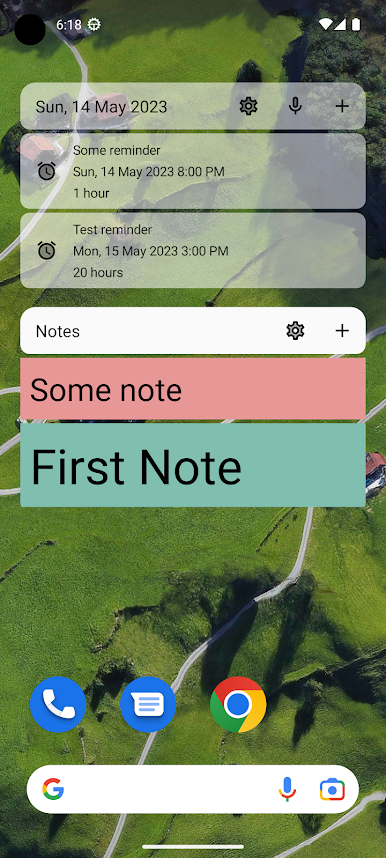
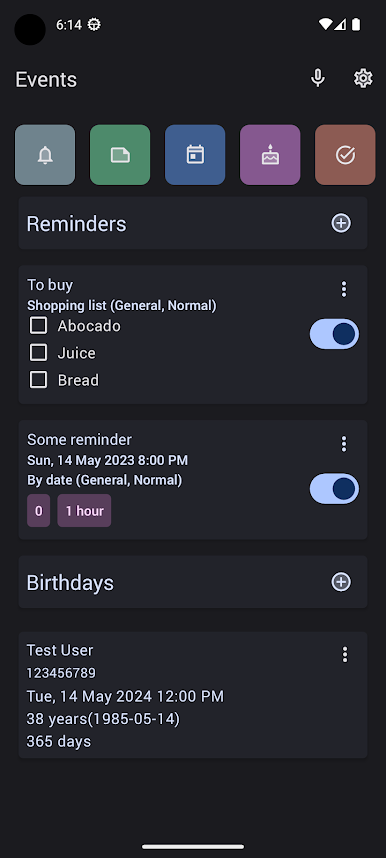
Scheduled and Location Reminders: Set up reminders based on time or location, ensuring you never forget important tasks or events, whether you're at home, at work, or on the go.
Birthday Reminders: Keep track of the birthdays of your loved ones effortlessly. Reminder PRO will ensure you never miss a birthday celebration again!
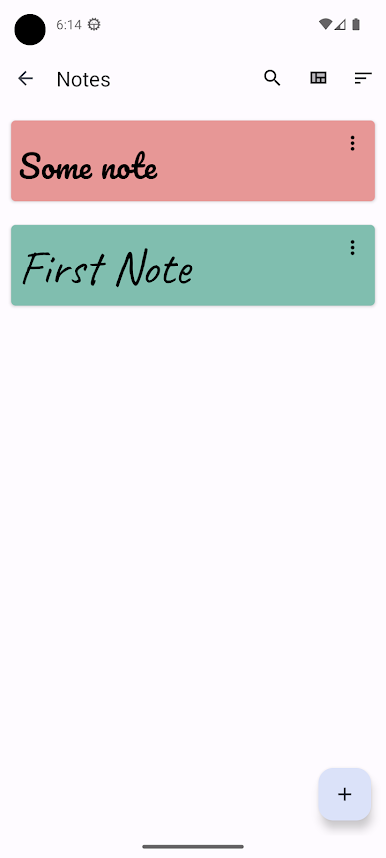
Notes: Capture your thoughts, ideas, and to-do lists with ease. Reminder PRO provides a simple and intuitive note-taking interface for your convenience.
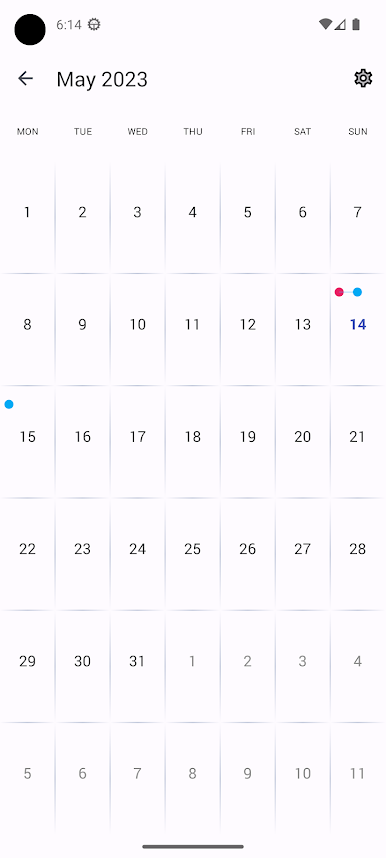
Integration with Google Calendar: Seamlessly sync your reminders and events with Google Calendar, allowing you to manage your schedule across platforms effortlessly.
Google Drive and Dropbox Backup: Safeguard your data by backing up your reminders, notes, and birthdays to Google Drive or Dropbox. Rest assured that your important information is always securely stored and accessible from anywhere.
Customizable Alerts: Personalize your reminders with customizable alert tones and notification preferences, ensuring you never overlook an important reminder.
User-Friendly Interface: Enjoy a sleek and intuitive user interface designed for ease of use, making it simple to navigate through your reminders, notes, and birthdays.
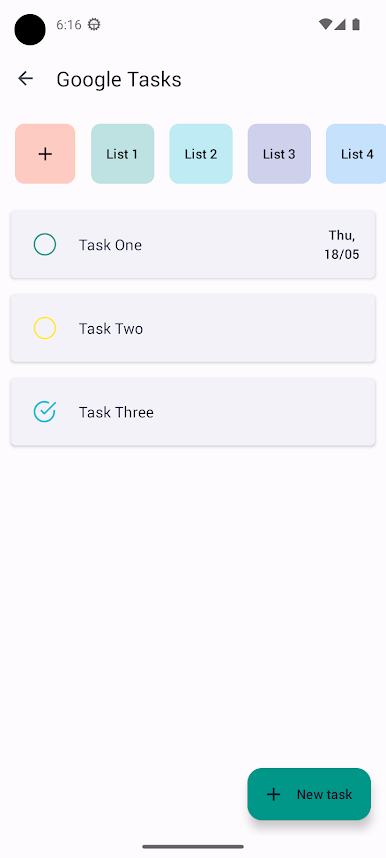
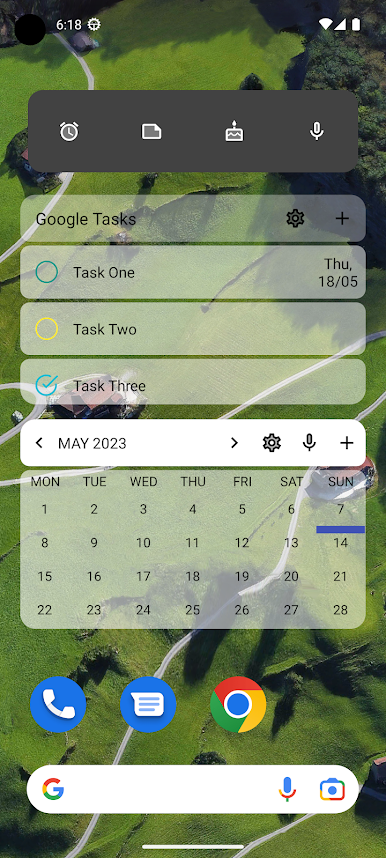
Google Tasks Integration: With Reminder PRO, you can now synchronize your Google Tasks directly into your reminders, creating a centralized hub for all your important to-dos and events. Whether it's a work deadline or a personal errand, stay on top of your tasks effortlessly.
★Additional features★
• Support Android Wear Notification;
• Wide choice of widgets to the home screen with the ability to configure their appearance;
• Ability to create repeatable reminders with iCalendar rules;
• Additional fonts for Notes;
• Indication LED (if supported by your device);
• Ability to select color LED indicator for each reminder;
• Ability to configure reminder of birthdays;
• Choice of style marker card (16 colors).
Official Web page - https://sukhovych.com/reminder-application/
Source code: https://github.com/naz013/reminder-kotlin.
Chơi Reminder PRO trên PC. Rất dễ để bắt đầu
-
Tải và cài đặt BlueStacks trên máy của bạn
-
Hoàn tất đăng nhập vào Google để đến PlayStore, hoặc thực hiện sau
-
Tìm Reminder PRO trên thanh tìm kiếm ở góc phải màn hình
-
Nhấn vào để cài đặt Reminder PRO trong danh sách kết quả tìm kiếm
-
Hoàn tất đăng nhập Google (nếu bạn chưa làm bước 2) để cài đặt Reminder PRO
-
Nhấn vào icon Reminder PRO tại màn hình chính để bắt đầu chơi

