


grieta de caramelo
Juega en PC con BlueStacks: la plataforma de juegos Android, en la que confían más de 500 millones de jugadores.

Página modificada el: Aug 22, 2024
Play Candy Crack Mania on PC or Mac
Explore a whole new adventure with Candy Crack Mania, a Casual game created by PuzzleLoft. Experience great gameplay with BlueStacks, the most popular gaming platform to play Android games on your PC or Mac.
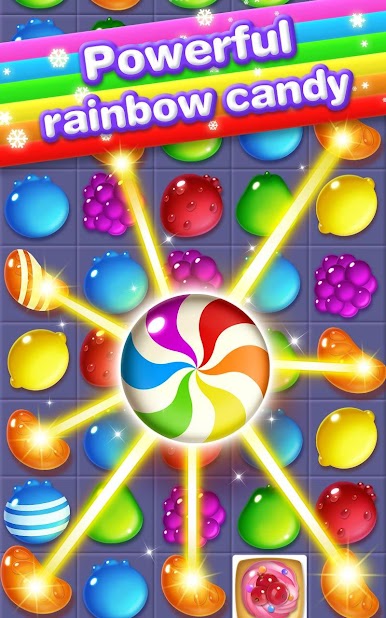
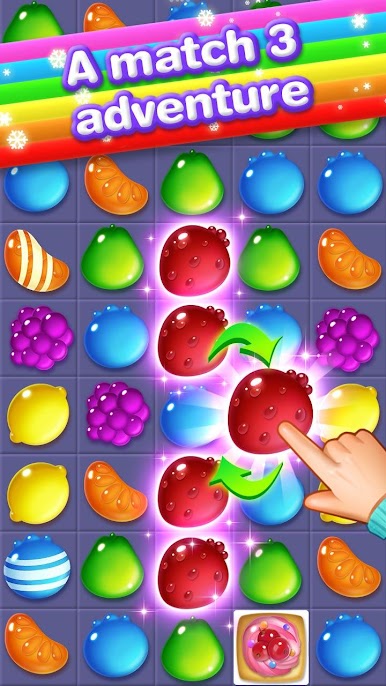
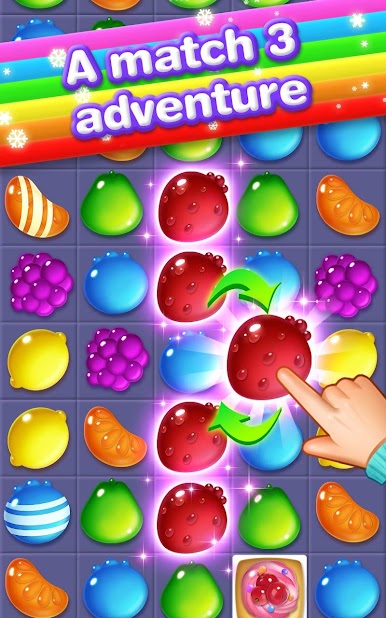
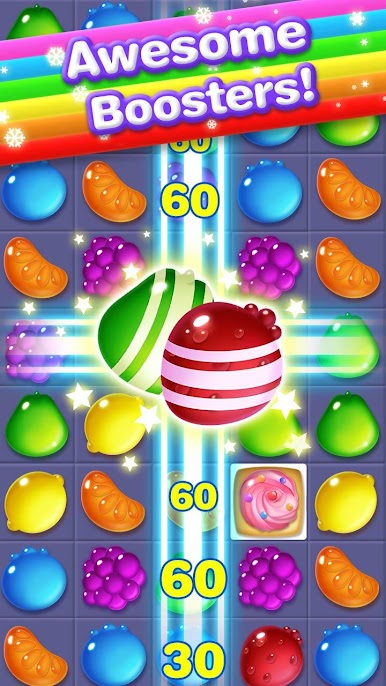
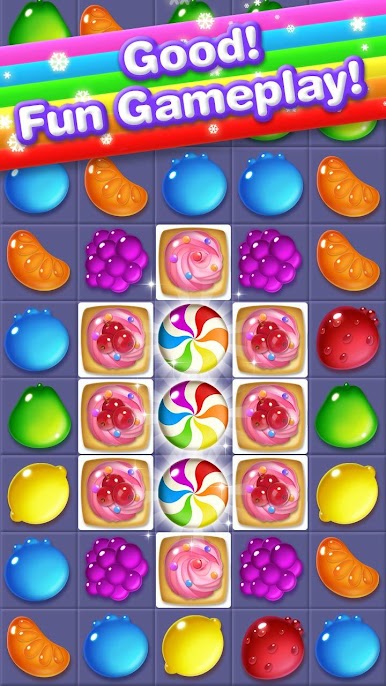
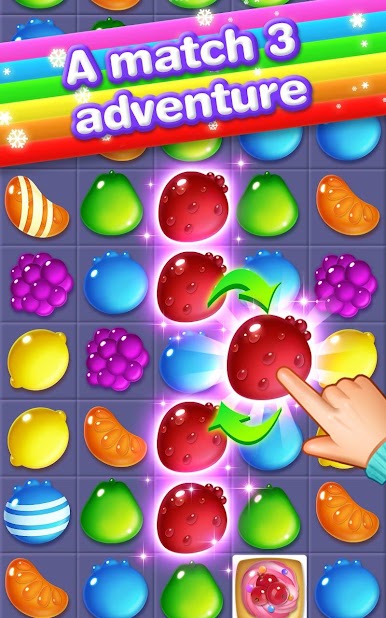
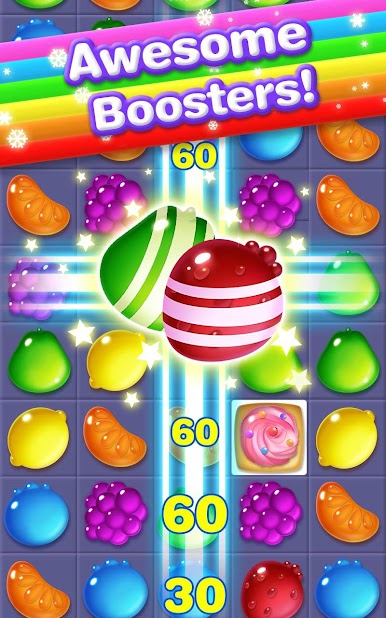
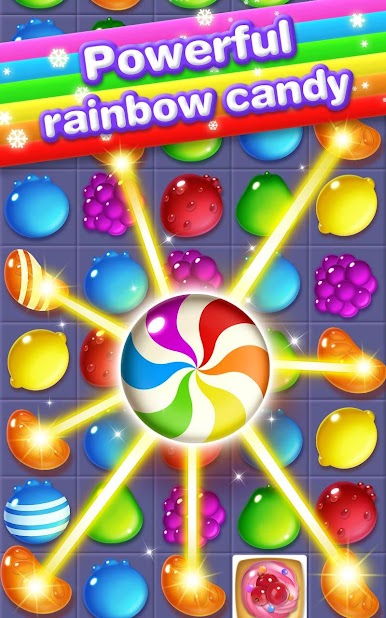
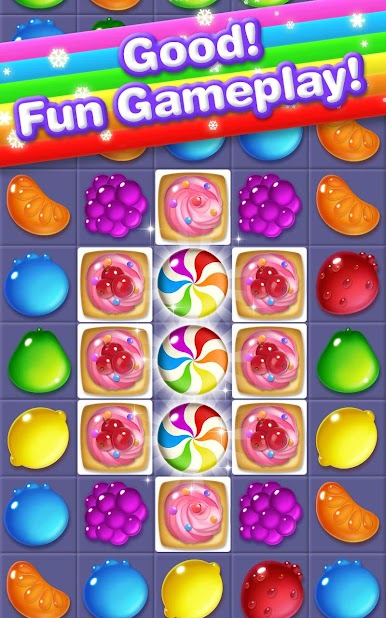
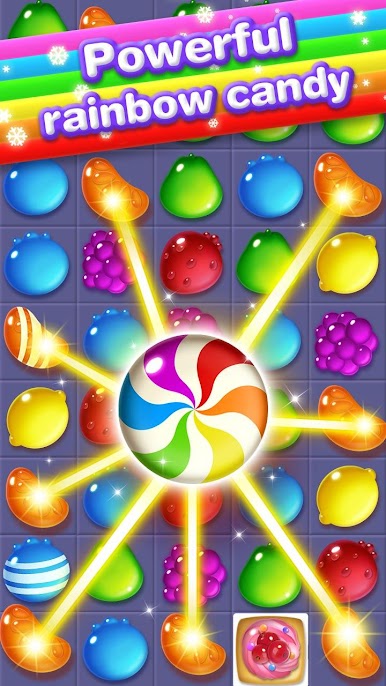
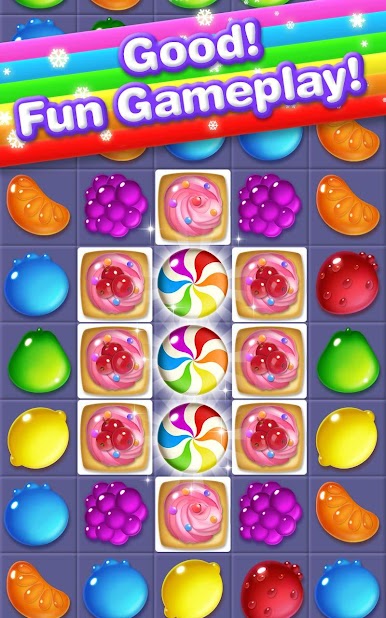
Candy Crack Mania is a straight up match 3 with a bright, candy store look and a nice snap to the moves. Match three to clear space, line up four or more to spawn a special candy that rips through rows or chunks of the board, and try to chain those effects so the screen pops off in a satisfying burst. Goals change from stage to stage, so one level might push for a high score while another wants yellow ducks or those rainbow icebar pieces collected. Those items also show up as helpful tools when the board gets crowded, so saving them for the right moment feels smart.
There are a lot of levels, enough that it turns into an easy daily habit game. Early stages are breezy, later ones lean on planning, like setting up combos instead of chasing the first match that shows up. The animation is smooth and the candy explosions look clean, not messy, so it is easy to read the board. On PC with BlueStacks, dragging pieces with a mouse feels precise and the larger screen helps spot lines that are easy to miss on a phone. It is simple to learn, but there is some bite once blockers and tricky layouts arrive, which keeps the loop from going stale.
Make your gaming sessions memorable with precise controls that give you an edge in close combats and visuals that pop up, bringing every character to life.






Juega grieta de caramelo en la PC. Es fácil comenzar.
-
Descargue e instale BlueStacks en su PC
-
Complete el inicio de sesión de Google para acceder a Play Store, o hágalo más tarde
-
Busque grieta de caramelo en la barra de búsqueda en la esquina superior derecha
-
Haga clic para instalar grieta de caramelo desde los resultados de búsqueda
-
Complete el inicio de sesión de Google (si omitió el paso 2) para instalar grieta de caramelo
-
Haz clic en el ícono grieta de caramelo en la pantalla de inicio para comenzar a jugar

