


Crehana Learn
在電腦上使用BlueStacks –受到5億以上的遊戲玩家所信任的Android遊戲平台。

Run Crehana: AI HR Platform on PC or Mac
Multitask effortlessly on your PC or Mac as you try out Crehana: AI HR Platform, a Education app by Crehana on BlueStacks.
About the App
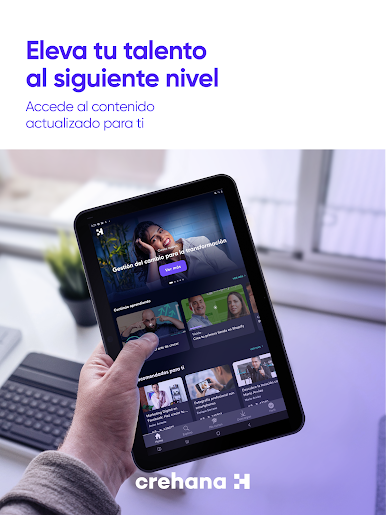
Crehana: AI HR Platform brings a fresh, smart spin to managing people at work. Whether you’re juggling shift changes or keeping up with team goals, this app helps make things run smoother. If you want a single spot for everything from HR paperwork to employee education, you’re in the right place—expect less hassle and more time to focus on what actually matters.
App Features
-
All-in-One Team Management
Ready to lose the endless spreadsheets? You can organize charts, policies, and employee records all in one place. Need to handle new hires or someone’s exit? It’s automated, so you just tap a few times and you’re set. -
Time Off, Sorted
Vacation or sick leave, the app tracks it for you and keeps everyone in the loop about who’s available. -
Learning & Growth Hub
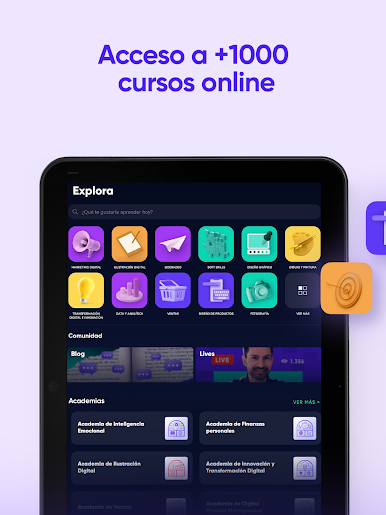
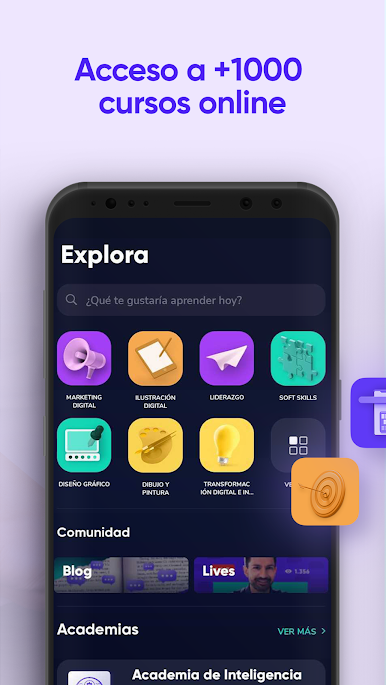
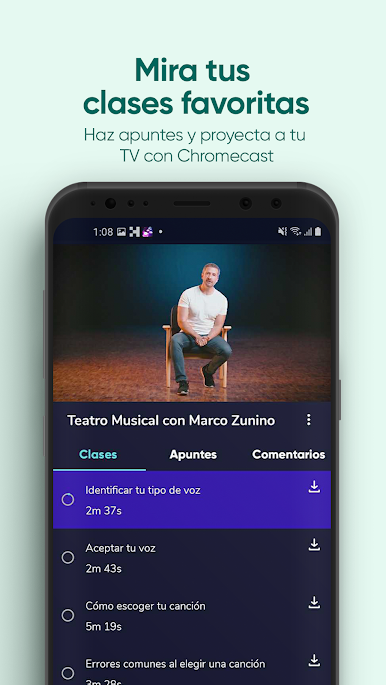
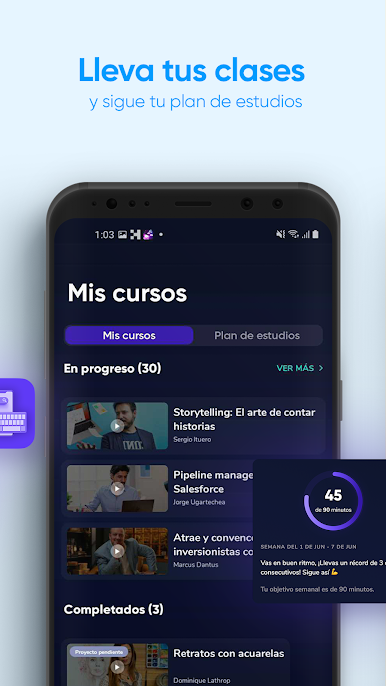
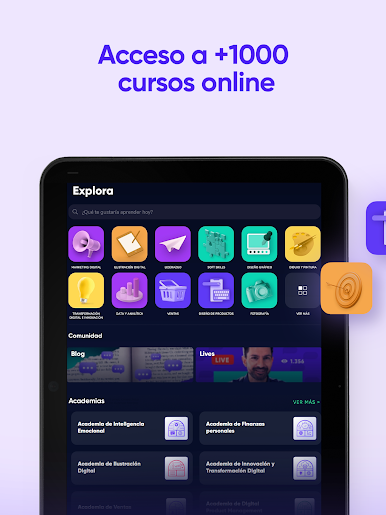
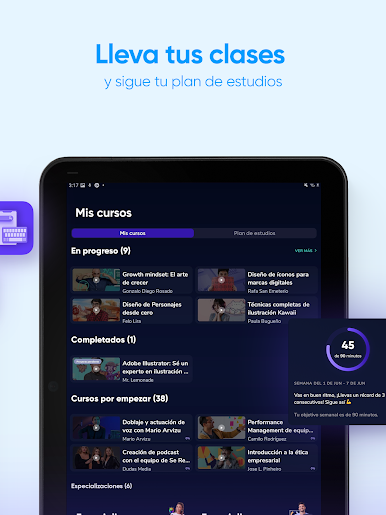
You get access to a huge library of courses—over 2,500, actually—plus certifications and exclusive content. There are quick skill assessments to see where you stand, and learning feels more like a game than homework. -
Stay on Track with Performance
Set goals for people or teams and actually see progress. Tools for feedback and competency checks are powered by AI, so you get real, actionable info rather than empty buzzwords. -
Boost Company Culture
Check the mood of your team with pulse surveys and eNPS, all right from the app. Real-time feedback and custom recognition help everyone feel seen—and you can manage employee perks, too. -
Smart, AI-Driven Reports
Get easy-to-read dashboards and sentiment insights, so you don’t waste hours trying to figure out how things are going.
For those who like an even bigger view, using Crehana: AI HR Platform with BlueStacks lets you manage everything on a larger screen—handy when you’re knee-deep in reports or planning sessions.
Big screen. Bigger performance. Use BlueStacks on your PC or Mac to run your favorite apps.
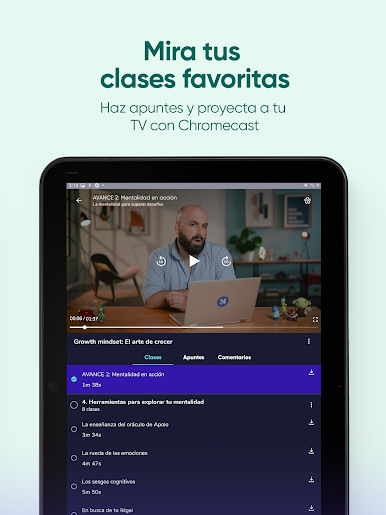
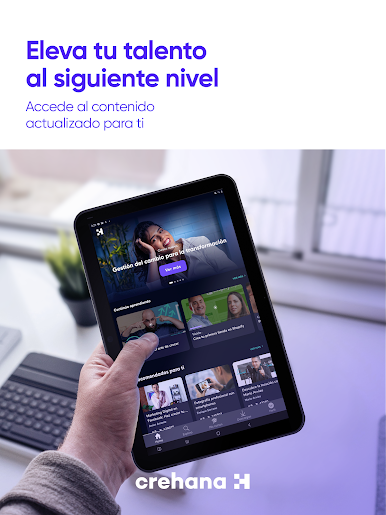

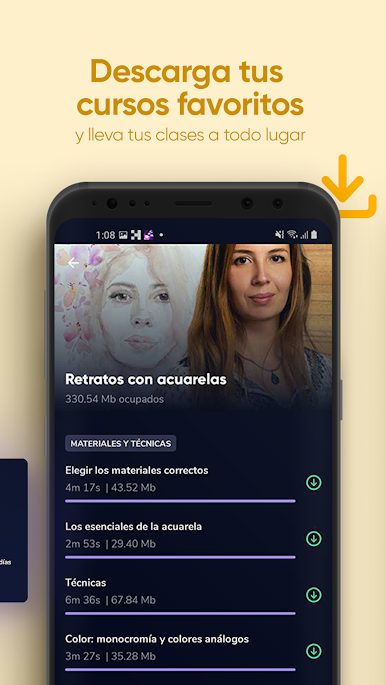
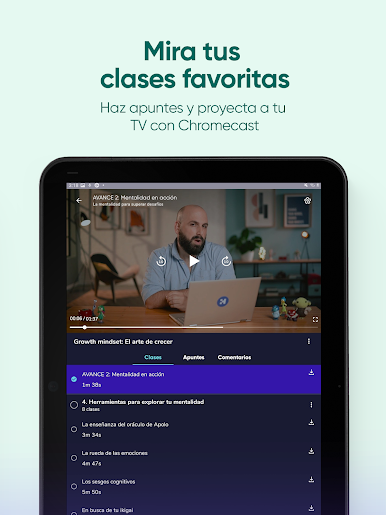
在電腦上遊玩Crehana Learn . 輕易上手.
-
在您的電腦上下載並安裝BlueStacks
-
完成Google登入後即可訪問Play商店,或等你需要訪問Play商店十再登入
-
在右上角的搜索欄中尋找 Crehana Learn
-
點擊以從搜索結果中安裝 Crehana Learn
-
完成Google登入(如果您跳過了步驟2),以安裝 Crehana Learn
-
在首頁畫面中點擊 Crehana Learn 圖標來啟動遊戲

