


このページには広告が含まれます
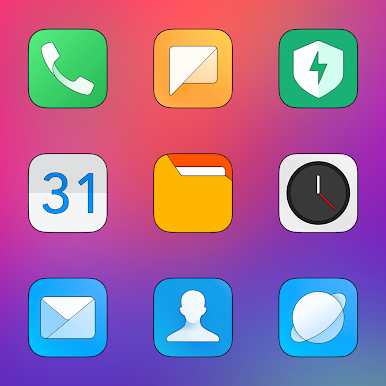
MIUI HD - Icon Pack
パーソナライゼーション | Cris87
BlueStacksを使ってPCでプレイ - 5憶以上のユーザーが愛用している高機能Androidゲーミングプラットフォーム

Play MIUI HD - Icon Pack on PC
INFORMATION:
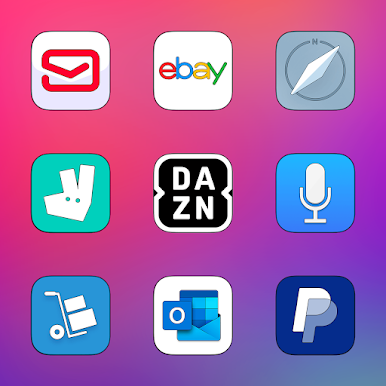
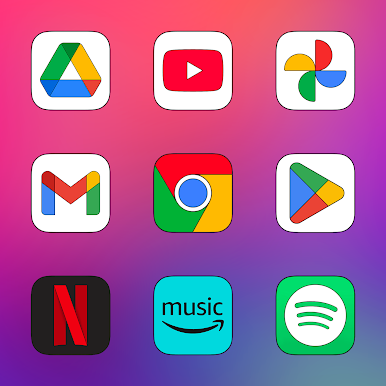
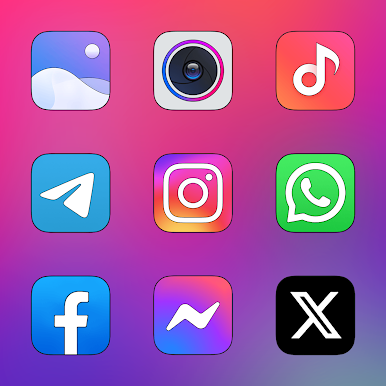
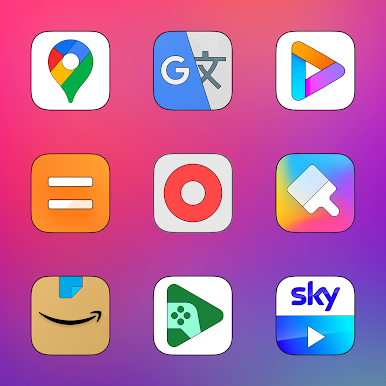
* 4155 icons with Resolution 2K SuperHD+ (360x360)Pixel!
* 125 HD Wallpapers with Resolution 2K (1440x2560) Pixel!
* Each icon has been designed with extreme care of details!
* Triple Icons Rendering Process!
* Automatic Masking for Missing Icons!
* Dynamic Calendar for App Stock & Google Calendar!
* Missing Icons Request directly through the app (3 Free for each release)!
* Update Periodicals Guaranteed!
USER INFO:
• This Icon Pack needs a compatible launcher to be applied (Nova Launcher, Action Launcher, etc.)!
Special thanks to D. Mahardhika for CandyBar.
* 4155 icons with Resolution 2K SuperHD+ (360x360)Pixel!
* 125 HD Wallpapers with Resolution 2K (1440x2560) Pixel!
* Each icon has been designed with extreme care of details!
* Triple Icons Rendering Process!
* Automatic Masking for Missing Icons!
* Dynamic Calendar for App Stock & Google Calendar!
* Missing Icons Request directly through the app (3 Free for each release)!
* Update Periodicals Guaranteed!
USER INFO:
• This Icon Pack needs a compatible launcher to be applied (Nova Launcher, Action Launcher, etc.)!
Special thanks to D. Mahardhika for CandyBar.
MIUI HD - Icon PackをPCでプレイ
-
BlueStacksをダウンロードしてPCにインストールします。
-
GoogleにサインインしてGoogle Play ストアにアクセスします。(こちらの操作は後で行っても問題ありません)
-
右上の検索バーにMIUI HD - Icon Packを入力して検索します。
-
クリックして検索結果からMIUI HD - Icon Packをインストールします。
-
Googleサインインを完了してMIUI HD - Icon Packをインストールします。※手順2を飛ばしていた場合
-
ホーム画面にてMIUI HD - Icon Packのアイコンをクリックしてアプリを起動します。

