


Pixly 3D - Icon Pack
Play on PC with BlueStacks – the Android Gaming Platform, trusted by 500M+ gamers.

Page Modified on: Dec 10, 2025
Play Pixly 3D - Icon Pack on PC
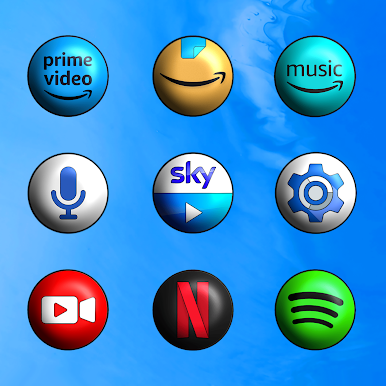
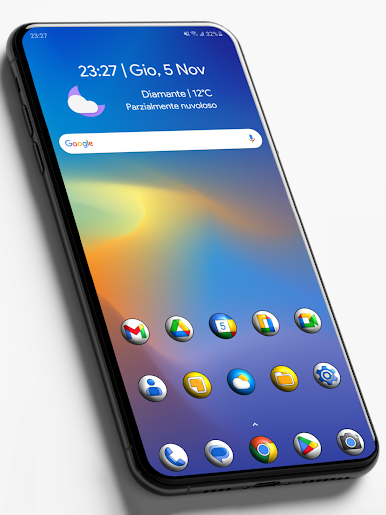
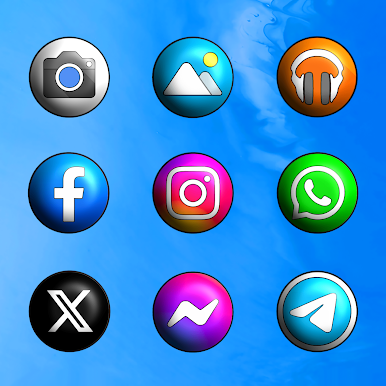
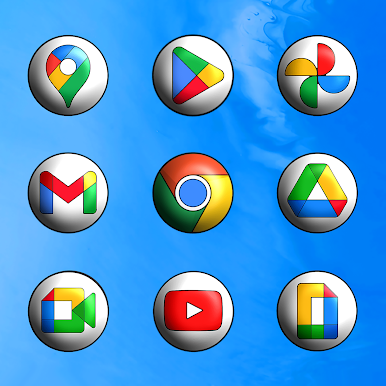
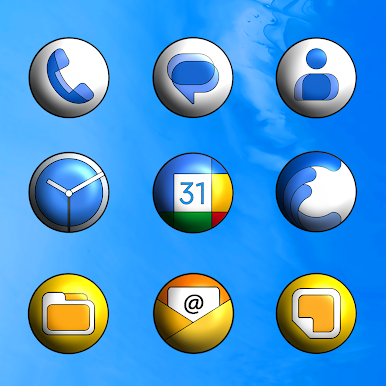
* 8125 Icons Resolution 2K SuperHD+(300 X 300)Pixel!
* 85 HD Wallpapers with Resolution 2K (2000x2000)Pixel!
* Each icon has been designed with extreme care of details!
* Triple Icons Rendering Process!
* Automatic Masking for Missing Icons!
* Dynamic Calendar for App Stock & Google Calendar!
* Missing Icons Request directly through the app (3 Free for each release)!
* Update Periodicals Guaranteed!
USER INFO:
• This Icon Pack needs a custom launcher to be applied.
Special thanks to D. Mahardhika for CandyBar.
Play Pixly 3D - Icon Pack on PC. It’s easy to get started.
-
Download and install BlueStacks on your PC
-
Complete Google sign-in to access the Play Store, or do it later
-
Look for Pixly 3D - Icon Pack in the search bar at the top right corner
-
Click to install Pixly 3D - Icon Pack from the search results
-
Complete Google sign-in (if you skipped step 2) to install Pixly 3D - Icon Pack
-
Click the Pixly 3D - Icon Pack icon on the home screen to start playing

