


このページには広告が含まれます
Crispy Icon Pack
パーソナライゼーション | FLATEDGE
BlueStacksを使ってPCでプレイ - 5憶以上のユーザーが愛用している高機能Androidゲーミングプラットフォーム

Play Crispy Icon Pack on PC
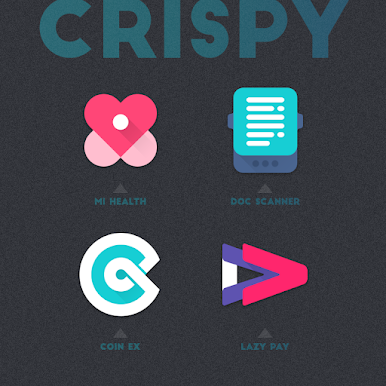
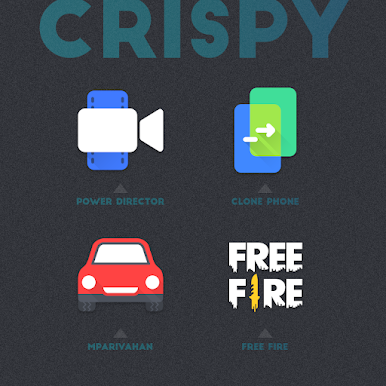
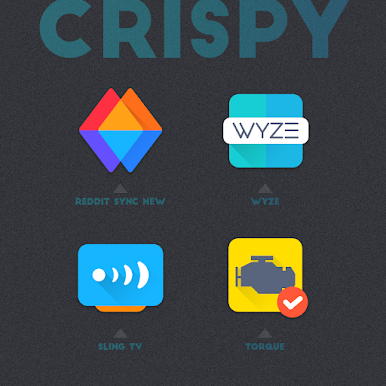
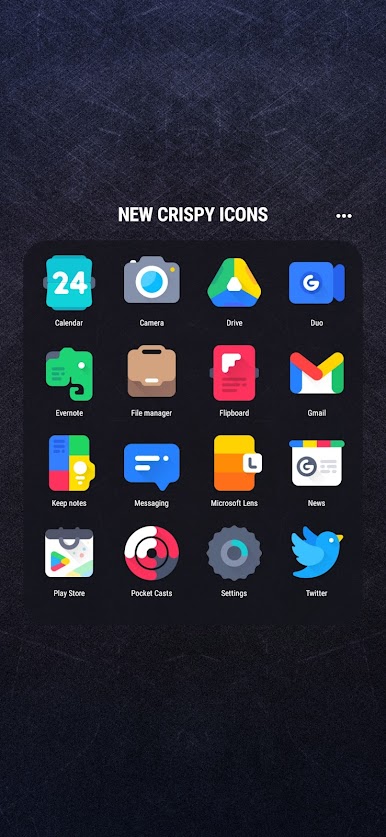
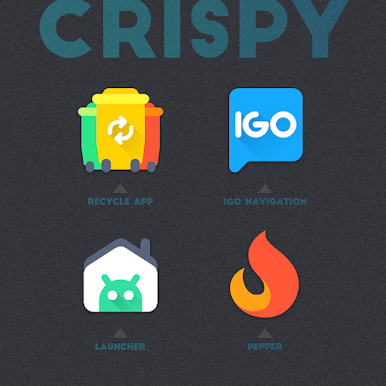
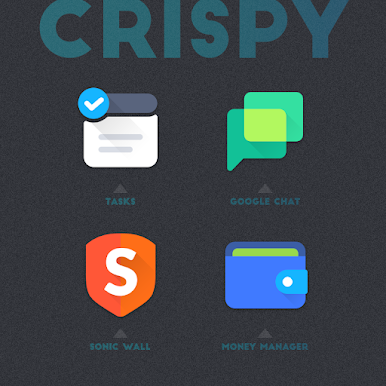
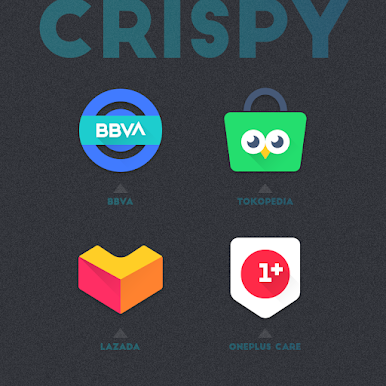
Crispy. Shapeless. Unique. Vibrant.
FEATURES
▸ 4000+ icons
▸ Regular Updates
▸ Dock icons
▸ Alternative icons
▸ Custom folders icons
▸ Cloud based wallpapers
▸ Dynamic Calendar support
▸ Icon request tool
▸ Material Dashboard
▸ Premium icon request support
Crispy icon pack with unique shapeless icons gives your android device home screen beautiful look and extra special icons let you add your personal touch to your liking.
How to use this Icon pack?
▸ Install the supported Launcher
▸ Open Crispy Icon Pack and Go to Apply section and Select Launcher to apply.
If your launcher is not in the list then apply manually from the launcher settings section.
BEFORE YOU GO
• Icon pack requires a supported launcher
• App's help section holds FAQ and answers
RECOMMENDED LAUNCHER AND SETTINGS
▸ Use NOVA Launcher
▸ Set Icon Normalization Off From the Nova Launcher Settings
▸ Set Icon Size to 110% - 130%
SUPPORTED LAUNCHERS
• Nova Launcher(recommended) • Lawnchair Launcher • Microsoft Launcher • Smart Launcher • ADW Launcher • Action Launcher • Apex Launcher • Go Launcher • Poco Launcher • Evie Launcher
• Next Launcher • Solo Launcher • Hyperion Launcher • Niagara Launcher • Total Launcher • CM Theme Engine
This pack may supports other launchers which are not listed in the apply section of the app and supported launchers.
STAY IN TOUCH!
https://twitter.com/FLATEDGE1418
https://mewe.com/i/flatedge
Any Help?
Mail me @ flatedge18@gmail.com
FEATURES
▸ 4000+ icons
▸ Regular Updates
▸ Dock icons
▸ Alternative icons
▸ Custom folders icons
▸ Cloud based wallpapers
▸ Dynamic Calendar support
▸ Icon request tool
▸ Material Dashboard
▸ Premium icon request support
Crispy icon pack with unique shapeless icons gives your android device home screen beautiful look and extra special icons let you add your personal touch to your liking.
How to use this Icon pack?
▸ Install the supported Launcher
▸ Open Crispy Icon Pack and Go to Apply section and Select Launcher to apply.
If your launcher is not in the list then apply manually from the launcher settings section.
BEFORE YOU GO
• Icon pack requires a supported launcher
• App's help section holds FAQ and answers
RECOMMENDED LAUNCHER AND SETTINGS
▸ Use NOVA Launcher
▸ Set Icon Normalization Off From the Nova Launcher Settings
▸ Set Icon Size to 110% - 130%
SUPPORTED LAUNCHERS
• Nova Launcher(recommended) • Lawnchair Launcher • Microsoft Launcher • Smart Launcher • ADW Launcher • Action Launcher • Apex Launcher • Go Launcher • Poco Launcher • Evie Launcher
• Next Launcher • Solo Launcher • Hyperion Launcher • Niagara Launcher • Total Launcher • CM Theme Engine
This pack may supports other launchers which are not listed in the apply section of the app and supported launchers.
STAY IN TOUCH!
https://twitter.com/FLATEDGE1418
https://mewe.com/i/flatedge
Any Help?
Mail me @ flatedge18@gmail.com
Crispy Icon PackをPCでプレイ
-
BlueStacksをダウンロードしてPCにインストールします。
-
GoogleにサインインしてGoogle Play ストアにアクセスします。(こちらの操作は後で行っても問題ありません)
-
右上の検索バーにCrispy Icon Packを入力して検索します。
-
クリックして検索結果からCrispy Icon Packをインストールします。
-
Googleサインインを完了してCrispy Icon Packをインストールします。※手順2を飛ばしていた場合
-
ホーム画面にてCrispy Icon Packのアイコンをクリックしてアプリを起動します。

