

Xur Alert for Destiny 2
5억명 이상의 게이머가 신뢰하는 안드로이드 게임 플랫폼 BlueStacks으로 PC에서 플레이하세요.

Run Xur Alert for Destiny 2 on PC or Mac
Let BlueStacks turn your PC, Mac, or laptop into the perfect home for Xur Alert for Destiny 2, a fun Entertainment app from Crocus Games.
About the App
Xur Alert for Destiny 2 keeps you in the loop on everyone’s favorite weekend vendor without the guesswork. This Entertainment app from Crocus Games makes it easy to see what Xur’s selling, when he shows up, and which exotics are worth your shards. Prefer checking from a bigger screen? It works great with BlueStacks too.
App Features
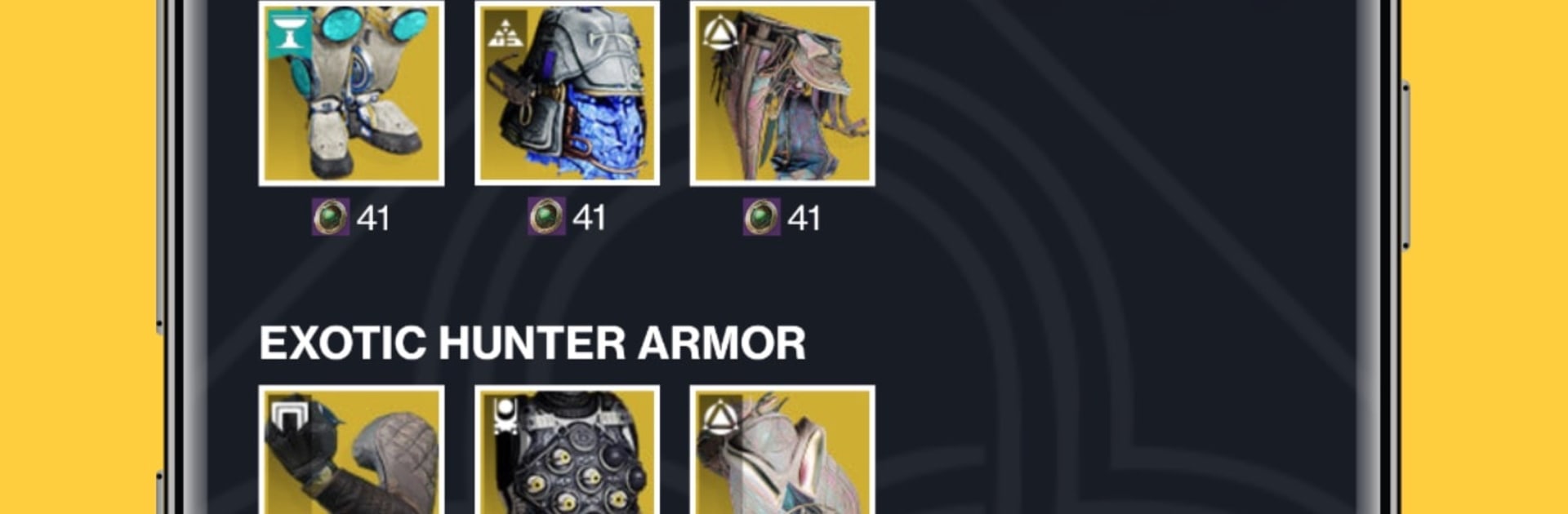
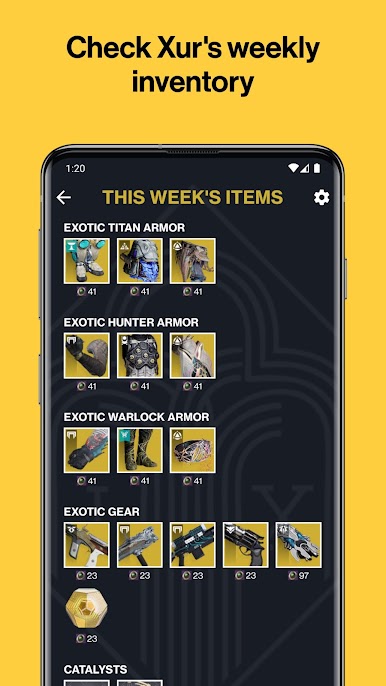
- Weekly stock, simplified: Browse Xur’s full selection each week in one place—no hopping between sources or missing that one piece you wanted.
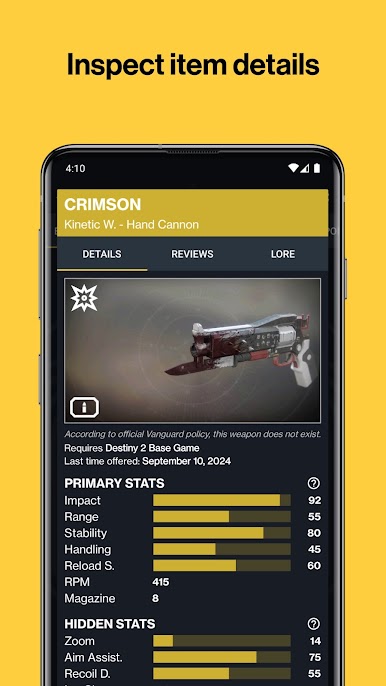
- Gear insights you can trust: See detailed stats, perks, and traits for weapons and armor so you can quickly decide what fits your build.
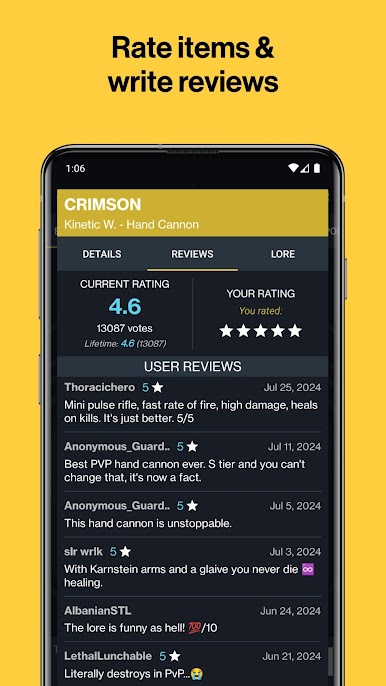
- Community wisdom: Check ratings and read opinions from other Guardians to help you buy with confidence—or skip the duds.
- God roll finder: Spot standout perk combos at a glance thanks to clear recommendations and indicators for top-tier rolls.
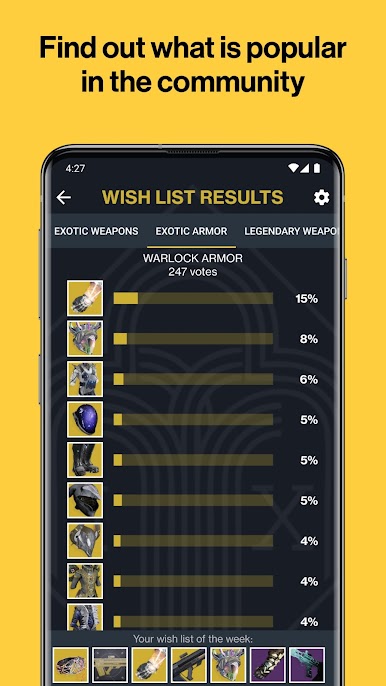
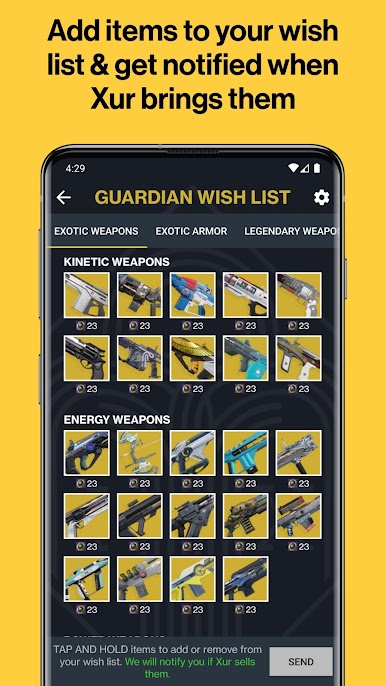
- Wish list heat: Track community-favorite items and keep your own must-haves front and center.
- Smart notifications: Get alerts when Xur arrives or leaves, plus personalized pings if he’s selling something on your wish list.
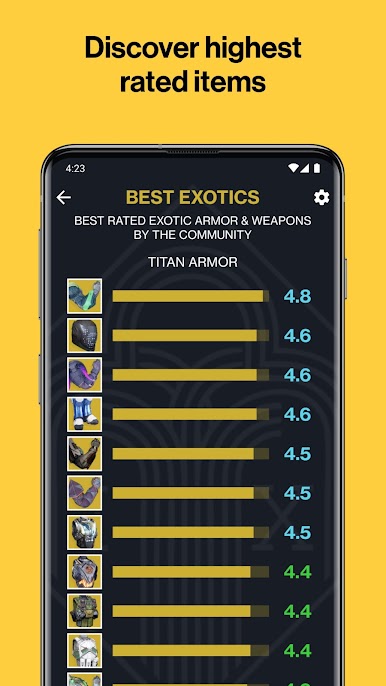
- Best-of exotics board: View a community-ranked list of standout exotics to see what’s hot right now.
- Full armory browser: Explore a comprehensive catalog of items Xur can offer so you know what’s possible.
- History and trends: Flip through past inventories (going back to Forsaken) and see how often exotics resurface.
- Local-time convenience: Arrival and departure times automatically adjust to your time zone, so timing checks are painless.
- Know the routine: Xur appears every Friday at 17:00 GMT and heads out on Tuesday at 17:00 GMT—never wonder when he’s around.
Big screen. Bigger performance. Use BlueStacks on your PC or Mac to run your favorite apps.

PC에서 Xur Alert for Destiny 2 플레이해보세요.
-
BlueStacks 다운로드하고 설치
-
Google Play 스토어에 로그인 하기(나중에 진행가능)
-
오른쪽 상단 코너에 Xur Alert for Destiny 2 검색
-
검색 결과 중 Xur Alert for Destiny 2 선택하여 설치
-
구글 로그인 진행(만약 2단계를 지나갔을 경우) 후 Xur Alert for Destiny 2 설치
-
메인 홈화면에서 Xur Alert for Destiny 2 선택하여 실행

