


World of Skins
Mainkan di PC dengan BlueStacks – platform Game-Game Android, dipercaya oleh lebih dari 500 juta gamer.

Run World of Skins on PC or Mac
Get freedom from your phone’s obvious limitations. Use World of Skins, made by Crone, a Tools app on your PC or Mac with BlueStacks, and level up your experience.
About the App
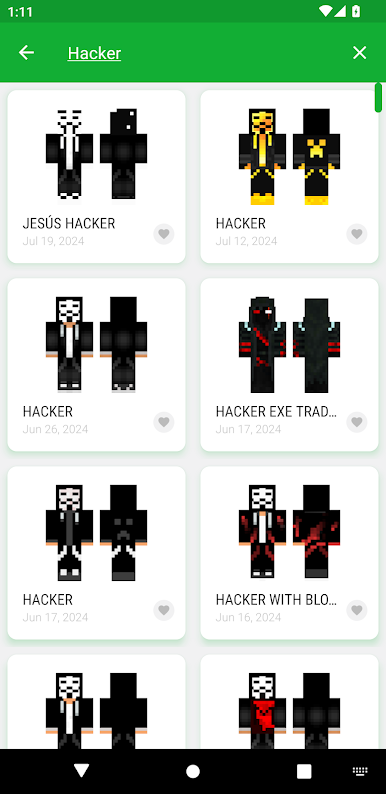
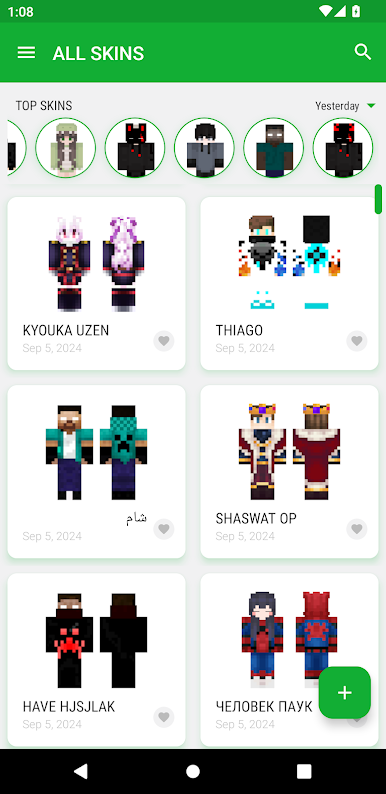
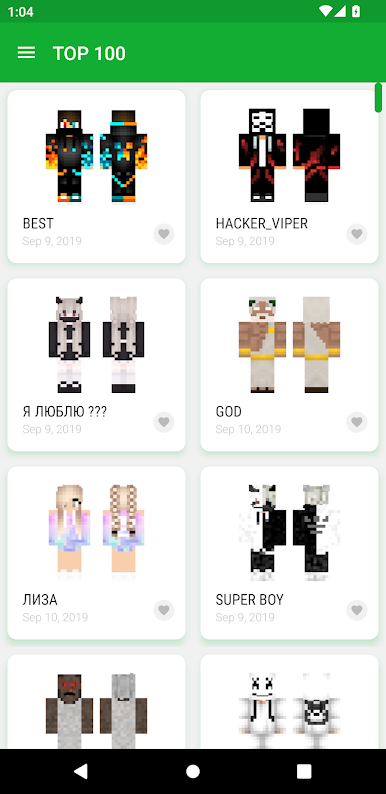
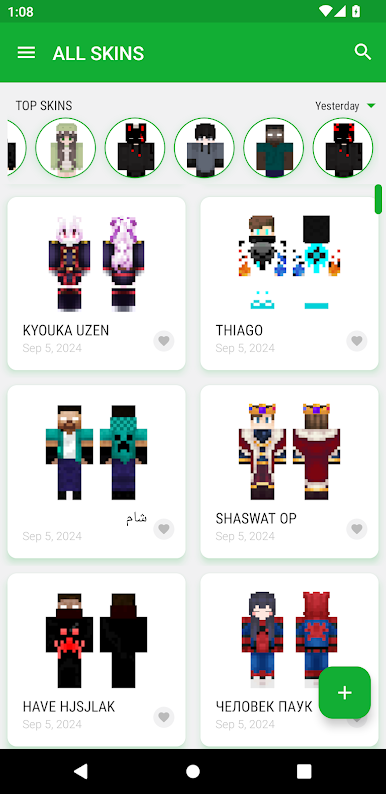
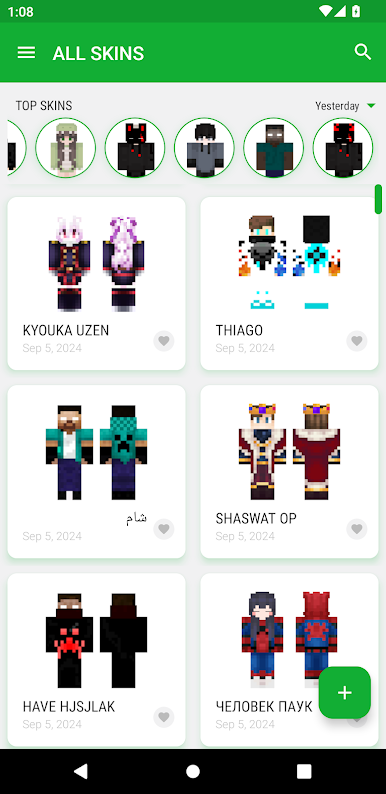
World of Skins is your go-to spot for finding and customizing awesome Minecraft skins, whether you’re a hardcore builder or just want to stand out in-game. You’ll get a huge range of choices, with everything neatly sorted so it’s easy to explore. Want to tweak a skin or save your favorites? No problem—this Tools app from Crone makes it simple. And if you’re running things through BlueStacks, all those options are right there on your bigger screen.
App Features
-
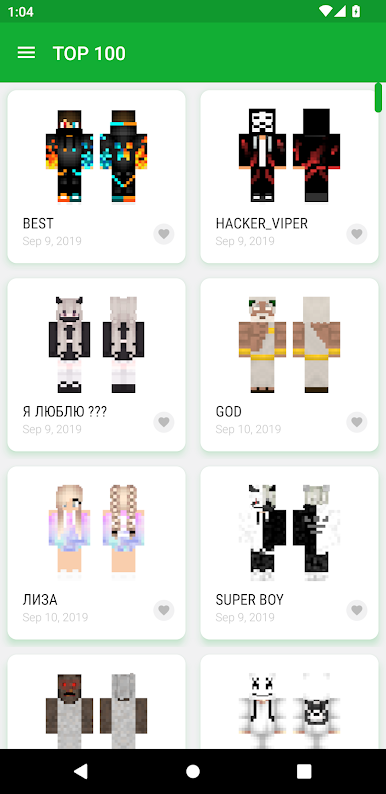
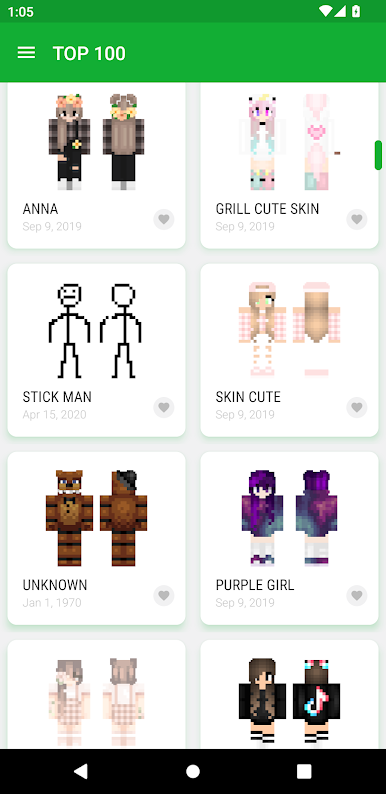
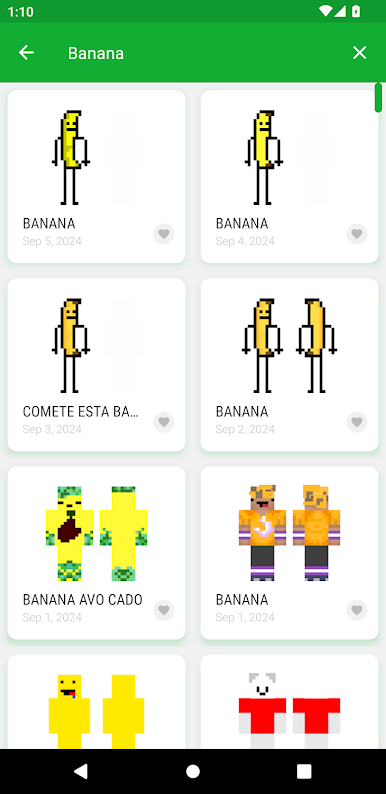
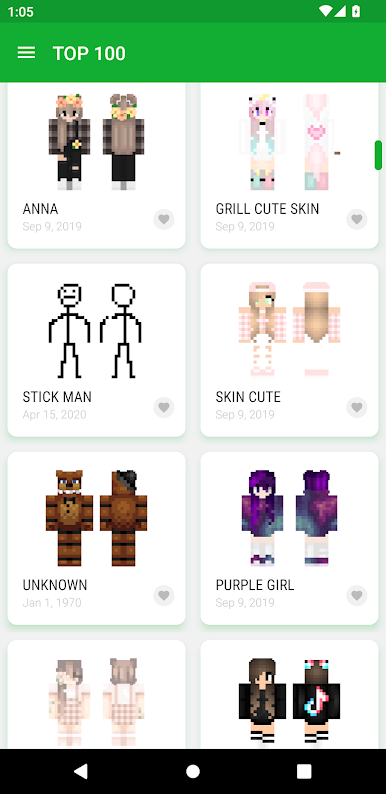
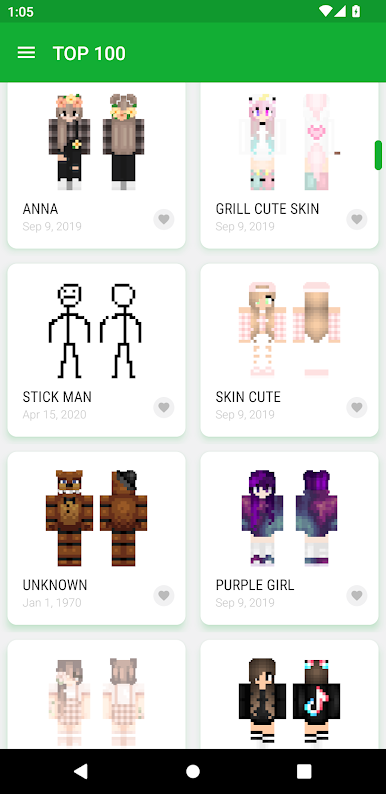
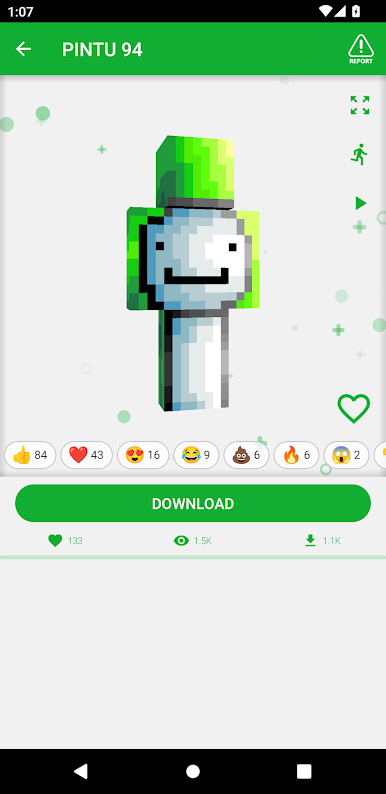
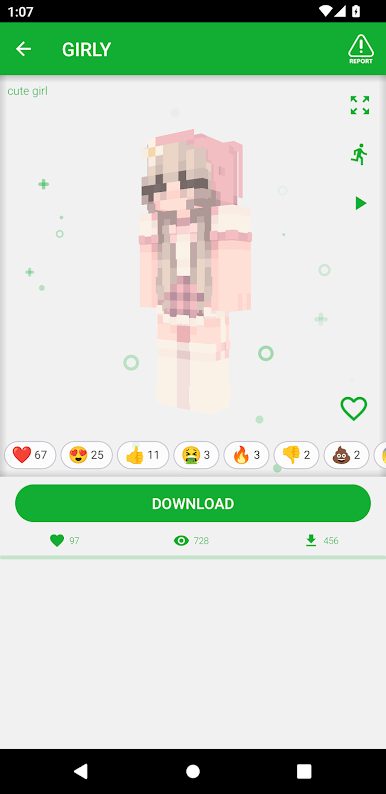
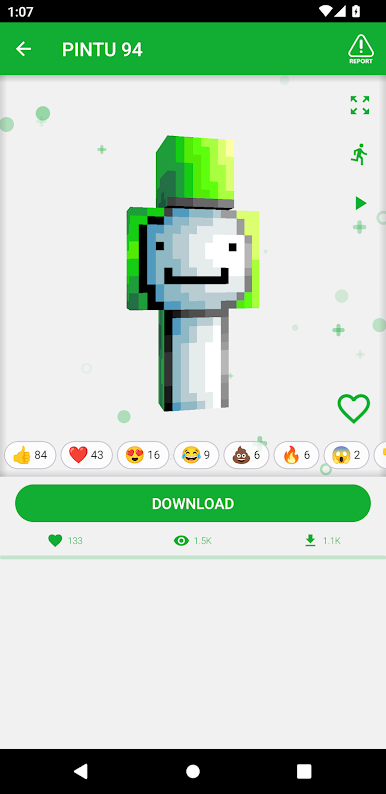
Massive Skin Library
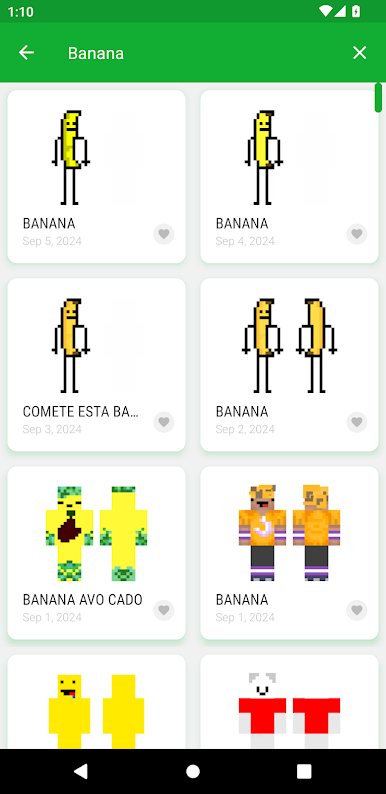
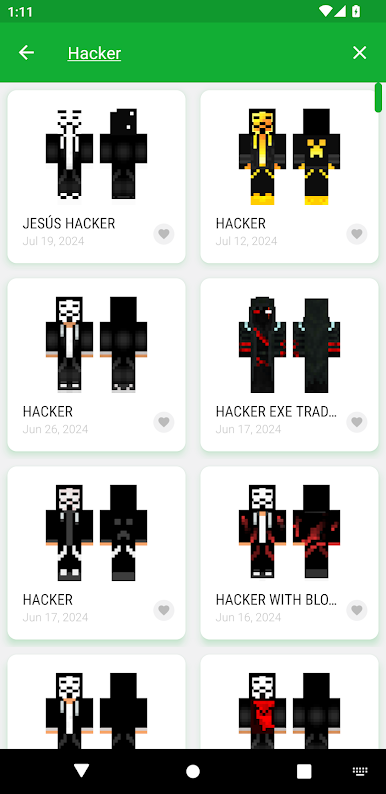
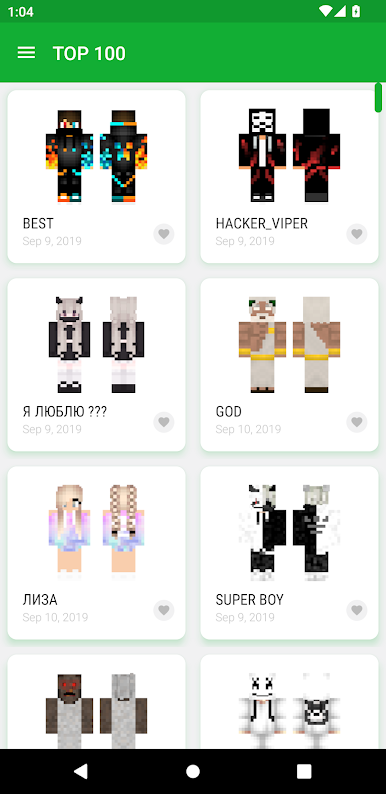
Browse through a gigantic collection of Minecraft skins, with something for every style. There are categories for both boys and girls, so you never have to dig deep to spot something you like. -
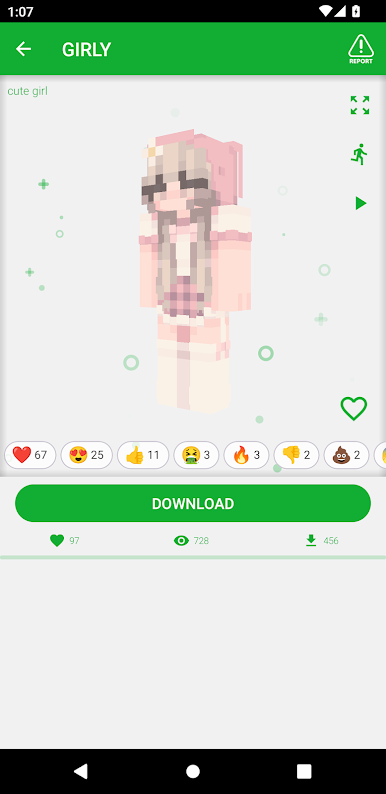
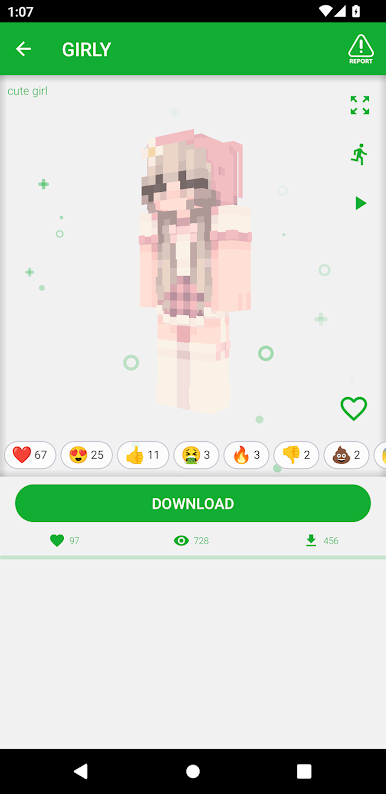
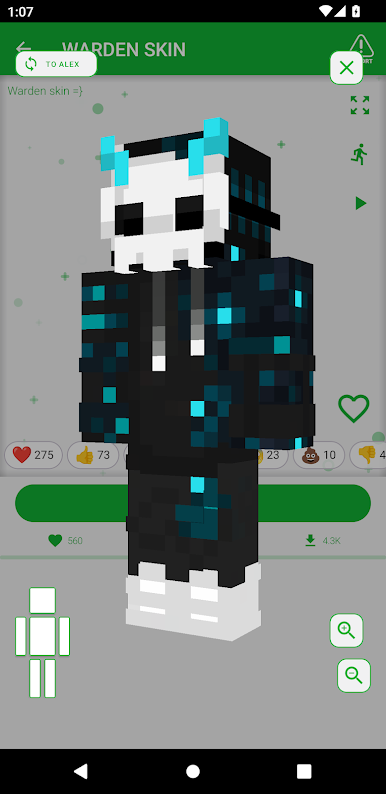
3D and Pixel-Perfect Previews
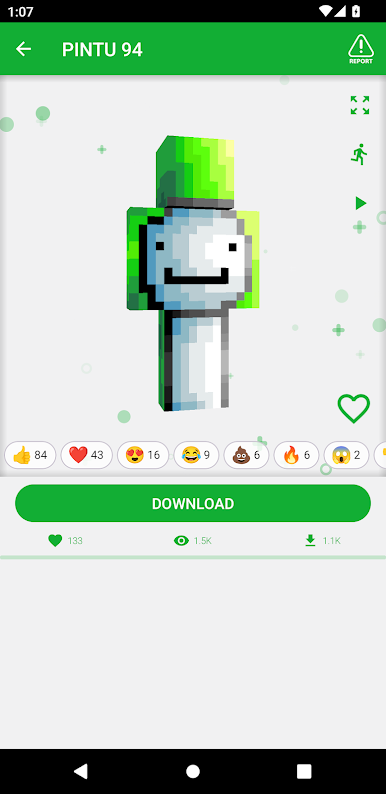
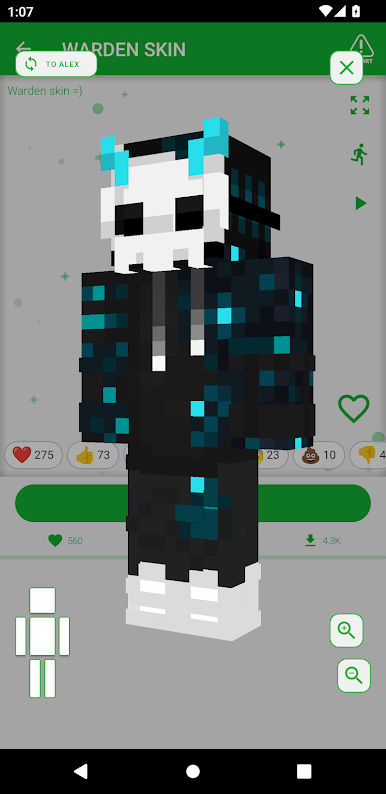
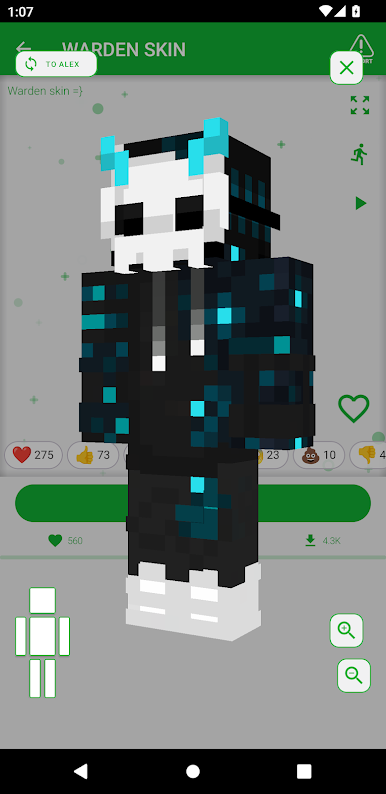
Check out skins in a full 3D view, spin them around, and zoom in on details. Want to inspect those pixels up close? Just tap and you’ll see everything, down to the tiniest square. -
Built-In Skin Editor
Found a skin you like but wish you could tweak it? Edit any skin right in the app. You can adjust individual pixels, play with colors, and personalize your Minecraft look before saving to your collection. -
Favorites System
Keep your top picks organized with one tap. Hit the heart icon to save a skin as a favorite, or tap it again to remove it—easy come, easy go. -
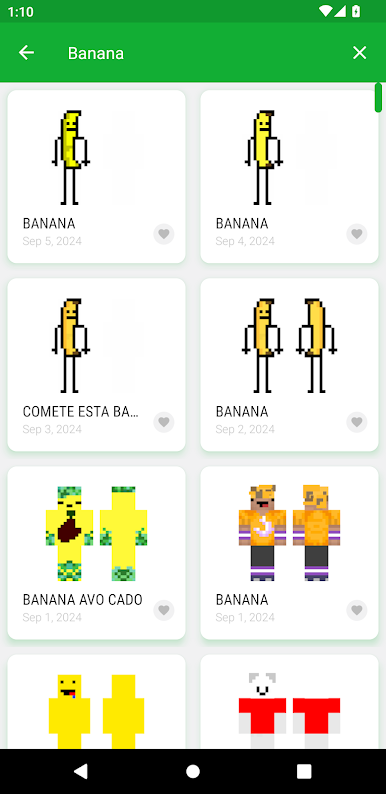
Quick Access & Search by Number
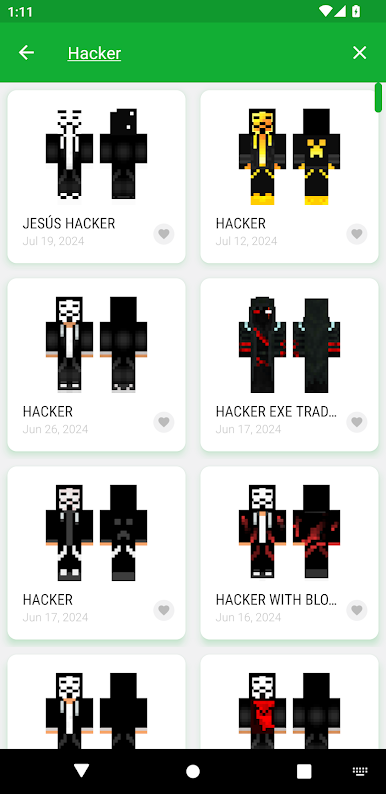
If a friend shares a skin number, just pop it into the “Open the skin” function and jump straight to it. You can also see a skin’s number by flipping your device or checking the menu. -
Automatic Position Memory
Never lose your spot. The app remembers which skins you were looking at, even if your phone goes to sleep, so you can pick up right where you left off. -
Zoom to Full Screen
Fill up your display with the skin you’re viewing to spot every detail, from colors to character quirks.
World of Skins isn’t officially associated with Mojang AB, but it gives you tons of flexibility and creative freedom for your Minecraft Pocket Edition skins.
Eager to take your app experience to the next level? Start right away by downloading BlueStacks on your PC or Mac.
Mainkan World of Skins di PC Mudah saja memulainya.
-
Unduh dan pasang BlueStacks di PC kamu
-
Selesaikan proses masuk Google untuk mengakses Playstore atau lakukan nanti
-
Cari World of Skins di bilah pencarian di pojok kanan atas
-
Klik untuk menginstal World of Skins dari hasil pencarian
-
Selesaikan proses masuk Google (jika kamu melewati langkah 2) untuk menginstal World of Skins
-
Klik ikon World of Skins di layar home untuk membuka gamenya

