


Cusspy - Live Video Chat
Play on PC with BlueStacks – the Android Gaming Platform, trusted by 500M+ gamers.

Page Modified on: Jun 14, 2023
Run Cusspy - Live Video Chat on PC or Mac
Get freedom from your phone’s obvious limitations. Use Cusspy – Live Video Chat, made by Gadnex Software Technologies, a Social app on your PC or Mac with BlueStacks, and level up your experience.
Cusspy is a straight to the point live video chat app for meeting new people from all over. It opens fast and starts matching, one person at a time, face to face. There is a simple filter so a user can narrow who they meet, like choosing gender, then it connects right away. The layout is clean and light, no clutter, just big buttons and the call. Front and back camera switching is right there, and it works on Wi-Fi or mobile data, though video will use a lot of data if the plan is small. It is free to use, and setup is minimal, so people get straight to talking. The app says calls and info are protected with encryption, and privacy gets attention, though common sense still matters when chatting with strangers online.
On a PC with BlueStacks, it feels more relaxed to use. The bigger screen makes faces clearer, picking filters is easier with a mouse, and typing any text or details is faster on a keyboard. If the laptop has a webcam, BlueStacks can use it, so switching cameras still makes sense. Connections seem stable across networks, and it is quick to skip to the next chat if a match is not a good fit. No heavy menus, not many distractions, just simple random video calls that get to the point, which is really what this app aims for.
Ready to experience Cusspy – Live Video Chat on a bigger screen, in all its glory? Download BlueStacks now.






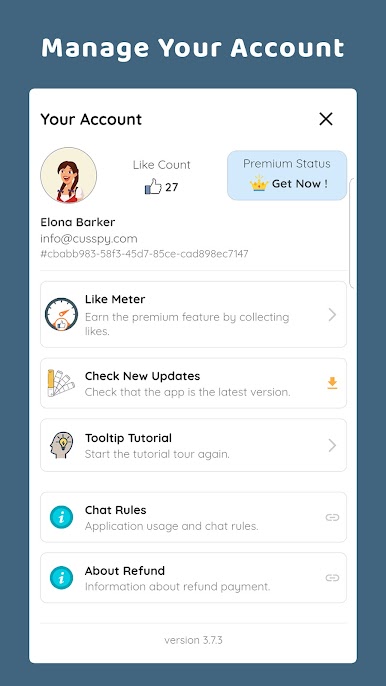






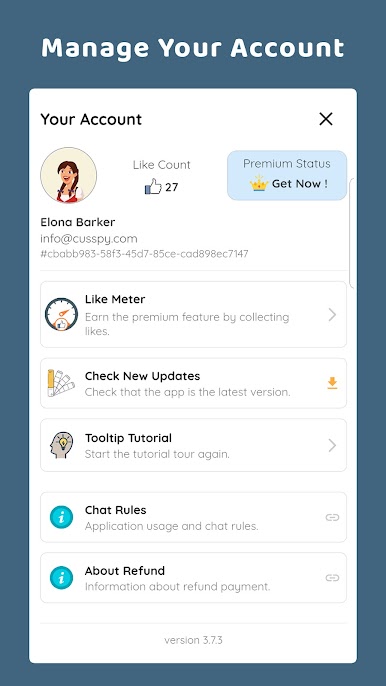







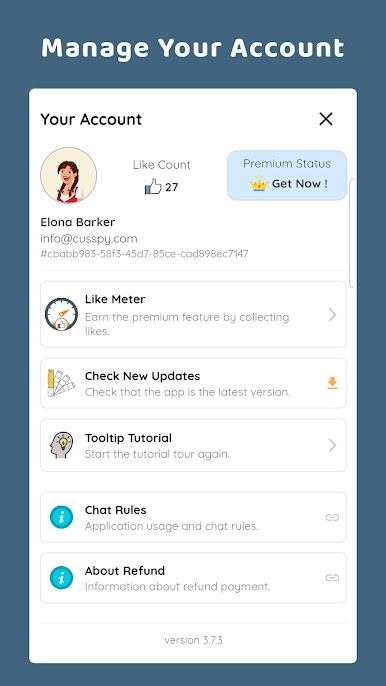
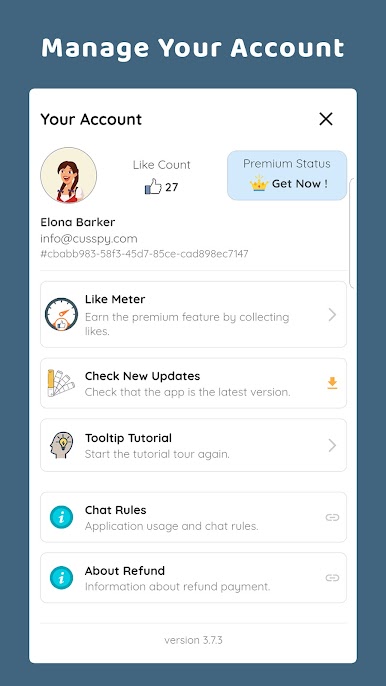

Play Cusspy - Live Video Chat on PC. It’s easy to get started.
-
Download and install BlueStacks on your PC
-
Complete Google sign-in to access the Play Store, or do it later
-
Look for Cusspy - Live Video Chat in the search bar at the top right corner
-
Click to install Cusspy - Live Video Chat from the search results
-
Complete Google sign-in (if you skipped step 2) to install Cusspy - Live Video Chat
-
Click the Cusspy - Live Video Chat icon on the home screen to start playing

