


myDartfish Note
Jouez sur PC avec BlueStacks - la plate-forme de jeu Android, approuvée par + 500M de joueurs.

Page Modifiée le: Mar 25, 2025
Play myDartfish Note on PC or Mac
Explore a whole new adventure with myDartfish Note, a Sports game created by Dartfish Ltd. Experience great gameplay with BlueStacks, the most popular gaming platform to play Android games on your PC or Mac.
About the Game
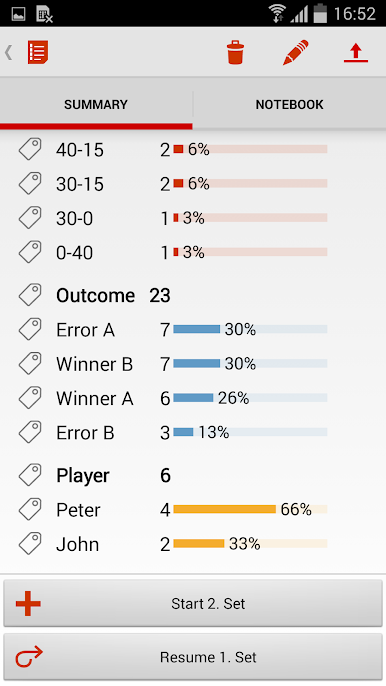
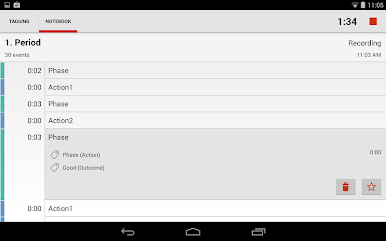
myDartfish Note is made for sports coaches and teams who want to keep up with the fast pace of the action without missing anything important. It’s an easy way to capture key moments and details from games as they happen, so reviewing and improving performance isn’t just easier—it’s quicker, too. Instead of sitting through endless footage, you get right to the parts that matter most.
Game Features
-
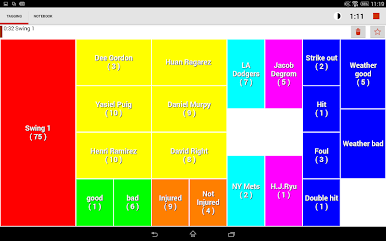
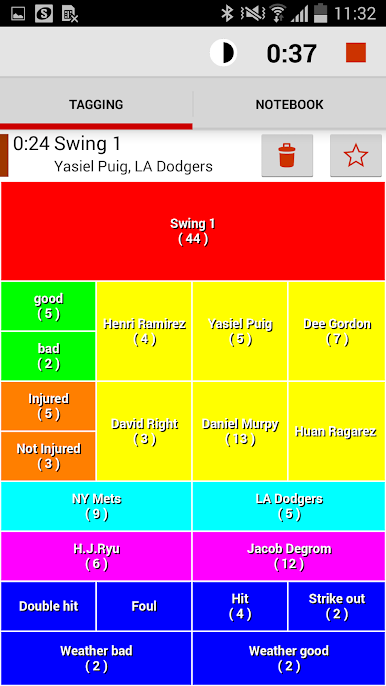
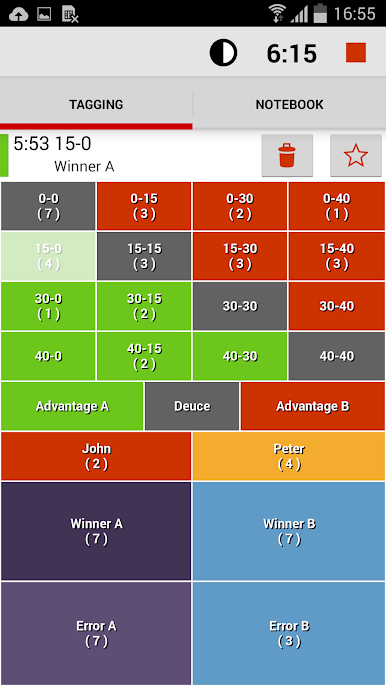
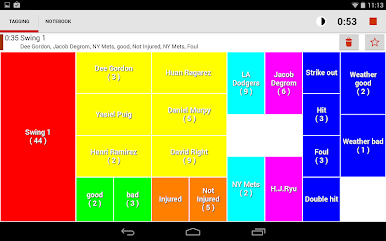
In-the-Moment Tagging
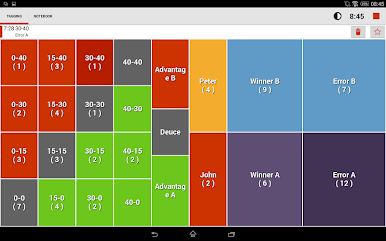
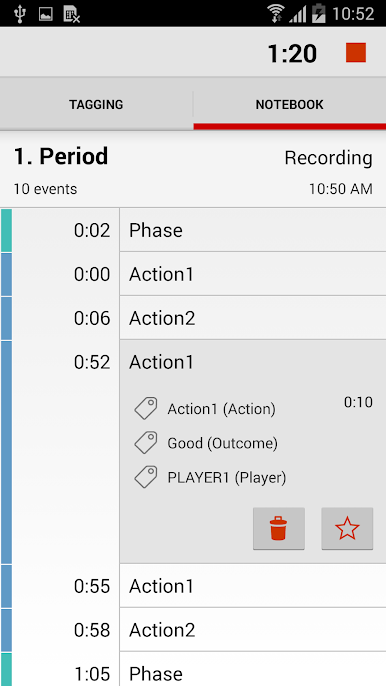
Tap quick notes about what’s going on, right as it unfolds. No more jotting stuff down on paper and trying to remember what happened later. -
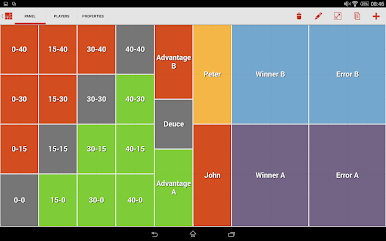
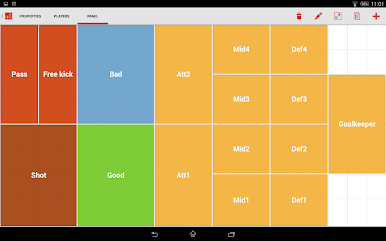
Customizable Panels
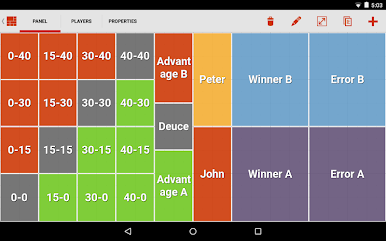
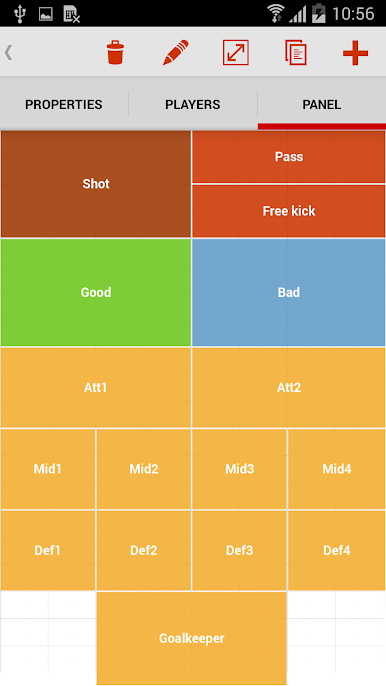
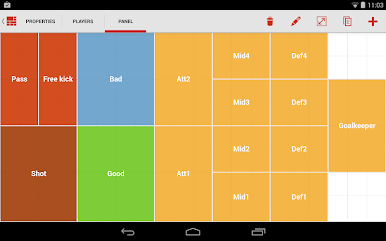
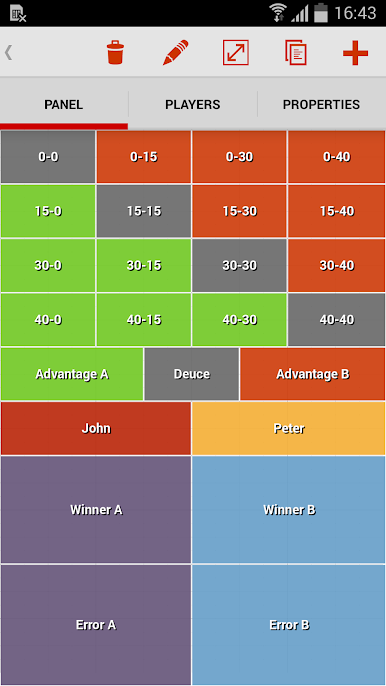
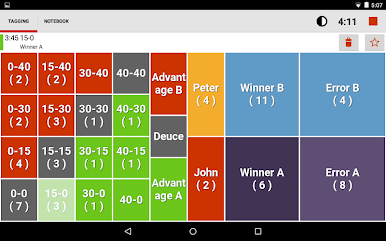
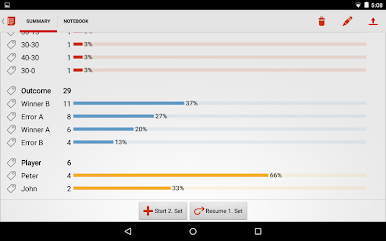
Everyone’s style is different, so you get to set up your own button layout, labels, colors, and functions. Use the provided templates, or design your own panel from scratch. -
Keyword Highlights
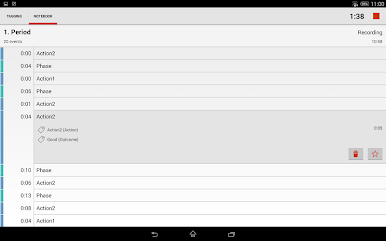
Add keywords and phrases to break down plays, mark big moments, or flag stuff to revisit—makes searching for moments later much easier. -
Easy Favoriting
See something noteworthy? Mark favorites with a tap so you can find and review those plays in seconds. -
Team & Player Assignment
Track who did what with assignable buttons for individual players or full teams, using simple pick lists. -
On-the-Fly Editing
Need to update a note or fix a panel while the game’s still going? No worries—you can change almost anything, even mid-match. -
Seamless Sharing
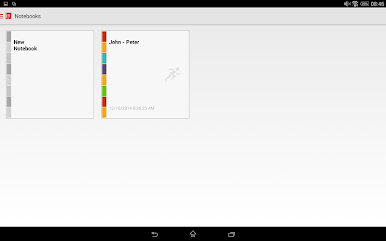
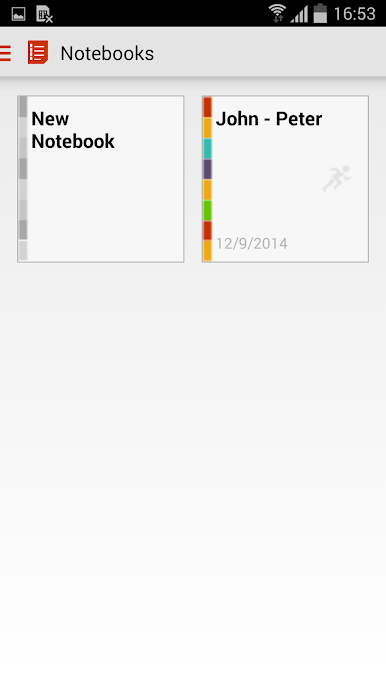
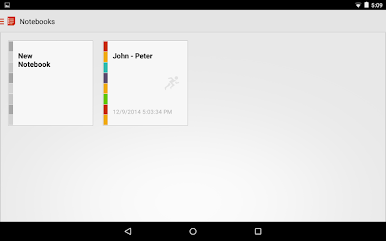
Trade panels, templates, and Notebooks with others using dartfish.tv. The files stay lightweight, so uploading won’t slow you down. -
Data Export Options
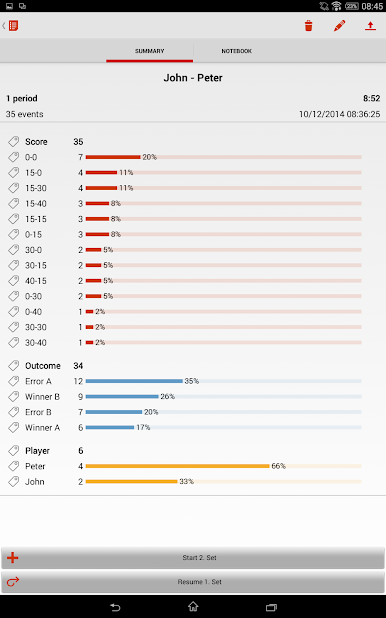
For those who love a bit of number-crunching, export everything as CSV files and plug them right into other analysis tools.
And yes, if you like working from your desk, playing with myDartfish Note on your computer using BlueStacks makes things even smoother.
Slay your opponents with your epic moves. Play it your way on BlueStacks and dominate the battlefield.
Jouez à myDartfish Note sur PC. C'est facile de commencer.
-
Téléchargez et installez BlueStacks sur votre PC
-
Connectez-vous à Google pour accéder au Play Store ou faites-le plus tard
-
Recherchez myDartfish Note dans la barre de recherche dans le coin supérieur droit
-
Cliquez pour installer myDartfish Note à partir des résultats de la recherche
-
Connectez-vous à Google (si vous avez ignoré l'étape 2) pour installer myDartfish Note
-
Cliquez sur l'icône myDartfish Note sur l'écran d'accueil pour commencer à jouer

