


GMAT Club Forum
5억명 이상의 게이머가 신뢰하는 안드로이드 게임 플랫폼 BlueStacks으로 PC에서 플레이하세요.

Run GMAT Club Forum on PC or Mac
Why limit yourself to your small screen on the phone? Run GMAT Club Forum, an app by GMAT Club, best experienced on your PC or Mac with BlueStacks, the world’s #1 Android emulator.
About the App
Ever feel like prepping for the GMAT is a mountain of questions, endless notes, and a ton of info scattered everywhere? GMAT Club Forum pulls all the good stuff into one spot, so you don’t have to juggle a million tabs or group chats. Whether you’re brushing up on tricky math concepts or hunting for advice on MBA applications, you’ll connect with a community of fellow test-takers and experts who know their stuff.
App Features
-
Thousands of Practice Questions
From math challenges to verbal riddles, you’ve got access to a huge range of GMAT questions. There’s a built-in timer, too — handy for practicing under real test conditions. -
Smart Error Log
Ever miss a question and forget why? The error log keeps track of missteps, so you can focus your study time on topics that really need work. -
Custom Bookmarks
Found a mind-bender or a question you want to revisit? Just bookmark it. Create your own review playlist, no sticky notes required. -
School Decision Tracker
Keep all your MBA stats in check and follow your progress with an easy-to-use tracker — big benefit if you’re applying to multiple schools. -
Active GMAT Community
Get answers, share insights, and chat directly with over 750,000 other members — all from GMAT Club’s legendary forum. -
Real Reviews and Expert Tips
You’ll find up-to-date advice, verified reviews, and honest feedback on everything GMAT-related, from prep courses to admissions trends.
And, if you ever want that big-screen experience, this Education genre favorite works smoothly using BlueStacks on your PC or Mac.
Eager to take your app experience to the next level? Start right away by downloading BlueStacks on your PC or Mac.
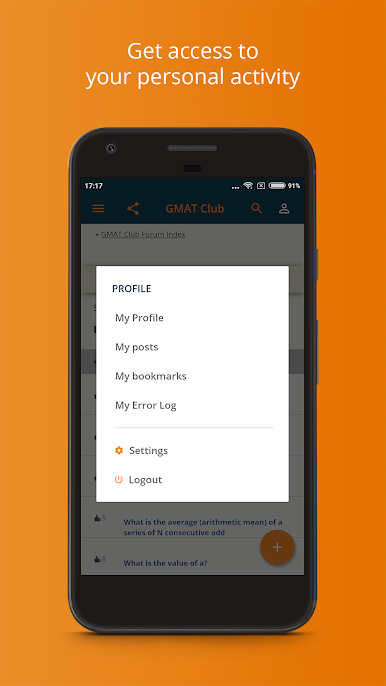
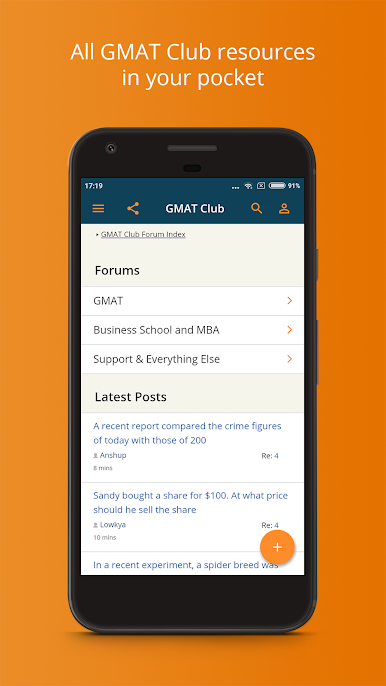
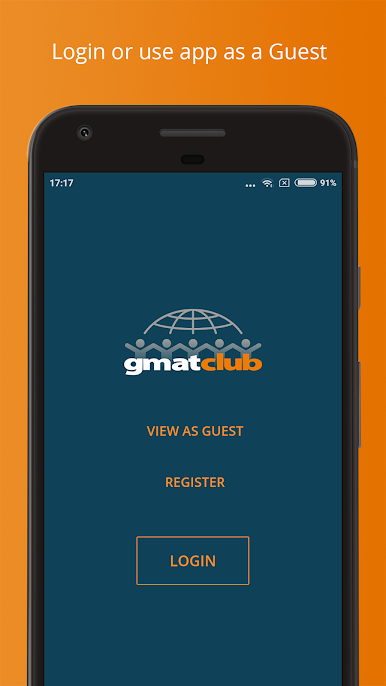
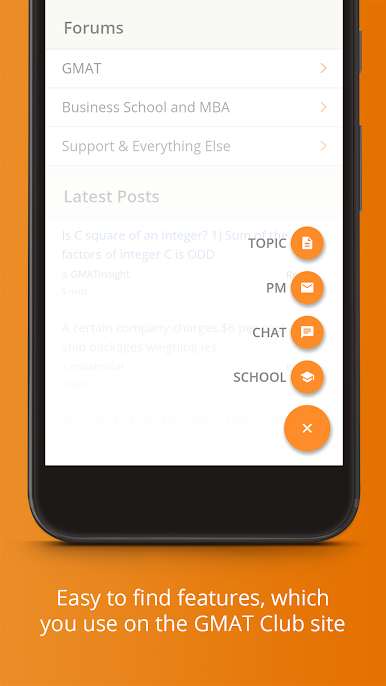
PC에서 GMAT Club Forum 플레이해보세요.
-
BlueStacks 다운로드하고 설치
-
Google Play 스토어에 로그인 하기(나중에 진행가능)
-
오른쪽 상단 코너에 GMAT Club Forum 검색
-
검색 결과 중 GMAT Club Forum 선택하여 설치
-
구글 로그인 진행(만약 2단계를 지나갔을 경우) 후 GMAT Club Forum 설치
-
메인 홈화면에서 GMAT Club Forum 선택하여 실행

