


DST - Dementia Screening Test
Gioca su PC con BlueStacks: la piattaforma di gioco Android, considerata affidabile da oltre 500 milioni di giocatori.

Pagina modificata il: Aug 16, 2024
Play DST - Dementia Screening Test on PC
Additional functions include:
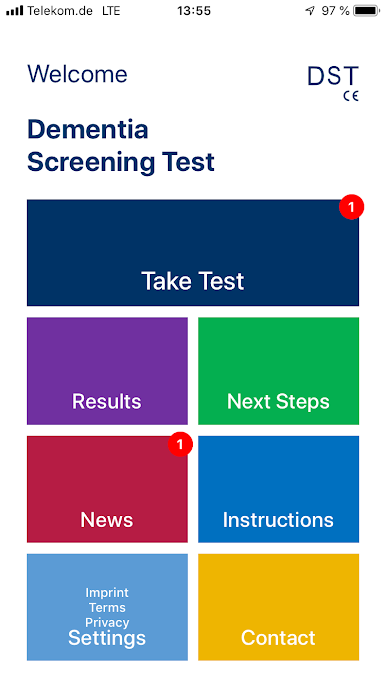
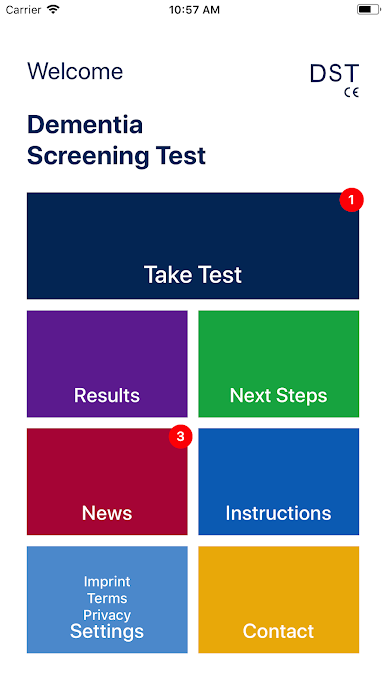
- a reminder to redo the test after 3-6 months, for medical monitoring
- continued engagement for prevention, through regular Dementia News
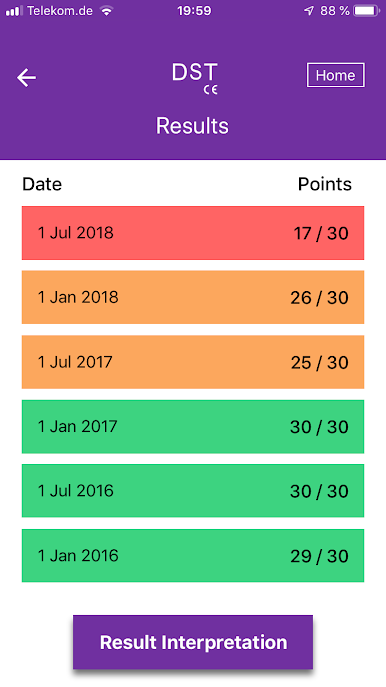
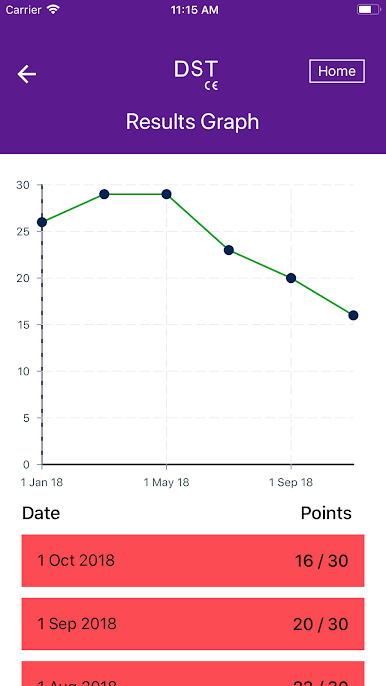
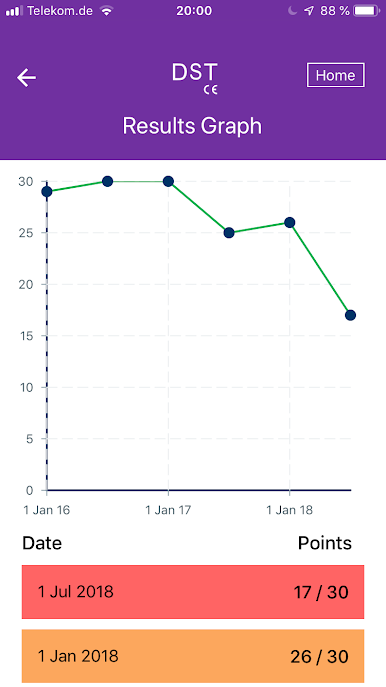
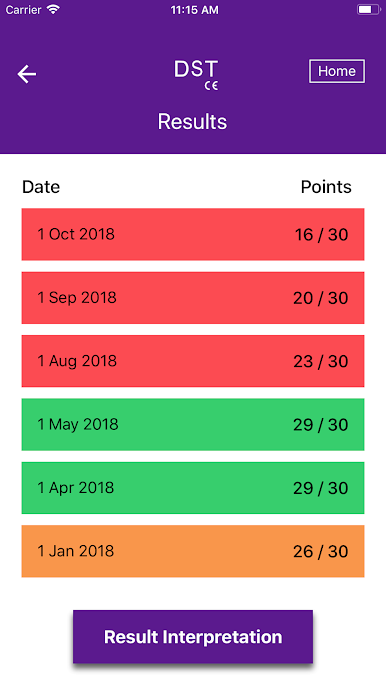
- tracking of the dementia risk over time, visualized in a graphic
- option to e-mail and/or print the test results (e.g., for archiving)
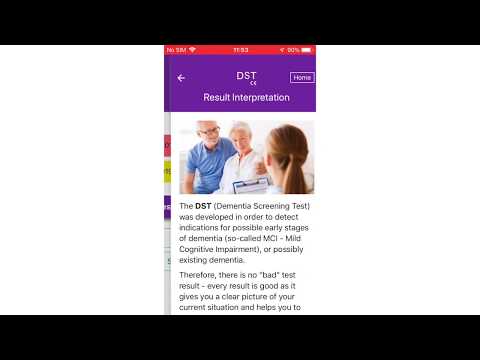
To date, there is no effective treatment for advanced dementia. Therefore, effective screening is essential to begin treatment before the brain damage becomes irreversible. Because for early dementia stages, there are already effective treatment options that can significantly delay or even prevent the progression of the disease.
With special tests, dementia risks can be detected 18 years and more prior to the first symptoms. The Dementia Screening Test (DST) is the only such test which is a Medical Device as per EU regulatiohs.
The good news is: for most people the test can give the all-clear!
The DST in short:
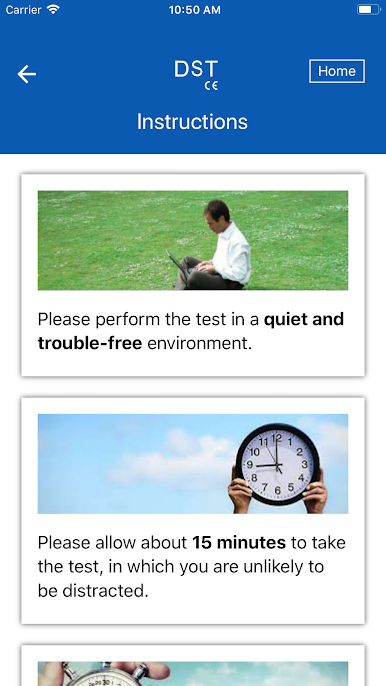
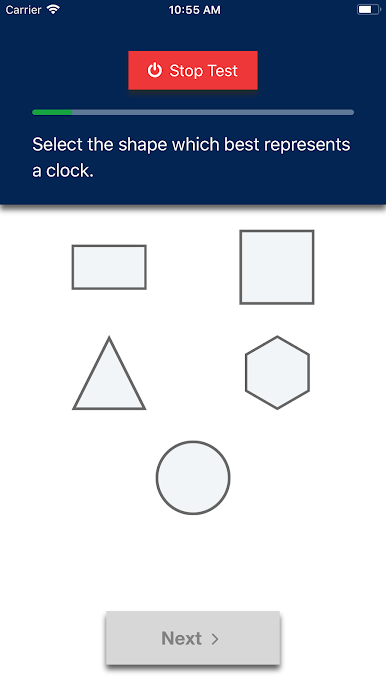
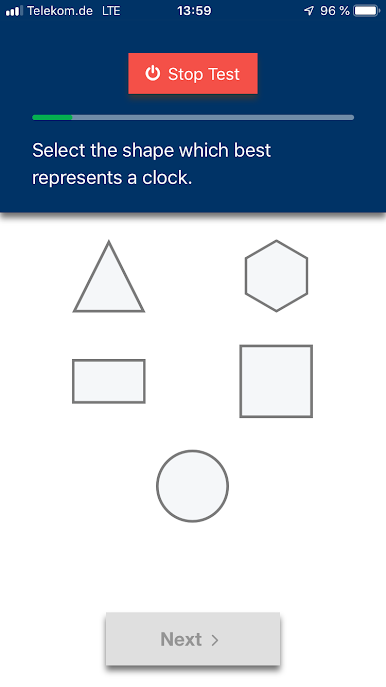
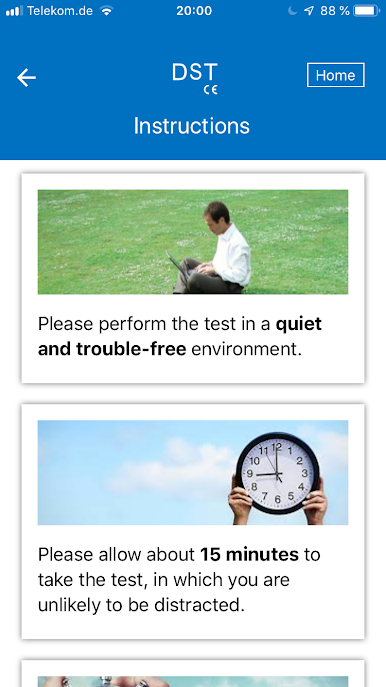
- Easy to perform, also for medical laypersons.
- Reliable: more than 96% sensitivity of the algorithm shown in clinical trials, probably the highest value worldwide for such tests.
- Safe: no registration required, no storage of personal data, works without internet connection, no advertising.
- Medical Device as per EU regulations.
- Works with all dementia subtypes (Alzheimer's dementia, vascular dementia, fronto-temporal dementia, Lewy-body dementia, secondary dementia, hybrids / other forms).
- Engaging: provides the latest research results on a regular basis, and reminds to retake the test regularly.
- Documents changes in dementia risk over time.
- Supports research and public awareness for dementia patients and relatives.
Take the test now, and become a superager!
Gioca DST - Dementia Screening Test su PC. È facile iniziare.
-
Scarica e installa BlueStacks sul tuo PC
-
Completa l'accesso a Google per accedere al Play Store o eseguilo in un secondo momento
-
Cerca DST - Dementia Screening Test nella barra di ricerca nell'angolo in alto a destra
-
Fai clic per installare DST - Dementia Screening Test dai risultati della ricerca
-
Completa l'accesso a Google (se hai saltato il passaggio 2) per installare DST - Dementia Screening Test
-
Fai clic sull'icona DST - Dementia Screening Test nella schermata principale per iniziare a giocare

