


Desmos 科學計算機
在電腦上使用BlueStacks –受到5億以上的遊戲玩家所信任的Android遊戲平台。

Run Desmos Scientific Calculator on PC or Mac
Let BlueStacks turn your PC, Mac, or laptop into the perfect home for Desmos Scientific Calculator, a fun Education app from Desmos Inc.
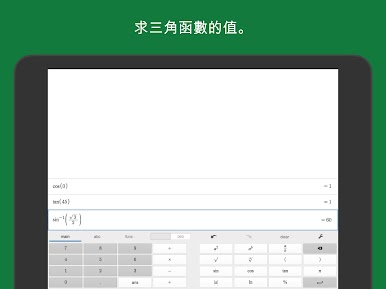
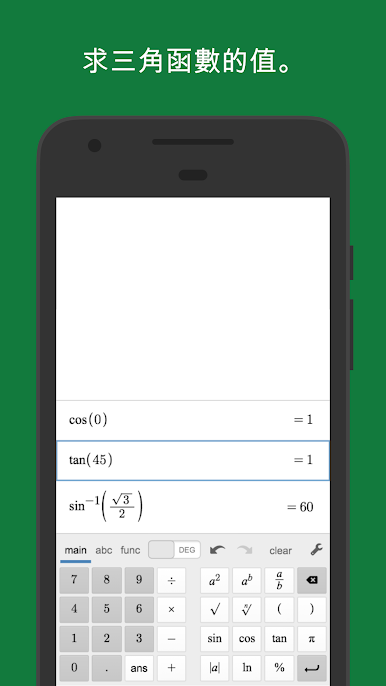
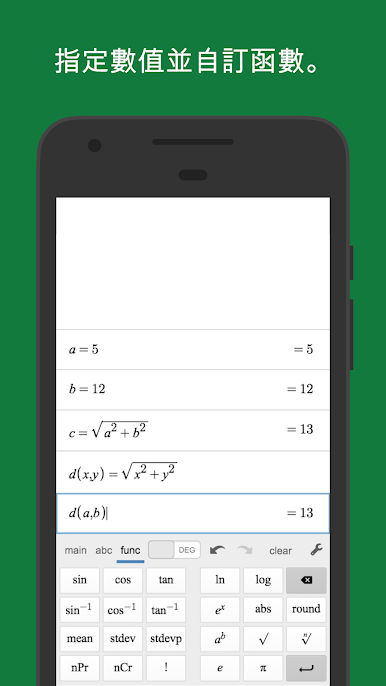
Desmos Scientific Calculator feels a lot smoother and less frustrating than the usual calculator apps. It’s got all the basics like adding, subtracting, multiplying, and dividing, but also a bunch of stuff that’s not always easy to find—like trigonometry, logs, exponentials, and even stats functions. One thing that stands out is that it’s not crammed with distracting features. The design is actually easy to look at, so if you need to handle some more complicated math—like changing variables, playing with different functions, or doing a bit of combinatorics—you’re not hunting around in an endless menu.
What’s nice about using it on PC through BlueStacks is you get a much bigger view, and you can see all your previous calculations at the same time. No more trying to remember what that last answer was—the “ans” button handles it for you, and updating old expressions automatically adjusts everything after, which is handy. It works totally offline too, so no worries about losing access when the Wi-Fi is down. Overall, it just takes away a lot of the pain points of regular calculators without overcomplicating things. It’s a straightforward tool that actually stays out of your way, which makes it kinda satisfying for anything from quick homework checks to fiddling with new math ideas.
Ready to experience Desmos Scientific Calculator on a bigger screen, in all its glory? Download BlueStacks now.



在電腦上遊玩Desmos 科學計算機 . 輕易上手.
-
在您的電腦上下載並安裝BlueStacks
-
完成Google登入後即可訪問Play商店,或等你需要訪問Play商店十再登入
-
在右上角的搜索欄中尋找 Desmos 科學計算機
-
點擊以從搜索結果中安裝 Desmos 科學計算機
-
完成Google登入(如果您跳過了步驟2),以安裝 Desmos 科學計算機
-
在首頁畫面中點擊 Desmos 科學計算機 圖標來啟動遊戲

