

Mãe grávida: Mãe Jogos Vida
Jogue no PC com BlueStacks - A Plataforma de Jogos Android, confiada por mais de 500 milhões de jogadores.

Página modificada em: Oct 30, 2025
Play Pregnant Mother Mom Games Life on PC or Mac
Explore a whole new adventure with Pregnant Mother Mom Games Life, a Casual game created by Dump Games. Experience great gameplay with BlueStacks, the most popular gaming platform to play Android games on your PC or Mac.
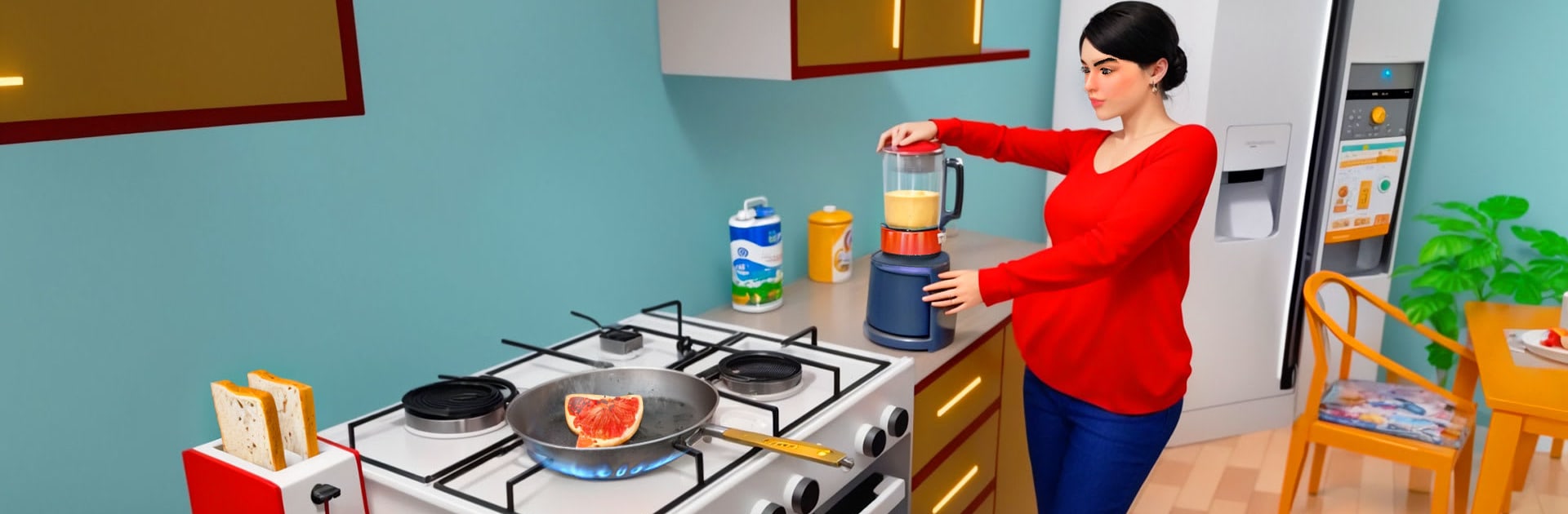
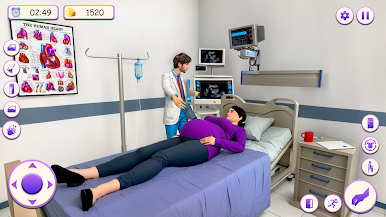
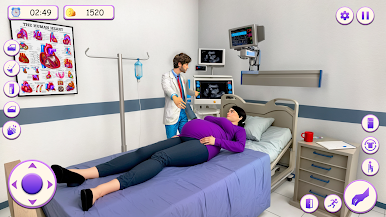
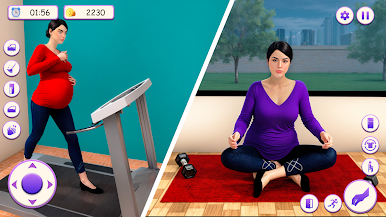
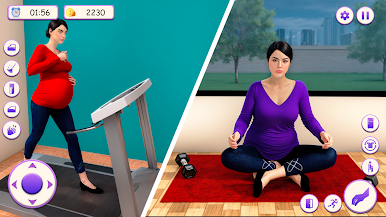
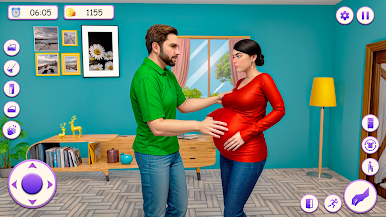
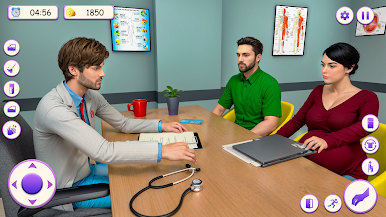
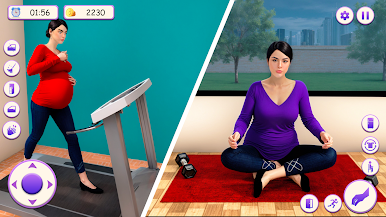
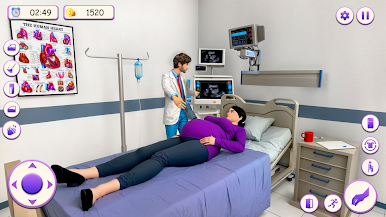
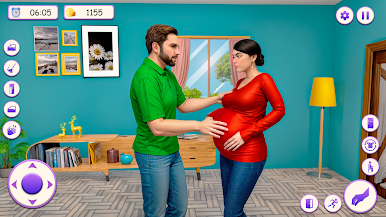
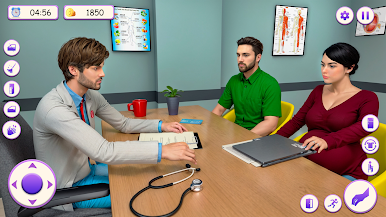
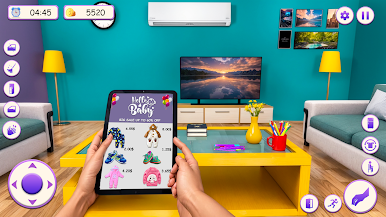
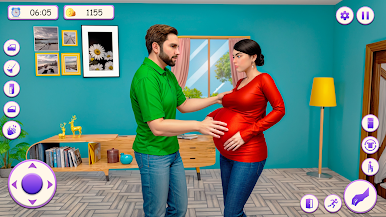
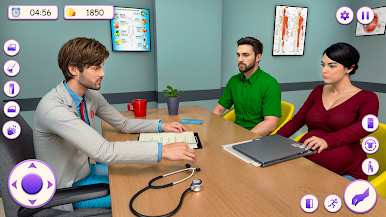
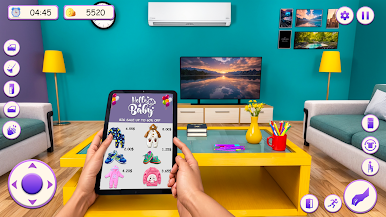
Pregnant Mother Mom Games Life is a laid back family-life sim where the player swaps between a pregnant mom and a supportive dad, with most of the focus on her daily routine. It is set up as short, checklist style tasks in a first person view. Wake up, wash up, make breakfast, pick up clutter, change a diaper, answer a phone call, drive to the hospital for a checkup, chat with the doctor, then head back to tidy the living room. There is a simple story running through it too. The couple, Alize and David, get the baby news, prepare together, and after a bunch of appointments and errands, they welcome a baby girl. Nothing complicated, just small moments that stack into a day.
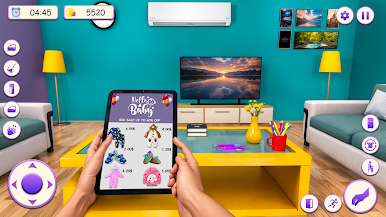
It plays slow and a bit cozy, more about time management and routine than big decisions. Tasks do ramp up, so there is a bit of pressure to do things in order and not waste time, but it never feels punishing. The 3D world is basic and bright, and the house is easy to read at a glance, which helps when the to do list fills up. On PC with BlueStacks, pointing and clicking through chores feels smoother, and mapping movement to keys makes those quick errands less fiddly. Someone who enjoys chill domestic sims, baby care missions, and light roleplay will settle in. Someone hunting for deep simulation or lots of surprises may find it straightforward, yet it is relaxing to chip away at a day and see the family routine come together.
Start your journey now. Download the game on BlueStacks, invite your friends, and march on a new adventure.
Jogue Mãe grávida: Mãe Jogos Vida no PC. É fácil começar.
-
Baixe e instale o BlueStacks no seu PC
-
Conclua o login do Google para acessar a Play Store ou faça isso mais tarde
-
Procure por Mãe grávida: Mãe Jogos Vida na barra de pesquisa no canto superior direito
-
Clique para instalar Mãe grávida: Mãe Jogos Vida a partir dos resultados da pesquisa
-
Conclua o login do Google (caso você pulou a etapa 2) para instalar o Mãe grávida: Mãe Jogos Vida
-
Clique no ícone do Mãe grávida: Mãe Jogos Vida na tela inicial para começar a jogar

