


Verbos en Inglés
Gioca su PC con BlueStacks: la piattaforma di gioco Android, considerata affidabile da oltre 500 milioni di giocatori.

Pagina modificata il: Nov 18, 2025
Run Verbos en Inglés on PC or Mac
Multitask effortlessly on your PC or Mac as you try out Verbos en Inglés, a Education app by Verbos en inglés on BlueStacks.
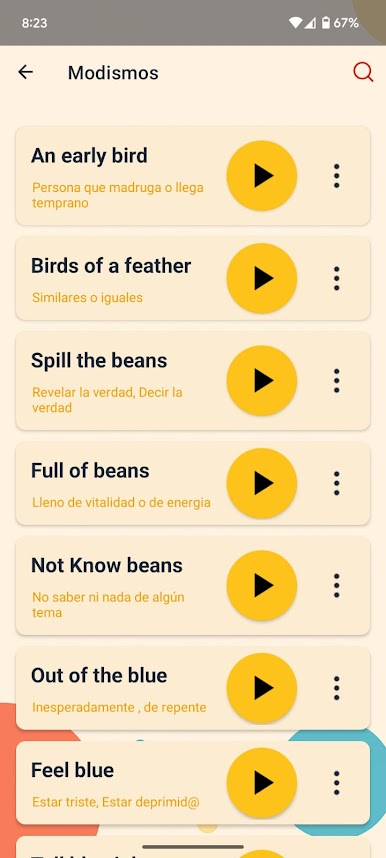
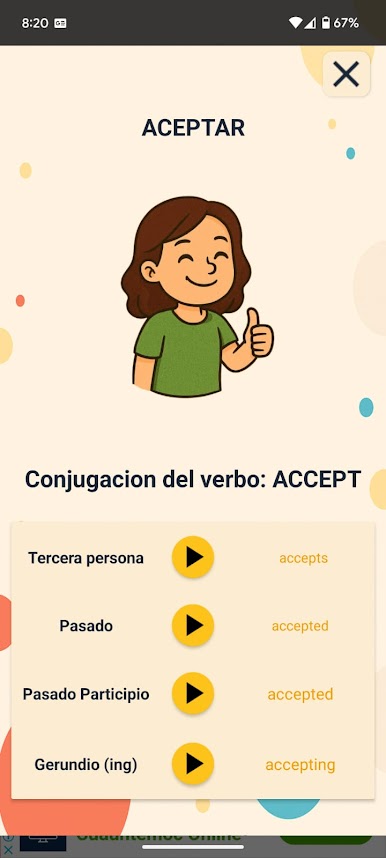
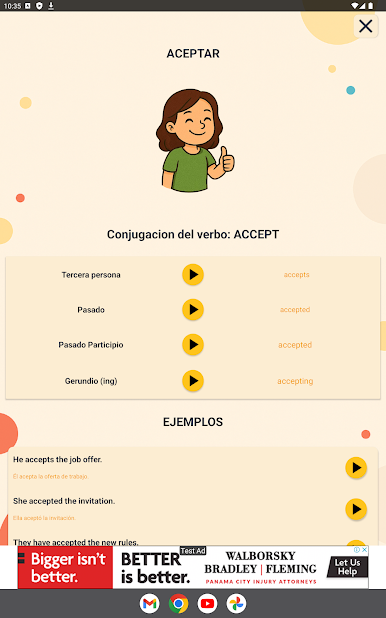
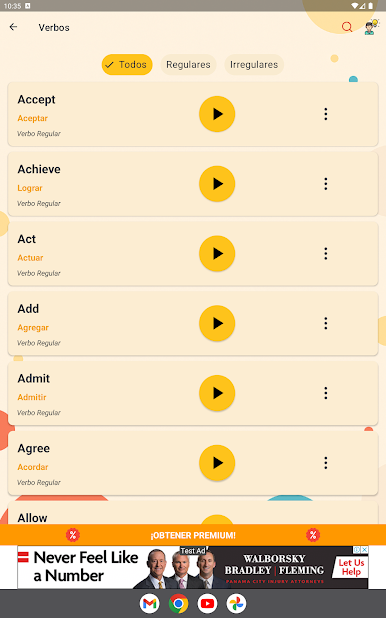
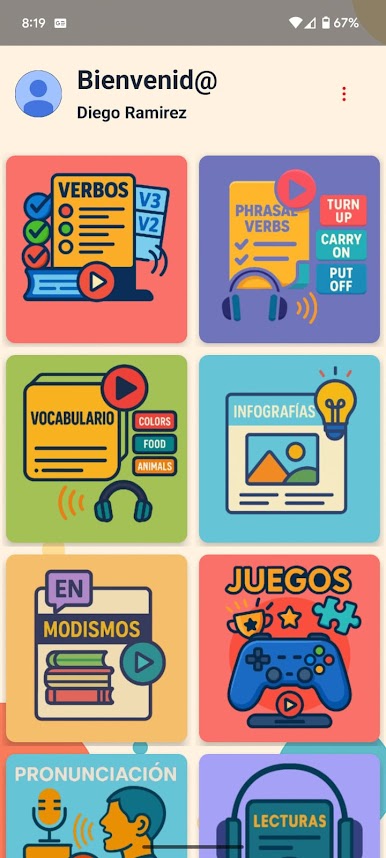
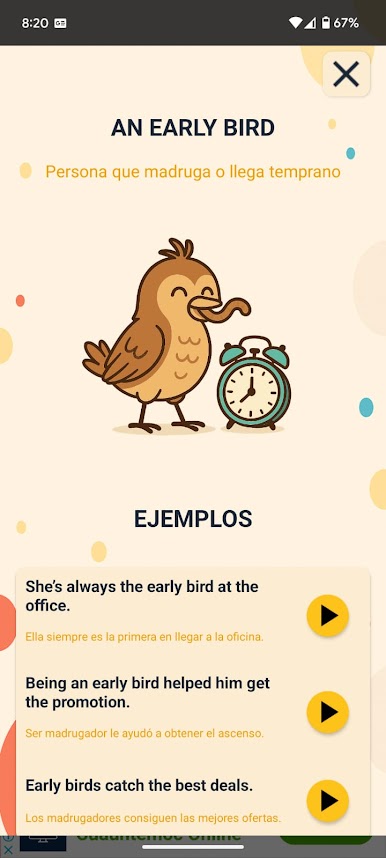
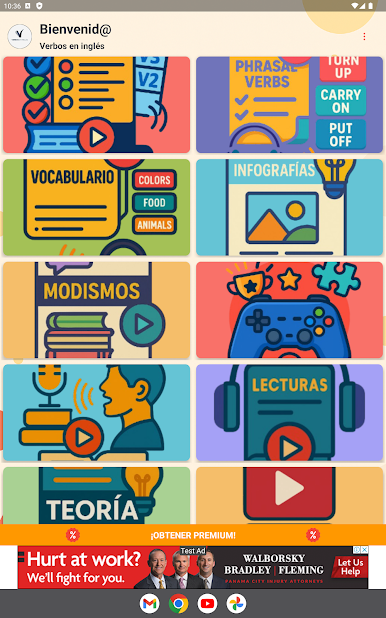
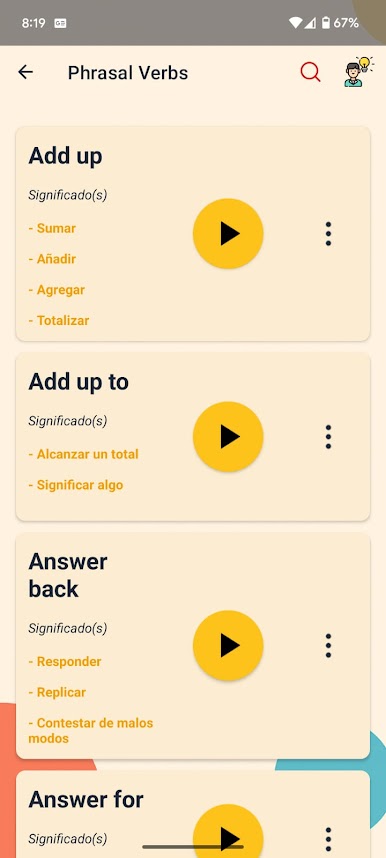
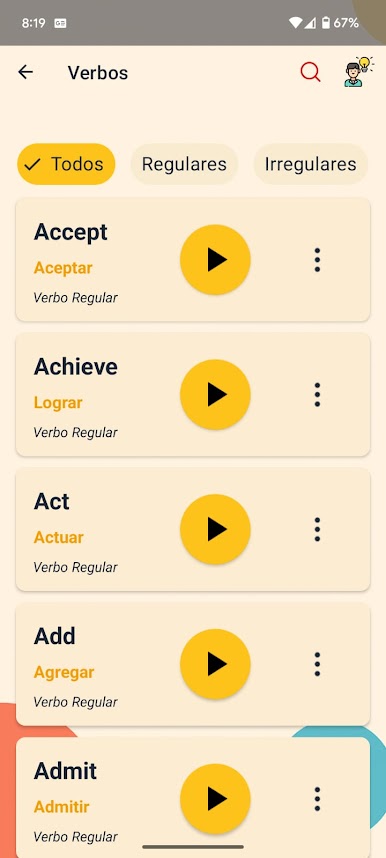
Verbos en Inglés is one of those apps that makes learning English verbs a lot less boring than you’d expect. The main thing that stands out is how easy it makes it to pick up different verb conjugations. There’s this handy setup where you can see the verb, hear how it’s supposed to sound, and check if it’s regular or not, which really helps if English verbs have you tripping up. There’s also a section completely for phrasal verbs if that’s your weak spot, and it even lets you listen to how those should be pronounced.
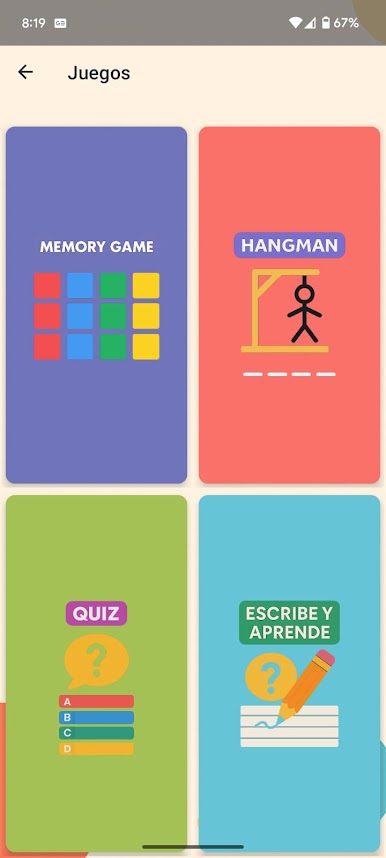
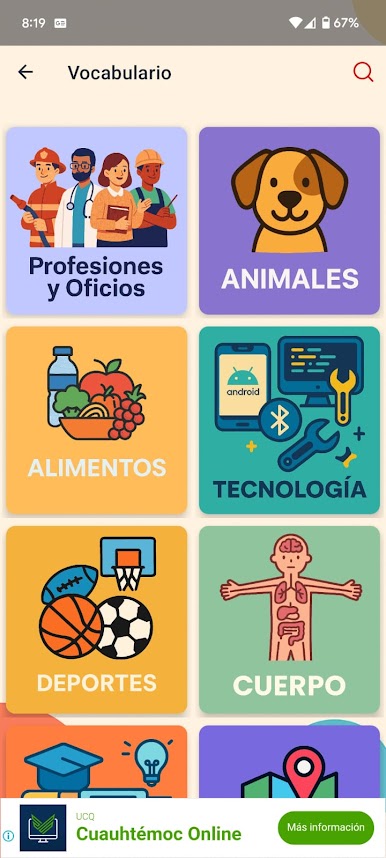
One neat feature is the short videos with subtitles in both languages, so it’s not just random drills but something that feels more connected to everyday English. For pronunciation practice, the app’s loaded with a bunch of exercises—so you won’t just read the words, you’ll actually say them and get a little feedback. It even splits up words and vocabulary by category and throws in some fun games to shake things up. Tips and little audio readings show up too, kind of like mini-lessons on the side. Running it on a bigger screen through BlueStacks does make all these features easier to get into, especially if you’re one of those people who likes seeing everything laid out instead of squinting at your phone.
Ready to experience Verbos en Inglés on a bigger screen, in all its glory? Download BlueStacks now.
Gioca Verbos en Inglés su PC. È facile iniziare.
-
Scarica e installa BlueStacks sul tuo PC
-
Completa l'accesso a Google per accedere al Play Store o eseguilo in un secondo momento
-
Cerca Verbos en Inglés nella barra di ricerca nell'angolo in alto a destra
-
Fai clic per installare Verbos en Inglés dai risultati della ricerca
-
Completa l'accesso a Google (se hai saltato il passaggio 2) per installare Verbos en Inglés
-
Fai clic sull'icona Verbos en Inglés nella schermata principale per iniziare a giocare

