


Quit it - stop smoking today
BlueStacksを使ってPCでプレイ - 5憶以上のユーザーが愛用している高機能Androidゲーミングプラットフォーム

概要
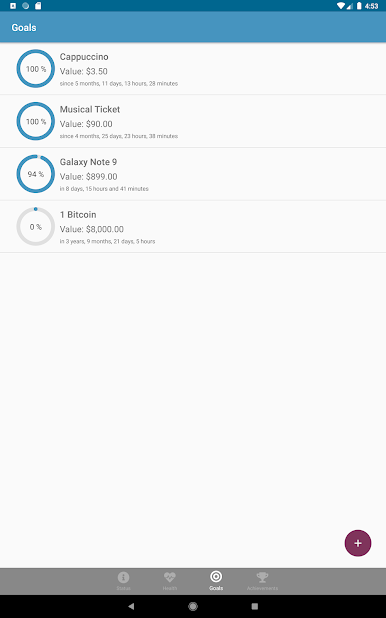
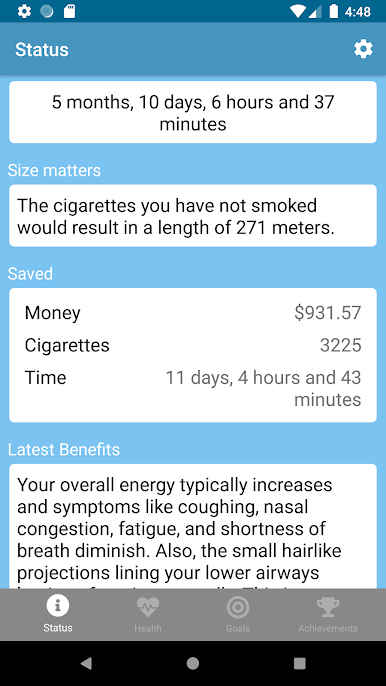
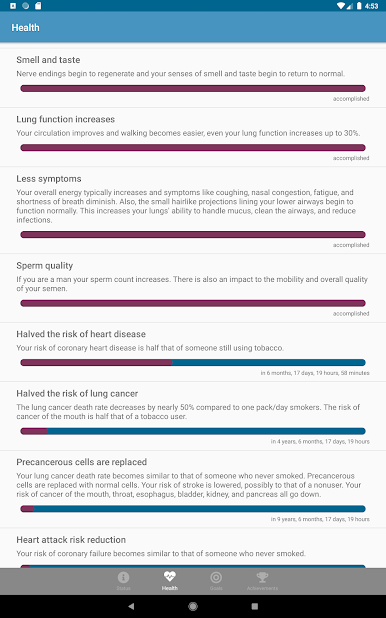
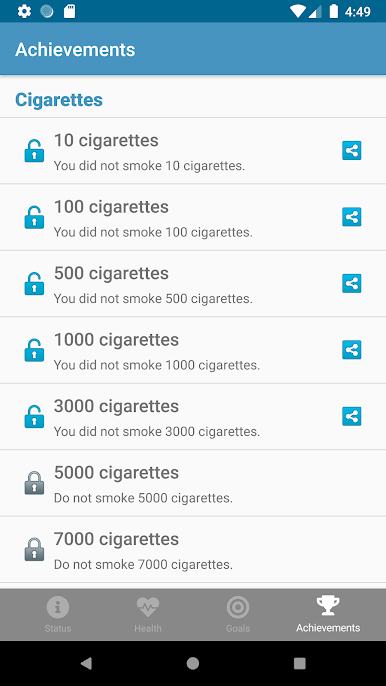
It keeps track of the cigarettes you did not smoke and how much money you are saving. Furthermore it shows the benefits of quitting as text and calculates a nice ranking for you.
Features:
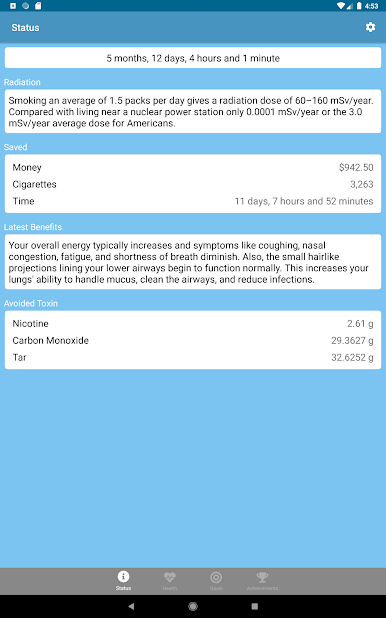
* Shows your saved money and time.
* Shows how much cigarettes you did not smoke.
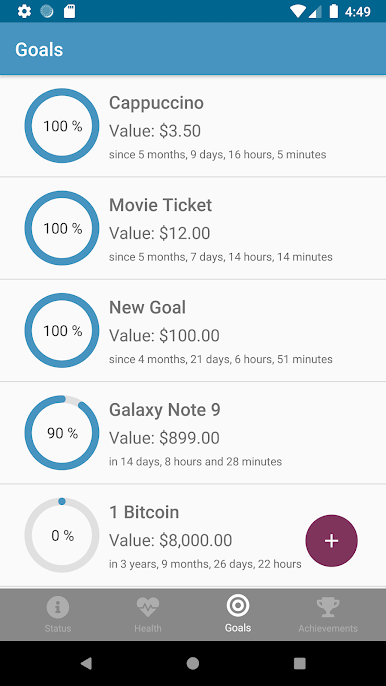
* Define your own goals.
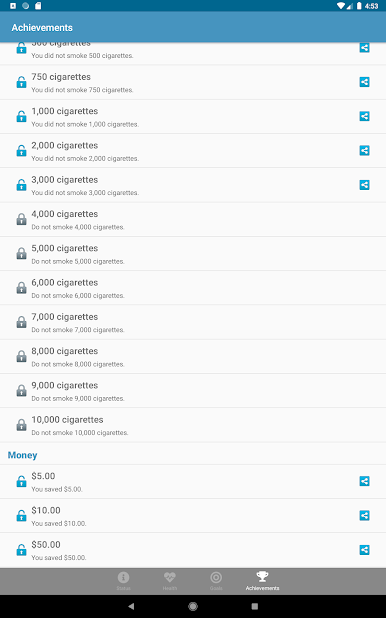
* Accomplish and share achievements.
* Shows the tar, nicotine and carbon monoxide you did not consume.
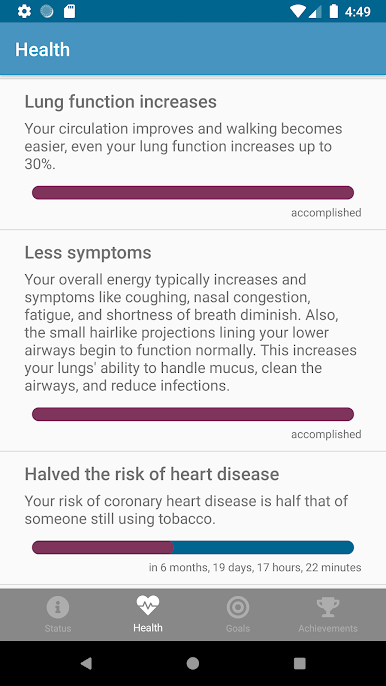
* Shows benefits of quitting.
Quit it - stop smoking todayをPCでプレイ
-
BlueStacksをダウンロードしてPCにインストールします。
-
GoogleにサインインしてGoogle Play ストアにアクセスします。(こちらの操作は後で行っても問題ありません)
-
右上の検索バーにQuit it - stop smoking todayを入力して検索します。
-
クリックして検索結果からQuit it - stop smoking todayをインストールします。
-
Googleサインインを完了してQuit it - stop smoking todayをインストールします。※手順2を飛ばしていた場合
-
ホーム画面にてQuit it - stop smoking todayのアイコンをクリックしてアプリを起動します。

