

All Document Reader & Viewer
Play on PC with BlueStacks – the Android Gaming Platform, trusted by 500M+ gamers.

Page Modified on: Nov 13, 2025
Run Document Manager on PC or Mac
Get freedom from your phone’s obvious limitations. Use Document Manager, made by Audio and Video Player, a Productivity app on your PC or Mac with BlueStacks, and level up your experience.
About the App
Juggling all those files on your phone can be a headache, but Document Manager steps in to help make sense of it all. Made by Audio and Video Player, this handy productivity app gives you one clean place to find and open your Word docs, spreadsheets, PDFs, and even zip files. The vibe here? No-nonsense, super straightforward, and designed to help you save time without any fuss.
App Features
-
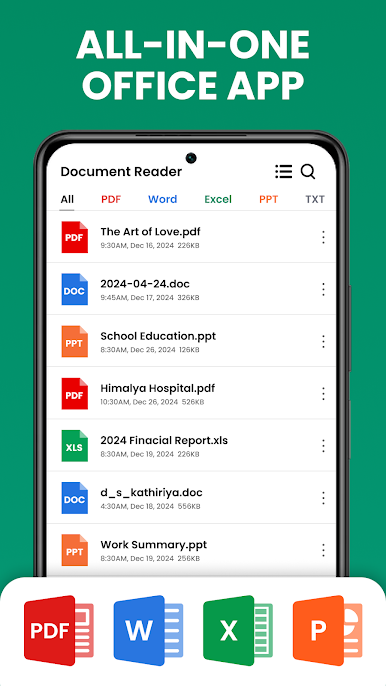
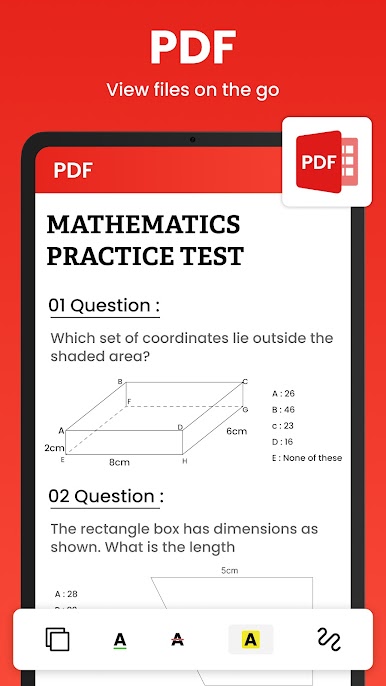
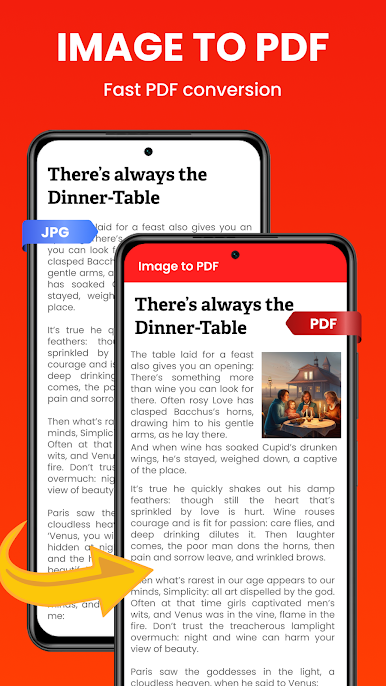
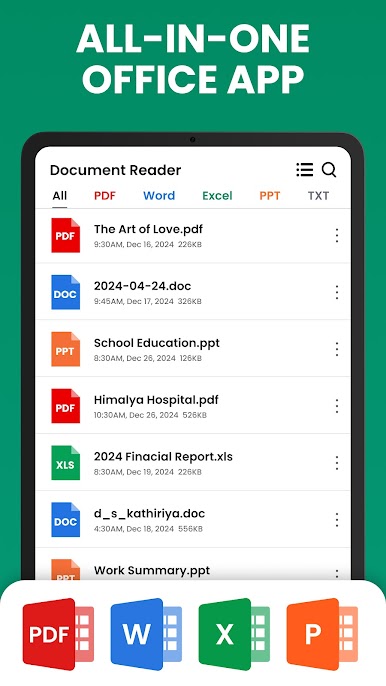
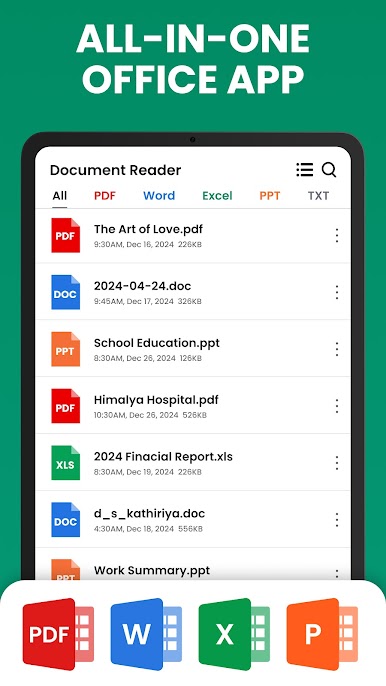
All-In-One Document Viewer
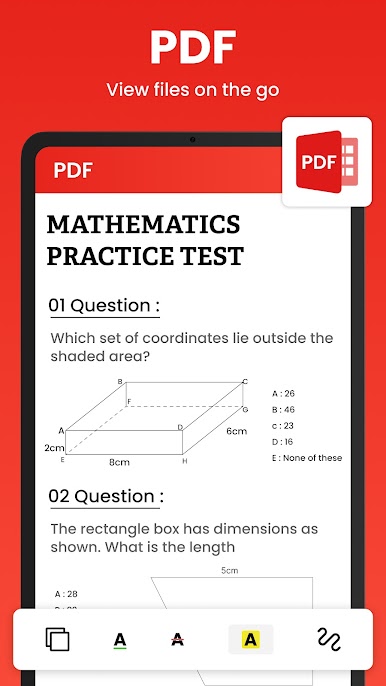
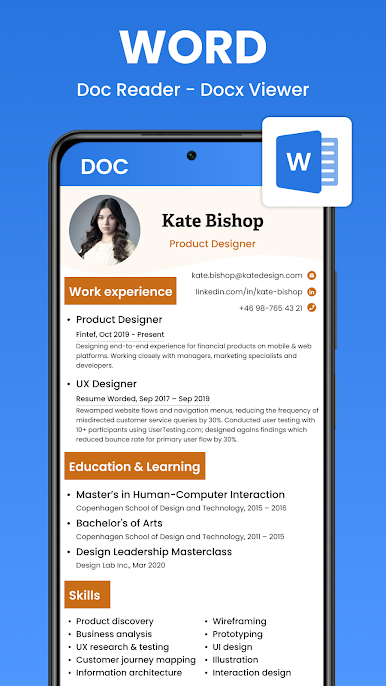
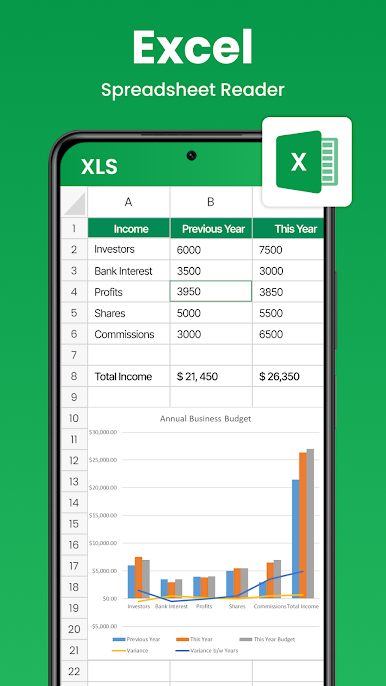
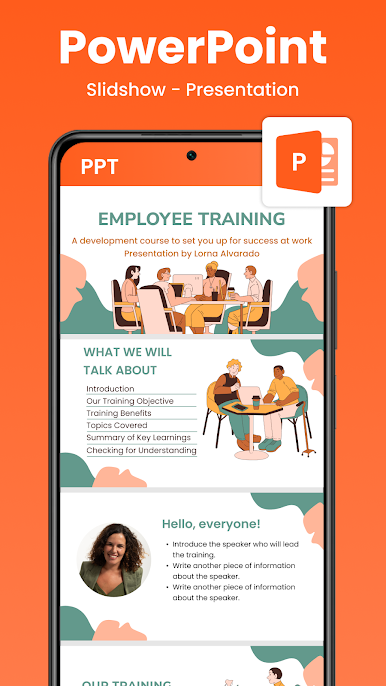
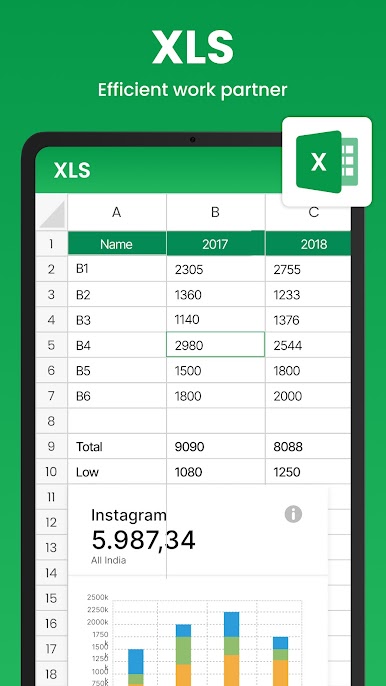
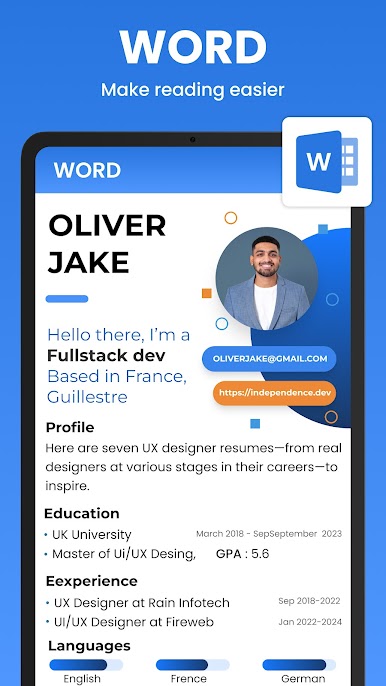
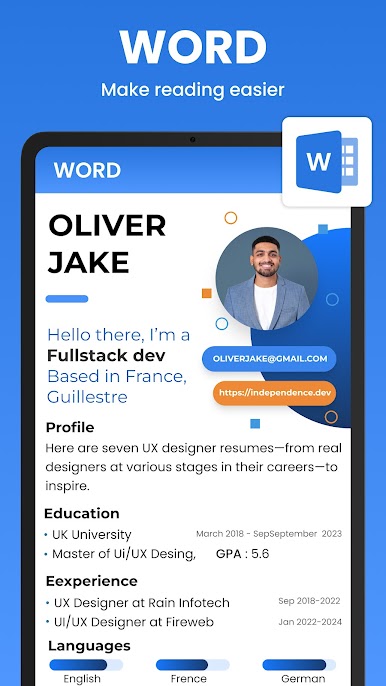
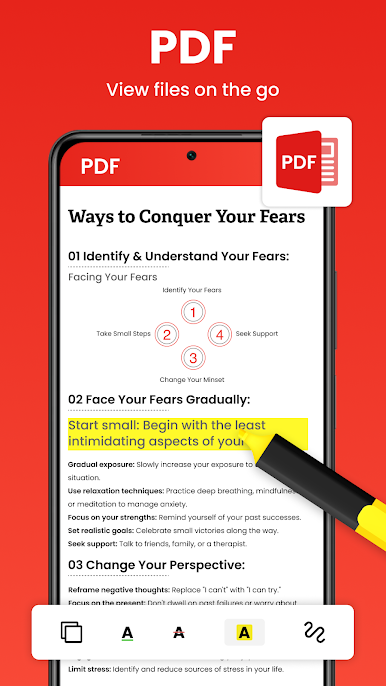
Check out your Word, Excel, PowerPoint, PDF, and plain text files with just a tap. Document Manager keeps things simple—open up what you need, when you need it, no jumping through hoops. -
Organized File Indexing
Ever lose track of where a file went? This app finds documents whether they’re stashed on your phone or an SD card, gathering everything into a tidy list. It also shows details like the file name, size, extension, and where it’s hiding on your device. -
Instant Access to Recents
Left off in the middle of a document? Don’t worry about searching—recent files are right at your fingertips so you can pick up exactly where you stopped. -
Zip and RAR Support
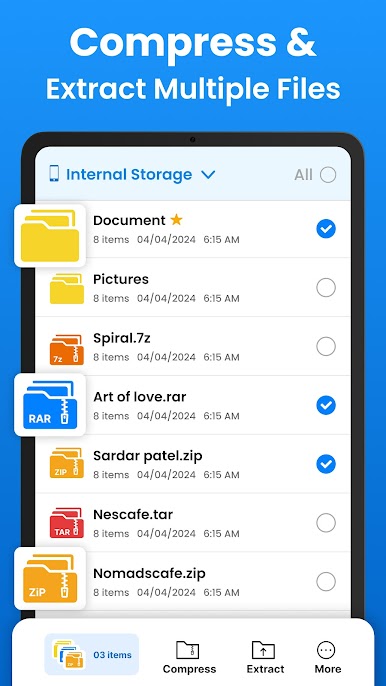
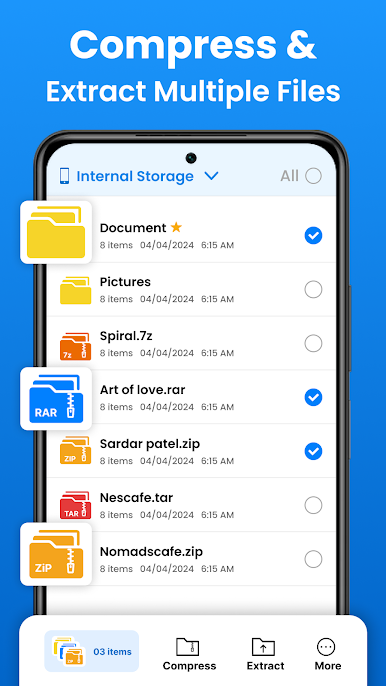
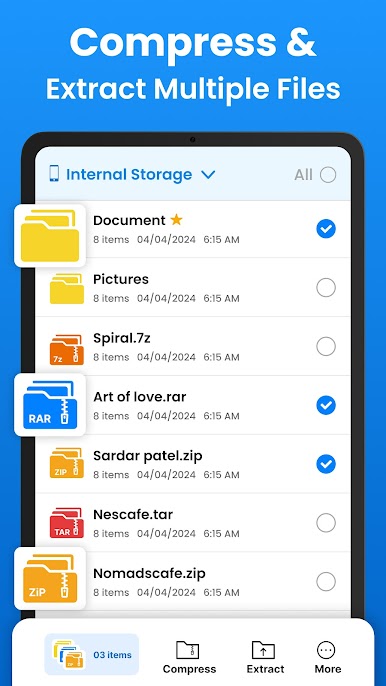
Need to peek inside zipped folders? Document Manager opens up those zip and rar files, so you don’t need a separate app just for compressed stuff. -
Grab Multiple Files in One Go
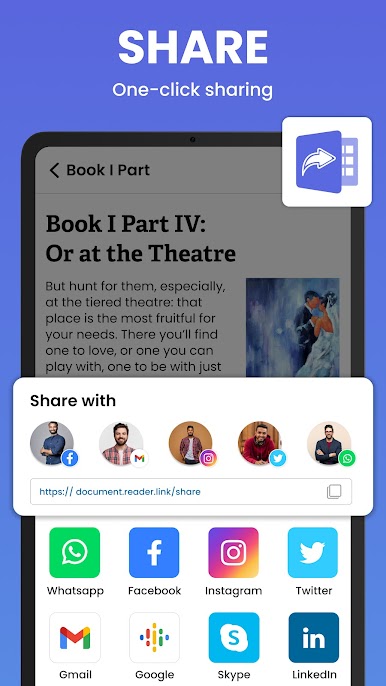
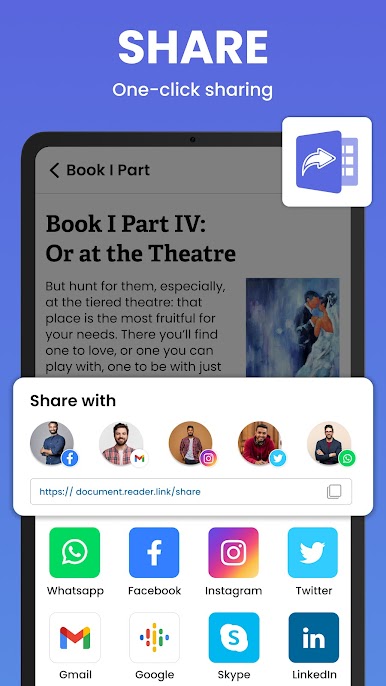
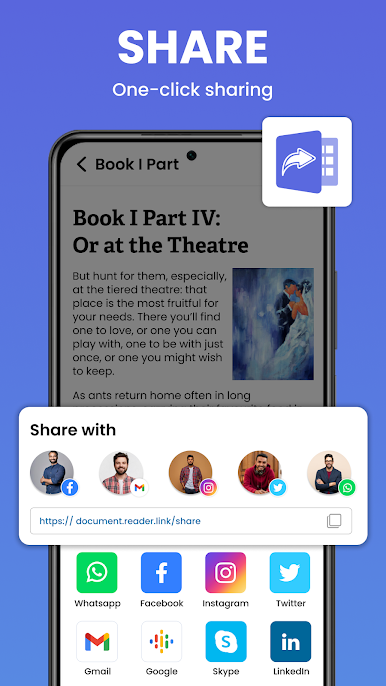
Select files from different folders easily—no need to hop around the storage maze. The app’s smart folder view makes picking a bunch of docs for sharing or organizing almost effortless. -
Offline and Lightweight
No internet needed once it’s installed. The app runs smoothly and doesn’t bog down your device, so you can access your documents wherever and whenever.
And if you feel like keeping everything synced up on a bigger screen, running Document Manager via BlueStacks is a breeze.
Eager to take your app experience to the next level? Start right away by downloading BlueStacks on your PC or Mac.



Play All Document Reader & Viewer on PC. It’s easy to get started.
-
Download and install BlueStacks on your PC
-
Complete Google sign-in to access the Play Store, or do it later
-
Look for All Document Reader & Viewer in the search bar at the top right corner
-
Click to install All Document Reader & Viewer from the search results
-
Complete Google sign-in (if you skipped step 2) to install All Document Reader & Viewer
-
Click the All Document Reader & Viewer icon on the home screen to start playing

