

Photo Lock
5억명 이상의 게이머가 신뢰하는 안드로이드 게임 플랫폼 BlueStacks으로 PC에서 플레이하세요.

Run Photo Lock on PC or Mac
Let BlueStacks turn your PC, Mac, or laptop into the perfect home for Photo Lock, a fun Tools app from DoMobile AppLock.
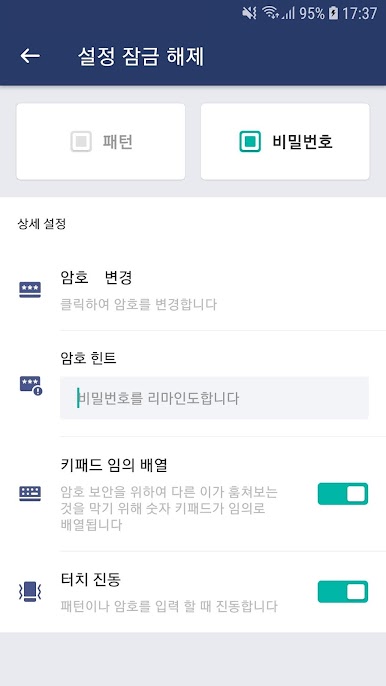
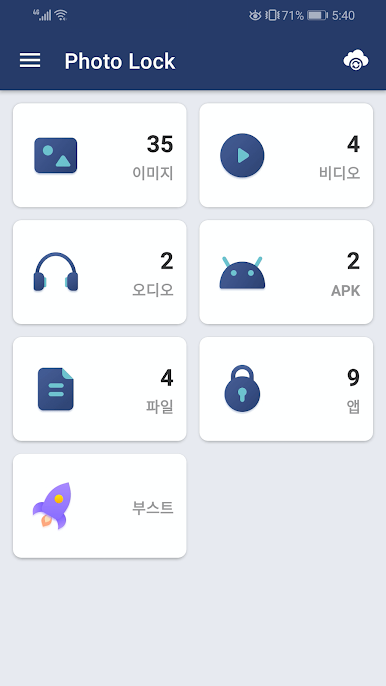
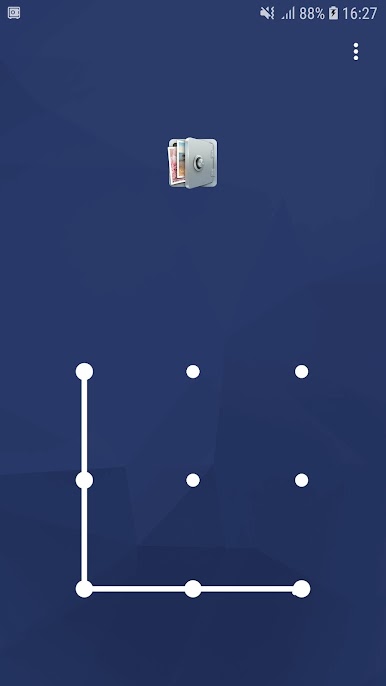
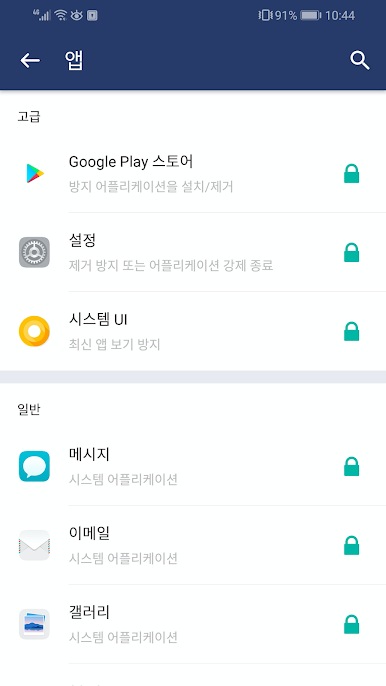
So, Photo Lock is one of those apps people use when they’ve got stuff on their phone—photos, videos, maybe even apps—that they want to keep private. Playing around with it on PC through BlueStacks actually makes it a bit simpler, since everything’s bigger and easier to manage. It basically lets you set up password, pattern, or even fingerprint locks so nobody can open those files or apps unless they know your unlock. It’ll cover the usual things people want to keep private—social apps, text messages, contacts, basically anything you pick.
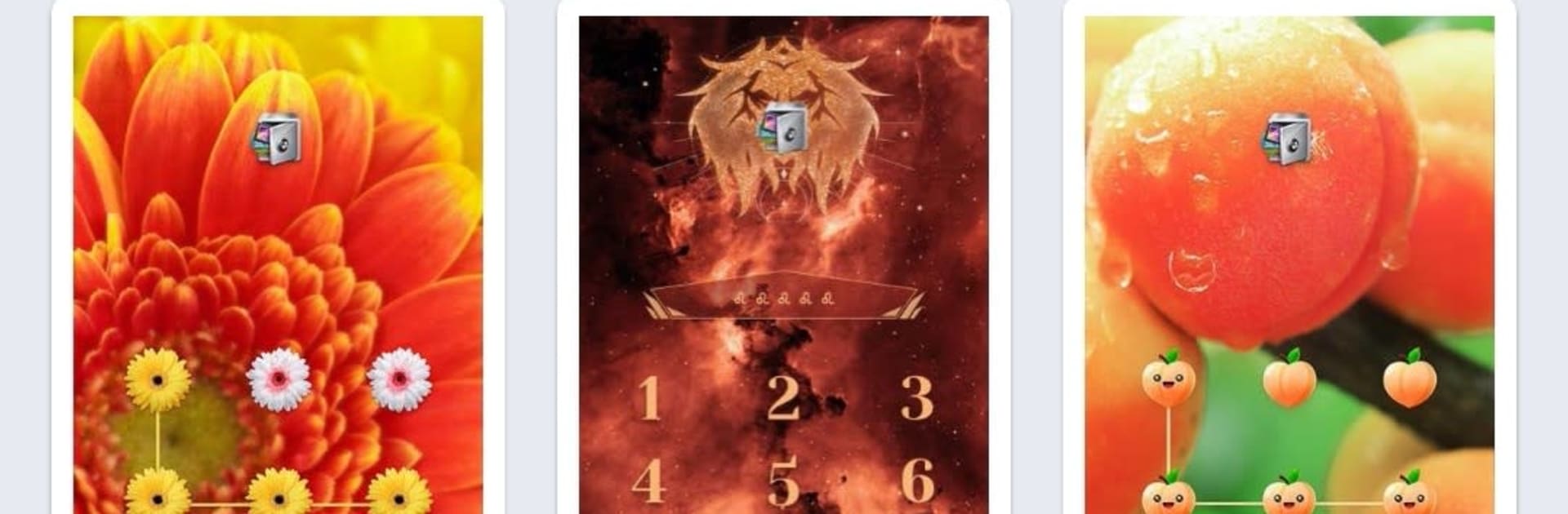
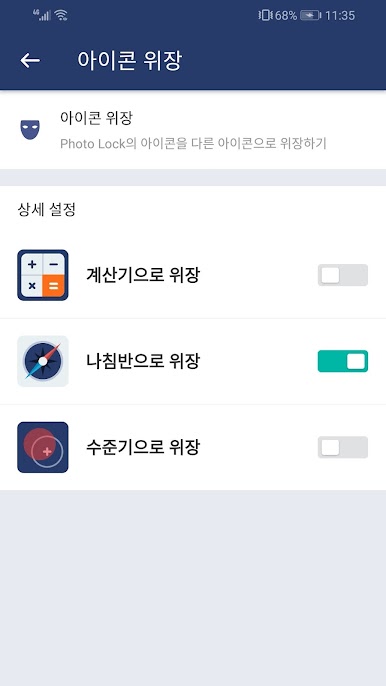
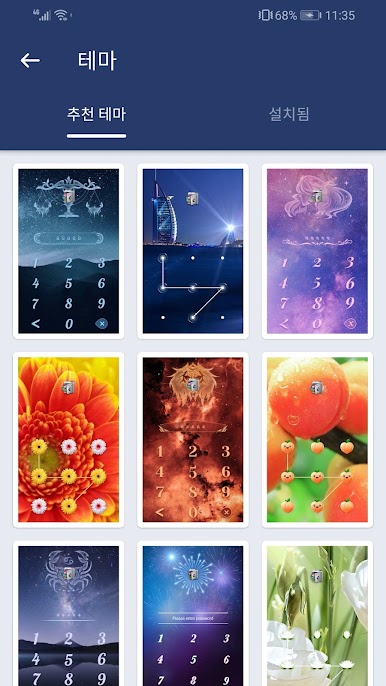
One thing that stands out is it does more than just hiding photos and videos. Someone can hide things like Facebook or Instagram, not just pictures, and switching between patterns, passwords, or fingerprints feels smooth. It can even change the look of its own icon if you don’t want it to be obvious, which is sort of clever for privacy. If anything does get moved in there, the only way back to it is through Photo Lock. The cloud sync stuff is useful too, making sure things aren’t just locked in one place, so nothing gets lost if a phone or computer switches. There are some extra things tucked in there as well, like taking a photo if someone tries to get in without permission or letting you change how the app looks, but the main thing is just how straightforward it is. Running it on a bigger screen with BlueStacks makes organizing everything a bit less fiddly, especially when sorting lots of files or setting things up for the first time. Anyone worried about someone snooping through their device or accidentally deleting photos would get why an app like this is handy.
BlueStacks brings your apps to life on a bigger screen—seamless and straightforward.
PC에서 Photo Lock 플레이해보세요.
-
BlueStacks 다운로드하고 설치
-
Google Play 스토어에 로그인 하기(나중에 진행가능)
-
오른쪽 상단 코너에 Photo Lock 검색
-
검색 결과 중 Photo Lock 선택하여 설치
-
구글 로그인 진행(만약 2단계를 지나갔을 경우) 후 Photo Lock 설치
-
메인 홈화면에서 Photo Lock 선택하여 실행

