


Barre | Down Dog
Juega en PC con BlueStacks: la plataforma de juegos Android, en la que confían más de 500 millones de jugadores.

Página modificada el: Oct 22, 2024
Play Barre | Down Dog on PC
BEGINNER FRIENDLY
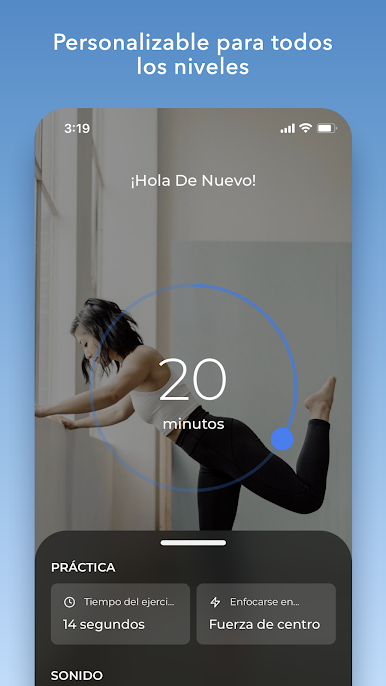
Start in the comfort of your own home. No fancy props required, all you need is a chair to get started. If you’re new to barre, we’ll guide you through all the movements with clear instruction, high-definition video, and plenty of modifications and alternatives along the way!
TARGET AND TONE
Our barre classes provide a total body workout, with thoughtful high-rep/low impact exercises. Get fit, and enjoy increased stamina, strength, balance, and flexibility, while sculpting gorgeous lean muscle and adding definition to your arms, abs, butt, and legs through exercises that isolate and tone.
BOOST FEATURE
Want to tailor your workout to focus more on a specific part of the body? We’ve got you covered!
DYNAMIC CHANGING MUSIC
Pick the type of music you love, and we supply beats that support where you are in your barre routine, whether you're warming up, building heat, or cooling down.
SYNC BETWEEN DEVICES
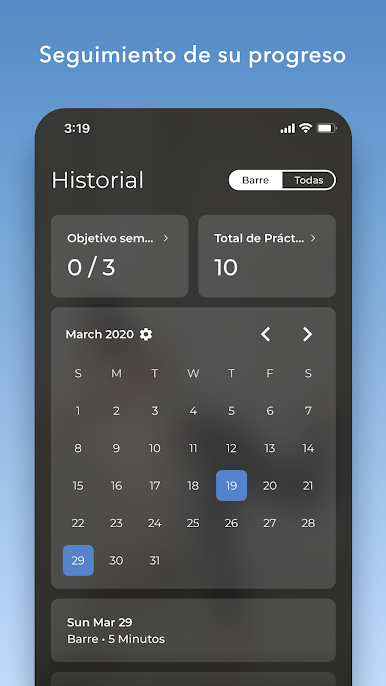
Automatically syncs across all your devices.
Down Dog's terms and conditions can be found at https://www.downdogapp.com/terms
Down Dog's privacy policy can be found at https://www.downdogapp.com/privacy
Juega Barre | Down Dog en la PC. Es fácil comenzar.
-
Descargue e instale BlueStacks en su PC
-
Complete el inicio de sesión de Google para acceder a Play Store, o hágalo más tarde
-
Busque Barre | Down Dog en la barra de búsqueda en la esquina superior derecha
-
Haga clic para instalar Barre | Down Dog desde los resultados de búsqueda
-
Complete el inicio de sesión de Google (si omitió el paso 2) para instalar Barre | Down Dog
-
Haz clic en el ícono Barre | Down Dog en la pantalla de inicio para comenzar a jugar

