


Status Saver - Video Download
Juega en PC con BlueStacks: la plataforma de juegos Android, en la que confían más de 500 millones de jugadores.

Página modificada el: Nov 7, 2025
Run Status Download - Video Saver on PC or Mac
Why limit yourself to your small screen on the phone? Run Status Download – Video Saver, an app by Shree Ganesha Labs, best experienced on your PC or Mac with BlueStacks, the world’s #1 Android emulator.
About the App
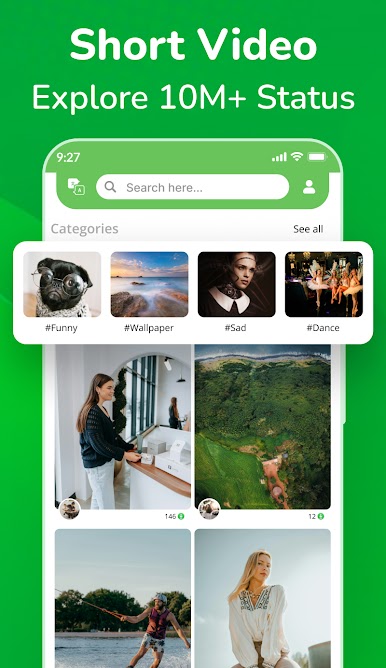
Status Download – Video Saver makes it easy to keep the photos, GIFs, and short videos you love from WA status—so you can save, rewatch, or share them whenever you want. It’s straightforward, quick, and built for people who don’t want to lose a great status after it disappears. Prefer a bigger screen? It runs smoothly on BlueStacks, too.
Created by Shree Ganesha Labs in the Productivity genre, this tool focuses on doing one thing well: grabbing the statuses you’ve viewed and organizing them into a clean gallery.
App Features
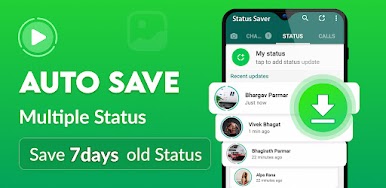
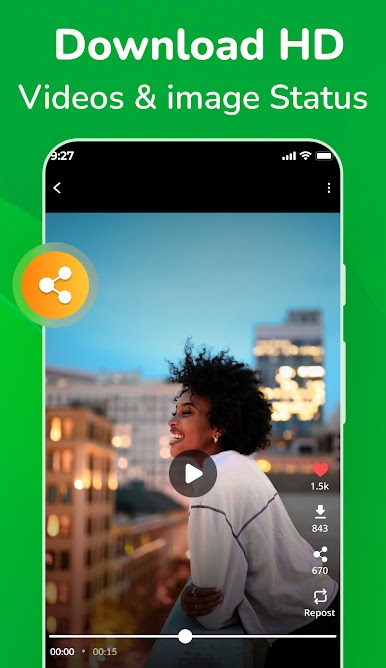
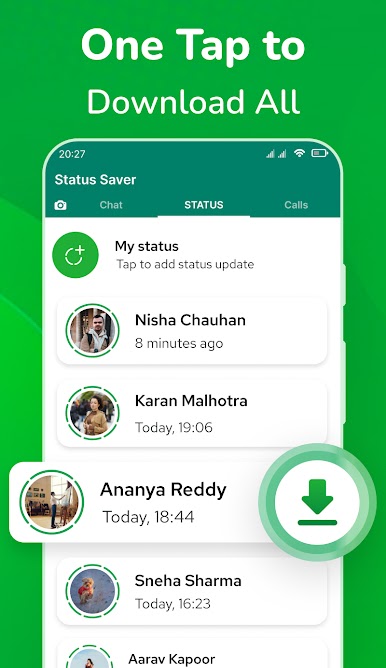
- Quick save for status media: Save photos, GIFs, and videos from statuses you’ve already viewed, right to your device.
- Auto-save with notifications: Turn on the notification service to automatically capture viewed statuses without extra steps.
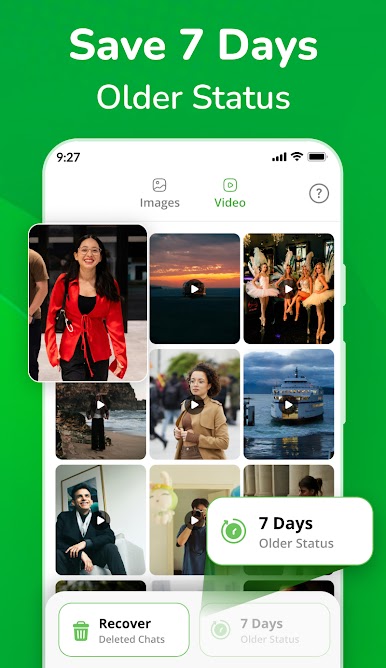
- Built-in gallery and player: Browse everything in one place and watch saved clips inside the app with simple controls.
- One-tap share: Repost or send saved content to WA, Instagram, Facebook, and more—fast and fuss-free.
- Works with Business and dual accounts: Use it alongside WA Business or parallel/dual setups and keep statuses from each account organized.
- After-call shortcut: Just finished a call? Pop open recent statuses instantly with the after-call view.
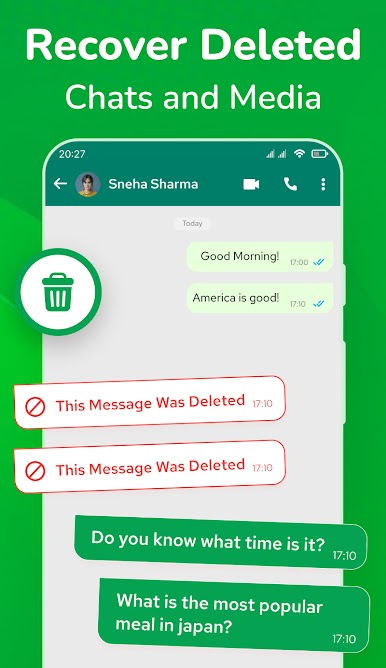
- “Deleted” message viewer: Catch messages that were deleted after being sent—when available from your notification history.
- No login required: The app reads and displays media saved to your device storage with your permission—no accounts, no hassle.
- Multilingual support: Available in English, Hindi, Marathi, Gujarati, Tamil, Telugu, Punjabi, Kannada, Malayalam, and Odia.
- Independent and respectful: Not affiliated with WhatsApp Inc. It doesn’t clone or hack; it simply shows files stored on your device after you’ve viewed them.
Big screen. Bigger performance. Use BlueStacks on your PC or Mac to run your favorite apps.
Juega Status Saver - Video Download en la PC. Es fácil comenzar.
-
Descargue e instale BlueStacks en su PC
-
Complete el inicio de sesión de Google para acceder a Play Store, o hágalo más tarde
-
Busque Status Saver - Video Download en la barra de búsqueda en la esquina superior derecha
-
Haga clic para instalar Status Saver - Video Download desde los resultados de búsqueda
-
Complete el inicio de sesión de Google (si omitió el paso 2) para instalar Status Saver - Video Download
-
Haz clic en el ícono Status Saver - Video Download en la pantalla de inicio para comenzar a jugar

