


สูตรคณิตศาสตร์
เล่นบน PC ผ่าน BlueStacks - Android Gaming Platform ที่ได้รับความไว้วางใจจากเกมเมอร์ 500 ล้านคนทั่วโลก

Page Modified on: Jan 12, 2024
Run Maths Formulas with Calculator on PC or Mac
Upgrade your experience. Try Maths Formulas with Calculator, the fantastic Education app from EZHIL, from the comfort of your laptop, PC, or Mac, only on BlueStacks.
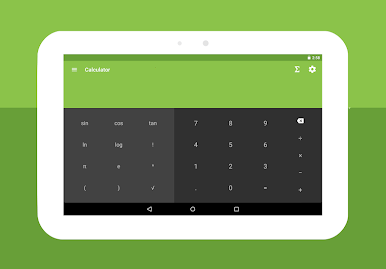
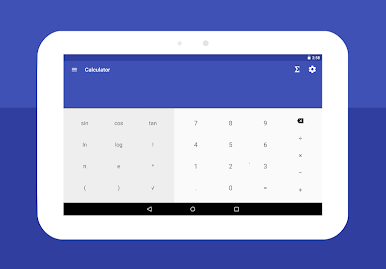
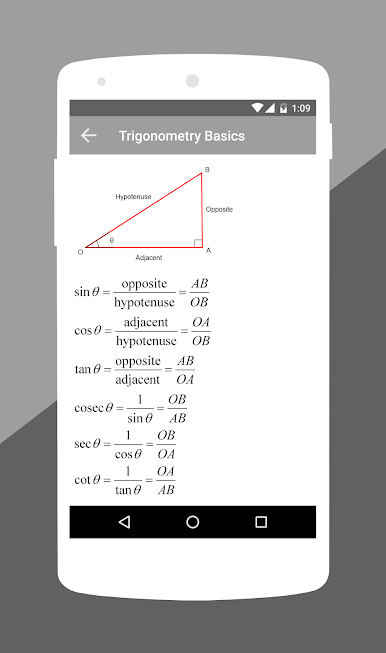
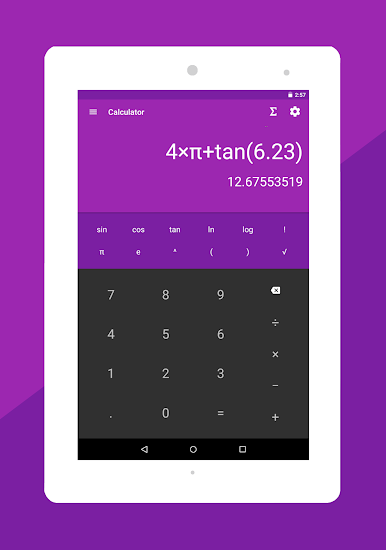
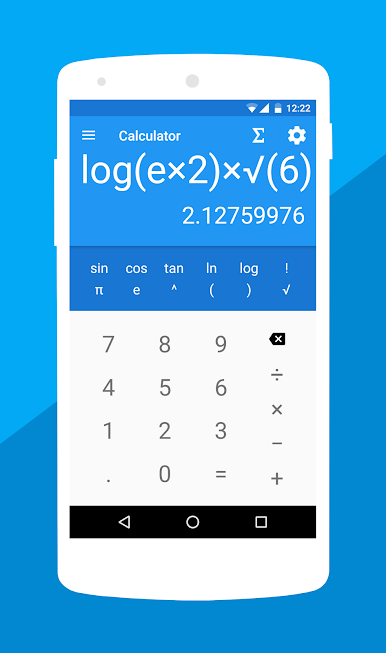
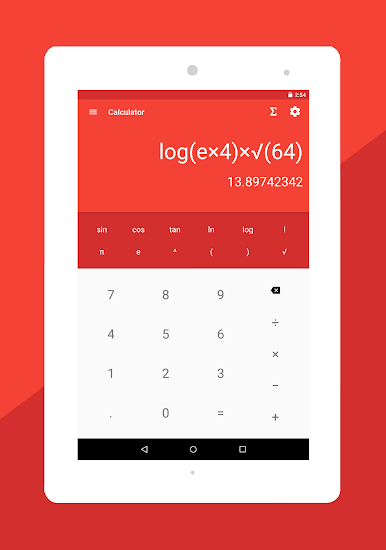
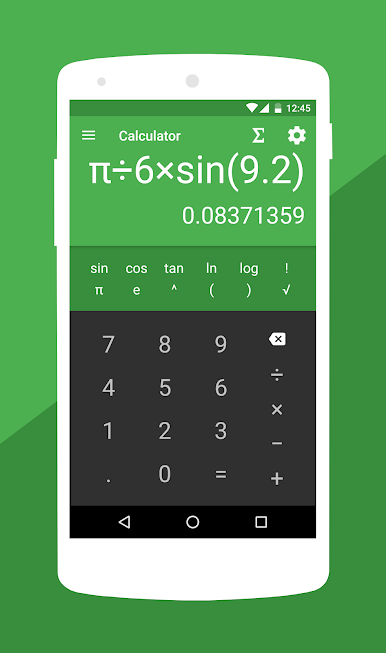
Maths Formulas with Calculator feels like a big math notebook plus a solid calculator, all in one place. It opens fast and does not get in the way. The calculator flips between simple stuff and full scientific mode, so basic sums sit right next to logs, trig, exponents, all that. There is a quick toggle for degrees or radians, and the themes are easy on the eyes, dark or light with a few colours to pick from. On BlueStacks, the bigger screen makes the buttons and the formula pages way easier to scan, which is nice when someone is juggling homework or a work problem.
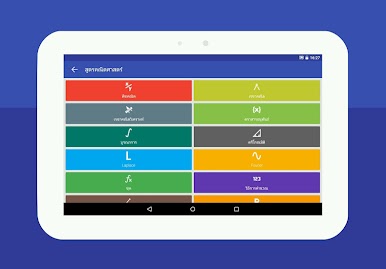
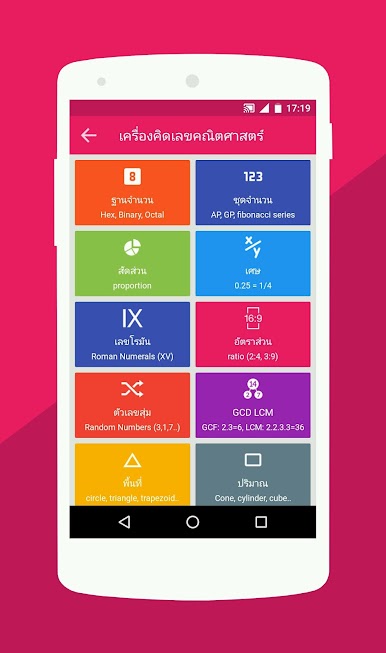
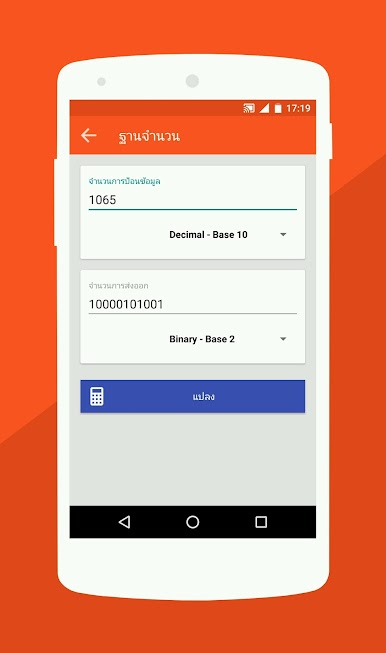
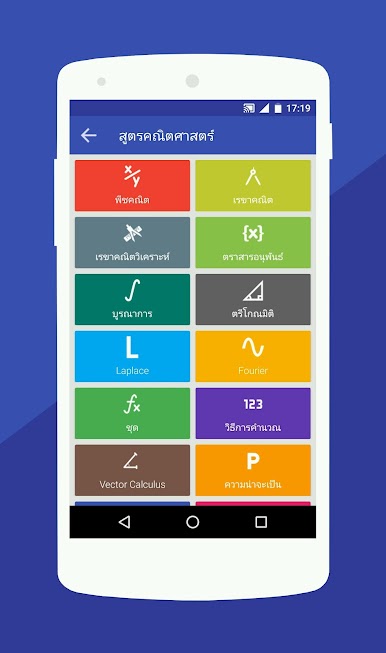
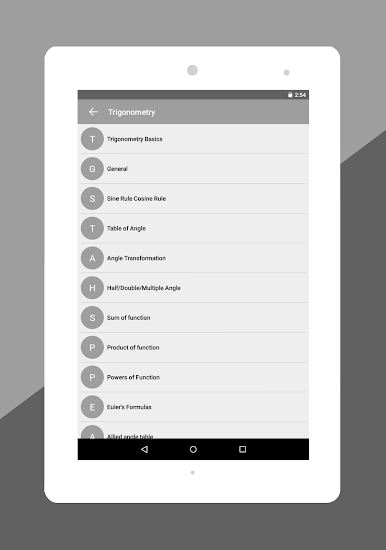
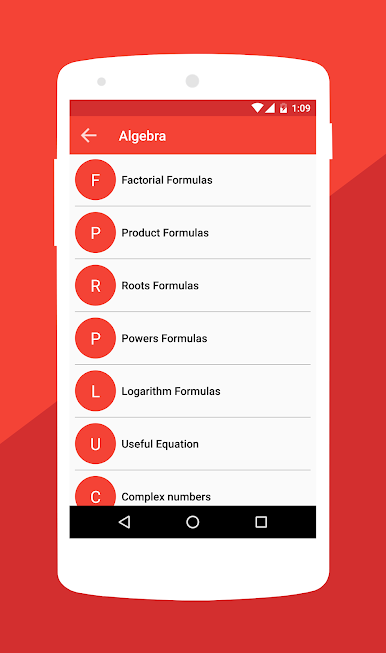
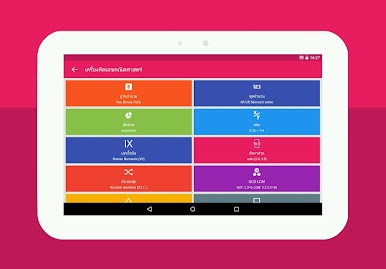
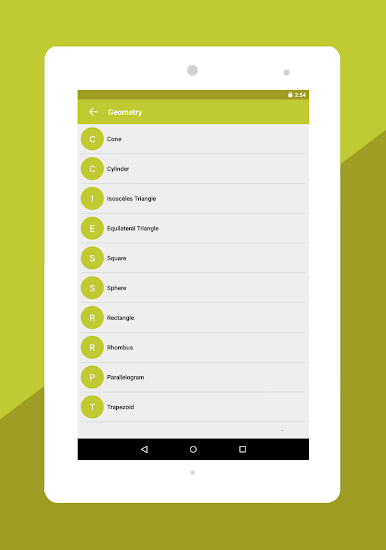
The real hook is the formula library. It is stacked and tidy, so finding algebra bits like factoring and complex numbers is simple, and geometry shapes like cones, spheres, triangles are laid out with the right equations. There are clear sections for calculus with derivatives and integrals, plus Laplace, Fourier, analytic geometry, series, matrices, probability, even coordinate geometry and logs. A search box helps jump to a formula instead of scrolling forever. There are handy mini tools too, like base converters for binary and hex, a number series generator, quick area and volume calculators, Roman numerals, ratios and proportions, decimal to fraction, GCD and LCM, and a random number picker when a choice is needed. It feels practical more than flashy, good for students or engineers who forget a formula name mid-problem, or anyone who just wants a single place to check maths without opening five tabs.
Eager to take your app experience to the next level? Start right away by downloading BlueStacks on your PC or Mac.
เล่น สูตรคณิตศาสตร์ บน PC ได้ง่ายกว่า
-
ดาวน์โหลดและติดตั้ง BlueStacks บน PC ของคุณ
-
ลงชื่อเข้าใช้แอคเคาท์ Google เพื่อเข้าสู่ Play Store หรือทำในภายหลัง
-
ค้นหา สูตรคณิตศาสตร์ ในช่องค้นหาด้านขวาบนของโปรแกรม
-
คลิกเพื่อติดตั้ง สูตรคณิตศาสตร์ จากผลการค้นหา
-
ลงชื่อเข้าใช้บัญชี Google Account (หากยังไม่ได้ทำในขั้นที่ 2) เพื่อติดตั้ง สูตรคณิตศาสตร์
-
คลิกที่ไอคอน สูตรคณิตศาสตร์ ในหน้าจอเพื่อเริ่มเล่น

