


Hướng Dẫn Toán Học
Chơi trên PC với BlueStacks - Nền tảng chơi game Android, được hơn 500 triệu game thủ tin tưởng.

Trang đã được sửa đổi vào: Dec 9, 2025
Run Math Tutorials on PC or Mac
What’s better than using Math Tutorials by duhnnae? Well, try it on a big screen, on your PC or Mac, with BlueStacks to see the difference.
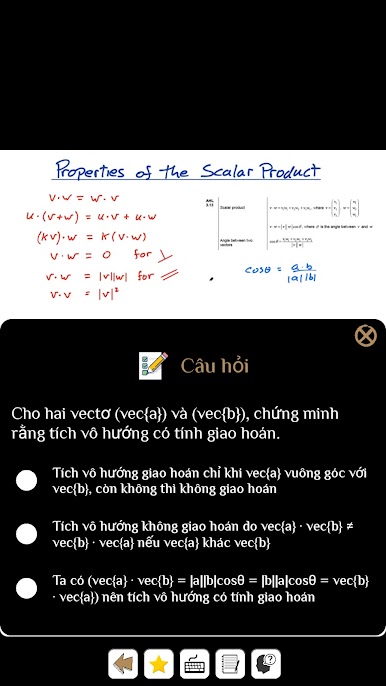
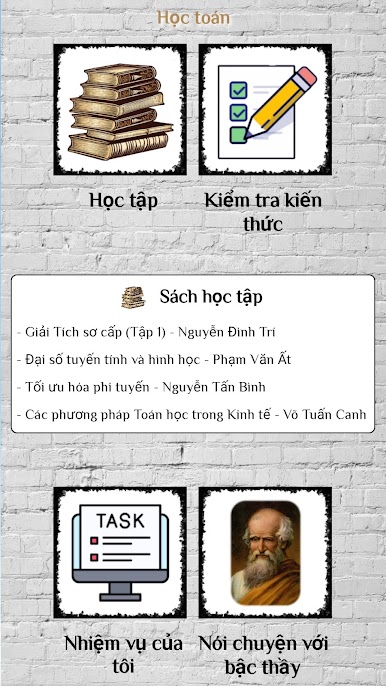
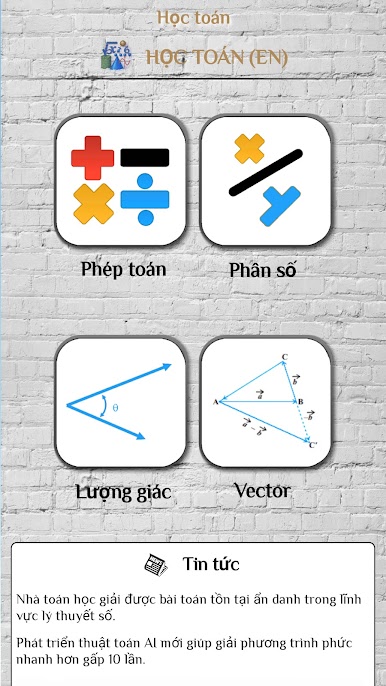
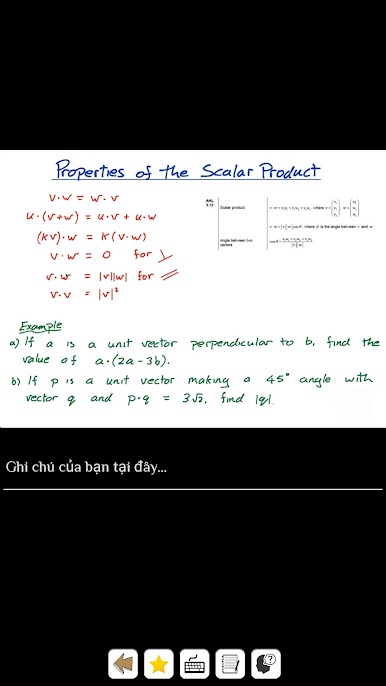
Math Tutorials is basically a hub for all sorts of math topics, and it’s built so people don’t have to go hunting down videos all over the internet. It covers math from the basics—stuff like adding and multiplying—to topics that get way more complicated, like trigonometry, derivatives, and even some light physics. The main thing is, the app pulls video tutorials (it uses YouTube for this), so it’s almost like having a playlist that’s already sorted and ready to go. There’s a section for pretty much every area: arithmetic, algebra, geometry, fractions, and even stats and discrete math.
One thing that stands out is how easy it is to jump between watching a tutorial and then trying out some practice questions right in the app. So, after watching someone explain how to handle equations or fractions, there’s a place to practice what just got explained. If someone’s using something like BlueStacks on a PC, it actually makes the app feel more like a study tool—no tiny phone screen and easier to follow along with videos while working through the exercises. The whole thing isn’t flashy or loaded with distractions, just a straightforward spot to learn, practice, and find some help with math, all in one place.
Eager to take your app experience to the next level? Start right away by downloading BlueStacks on your PC or Mac.
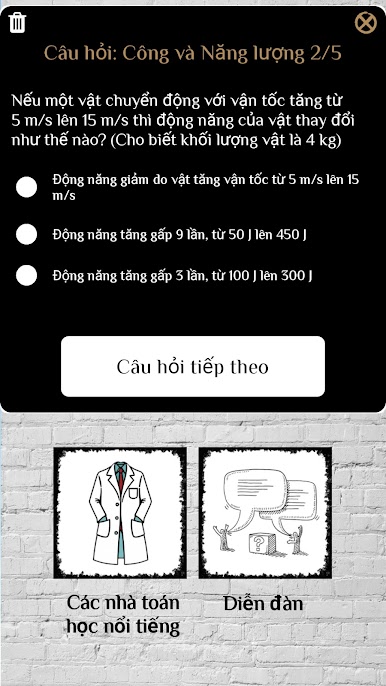
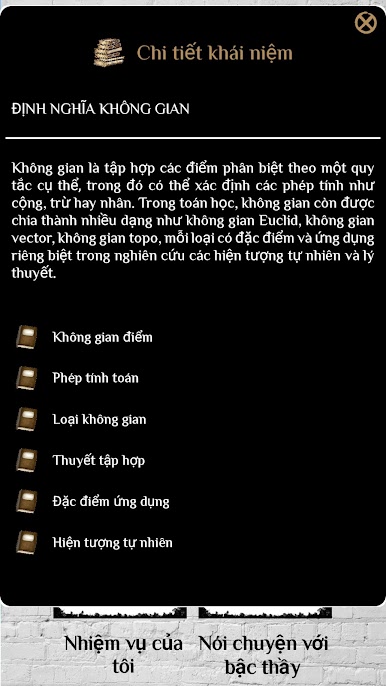
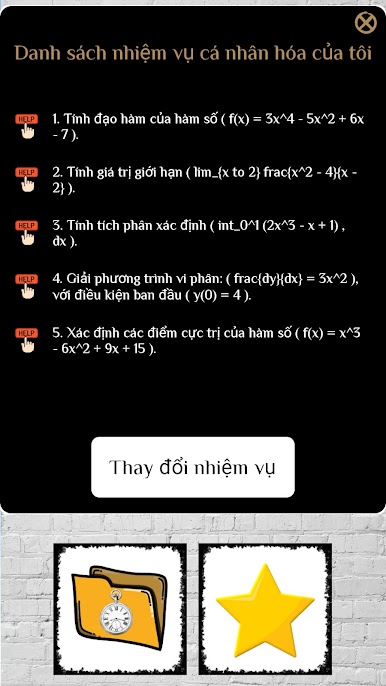
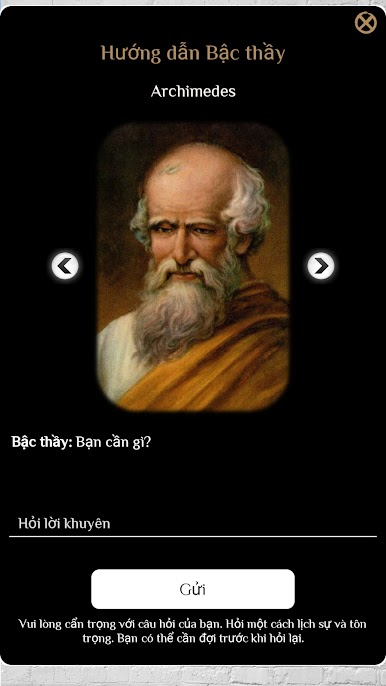
Chơi Hướng Dẫn Toán Học trên PC. Rất dễ để bắt đầu
-
Tải và cài đặt BlueStacks trên máy của bạn
-
Hoàn tất đăng nhập vào Google để đến PlayStore, hoặc thực hiện sau
-
Tìm Hướng Dẫn Toán Học trên thanh tìm kiếm ở góc phải màn hình
-
Nhấn vào để cài đặt Hướng Dẫn Toán Học trong danh sách kết quả tìm kiếm
-
Hoàn tất đăng nhập Google (nếu bạn chưa làm bước 2) để cài đặt Hướng Dẫn Toán Học
-
Nhấn vào icon Hướng Dẫn Toán Học tại màn hình chính để bắt đầu chơi

