


5e Bestiary
Chơi trên PC với BlueStacks - Nền tảng chơi game Android, được hơn 500 triệu game thủ tin tưởng.

Trang đã được sửa đổi vào: Jul 20, 2024
Run 5e Bestiary on PC or Mac
Get freedom from your phone’s obvious limitations. Use 5e Bestiary, made by The Dungeon Developer, a Entertainment app on your PC or Mac with BlueStacks, and level up your experience.
About the App
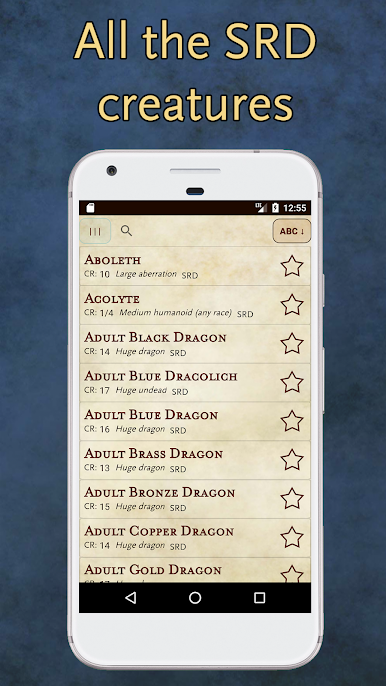
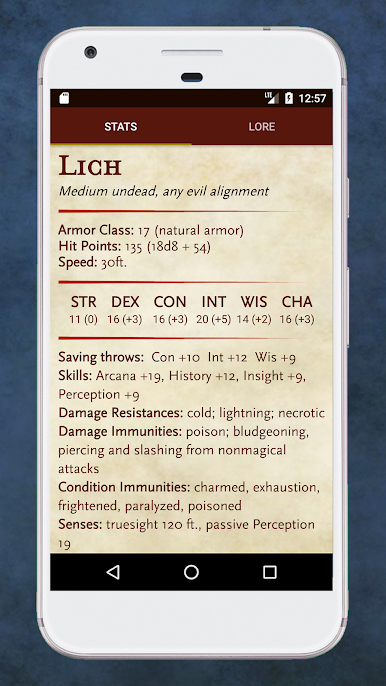
5e Bestiary is a handy creature compendium for D&D 5th edition, built to be fast, clean, and easy to use when you’re actually at the table. Whether you’re running a tense combat or just browsing for ideas between sessions, it puts official SRD stats right where you need them. Made by The Dungeon Developer, this Entertainment app keeps lookups simple so you can stay focused on the story.
App Features
- Fast Search: Start typing and jump straight to the creature you need—no endless scrolling or fiddly menus.
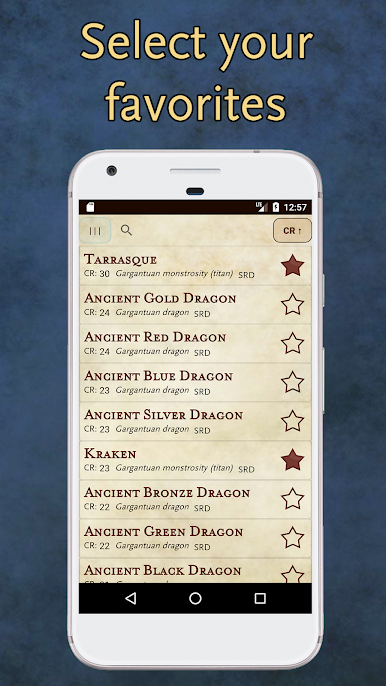
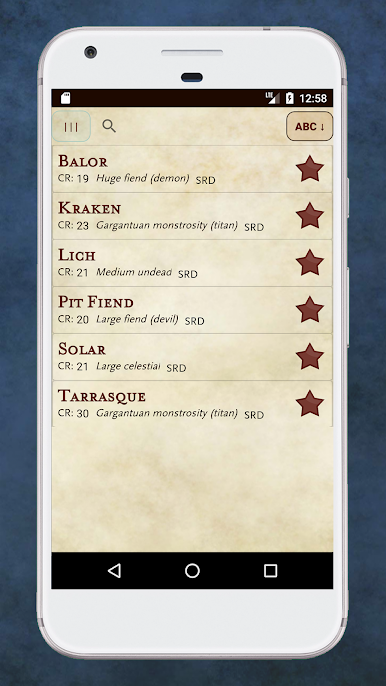
- Simple Bookmarks: Mark your favorites or frequently used monsters so they’re always just a tap away next time.
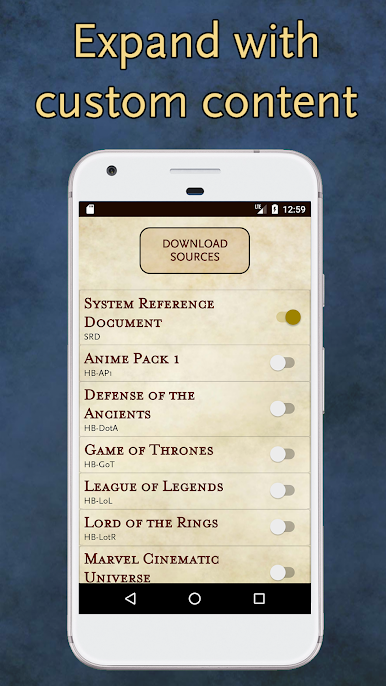
- Shared Homebrew: Explore and share custom entries from other players to spark new encounters, twists, and worldbuilding.
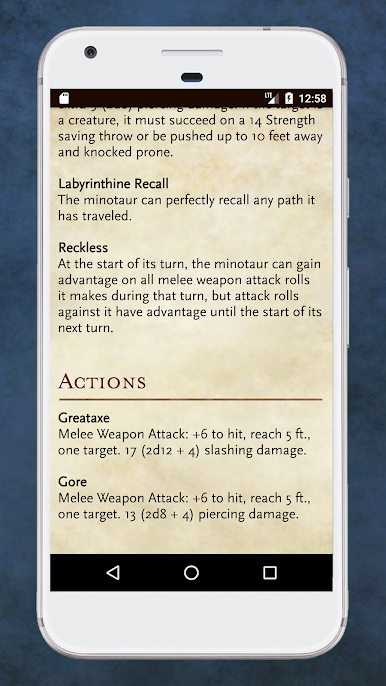
- Table-Ready Layout: A clear, familiar presentation that’s easy to scan in the middle of a session.
- Great for Prep or Play: Use it during your pen-and-paper games, or flip through entries when you’re brainstorming your next campaign.
- SRD-Based Content: Entries come from the 5.1 System Reference Document and follow the OGL 1.0a; this app isn’t affiliated with Wizards of the Coast.
- Comfortable Anywhere: Works nicely on phones and tablets—and if you like planning on a bigger screen, it runs smoothly on BlueStacks, too.
Eager to take your app experience to the next level? Start right away by downloading BlueStacks on your PC or Mac.
Chơi 5e Bestiary trên PC. Rất dễ để bắt đầu
-
Tải và cài đặt BlueStacks trên máy của bạn
-
Hoàn tất đăng nhập vào Google để đến PlayStore, hoặc thực hiện sau
-
Tìm 5e Bestiary trên thanh tìm kiếm ở góc phải màn hình
-
Nhấn vào để cài đặt 5e Bestiary trong danh sách kết quả tìm kiếm
-
Hoàn tất đăng nhập Google (nếu bạn chưa làm bước 2) để cài đặt 5e Bestiary
-
Nhấn vào icon 5e Bestiary tại màn hình chính để bắt đầu chơi

