


Sea Overlord
Play on PC with BlueStacks – the Android Gaming Platform, trusted by 500M+ gamers.

Page Modified on: Sep 28, 2025
Play Sea Overlord on PC or Mac
Sea Overlord brings the Strategy genre to life, and throws up exciting challenges for gamers. Developed by GAME KNIGHT NETWORK TECHNOLOGY LIMITED, this Android game is best experienced on BlueStacks, the World’s #1 app player for PC and Mac users.
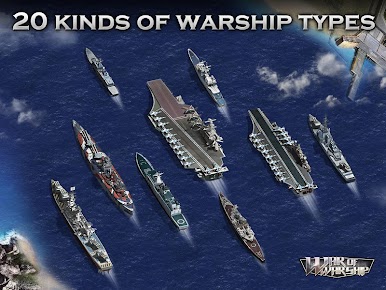
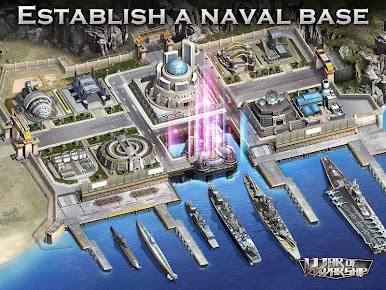
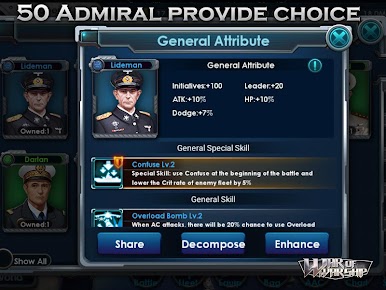
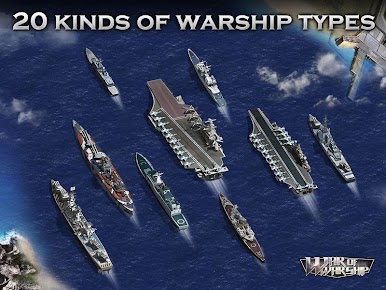
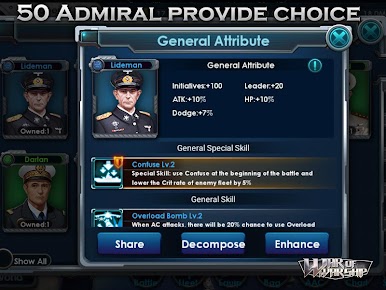
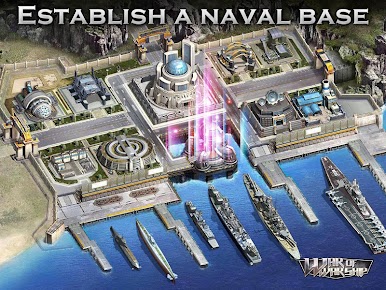
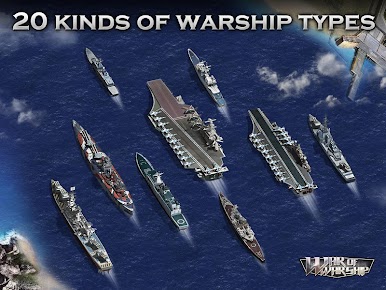
Sea Overlord drops players into a world where legendary battleships from history are the stars, and there’s a lot more than just sending them into combat. Figuring out which ships to build and how to make them stronger is a big part of the experience—there’s a decent range to pick from, and each ship class brings a different strategy to the table. It isn’t just about fighting, either; constructing and upgrading a naval base takes time and planning since enemy fleets will try to raid your base if you’re not careful. It feels like there’s always something to manage, whether it’s organizing the next fleet, tweaking technology to unlock better ships, or teaming up with others in big alliances. Working together actually matters, since you’ll run into both competitive events and scenarios where you have to defend your corner of the map or take territory from others.
When playing on PC with something like BlueStacks, managing all the menus and setting up fleets actually feels a bit smoother, and watching naval battles on a bigger screen makes all the difference. Winning isn’t just about having the strongest ships; it also depends on who researches better tech and who brings the right backup. There’s always another goal, another fight, or some new gear to chase—so, it never really gets slow, and it keeps pulling you back in, especially if you’re someone who likes planning and strategy more than pure button-mashing action.
Ready to top the leaderboard? We bet you do. Let precise controls and sharp visuals optimized on BlueStacks lead you to victory.






Play Sea Overlord on PC. It’s easy to get started.
-
Download and install BlueStacks on your PC
-
Complete Google sign-in to access the Play Store, or do it later
-
Look for Sea Overlord in the search bar at the top right corner
-
Click to install Sea Overlord from the search results
-
Complete Google sign-in (if you skipped step 2) to install Sea Overlord
-
Click the Sea Overlord icon on the home screen to start playing

