


C Programming App
Graj na PC z BlueStacks – Platforma gamingowa Android, która uzyskała zaufanie ponad 500 milionów graczy!

Strona zmodyfikowana w dniu: Sep 6, 2025
Play C Programming App on PC or Mac
C Programming App brings the Educational genre to life, and throws up exciting challenges for gamers. Developed by Anil Singhania, this Android game is best experienced on BlueStacks, the World’s #1 app player for PC and Mac users.
About the Game
Ever wanted to get a solid grip on the C language without wading through giant textbooks or confusing tutorials? C Programming App by Anil Singhania takes the stress out of learning to code, making everything, from basic syntax to trickier concepts, really approachable. If you’re a beginner or just looking to brush up for an interview, this educational app aims to make C programming surprisingly clear—right from your phone, or even bigger on your PC using BlueStacks.
Game Features
-
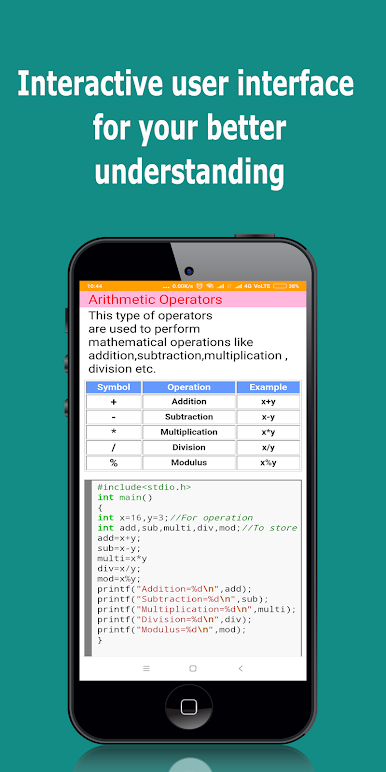
Clear, Interactive Lessons
No more cluttered or overwhelming screens. The app gives you a neat, organized layout that’s easy to follow—even late at night when your brain’s tired. -
All-in-One Learning Spot
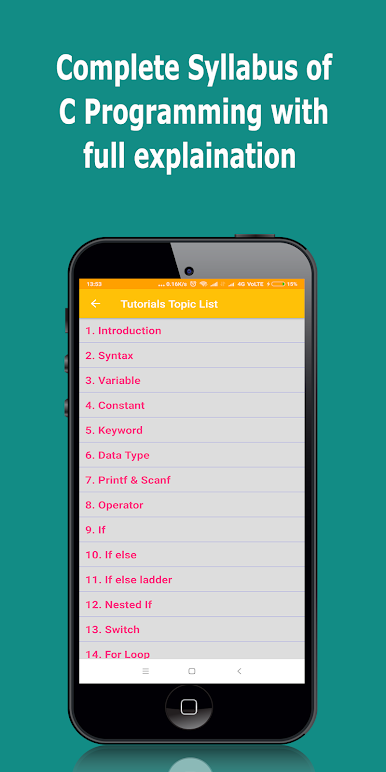
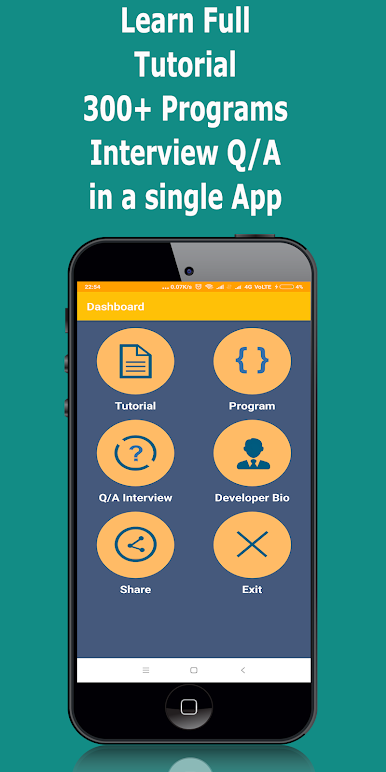
Explore step-by-step tutorials, sample programs with real outputs, theory explanations, and even a bucket-load of interview questions, all in one spot. -
Copy-Friendly Code
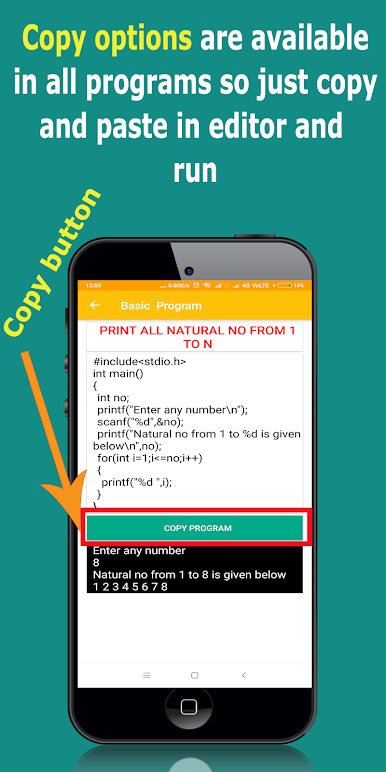
Found an interesting code snippet? Just copy it straight from the app. No more toggling between screens or retyping chunks of code. -
Topic-Wise Breakdown
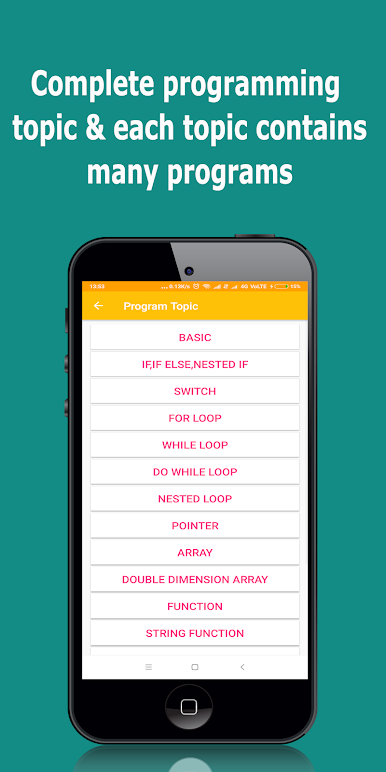
Whether you’re struggling with loops or just starting out with variables, you can focus on one topic at a time. Every subject gets its own set of explanations, practice programs, and Q&A. -
Massive Program Library
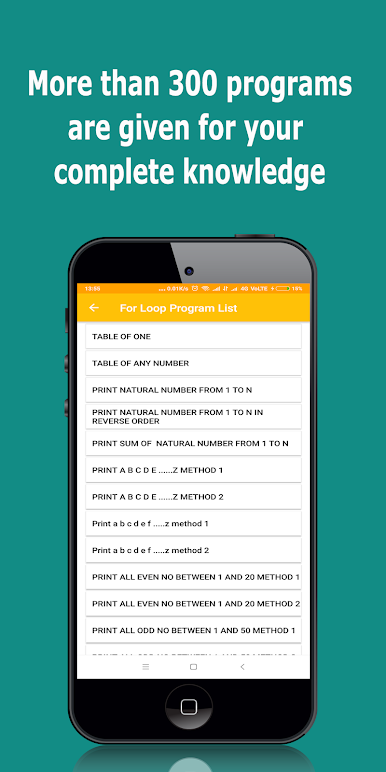
Over 300 example programs, each with actual output, let you see exactly what’s going on. Great for both practicing and double-checking your logic. -
Simple, Plain-English Explanations
Everything’s written in a way that’s super easy to get—even if you’ve never touched C before. -
Handy Interview Prep
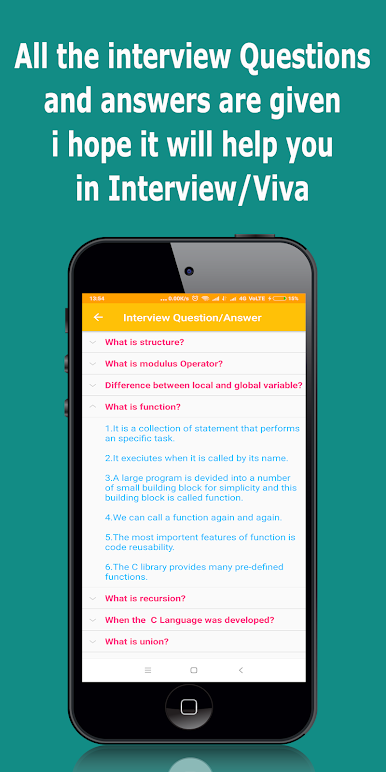
There’s a special section loaded with common interview questions and straightforward answers, organized by topic. Really handy for quick review before an interview or exam. -
Focused Educational Genre
This app sticks to the heart of what it’s good at: making C programming understandable and less intimidating, using a direct and educational approach.
Ready to top the leaderboard? We bet you do. Let precise controls and sharp visuals optimized on BlueStacks lead you to victory.
Zagraj w C Programming App na PC. To takie proste.
-
Pobierz i zainstaluj BlueStacks na PC
-
Zakończ pomyślnie ustawienie Google, aby otrzymać dostęp do sklepu Play, albo zrób to później.
-
Wyszukaj C Programming App w pasku wyszukiwania w prawym górnym rogu.
-
Kliknij, aby zainstalować C Programming App z wyników wyszukiwania
-
Ukończ pomyślnie rejestrację Google (jeśli krok 2 został pominięty) aby zainstalować C Programming App
-
Klinij w ikonę C Programming App na ekranie startowym, aby zacząć grę

