

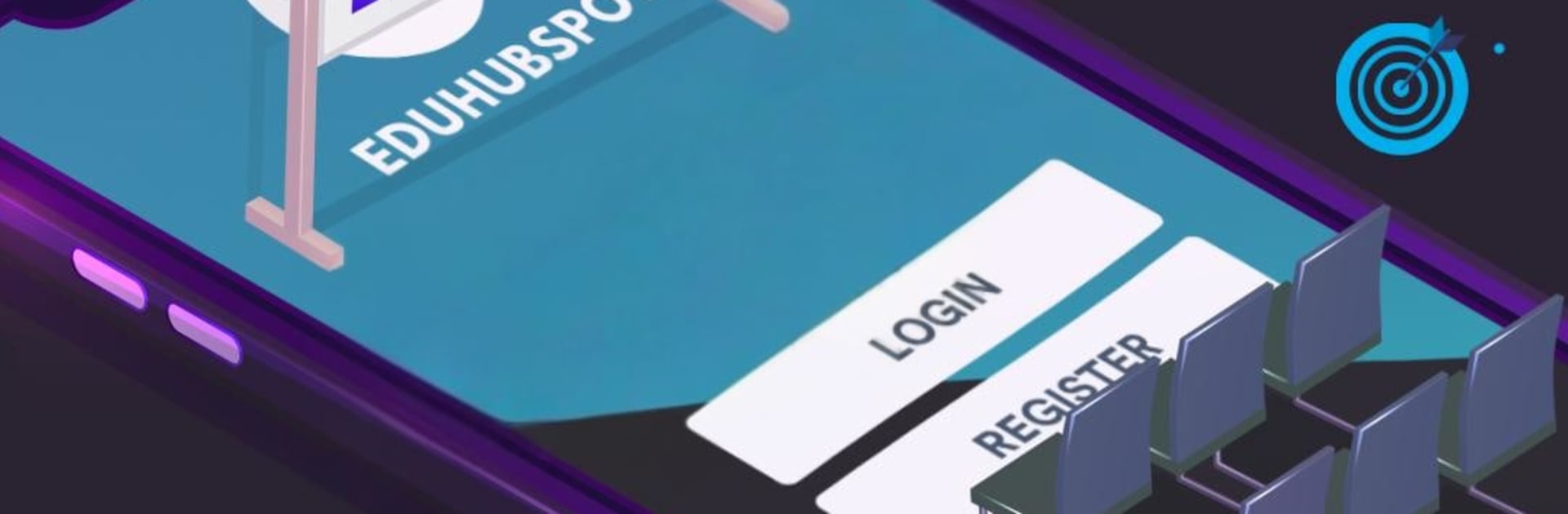
PMP Exam Questions & Videos
เล่นบน PC ผ่าน BlueStacks - Android Gaming Platform ที่ได้รับความไว้วางใจจากเกมเมอร์ 500 ล้านคนทั่วโลก

Page Modified on: Oct 30, 2025
Run PMP Exam Questions & Videos on PC or Mac
Let BlueStacks turn your PC, Mac, or laptop into the perfect home for PMP Exam Questions & Videos, a fun Education app from EduHubSpot.
About the App
PMP Exam Questions & Videos is your no-nonsense companion for PMP prep. Built by EduHubSpot in the Education genre, it blends clear video lessons, realistic practice, and helpful study tools so you can learn on your schedule and actually retain what matters. Prefer a bigger screen for long study sessions? You can also use it on your computer with BlueStacks.
App Features
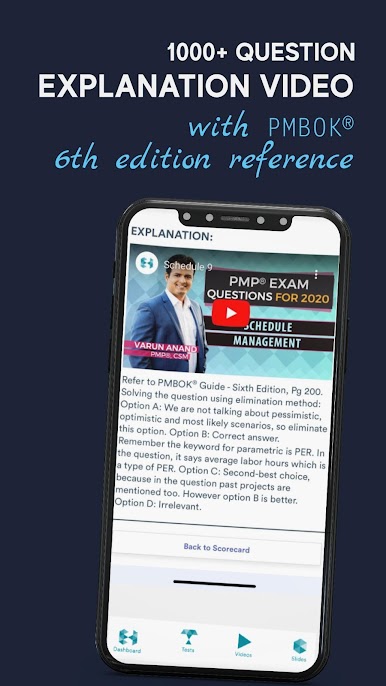
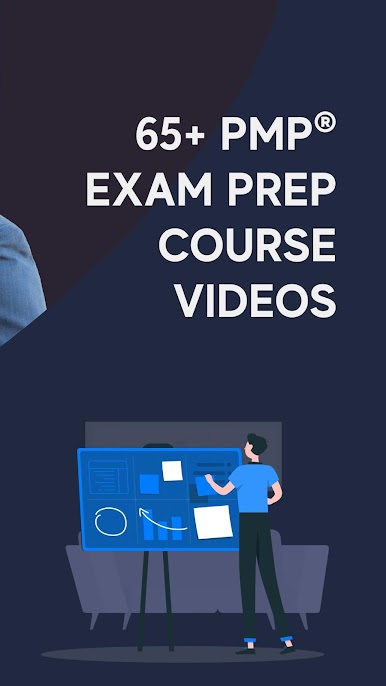
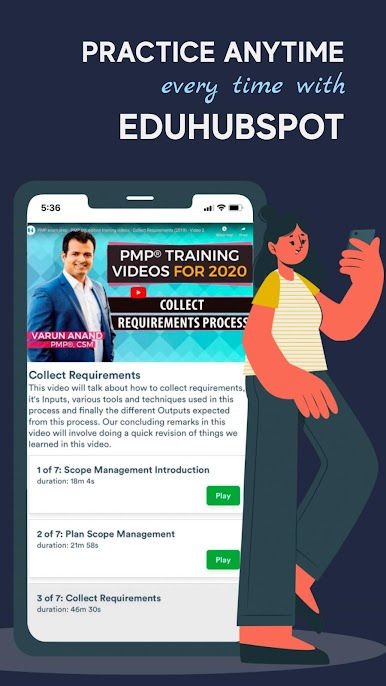
- Video lessons: Watch 65+ concise course videos that break down concepts without the fluff. You can even start with 21 free videos that take you through scope management.
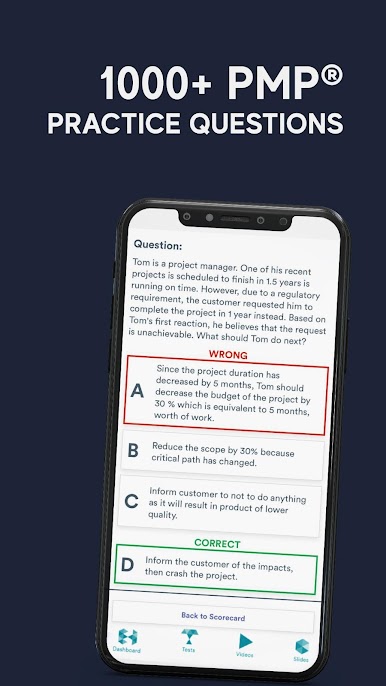
- Topic-wise practice: Drill into each knowledge area with targeted practice (275 curated questions), including a free set to test the waters.
- Full-length mock exams: Get exam-day ready with 4 complete practice tests—800 questions designed to feel like the real thing.
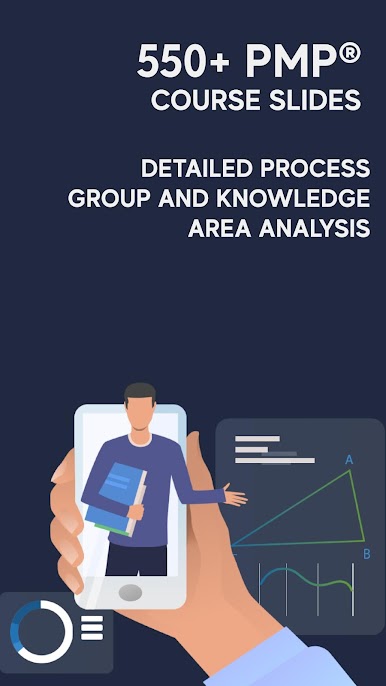
- Slide deck library: Review faster with 550+ clean, digestible slides that reinforce key ideas and definitions.
- Progress insights: See where you’re strong—and where to focus—thanks to process group and knowledge area breakdowns.
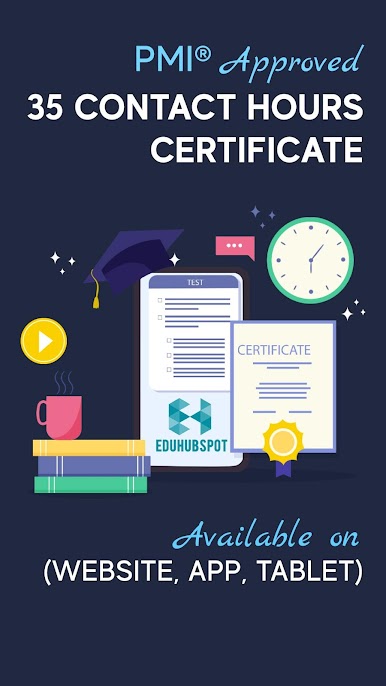
- 35 contact hours: Complete the coursework to earn the 35 contact hours you need for your PMP application.
- ITTO quick reference: Keep Inputs, Tools & Techniques, and Outputs at your fingertips with handy downloadable resources.
- Daily practice: Tackle a fresh “Question of the Day” every 24 hours to keep your momentum going.
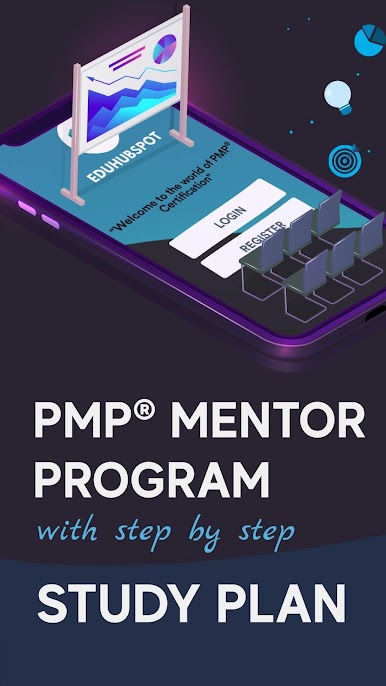
- Guided study plan: Follow a step-by-step plan that maps out what to learn and when.
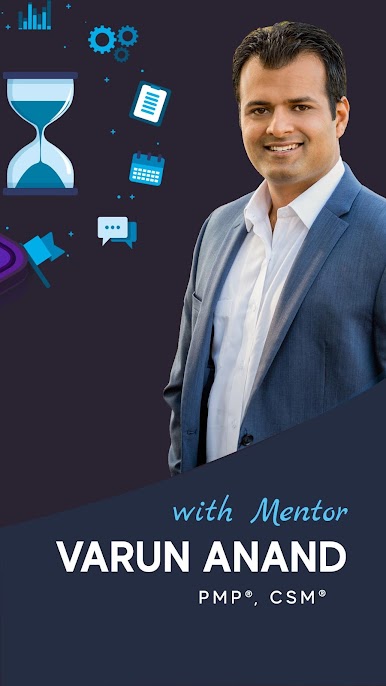
- Mentor support: Get guidance from seasoned instructors, including insights from renowned trainer Varun Anand.
Big screen. Bigger performance. Use BlueStacks on your PC or Mac to run your favorite apps.

เล่น PMP Exam Questions & Videos บน PC ได้ง่ายกว่า
-
ดาวน์โหลดและติดตั้ง BlueStacks บน PC ของคุณ
-
ลงชื่อเข้าใช้แอคเคาท์ Google เพื่อเข้าสู่ Play Store หรือทำในภายหลัง
-
ค้นหา PMP Exam Questions & Videos ในช่องค้นหาด้านขวาบนของโปรแกรม
-
คลิกเพื่อติดตั้ง PMP Exam Questions & Videos จากผลการค้นหา
-
ลงชื่อเข้าใช้บัญชี Google Account (หากยังไม่ได้ทำในขั้นที่ 2) เพื่อติดตั้ง PMP Exam Questions & Videos
-
คลิกที่ไอคอน PMP Exam Questions & Videos ในหน้าจอเพื่อเริ่มเล่น

