


NetSchool
Играйте на ПК с BlueStacks – игровой платформе для приложений на Android. Нас выбирают более 500 млн. игроков.

Страница изменена: Sep 4, 2026
Играйте NetSchool на ПК или Mac
NetSchool — приложение категории «Образование», разработанное АО “ИРТех”. BlueStacks — лучшая платформа и эмулятор для запуска этого Android приложения на ПК или Mac. Получите незабываемый опыт вместе с нами.
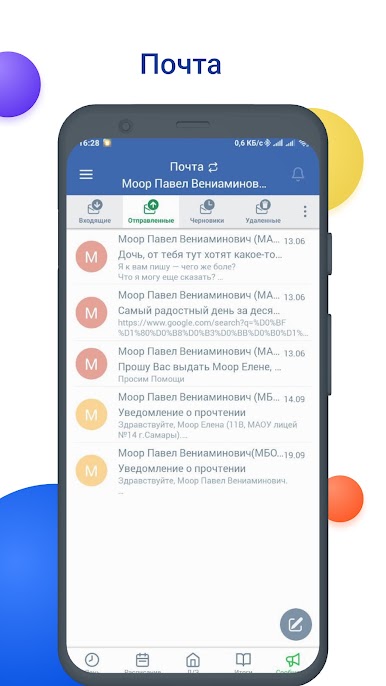
Мобильное приложение NetSchool – это «прямая трансляция» всех событий учебного процесса обучающегося из информационных систем «Сетевой Регион. Образование», «Сетевой Город. Образование», а также из Автоматизированных систем управления сферой образования региона, построенных на их основе.
Это простой и удобный рабочий инструмент для ученика и родителя с необходимым набором возможностей, диктуемых временем, включая переход на дистанционное образование в период сезонных заболеваний или обострения эпидемиологической ситуации.
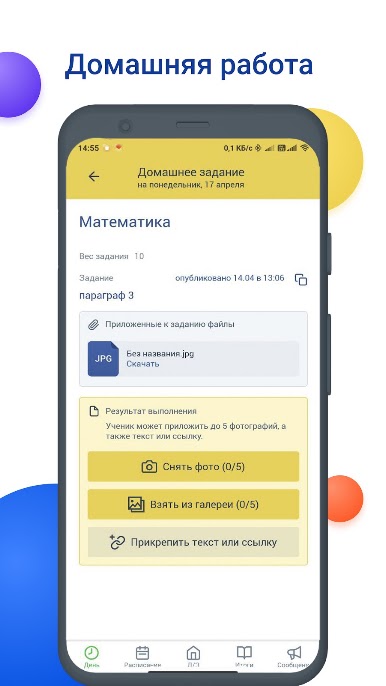
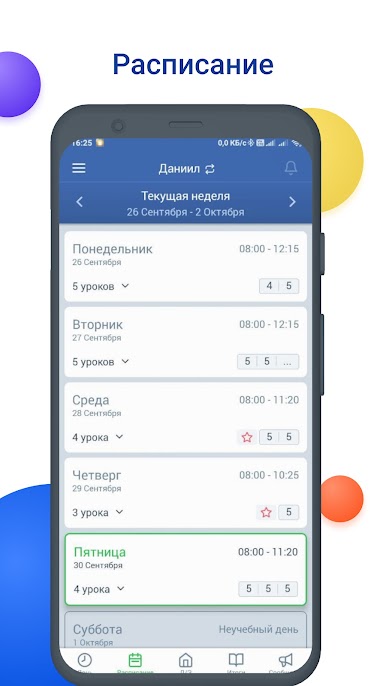
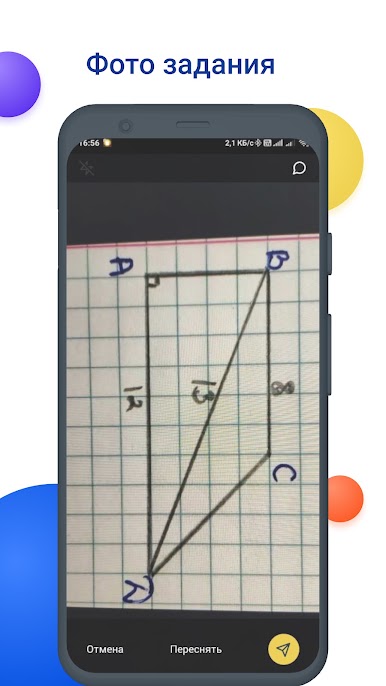
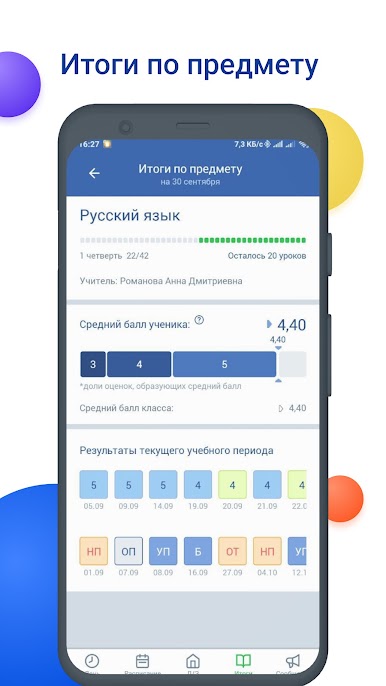
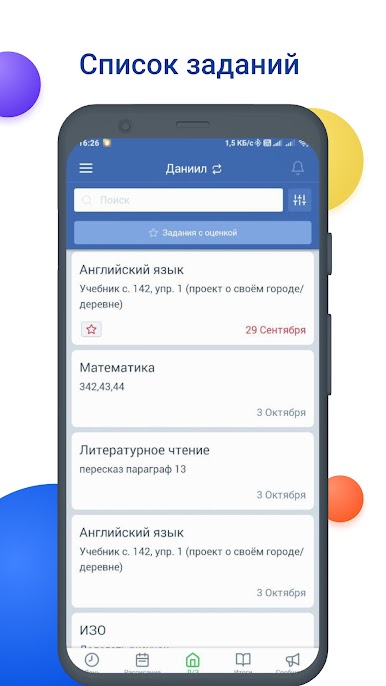
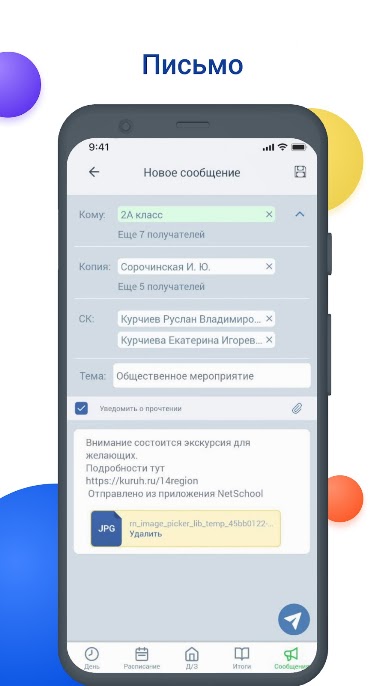
Мобильное приложение NetSchool позволяет ученику или родителю получать на смартфон расписание уроков и домашние задания, текущие и итоговые оценки, информацию о событиях в своей школе и многое другое.
Особенности приложения:
- Узнавайте изменения в расписании занятий
- Отслеживайте свою успеваемость
- Узнавайте заданное домашнее задание
Обращаем Ваше внимание, что вся информация в мобильном приложении NetSchool появляется автоматически, если в региональной/муниципальной/школьной информационной системе создается расписание занятий школы/класса, в журнале проставляются оценки, выдаются домашние задания и т.д.
Вы переходите или уже перешли на дистанционное обучение? Тогда скачайте NetSchool на ПК с помощью BlueStacks и держите всю необходимую информацию у себя под рукой!
Играйте в игру NetSchool на ПК. Это легко и просто.
-
Скачайте и установите BlueStacks на ПК.
-
Войдите в аккаунт Google, чтобы получить доступ к Google Play, или сделайте это позже.
-
В поле поиска, которое находится в правой части экрана, введите название игры – NetSchool.
-
Среди результатов поиска найдите игру NetSchool и нажмите на кнопку "Установить".
-
Завершите авторизацию в Google (если вы пропустили этот шаг в начале) и установите игру NetSchool.
-
Нажмите на ярлык игры NetSchool на главном экране, чтобы начать играть.

