


Английский - Русский
Играйте на ПК с BlueStacks – игровой платформе для приложений на Android. Нас выбирают более 500 млн. игроков.

Страница изменена: May 4, 2025
Run Russian - English : Dictionary & Education on PC or Mac
Get freedom from your phone’s obvious limitations. Use Russian – English : Dictionary & Education, made by eflasoft, a Education app on your PC or Mac with BlueStacks, and level up your experience.
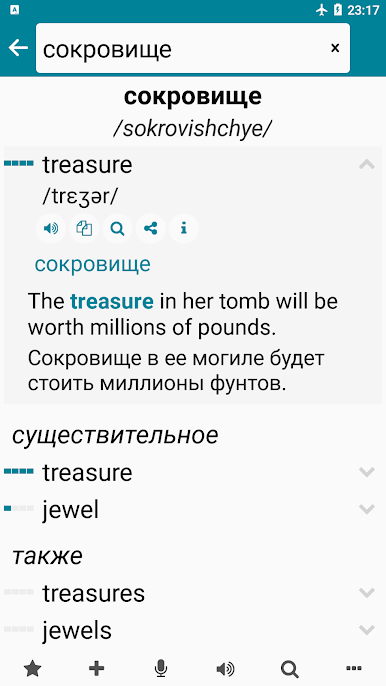
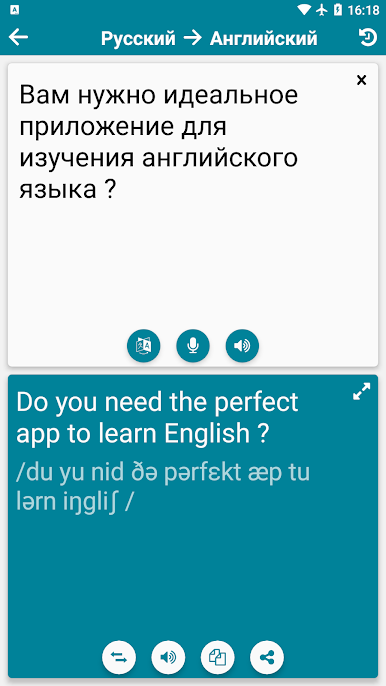
This Russian-English app does a lot more than just basic translations. It feels like the kind of tool you’d use when you’re actually trying to build up your language skills, not just look up a word here or there. The dictionary part is really fast and works offline, so there’s no need to worry about losing progress or waiting for things to load. When searching, it starts suggesting words pretty much instantly, which is helpful if spelling’s tricky. There are loads of example sentences, and you can listen to them, making it easier to figure out how stuff is used in real life.
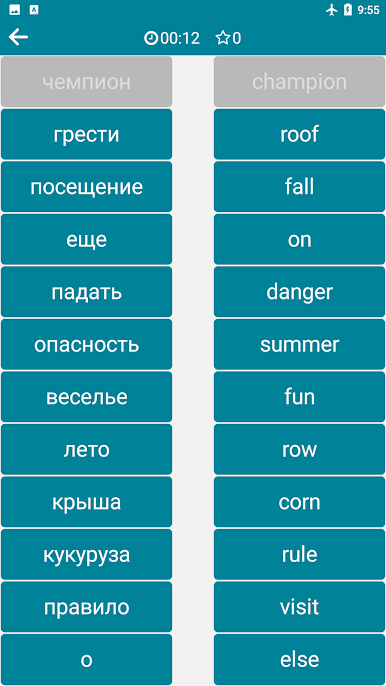
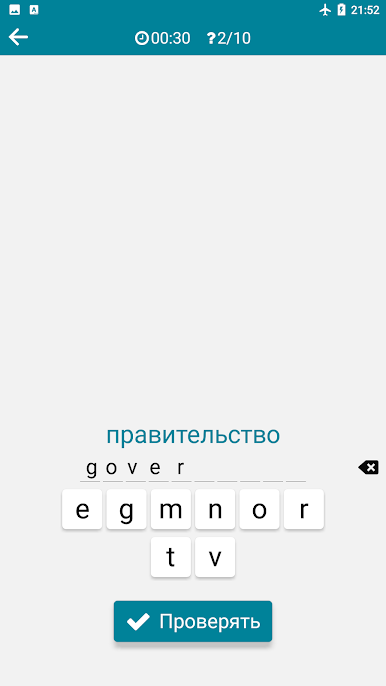
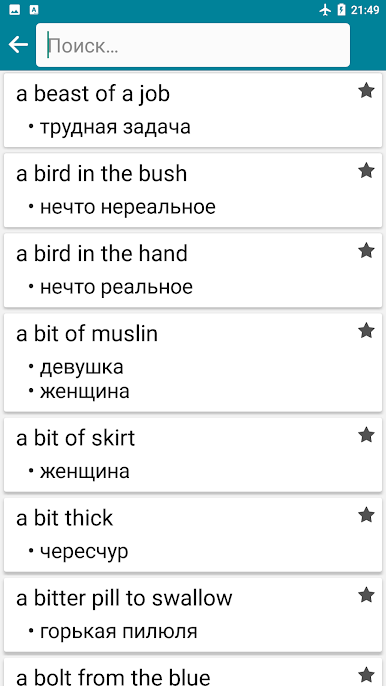
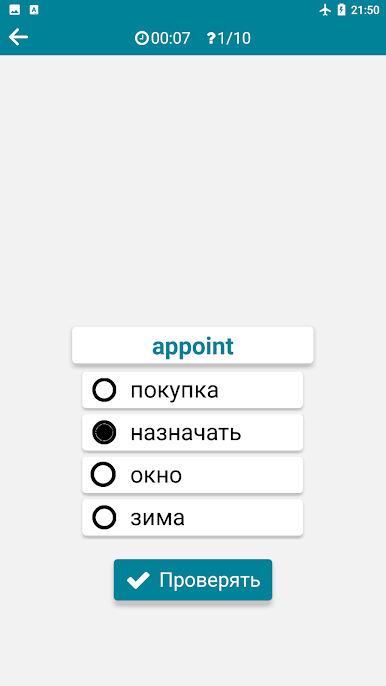
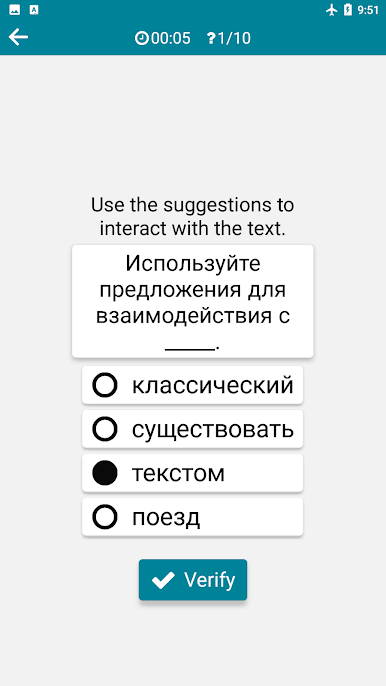
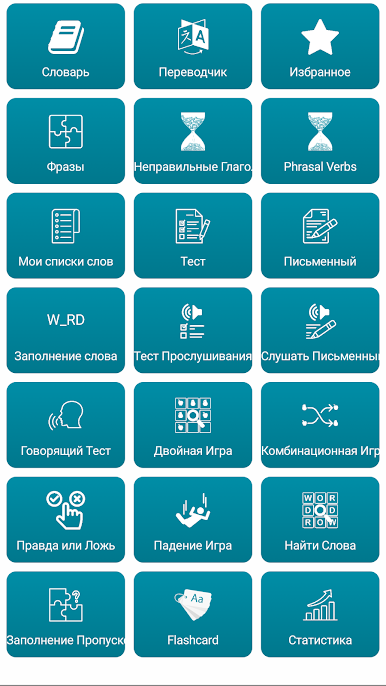
There’s also a bunch of little extras that make things easier. Words get sorted by how common they are, so you see what’s actually useful. Favorites and history help keep things organized, and there are tests and games built in, so it’s not all just memorizing—there are matching games, quizzes, and even a game where you have to pick the right meaning as words drop down the screen. There’s speech recognition too, so you can try out pronunciation or use your voice to search instead of typing. You can translate full sentences both ways (English <-> Russian), and there’s a big collection of common phrases for everyday conversation, which is super handy for travel or chatting.
What’s nice is this all works pretty smoothly on a bigger screen with BlueStacks. Instead of squinting at a phone, seeing lists, examples, and games bigger just makes it less tiring. Overall, the app covers a lot—irregular verbs, phrasal verbs, writing and listening tests, and even widgets so you can pick up new words without opening the app every time. Feels like the kind of thing that’d be a solid backup whether someone’s new to Russian or just wants to keep vocab sharp.
BlueStacks gives you the much-needed freedom to experience your favorite apps on a bigger screen. Get it now.
Играйте в игру Английский - Русский на ПК. Это легко и просто.
-
Скачайте и установите BlueStacks на ПК.
-
Войдите в аккаунт Google, чтобы получить доступ к Google Play, или сделайте это позже.
-
В поле поиска, которое находится в правой части экрана, введите название игры – Английский - Русский.
-
Среди результатов поиска найдите игру Английский - Русский и нажмите на кнопку "Установить".
-
Завершите авторизацию в Google (если вы пропустили этот шаг в начале) и установите игру Английский - Русский.
-
Нажмите на ярлык игры Английский - Русский на главном экране, чтобы начать играть.

