


ПТЭ 2.0 | Тесты РТН
Play on PC with BlueStacks – the Android Gaming Platform, trusted by 500M+ gamers.

Page Modified on: Nov 9, 2025
Run ПТЭ 2.0 on PC or Mac
What’s better than using ПТЭ 2.0 by ElektrovozApp? Well, try it on a big screen, on your PC or Mac, with BlueStacks to see the difference.
About the App
Need a hand prepping for exams, or just brushing up on important rules and regulations in the productivity world? ПТЭ 2.0 by ElektrovozApp makes it easy to dive into all those key materials and test your knowledge at your own pace. Whether you’re looking to study efficiently on the go or challenge yourself with timed quizzes, this app has a straightforward setup that feels simple, but gets the job done.
App Features
-
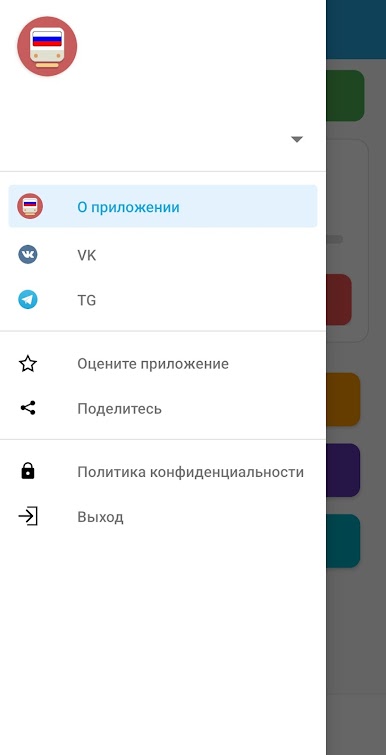
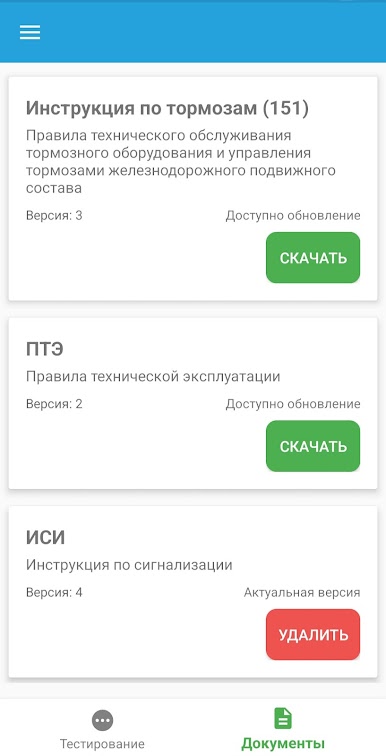
Handy Book Library
Quickly access the main ПТЭ, ИСИ, and ИДП books right from your phone. No more carrying massive volumes or searching for your notes—everything you need sits in one tidy spot. -
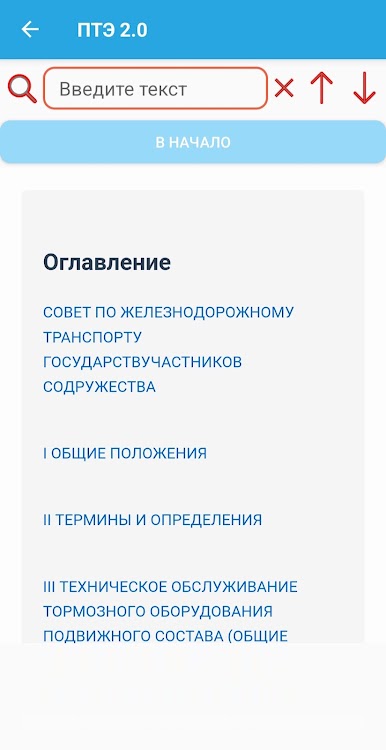
Smart Search Tool
Can’t remember where you saw that rule? Use the built-in search to jump straight to what you need, without endlessly flipping through pages. -
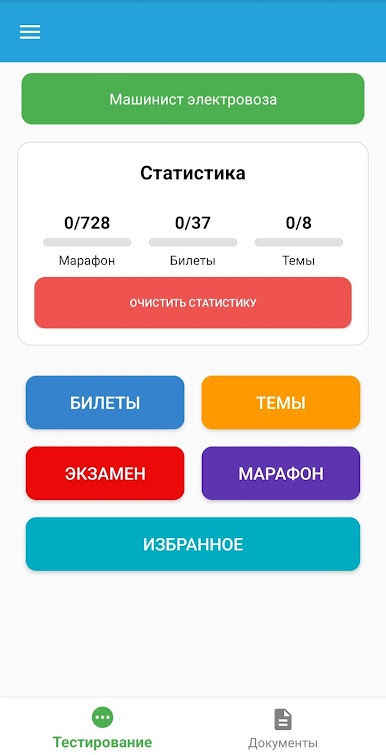
Timed Exam Mode
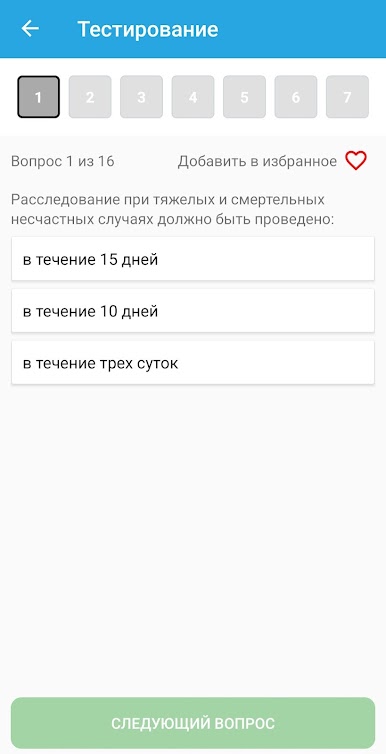
Want to practice under pressure? Try the exam mode, which mimics real test conditions. You can pick questions from all three books, or zero in on just one area at a time. -
Category-Based Quizzes
Focus your prep on specific topics with quizzes grouped by category. It’s an easy way to reinforce what you know—or see what could use another look. -
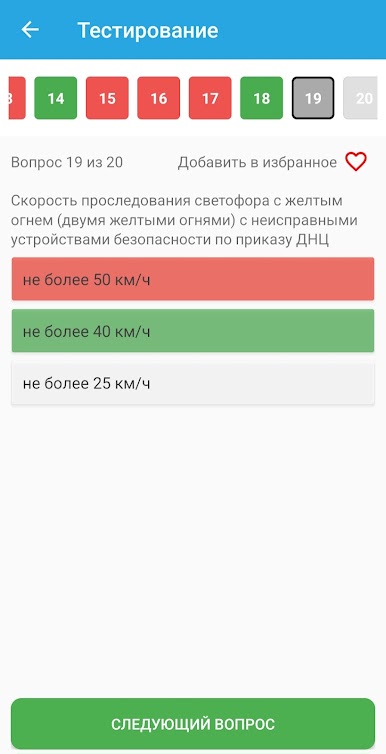
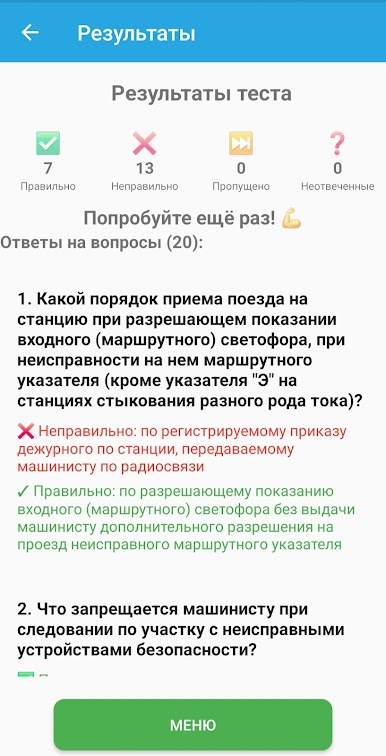
Helpful Answer Highlights
Whenever you pick an incorrect answer, the app points out the right choice, so you’ll remember it next time. It’s like gentle feedback instead of a slap on the wrist. -
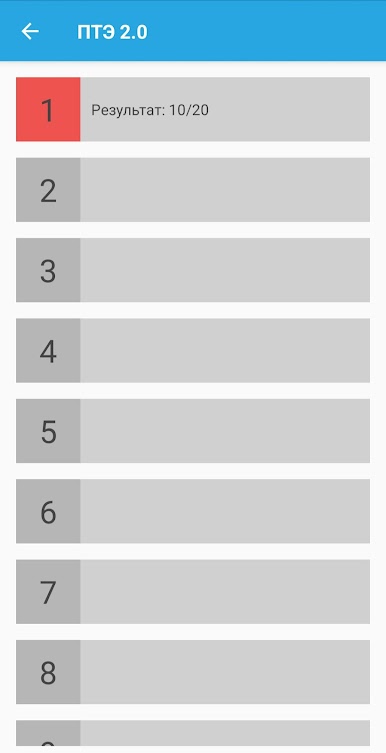
Detailed Result Reports
After every quiz or test, check out a summary of all your answers. The app lists every question and how you did, giving you a clear view of your progress (or bragging rights if you aced it).
And if you want to run ПТЭ 2.0 through BlueStacks, it handles things smoothly—great for those days when you’d rather study from your desktop instead of your phone.
BlueStacks gives you the much-needed freedom to experience your favorite apps on a bigger screen. Get it now.
Play ПТЭ 2.0 | Тесты РТН on PC. It’s easy to get started.
-
Download and install BlueStacks on your PC
-
Complete Google sign-in to access the Play Store, or do it later
-
Look for ПТЭ 2.0 | Тесты РТН in the search bar at the top right corner
-
Click to install ПТЭ 2.0 | Тесты РТН from the search results
-
Complete Google sign-in (if you skipped step 2) to install ПТЭ 2.0 | Тесты РТН
-
Click the ПТЭ 2.0 | Тесты РТН icon on the home screen to start playing

