



Play Grim Tales 23: F2P on PC or Mac
Grim Tales 23: F2P brings the Puzzle genre to life, and throws up exciting challenges for gamers. Developed by Elephant Games AR LLC, this Android game is best experienced on BlueStacks, the World’s #1 app player for PC and Mac users.
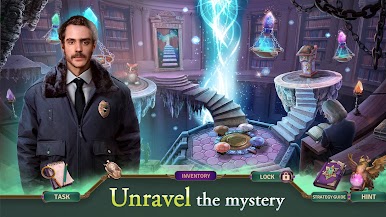
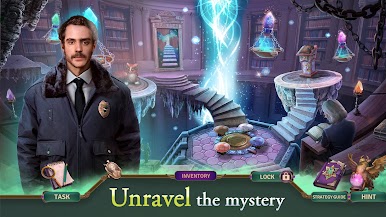
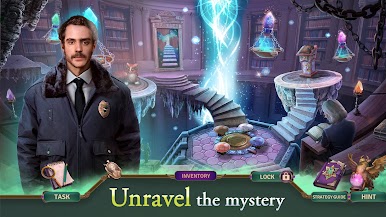
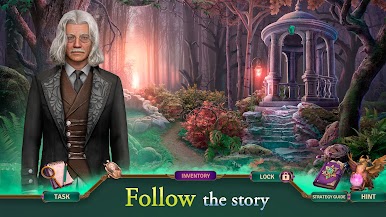
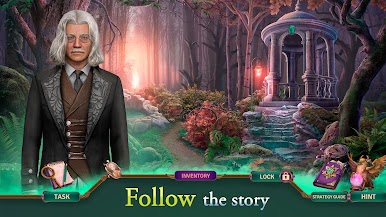
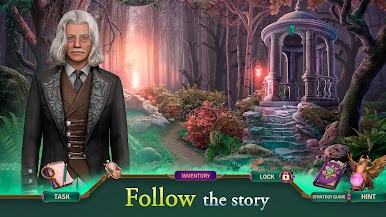
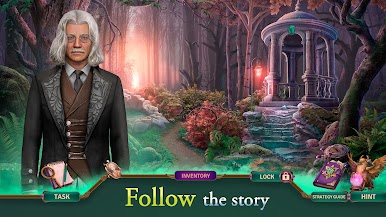
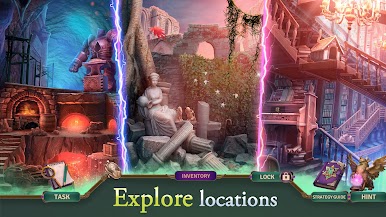
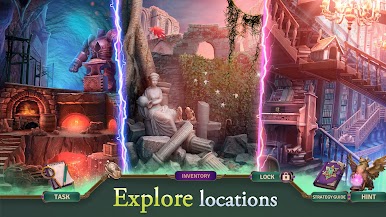
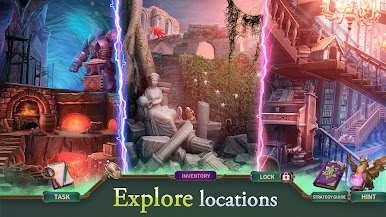
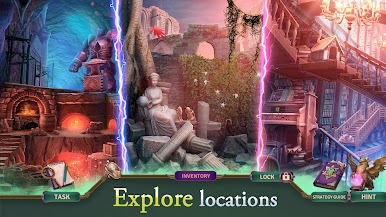
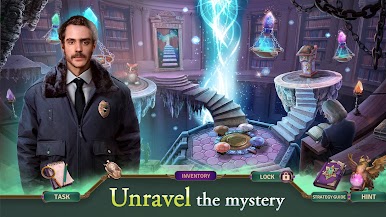
Grim Tales 23: F2P plays like a spooky detective show mixed with a chill seek and find game. It follows Anna Gray after someone who looks just like her commits a crime and leaves the blame on her. A cop friend, Chris Lewis, pulls her in, the clues point to an alternate reality, and suddenly her time magic stops working. That sets the tone: hopping through unusual locations, chasing a sneaky villain, and piecing together how the magic source ties all the worlds together while everything feels close to falling apart. The story leans on mystery and a bit of fantasy, not horror, so it stays tense but cozy enough for late night puzzle runs.
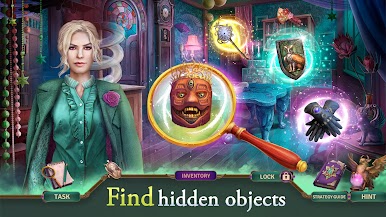
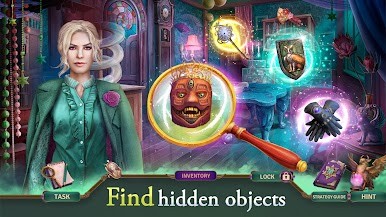
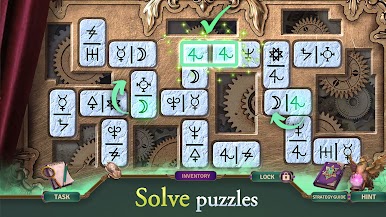
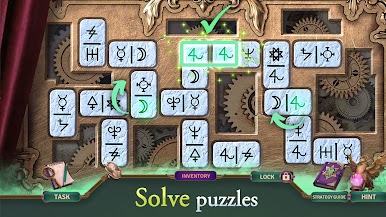
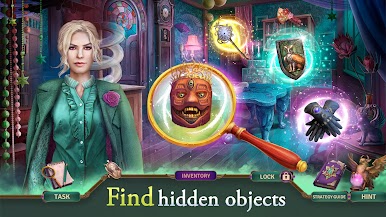
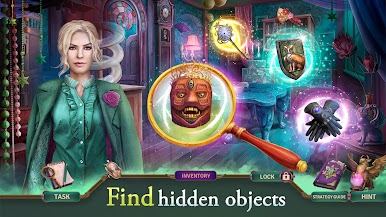
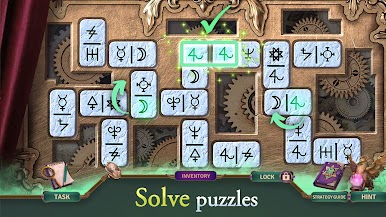
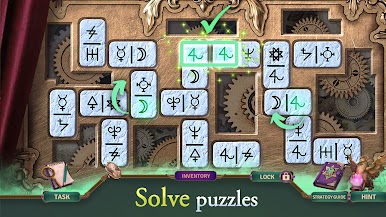
Moment to moment, it is classic hidden object with crisp scenes to comb through, quick mini-games between searches, and a steady rhythm of clues that connect back to the case. Items are small but fair, the zoom helps, and hints are there when a screen gets stubborn. On PC with BlueStacks, the mouse makes clicking and dragging parts simple, and the larger display helps catch tiny details. There is a bonus chapter where the player switches to the Keeper, explores other realities, and cleans up a fresh threat, plus achievements, collectibles, and replayable HOPs for anyone who likes ticking boxes. It is very pick up and play, puzzle focused, and made for folks who enjoy story-forward mysteries without heavy pressure.
Get ready for a buttery smooth, high-performance gaming action only on BlueStacks.
เล่น Grim Tales 23: F2P บน PC ได้ง่ายกว่า
-
ดาวน์โหลดและติดตั้ง BlueStacks บน PC ของคุณ
-
ลงชื่อเข้าใช้แอคเคาท์ Google เพื่อเข้าสู่ Play Store หรือทำในภายหลัง
-
ค้นหา Grim Tales 23: F2P ในช่องค้นหาด้านขวาบนของโปรแกรม
-
คลิกเพื่อติดตั้ง Grim Tales 23: F2P จากผลการค้นหา
-
ลงชื่อเข้าใช้บัญชี Google Account (หากยังไม่ได้ทำในขั้นที่ 2) เพื่อติดตั้ง Grim Tales 23: F2P
-
คลิกที่ไอคอน Grim Tales 23: F2P ในหน้าจอเพื่อเริ่มเล่น

