


구글 플레이
5억명 이상의 게이머가 신뢰하는 안드로이드 게임 플랫폼 BlueStacks으로 PC에서 플레이하세요.

Play Zumbia Deluxe on PC or Mac
Zumbia Deluxe brings the Casual genre to life, and throws up exciting challenges for gamers. Developed by Emily Studio Inc, this Android game is best experienced on BlueStacks, the World’s #1 app player for PC and Mac users.
About the Game
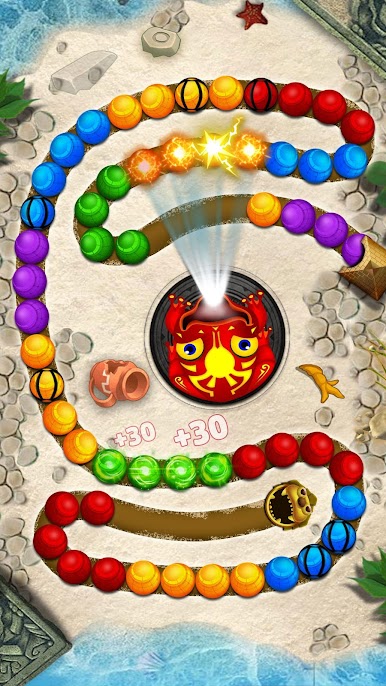
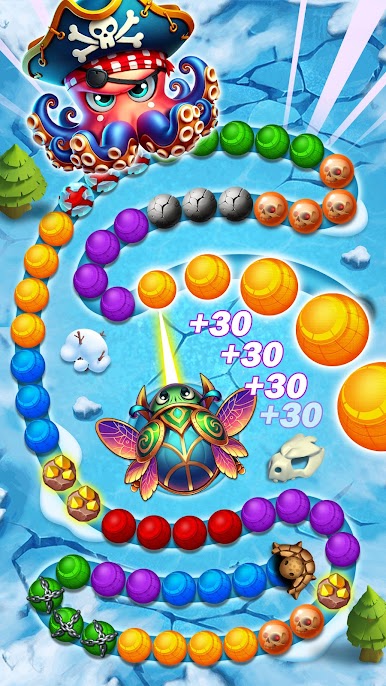
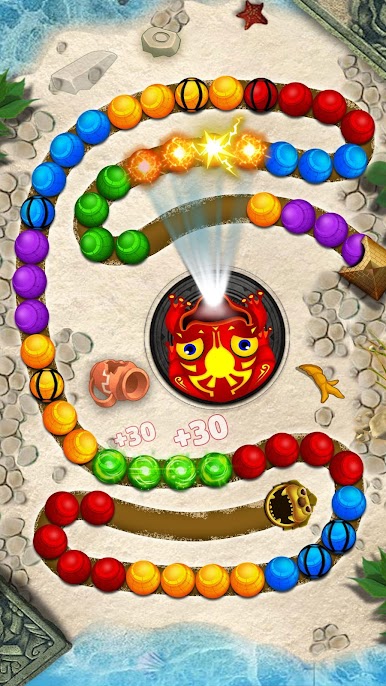
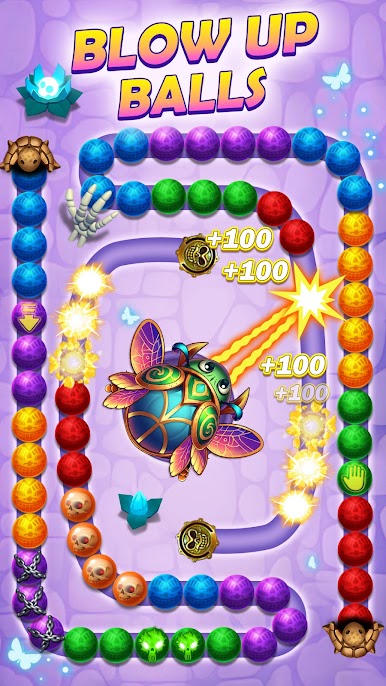
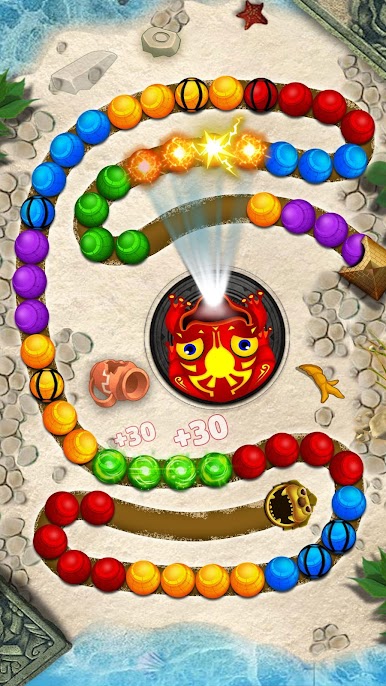
Get ready for a marble-blasting adventure with Zumbia Deluxe. This colorful, fast-paced casual game by Emily Studio Inc drops you right into the action, where you’ll be matching and popping marbles before they reach the end of the track. The simple controls and snappy gameplay make it easy to pick up, but you’ll want to keep coming back to try to master each stage and chase those high scores.
Game Features
-
Hundreds of Puzzling Levels
Tackle over 500 handcrafted stages packed with twists, turns, and tricky pathways to keep your mind guessing and your fingers moving. -
Strategic Power-Ups
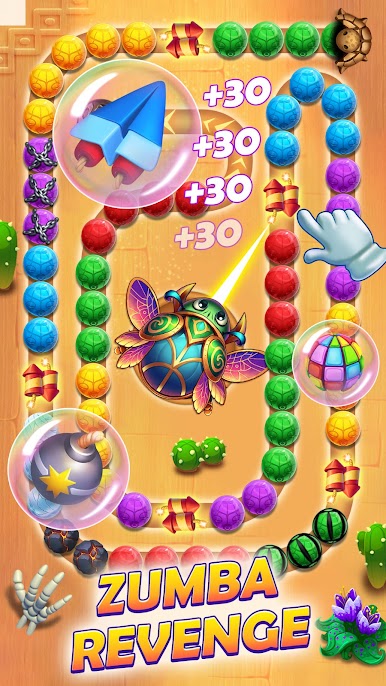
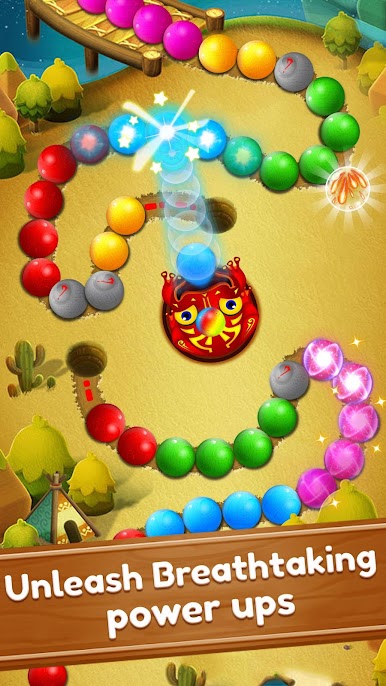
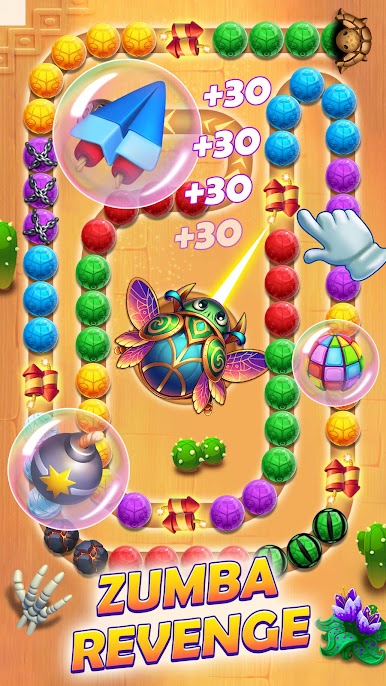
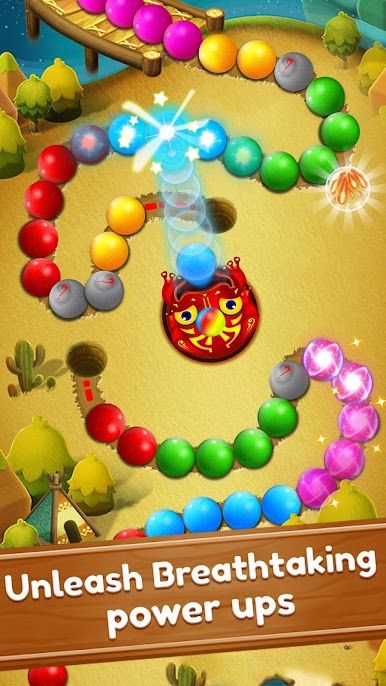
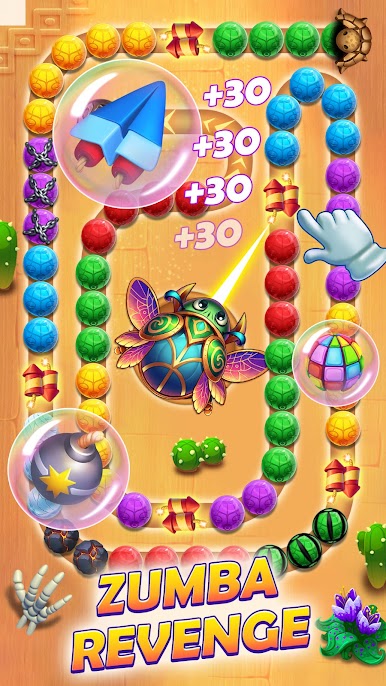
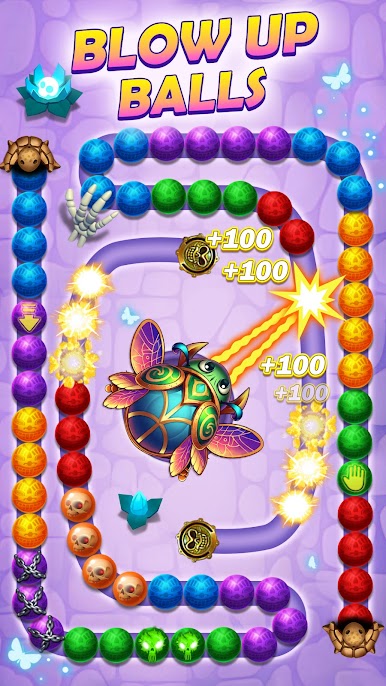
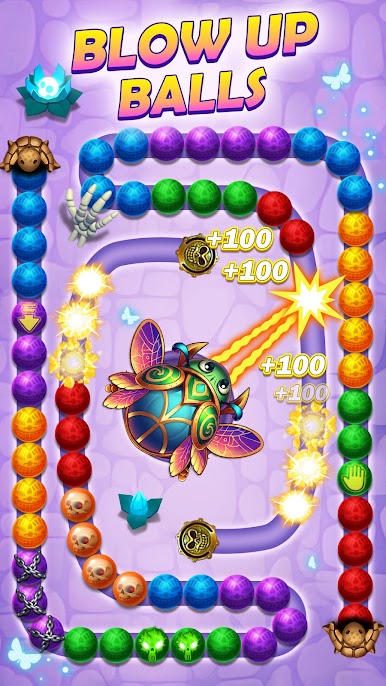
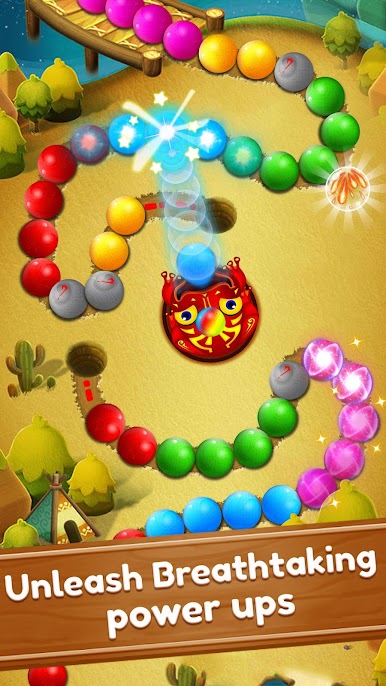
Mix things up by unleashing arrows, bombs, and wild boosters. Triggering combos isn’t just satisfying — it can help you break past tricky spots while racking up a massive score. -
Frozen Marble Blocks
Come across chilly obstacles that need an extra shot to thaw. Melt the ice and clear a path for your next big combo. -
Boss Battles and Secret Stages
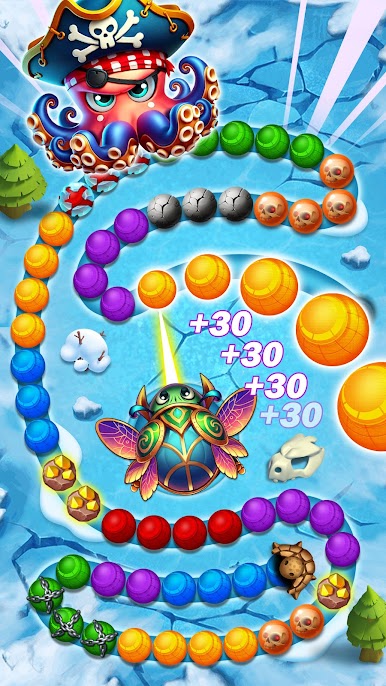
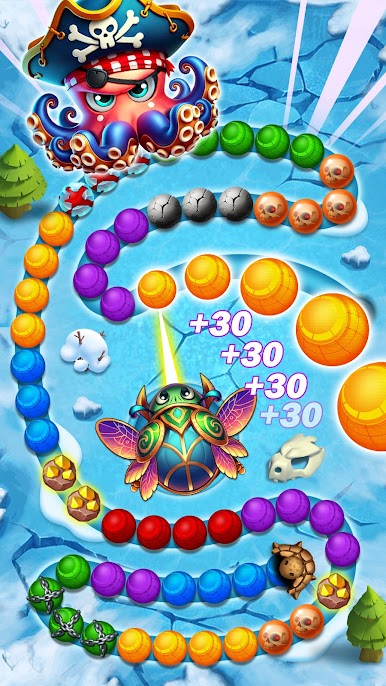
Take on special boss challenges where sometimes the marble path vanishes, and discover hidden levels sprinkled throughout the adventure. -
Quick Swapping Mechanic
Tap the shooter to swap your current marble for the next, adding a layer of speedy strategy to every shot. -
No Internet? No Problem
Play offline whenever you want, or connect to unlock some extra features. -
Challenge Yourself for Top Scores
Try for three stars on every level and see if you’re sharp enough to solve every puzzle. -
Smooth on PC with BlueStacks
Enjoy crisp gameplay and easy controls when playing on your favorite device, especially if you use BlueStacks for a seamless PC experience.
Start your journey now. Download the game on BlueStacks, invite your friends, and march on a new adventure.

PC에서 구글 플레이 플레이해보세요.
-
BlueStacks 다운로드하고 설치
-
Google Play 스토어에 로그인 하기(나중에 진행가능)
-
오른쪽 상단 코너에 구글 플레이 검색
-
검색 결과 중 구글 플레이 선택하여 설치
-
구글 로그인 진행(만약 2단계를 지나갔을 경우) 후 구글 플레이 설치
-
메인 홈화면에서 구글 플레이 선택하여 실행

