

Funny Food Academy! Kids game!
Chơi trên PC với BlueStacks - Nền tảng chơi game Android, được hơn 500 triệu game thủ tin tưởng.

Trang đã được sửa đổi vào: Dec 11, 2025
Play Funny food! Kids academy! on PC or Mac
Explore a whole new adventure with Funny food! Kids academy!, a Educational game created by Wow Kids. Experience great gameplay with BlueStacks, the most popular gaming platform to play Android games on your PC or Mac.
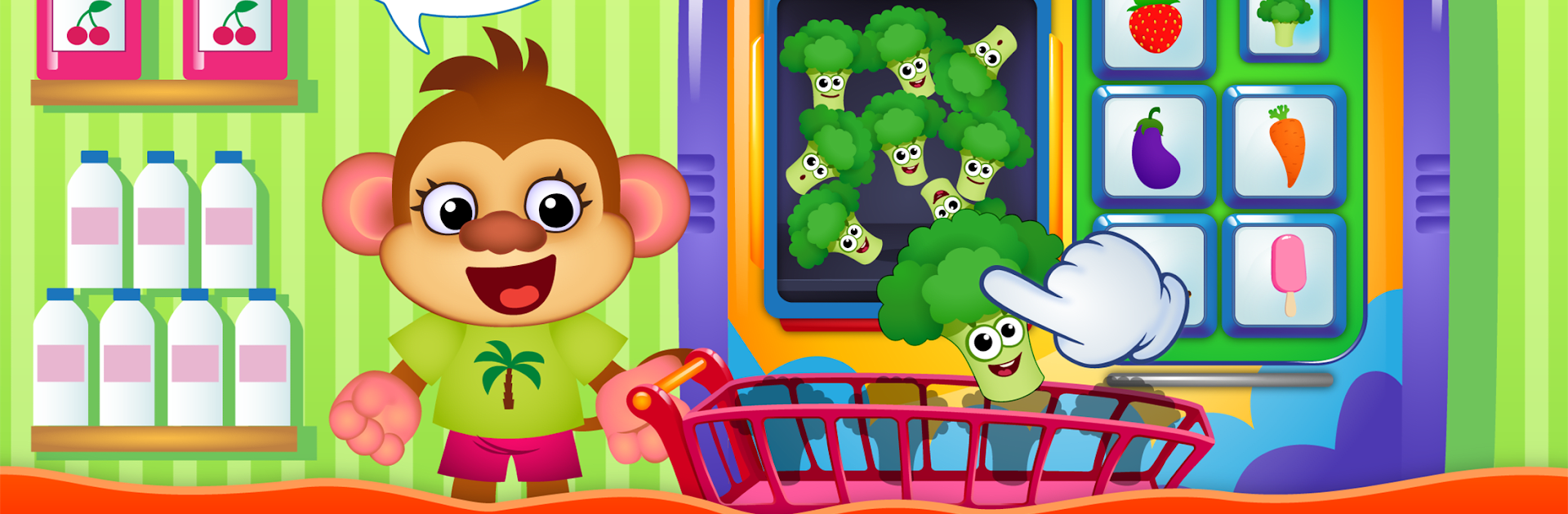
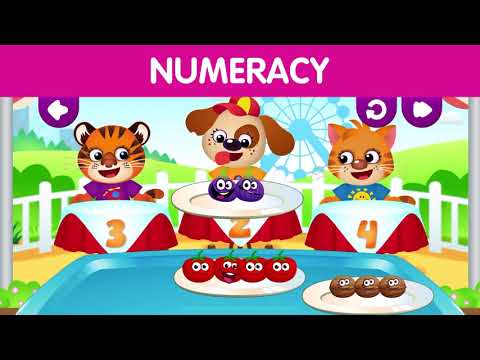
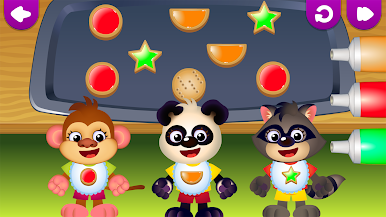
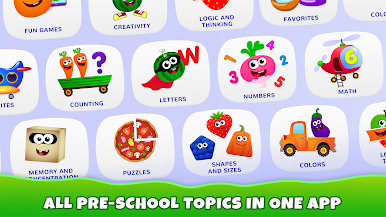
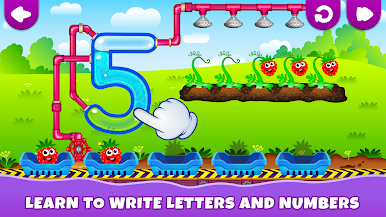
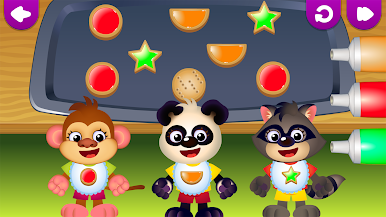
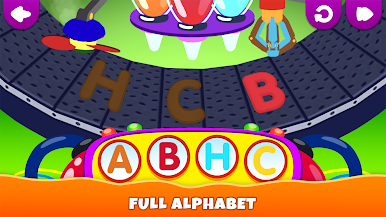
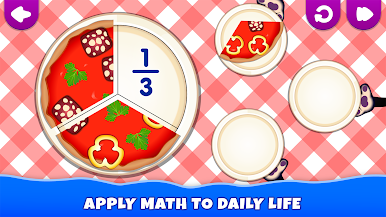
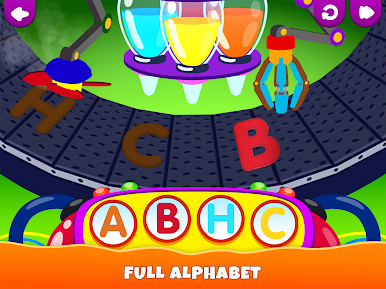
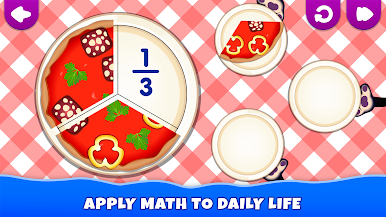
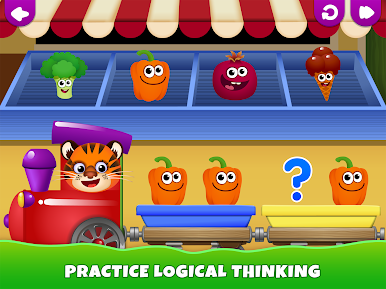
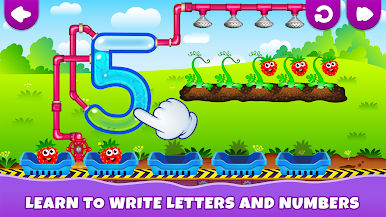
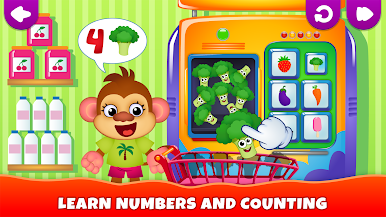
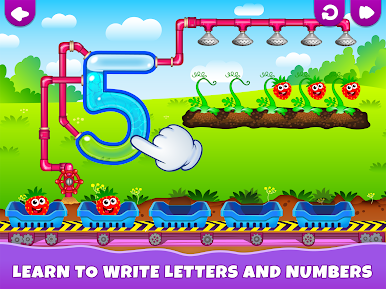
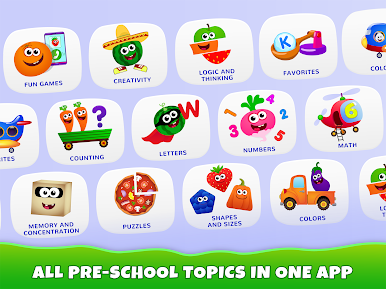
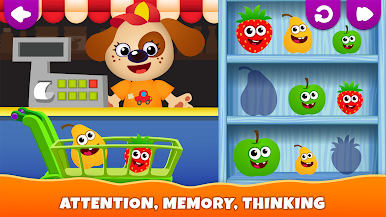
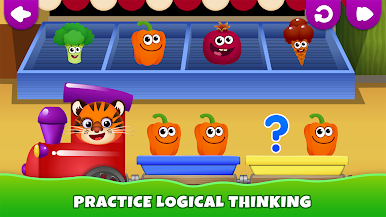
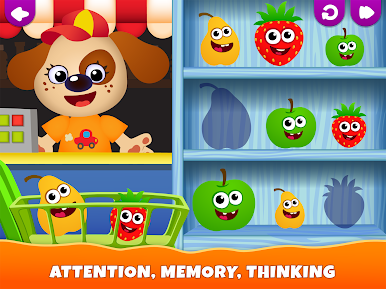
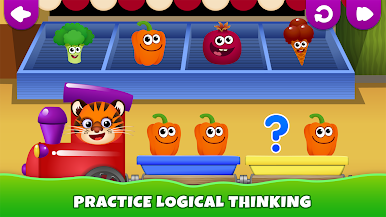
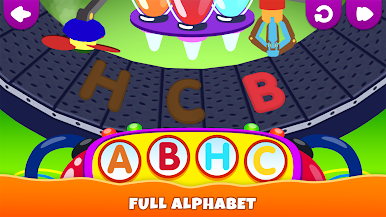
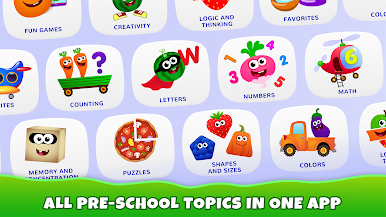
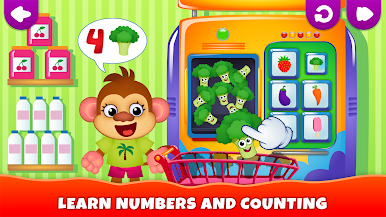
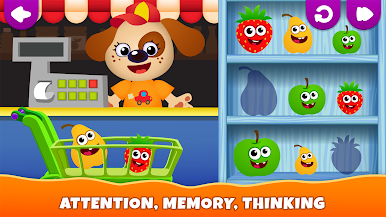
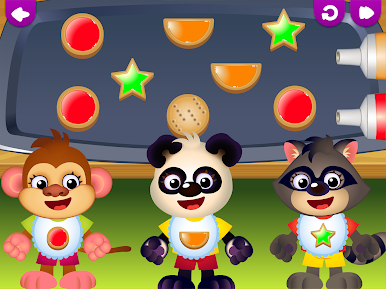
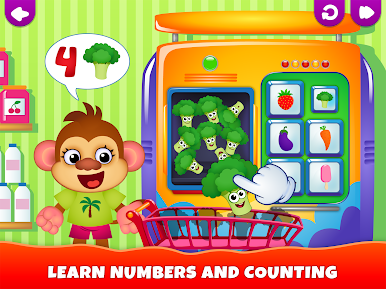
Funny Food! Kids Academy plays like a bright little preschool packed into a phone, only with louder colors and friendlier characters. Players tap, drag, and match to learn ABCs, counting, shapes and colors. Activities are short and simple so attention does not wander: tracing letters, counting apples, solving tiny puzzles, and a goofy dinosaur minigame that breaks the routine. Controls are basic and forgiving, made for tiny fingers, and on PC with BlueStacks the bigger screen and mouse or keyboard make those taps and drags feel more natural.
The style is very cheerful, with cute animations and sound cues that reward the correct answer instead of punishing mistakes. There are tools for parents to limit access and a mix of free content with extras behind in-app purchases, so expect some locked stuff unless a purchase is made. It seems aimed at ages two to four and focuses on basic skills instead of anything complicated, so it will suit a preschooler who needs short, guided practice sessions. Overall it feels friendly and safe rather than flashy. Not deep, but useful if the goal is simple letter and number recognition with colorful visuals and a steady stream of tiny wins.
Ready to top the leaderboard? We bet you do. Let precise controls and sharp visuals optimized on BlueStacks lead you to victory.
Chơi Funny Food Academy! Kids game! trên PC. Rất dễ để bắt đầu
-
Tải và cài đặt BlueStacks trên máy của bạn
-
Hoàn tất đăng nhập vào Google để đến PlayStore, hoặc thực hiện sau
-
Tìm Funny Food Academy! Kids game! trên thanh tìm kiếm ở góc phải màn hình
-
Nhấn vào để cài đặt Funny Food Academy! Kids game! trong danh sách kết quả tìm kiếm
-
Hoàn tất đăng nhập Google (nếu bạn chưa làm bước 2) để cài đặt Funny Food Academy! Kids game!
-
Nhấn vào icon Funny Food Academy! Kids game! tại màn hình chính để bắt đầu chơi

