


SatFinder
Jouez sur PC avec BlueStacks - la plate-forme de jeu Android, approuvée par + 500M de joueurs.

Page Modifiée le: Aug 16, 2025
Jouez SatFinder sur PC
Compass ne fonctionne que sur les appareils avec capteur de compas (magnétomètre).
Comment utiliser cette application:
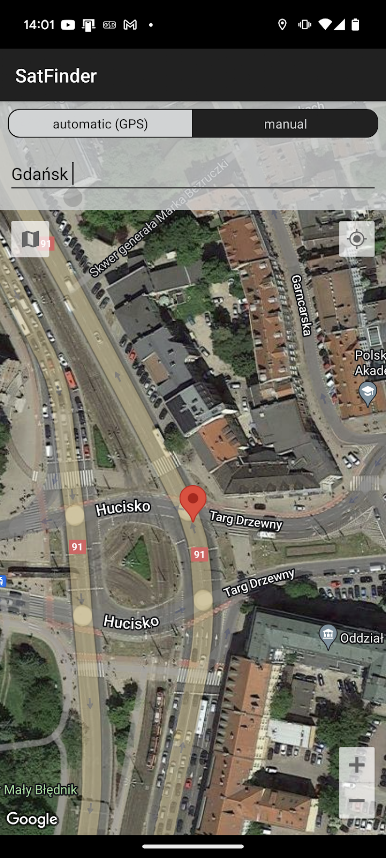
1. Tout d'abord, vous devez activer le GPS et Internet sur votre téléphone. Rappelez-vous - dans la plupart des cas, il est impossible de recevoir le signal GPS à l'intérieur des bâtiments. Donc, si vous voulez obtenir l'emplacement très précis - s'il vous plaît aller à proximité des fenêtres ou aller même à l'extérieur.
Dans l'emplacement actuel de la version de l'application devrait être trouvée tout à fait immédiatement. Donc, si vous coincé avec le message «pas de lieu 's'il vous plaît faire en sorte que vous vous êtes permis à toutes les fonctionnalités / autorisations requises.
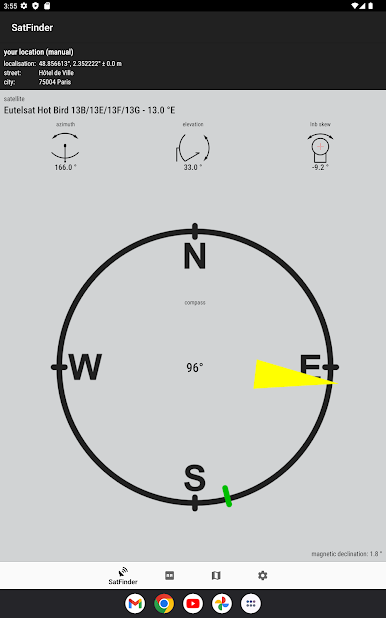
2. Si l'application trouve votre position, vous devez sélectionner satellite désiré. Pour ce faire, vous devez trouver l'icône avec le verre de grossissement et appuyez dessus. Sur la liste, vous trouverez tous les satellites avec angle d'élévation au-dessus de zéro degré. Rappelez-vous: le nom du satellite n'affecte le calcul des angles. La chose importante est la position du satellite.
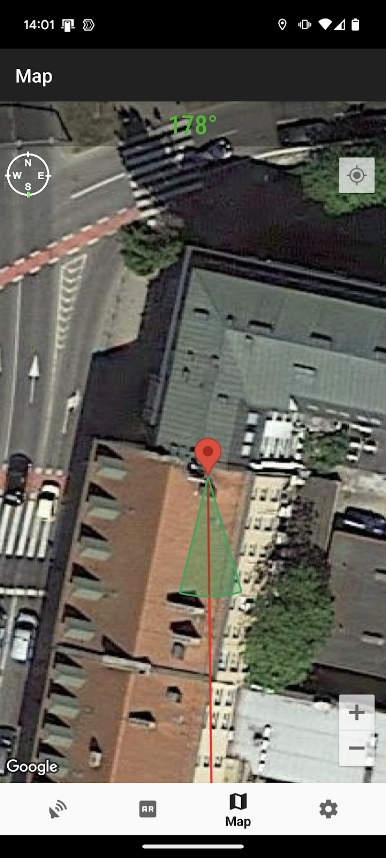
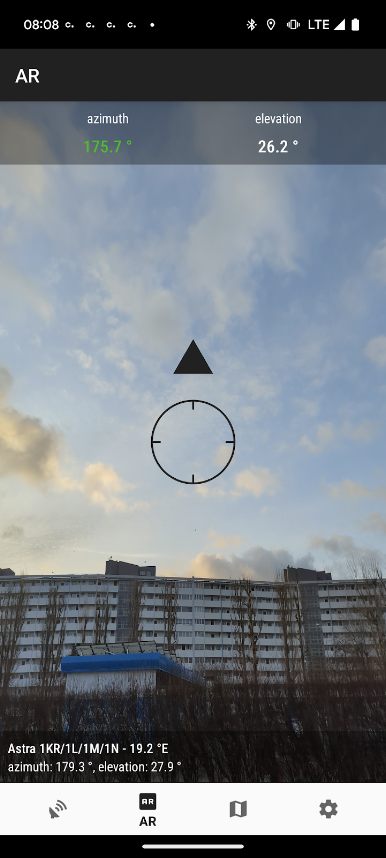
3. L'angle d'azimut, l'élévation et l'inclinaison est calculé pour votre emplacement et satellite choisi. Sous valeurs calculées, il est une boussole avec une représentation graphique de l'angle d'azimut. L'angle d'azimut est calculé avec une inclinaison magnétique. Rappelez-vous - chaque fois que vous utilisez la boussole - vous devez le calibrer. ligne verte représente votre téléphone azimut. Donc, si le compas voyants vert et rouge sont les uns des autres - devant le téléphone doit vous montrer la direction du satellite. Si la valeur de la boussole est correcte - Téléphone valeur d'azimut ira vert.
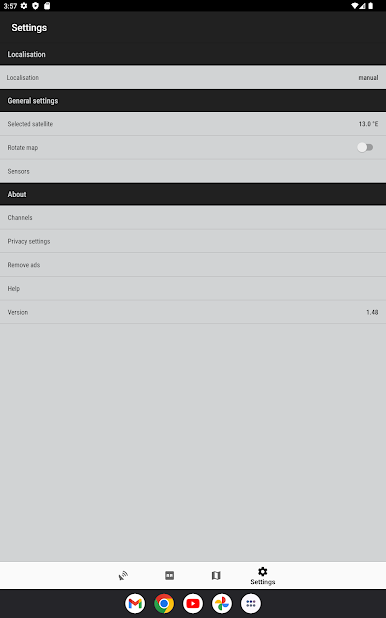
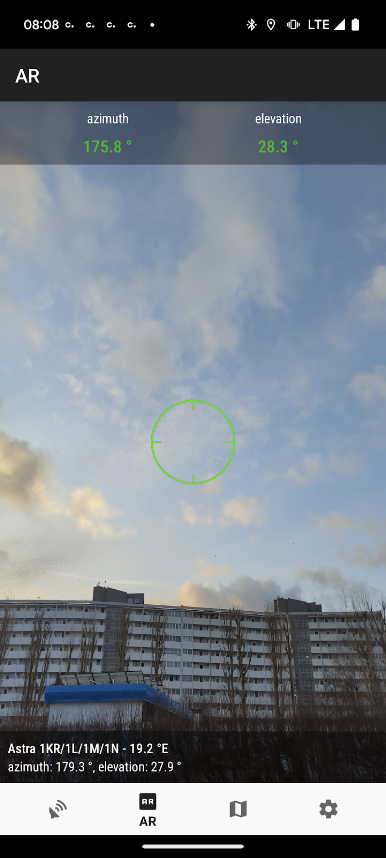
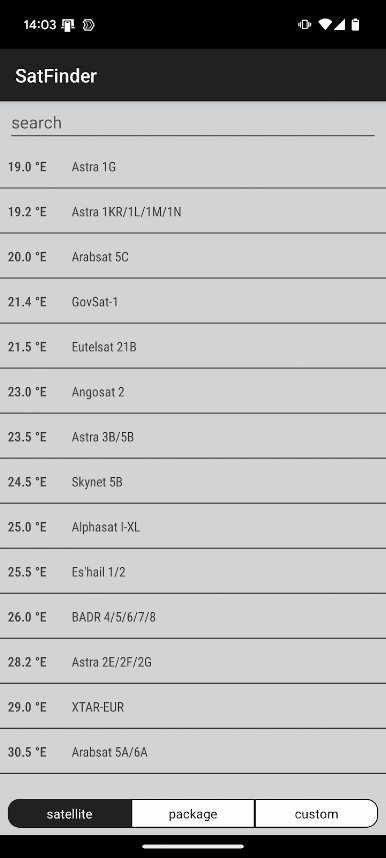
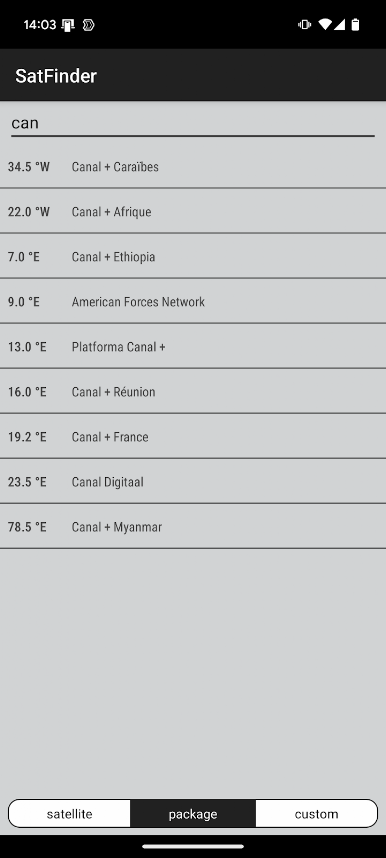
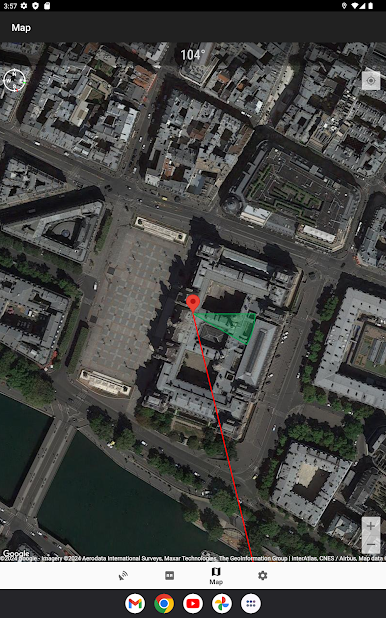
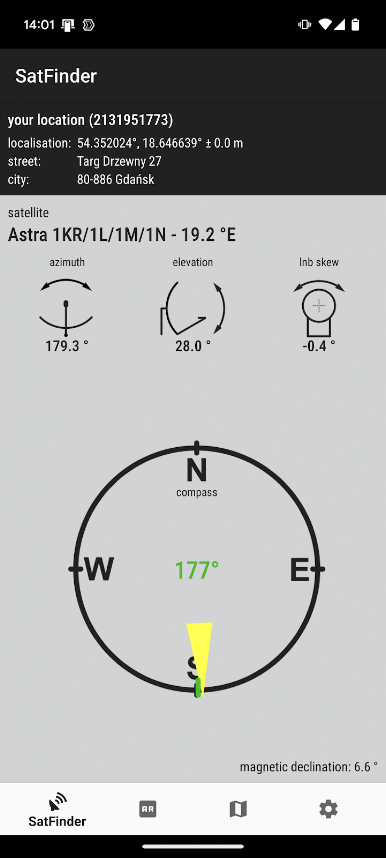
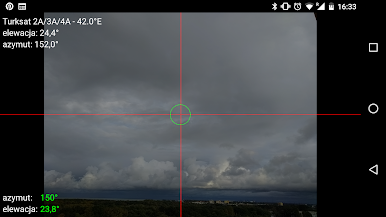
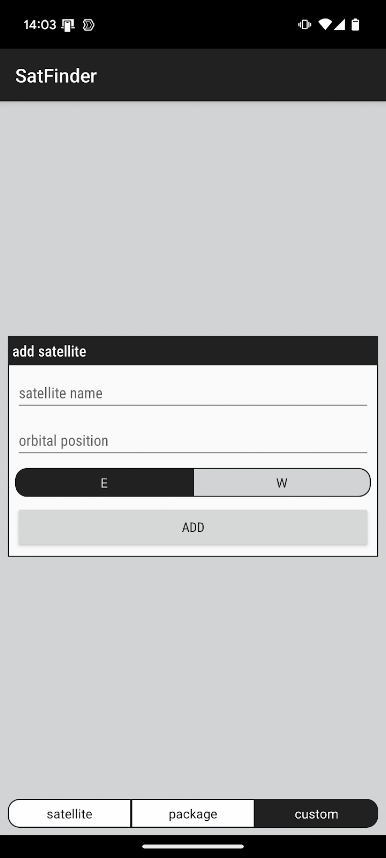
Jouez à SatFinder sur PC. C'est facile de commencer.
-
Téléchargez et installez BlueStacks sur votre PC
-
Connectez-vous à Google pour accéder au Play Store ou faites-le plus tard
-
Recherchez SatFinder dans la barre de recherche dans le coin supérieur droit
-
Cliquez pour installer SatFinder à partir des résultats de la recherche
-
Connectez-vous à Google (si vous avez ignoré l'étape 2) pour installer SatFinder
-
Cliquez sur l'icône SatFinder sur l'écran d'accueil pour commencer à jouer

