


韓国語学習 - HeyKorea
BlueStacksを使ってPCでプレイ - 5憶以上のユーザーが愛用している高機能Androidゲーミングプラットフォーム

Run Learn basic Korean - HeyKorea on PC or Mac
Why limit yourself to your small screen on the phone? Run Learn basic Korean – HeyKorea, an app by Language Skills Studio, best experienced on your PC or Mac with BlueStacks, the world’s #1 Android emulator.
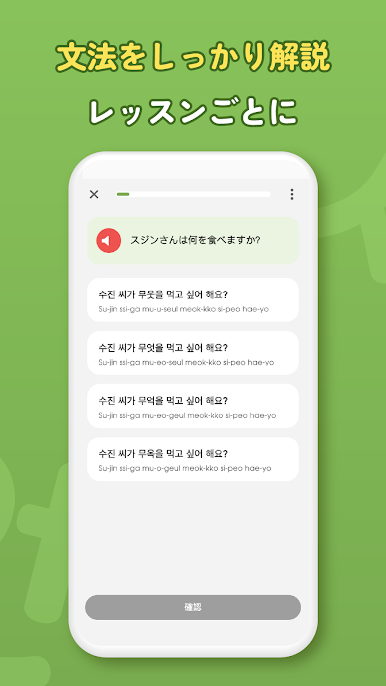
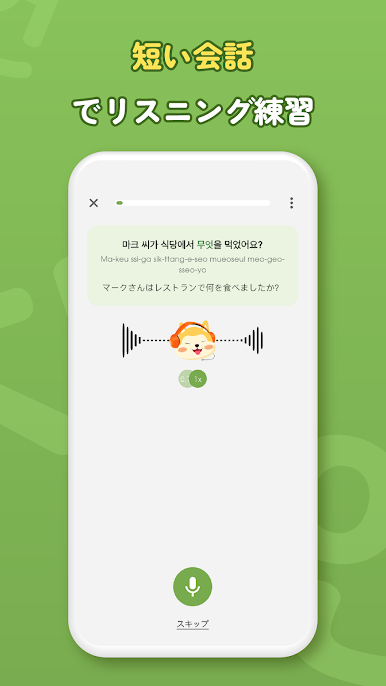
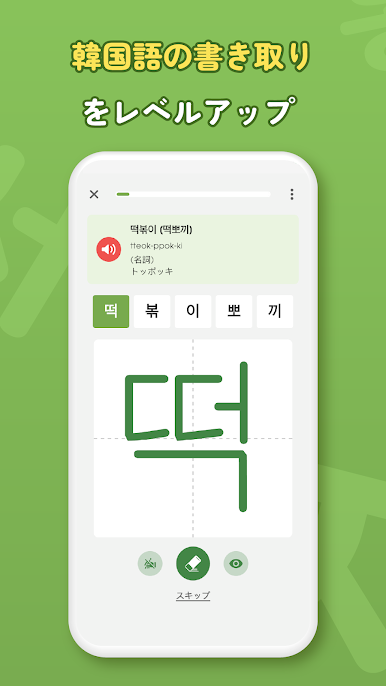
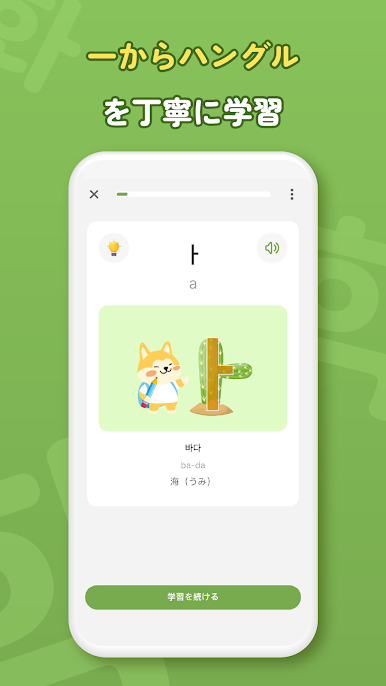
The app comes across as a neat, no-nonsense way to pick up Korean in short bursts. Lessons are small, visual, and audio-backed so it is easy to follow even when someone only has fifteen minutes. It starts from Hangeul and then moves through practical vocab and grammar in a clear sequence aimed at everyday conversation and TOPIK prep. The built in speaking practice uses an AI chat partner that offers dialogue scenarios like travel, work, and daily life and gives pronunciation feedback. That helps a lot with getting used to speaking out loud rather than just tapping answers.
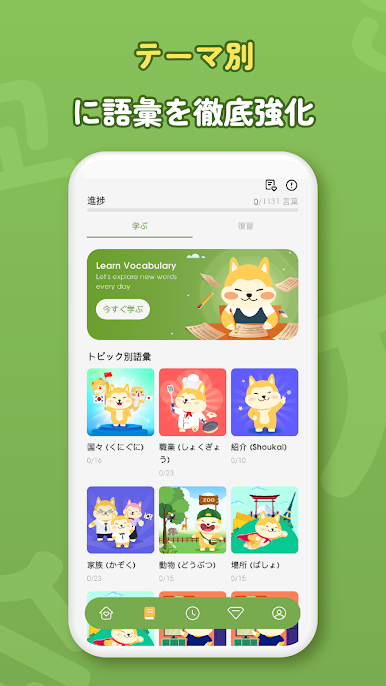
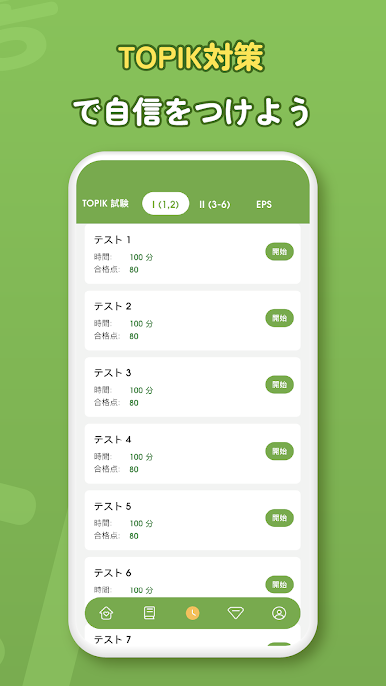
On a PC with BlueStacks it loosens up a bit: the screens look cleaner, typing answers is quicker, and using a desktop microphone makes the speaking drills less fiddly. Flashcards and themed word lists make memorizing feel manageable instead of overwhelming, and grammar is tucked into each lesson so it does not feel like a separate monster to study. The TOPIK-style test drills and explanations are handy for anyone aiming toward levels 1 to 4. It is not perfect—the AI can sound robotic now and then and some exercises repeat—but overall it is straightforward, friendly, and designed to keep practice doable every day.
Switch to BlueStacks and make the most of your apps on your PC or Mac.


韓国語学習 - HeyKoreaをPCでプレイ
-
BlueStacksをダウンロードしてPCにインストールします。
-
GoogleにサインインしてGoogle Play ストアにアクセスします。(こちらの操作は後で行っても問題ありません)
-
右上の検索バーに韓国語学習 - HeyKoreaを入力して検索します。
-
クリックして検索結果から韓国語学習 - HeyKoreaをインストールします。
-
Googleサインインを完了して韓国語学習 - HeyKoreaをインストールします。※手順2を飛ばしていた場合
-
ホーム画面にて韓国語学習 - HeyKoreaのアイコンをクリックしてアプリを起動します。

