


Eventbrite Organizer
Graj na PC z BlueStacks – Platforma gamingowa Android, która uzyskała zaufanie ponad 500 milionów graczy!

Strona zmodyfikowana w dniu: Dec 11, 2025
Play Eventbrite Organizer on PC
With the Eventbrite Organizer App, you can:
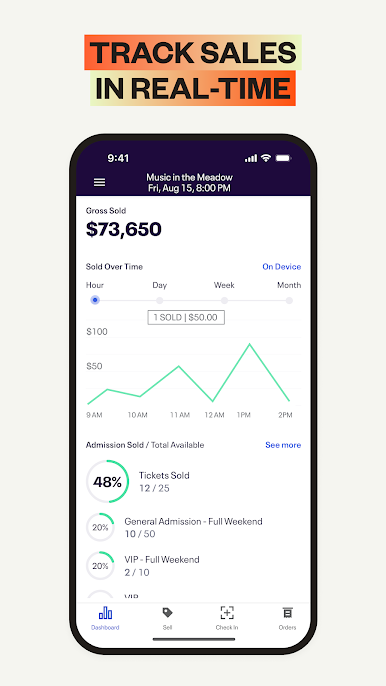
Track ticket sales in real-time to stay on top of your event’s performance
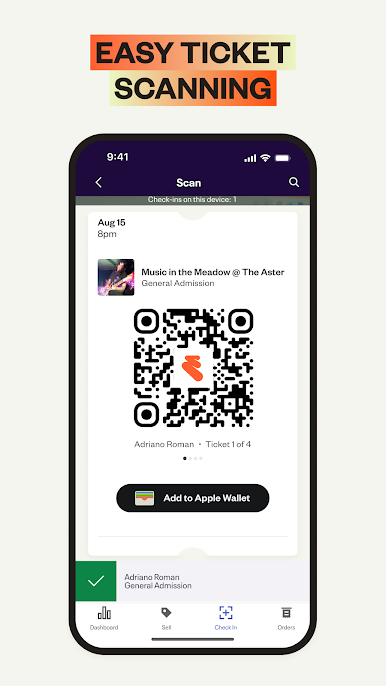
Check-in attendees seamlessly with fast, reliable ticket scanning from your Android device
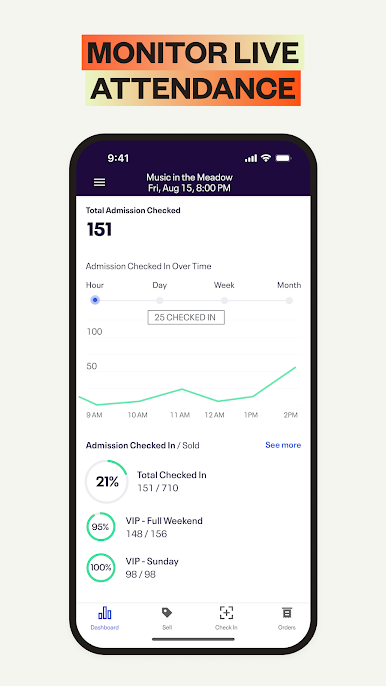
Monitor live attendance to keep your event running smoothly
Easily manage orders with reissues, cancellations, and refunds on the spot
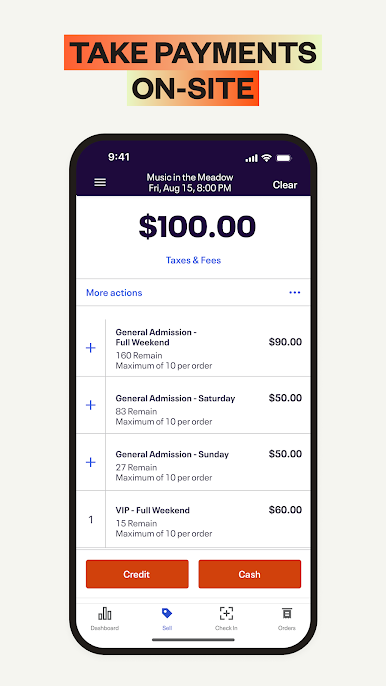
Accept fast, secure on-site payments for tickets and merchandise
Stay coordinated across multiple devices at different entry points with sales and check-in data that instantly syncs in real time
Multilingual? No problem: Eventbrite Organizer App is also available in German, French, Italian, Dutch, Portuguese, Swedish, and Spanish.
Standard credit card processing fee (2.9%) and an Eventbrite Service Fee are charged on all credit card orders sold through the Eventbrite Organizer App.
What is Eventbrite?
Eventbrite is the world’s largest self-service ticketing platform and events marketplace with the mission of bringing people together through live experiences.
Zagraj w Eventbrite Organizer na PC. To takie proste.
-
Pobierz i zainstaluj BlueStacks na PC
-
Zakończ pomyślnie ustawienie Google, aby otrzymać dostęp do sklepu Play, albo zrób to później.
-
Wyszukaj Eventbrite Organizer w pasku wyszukiwania w prawym górnym rogu.
-
Kliknij, aby zainstalować Eventbrite Organizer z wyników wyszukiwania
-
Ukończ pomyślnie rejestrację Google (jeśli krok 2 został pominięty) aby zainstalować Eventbrite Organizer
-
Klinij w ikonę Eventbrite Organizer na ekranie startowym, aby zacząć grę

